To access the Ask iManage in iManage Work preview page:
In iManage Work at cloudimanage.com, select the document or email of your interest
Select the document to open in Preview mode (based on configuration in iManage Control Center). For example, select the document or select Open > Preview to view the document in Preview mode.
Figure: Ask iManage icon by selecting document link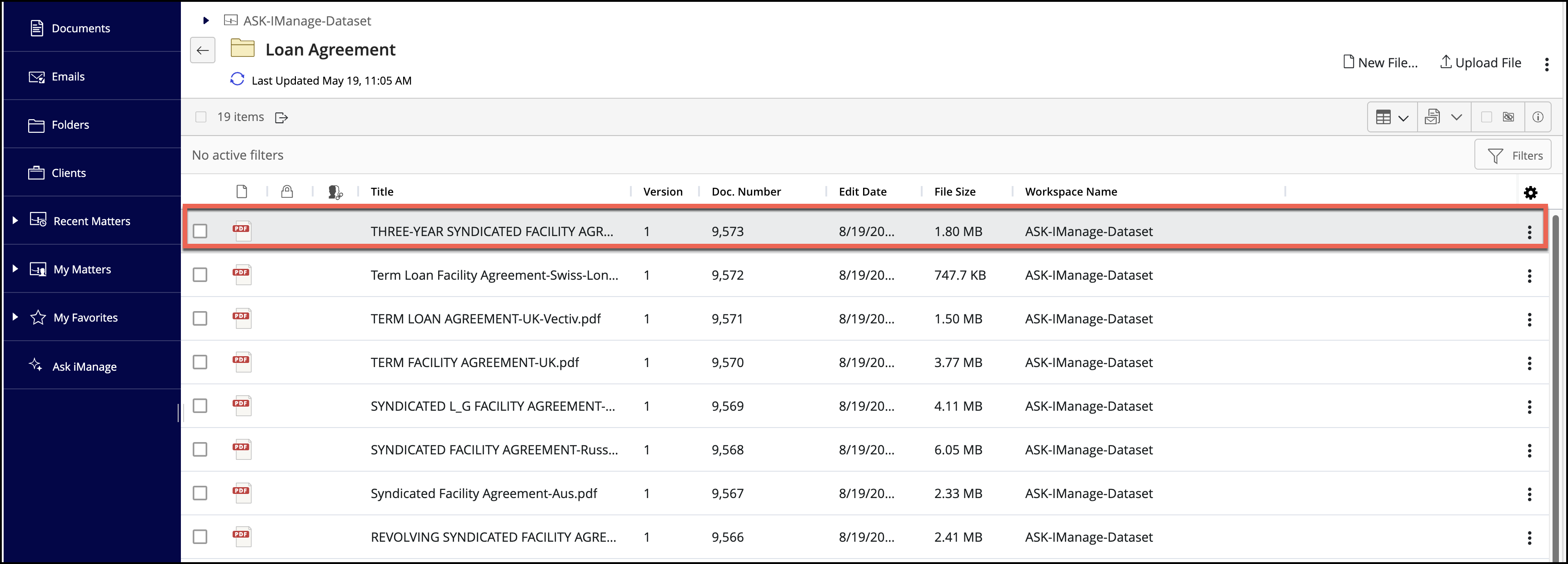
The Ask iManage tab is available in the side pane of the document preview page. If it isn't visible, select the forward arrow and then select Ask iManage from the drop-down displayed.
Figure: Ask iManage tab in the preview side pane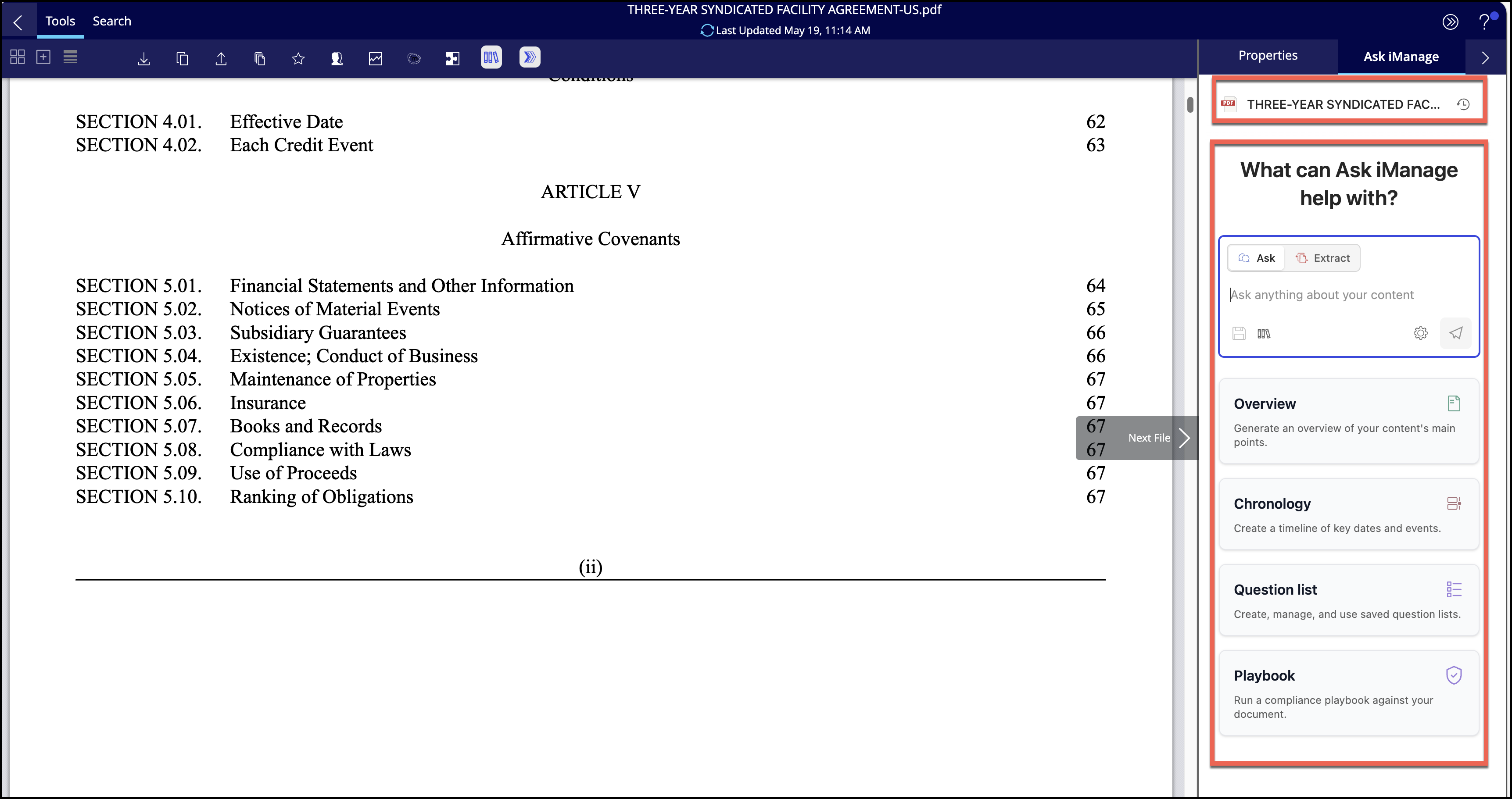
The Ask iManage pane, along with the name of the selected document is displayed as shown in the above figure.