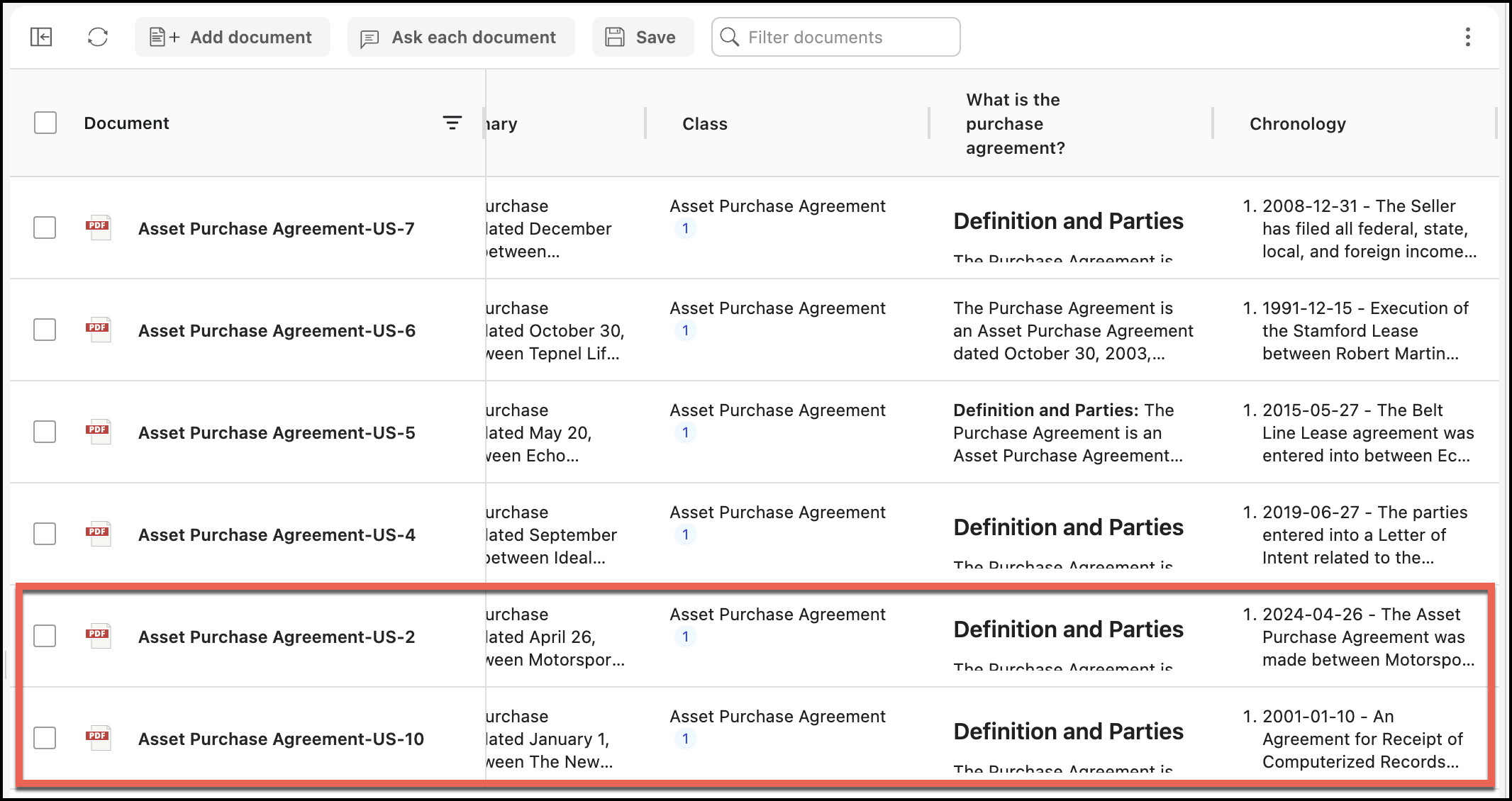
You can add a document or documents to your existing list by selecting the Add a document option.
In Ask iManage page, select Add a document.
Figure: Selecting Add a document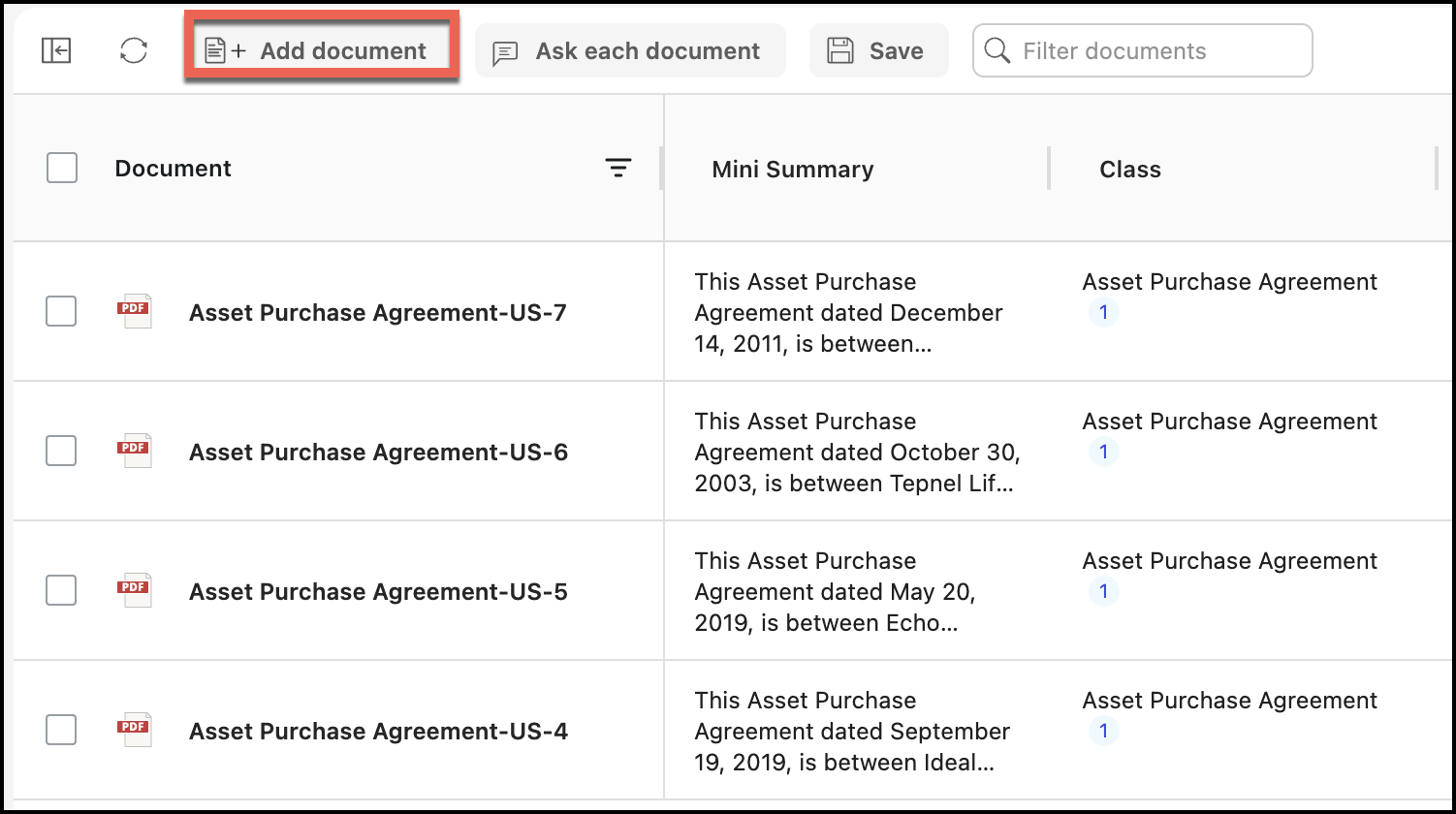
In the Select documents dialog that opens, select one or more documents as shown.
Figure: Selecting documents to add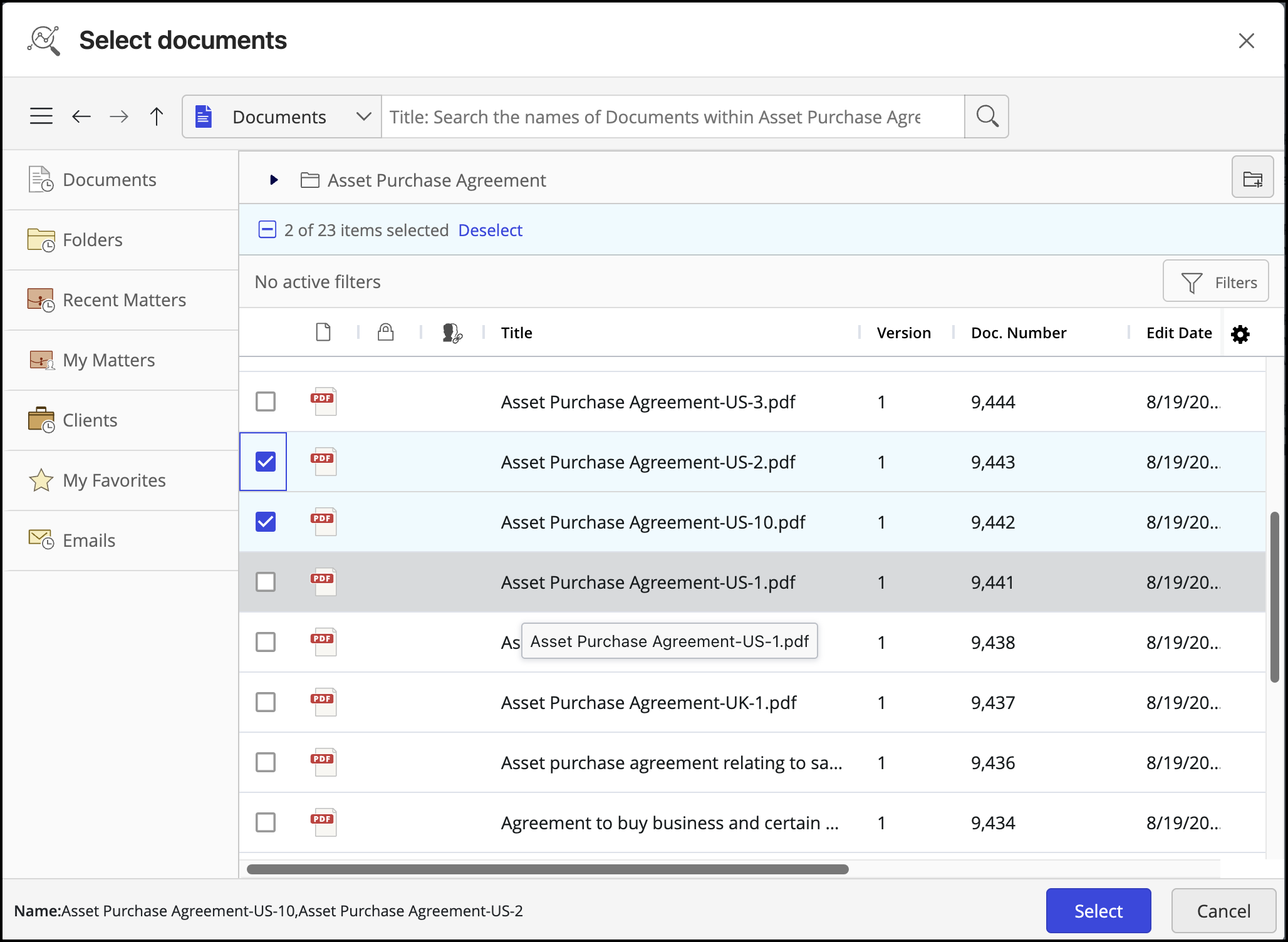
(Optional( If Update Ask Across Answers pop-up is displayed, select Update or Dismiss to update the questions.
Figure: Selecting Update or Dismiss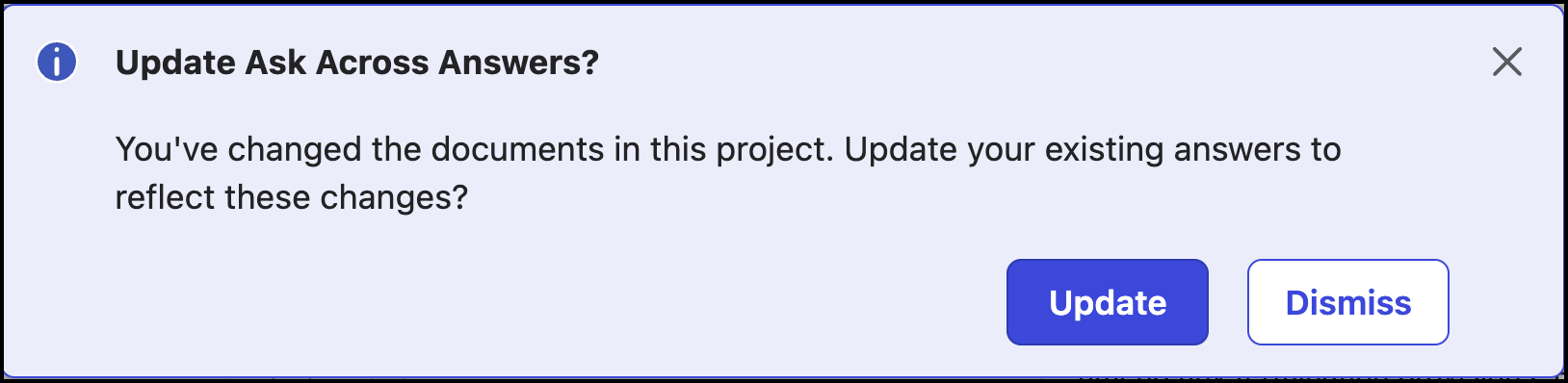
The documents are added to the table as shown in the following figure:
Figure: Additional documents added