To export a chat:
Browse and open Ask iManage home page. For instructions, refer to Accessing Ask iManage home page.
Hover over the iManage icon and select
Expand sidebar to view all the conversations saved.
Figure: View all conversations asked across iManage Work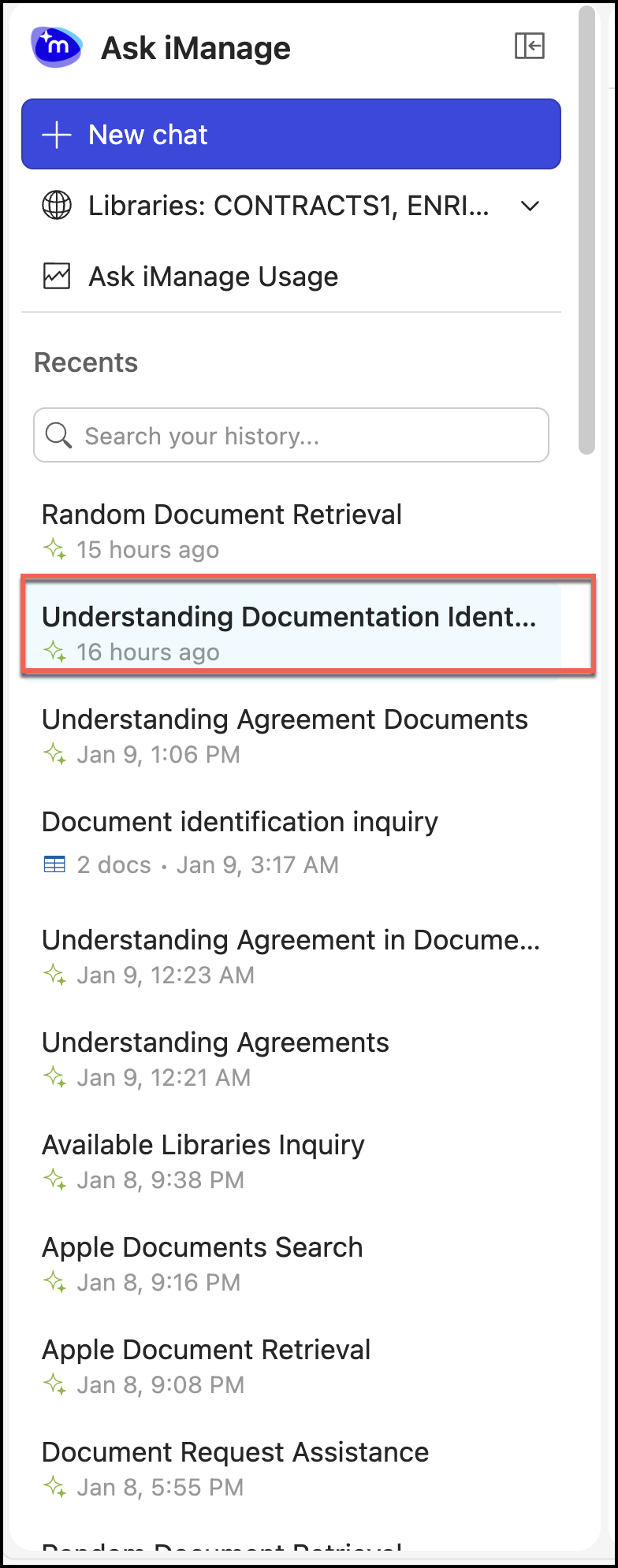
Select and open a chat.
Select the Save
 icon.
icon.In the Save to iManage Work dialog, select Excel or Word.
Figure: Selecting the format to save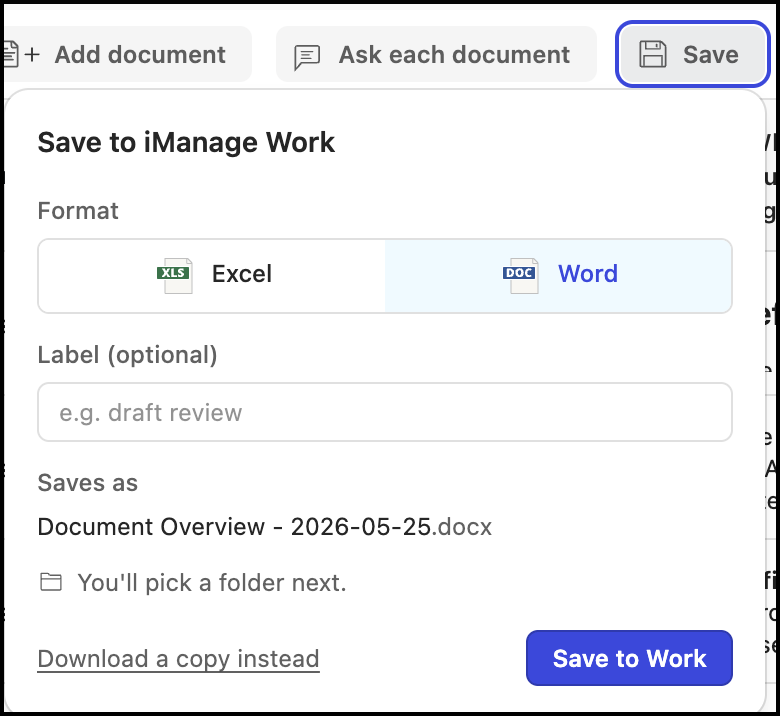
(Optional) Enter a label, if required.
Select Save to Work to save the file to iManage Work or select Download a copy instead to download a copy to your device. The document is saved to iManage Work or your device as a Word or Excel document.