Select the three dots icon
 on the top right-hand side.
Select the Save or download icon and select one of the following options:
Save as Word to iManage
Save as Excel to iManage
Download as Word
Download as Excel
Figure: Export your questions and answers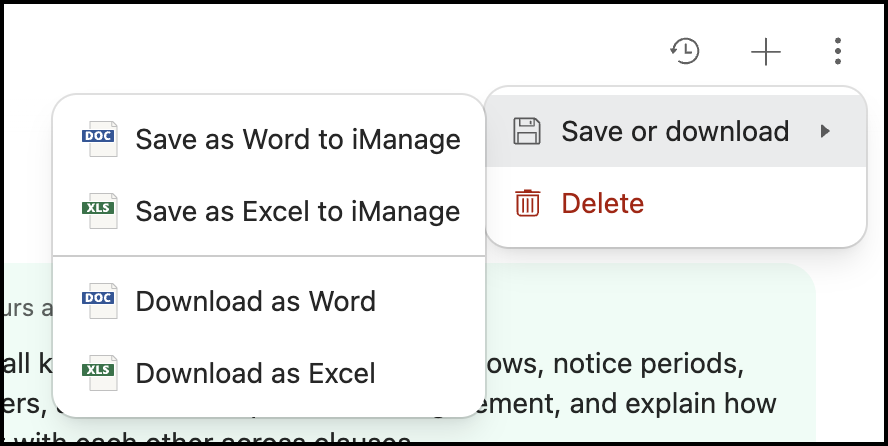
If you select Save as Word to iManage or Save as Excel to iManage, the Save to iManage Work dialog appears. Browse through the dialog and select the folder to save your questions and answers. The file is saved to iManage Work as either Word file or Excel file.
If you select Download as Word or Download as Excel, the questions and answers are downloaded to your selected location automatically in the selected format.