To export the responses,
Select the Save
 icon.
icon.In the Save to iManage Work dialog, select Excel or Word.
Figure: Selecting the format to save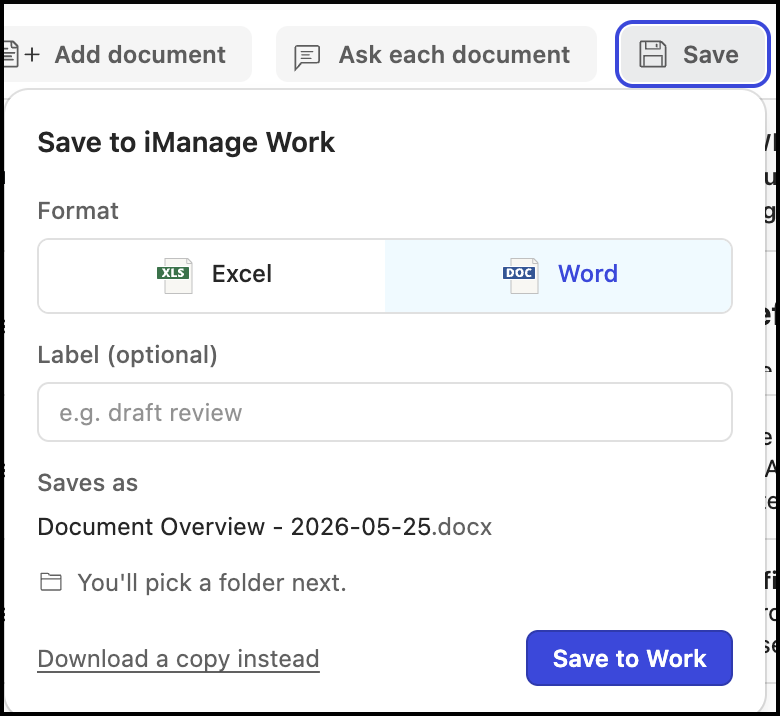
(Optional) Enter a label, if required.
Select Save to Work to save the file to iManage Work or select Download a copy instead to download a copy to your device. The document is saved to iManage Work or your device as a Word or Excel document.