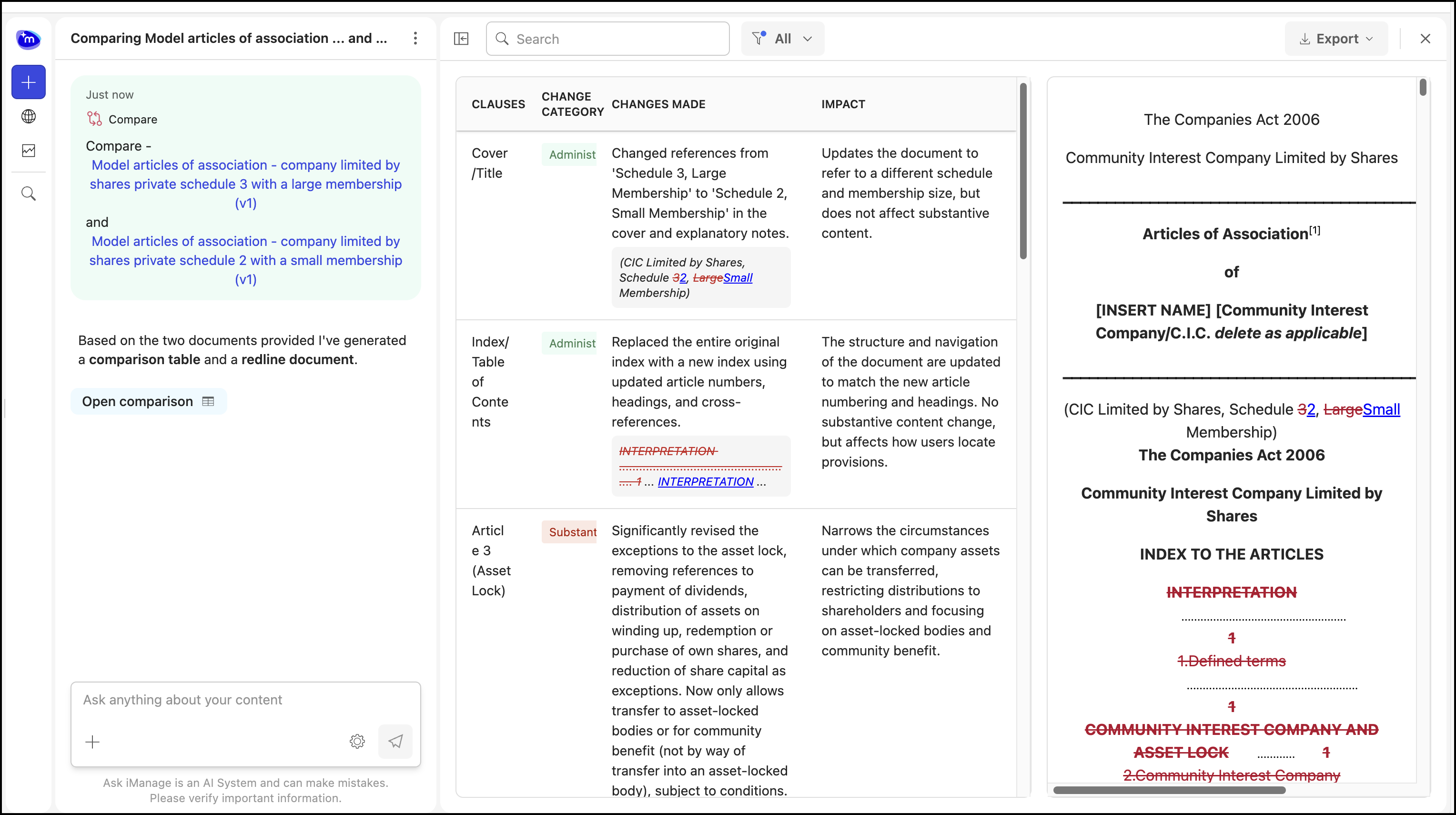
When you compare two documents or two versions of the document, you can view the changes in track change mode by selecting Open comparison in the comparison results. The comparison results and the redline analysis of the document open side-by-side as shown in the figure.
Figure: Comparison results and redline document
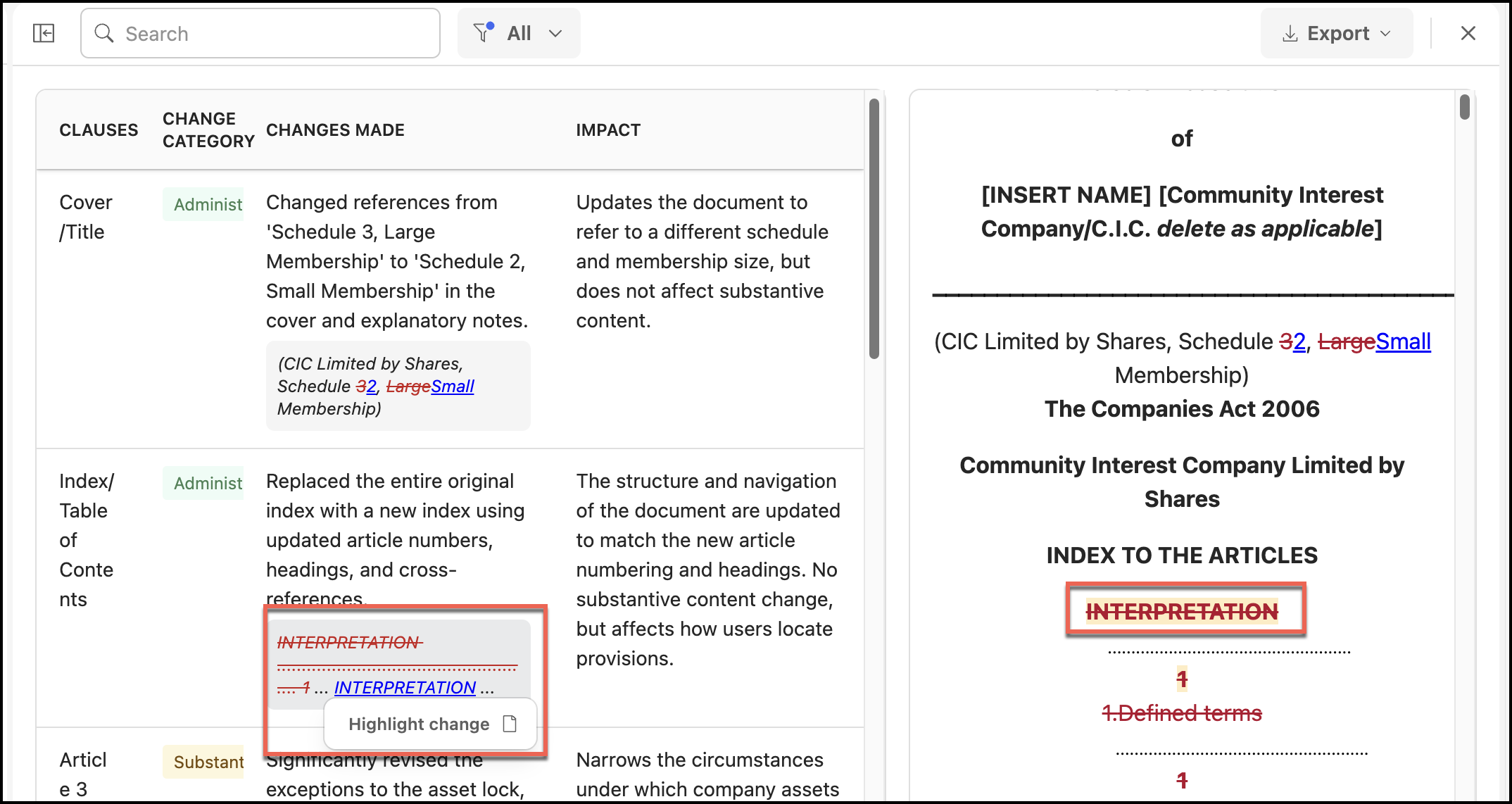
Alternatively, you may also hover over the Changes made column in the Compare Table and select the change made to view the changes in the document.
Figure: Selecting the change to be viewed in the document