To configure the iManage File Transfer application in iManage Control Center to retain downloaded files locally when users cancel the download, administrators can do the following:
Sign in to iManage Control Center as an NRTADMIN.
In the left navigation pane, under Settings, select Applications.
Browse and select iManage File Transfer Extension. Alternatively, search for the application using the search option.
The application details are displayed.Select Upload Package.
Figure: Select Upload Package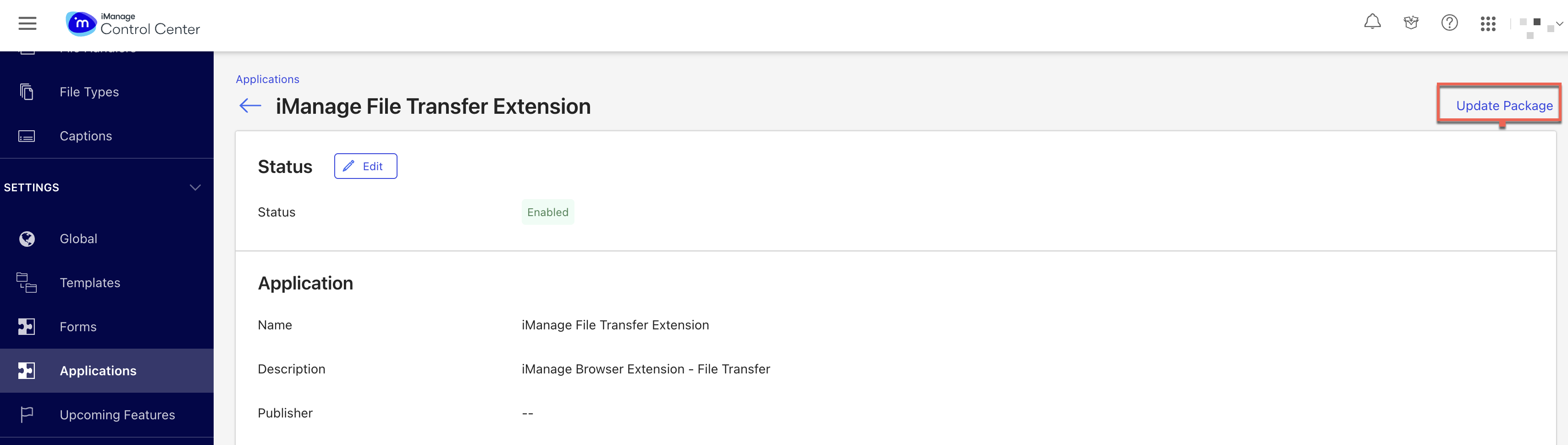
Select Authenticate and Access.
In General Settings, slide the Retain downloaded files locally on cancel
 toggle to the right. This ensures that downloaded files are retained locally, when users cancel the download. Figure: Retain downloaded files locally on cancel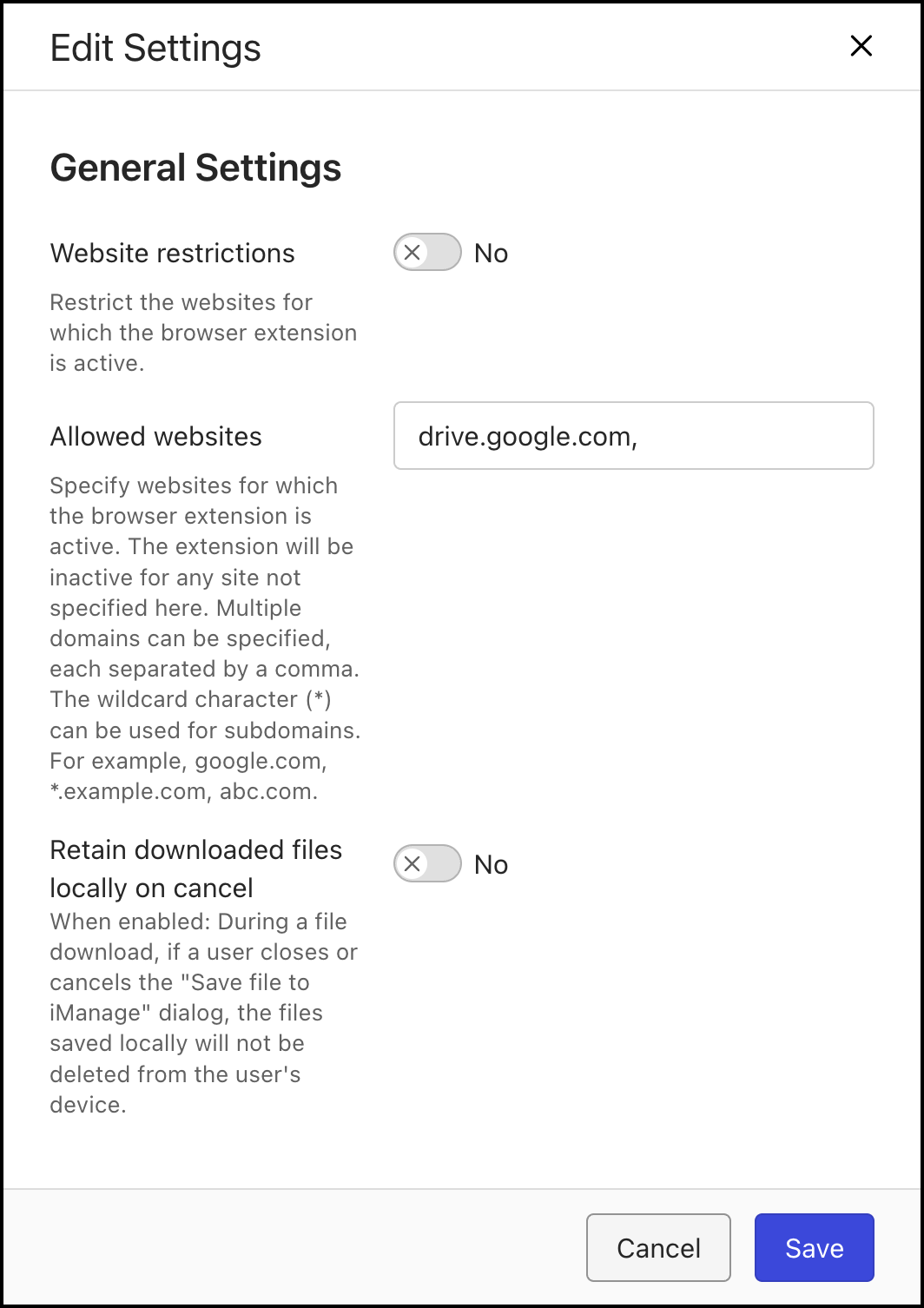
Select Save to save the changes.