You can sign in to iManage Work using iManage File Transfer by doing the following:
NOTE: Only authorized users can sign in using iManage File Transfer.
In your Google Chrome or Microsoft Edge browser, select the iManage File Transfer
 icon.
icon.
A sign-in dialog is displayed with the URL populated in the iManage Work URL field.Figure: iManage File Transfer sign-in page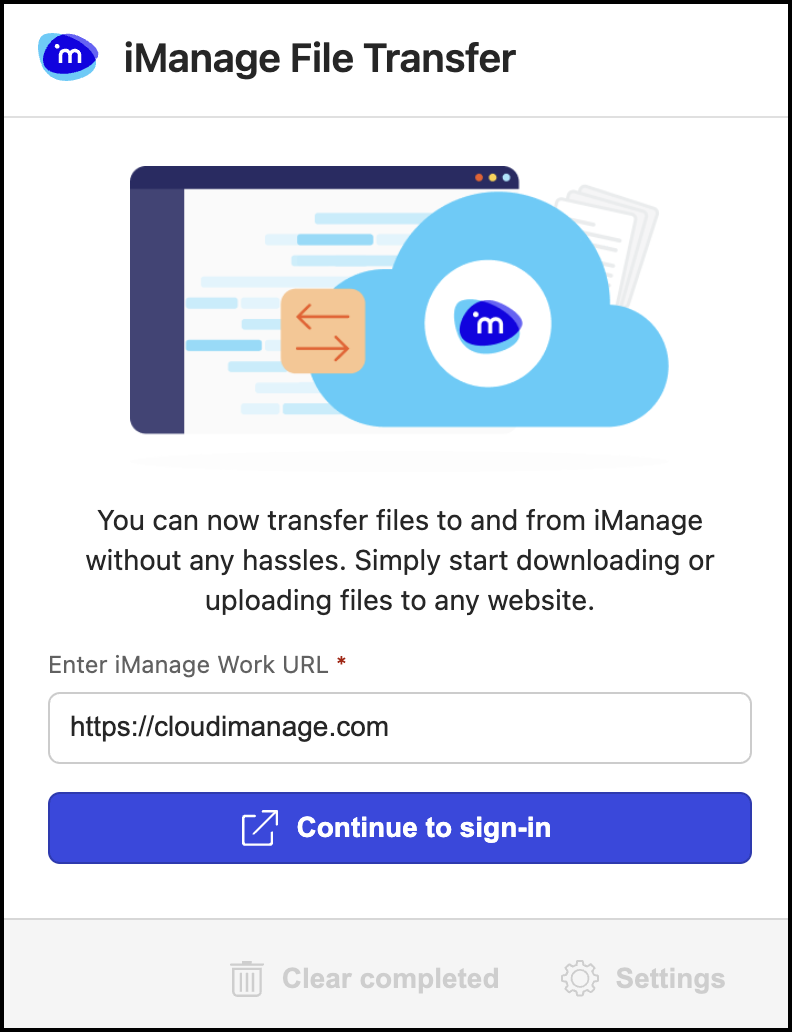
Sign in to iManage Work using SSO. A dialog confirming your sign-in is displayed per the following figure.
Figure: Sign-in confirmation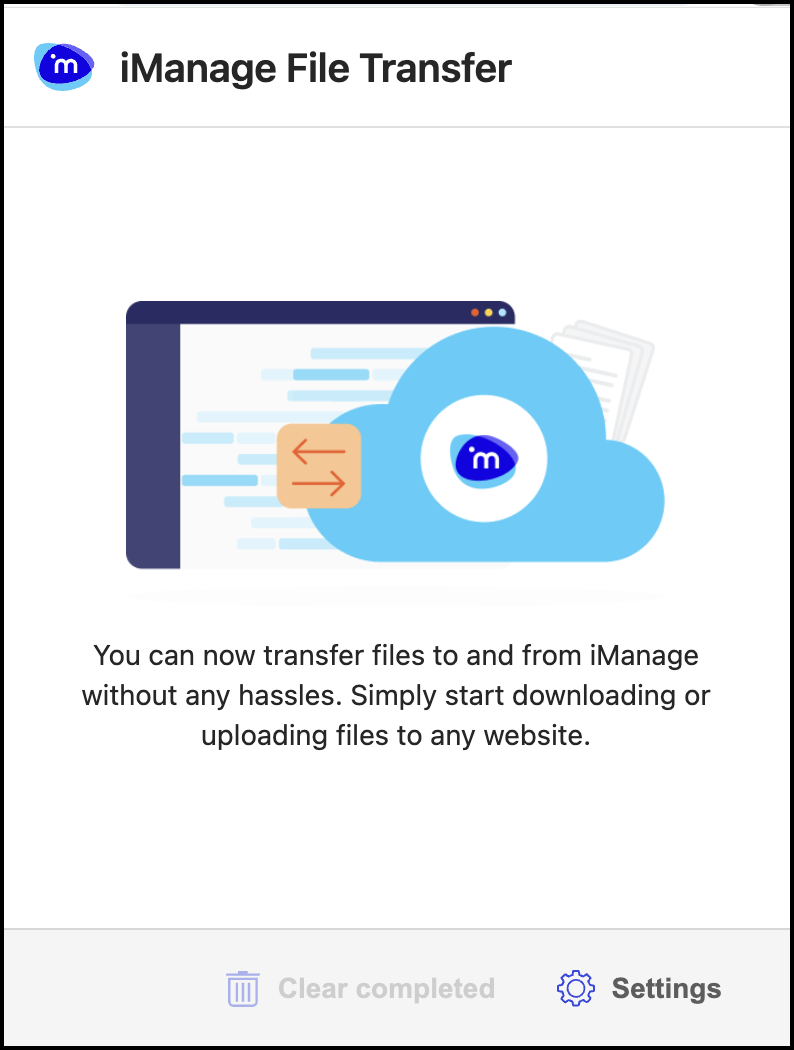
NOTE: If the iManage File Transfer plug isn’t displayed for you, contact your administrator or iManage Support.