Editing schedules
To edit a schedule:
Under Retention, select Schedules.
Figure: Selecting Schedules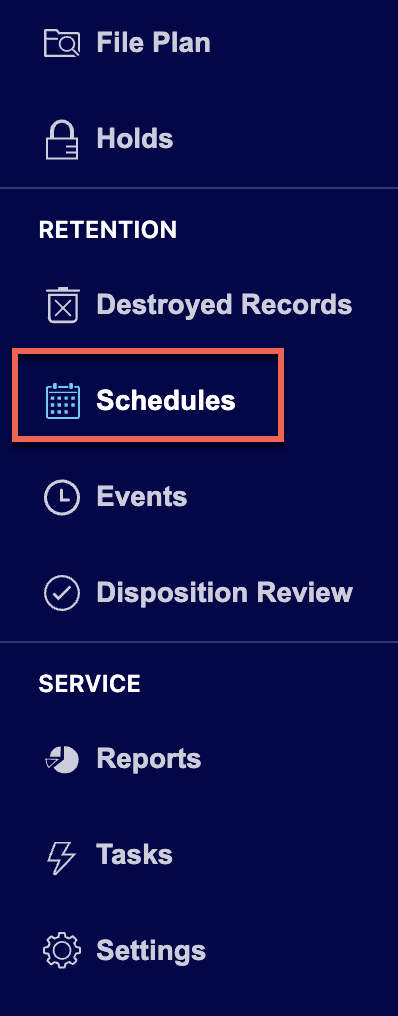
Select the
 kebab menu for the schedule you want to edit and then select Edit. Figure: Select Edit to edit schedules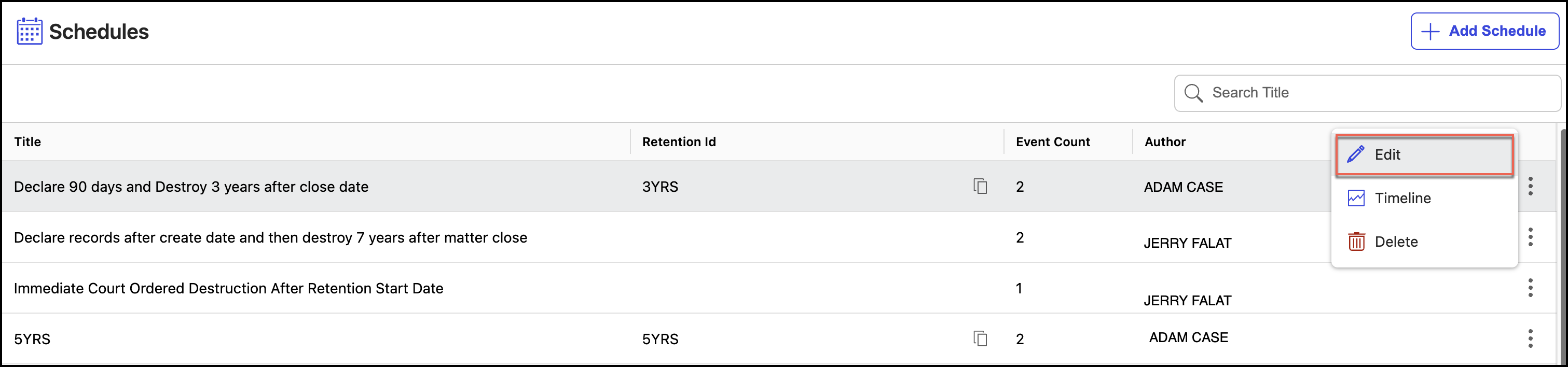
The Edit Schedule dialog, make the necessary changes to the schedule.
Figure: Edit a schedule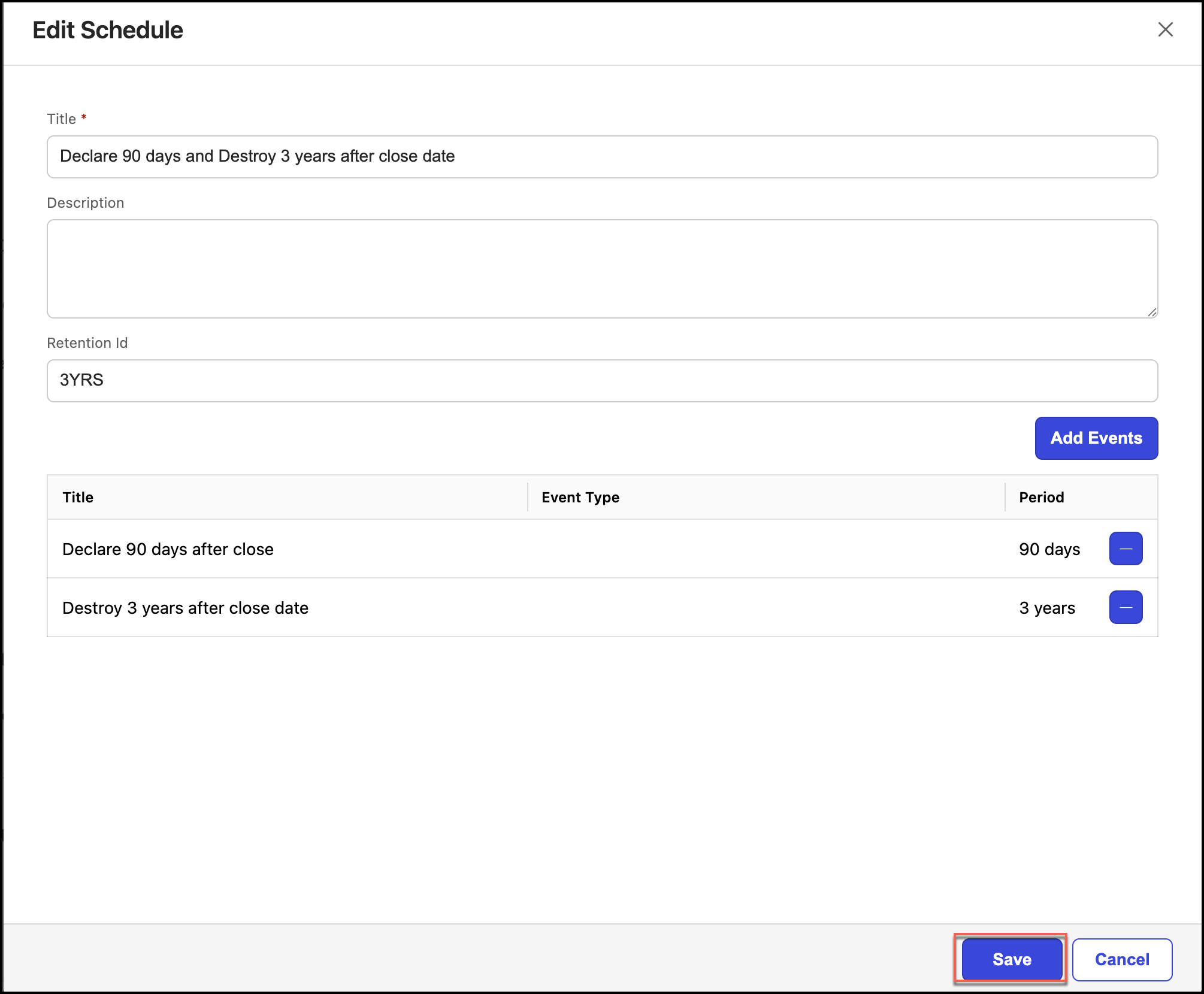
Select Save.
Deleting schedules
To delete a schedule:
Under Retention, select Schedules.
Select the
kebab menu for the schedule you want to edit and then select Delete. Figure: Selecting a Schedule to delete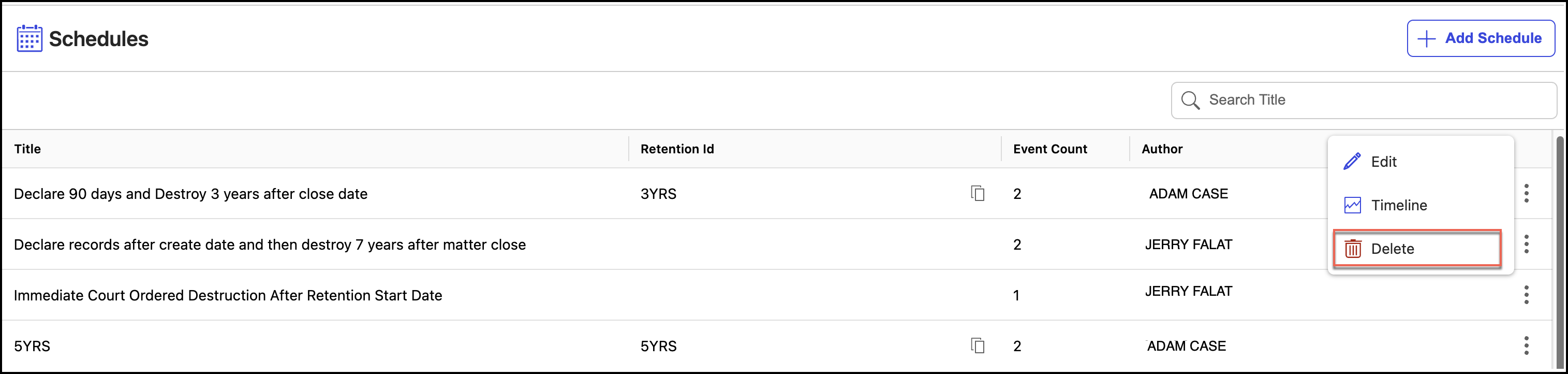
In the Delete Schedule dialog, select Confirm to delete the schedule.
Figure: Confirm deletion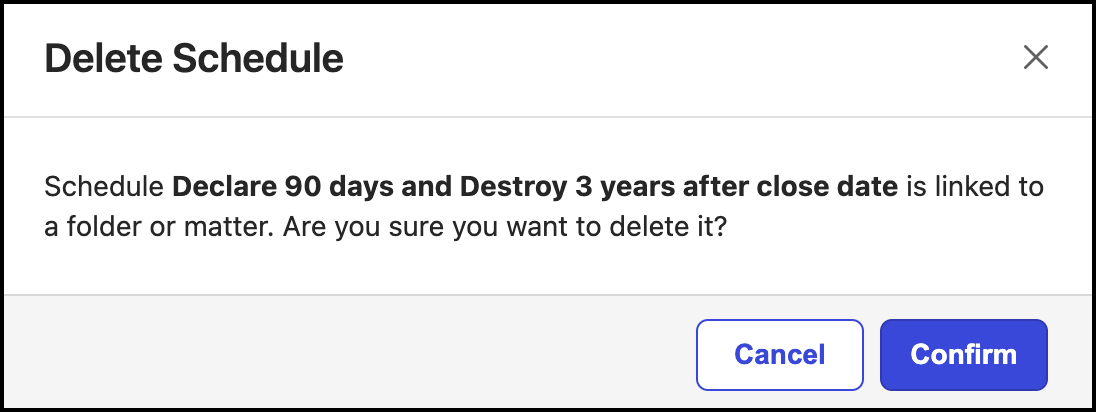
NOTE: If the schedule is added to a workspace, folder, or sub-folder, then check before deleting the schedule.