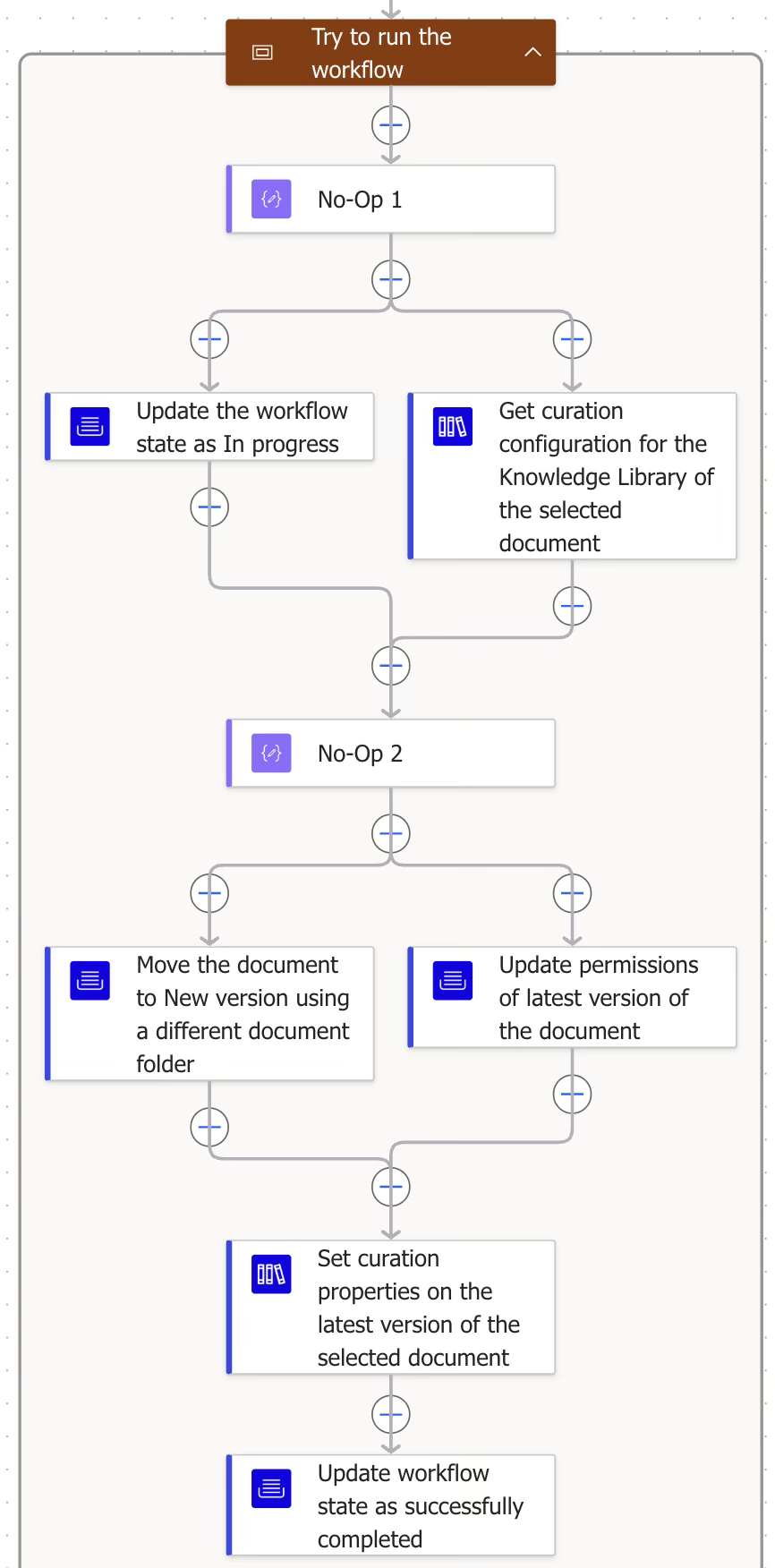
This is the main block that runs the complete workflow logic, including moving the document to draft state and then setting curation properties to it.
Step | Figure | Description |
|---|
2.1 | 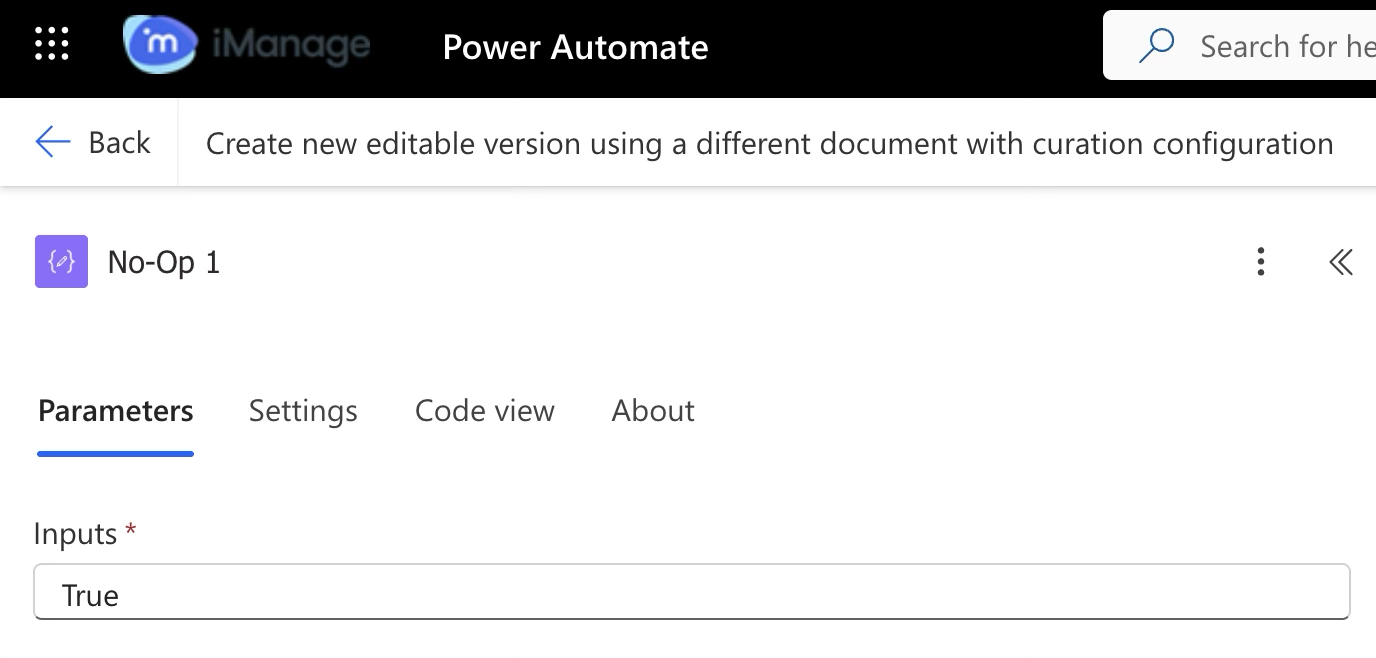 | No Operation block (Data operation)
This data operation is a No Op (No Operation) block, essentially a placeholder or starting point in a workflow, which is useful when you’re structuring multiple blocks in parallel. It doesn’t run any logic, transform data, or trigger events—it simply exists to provide structure. |
2.2.1 | 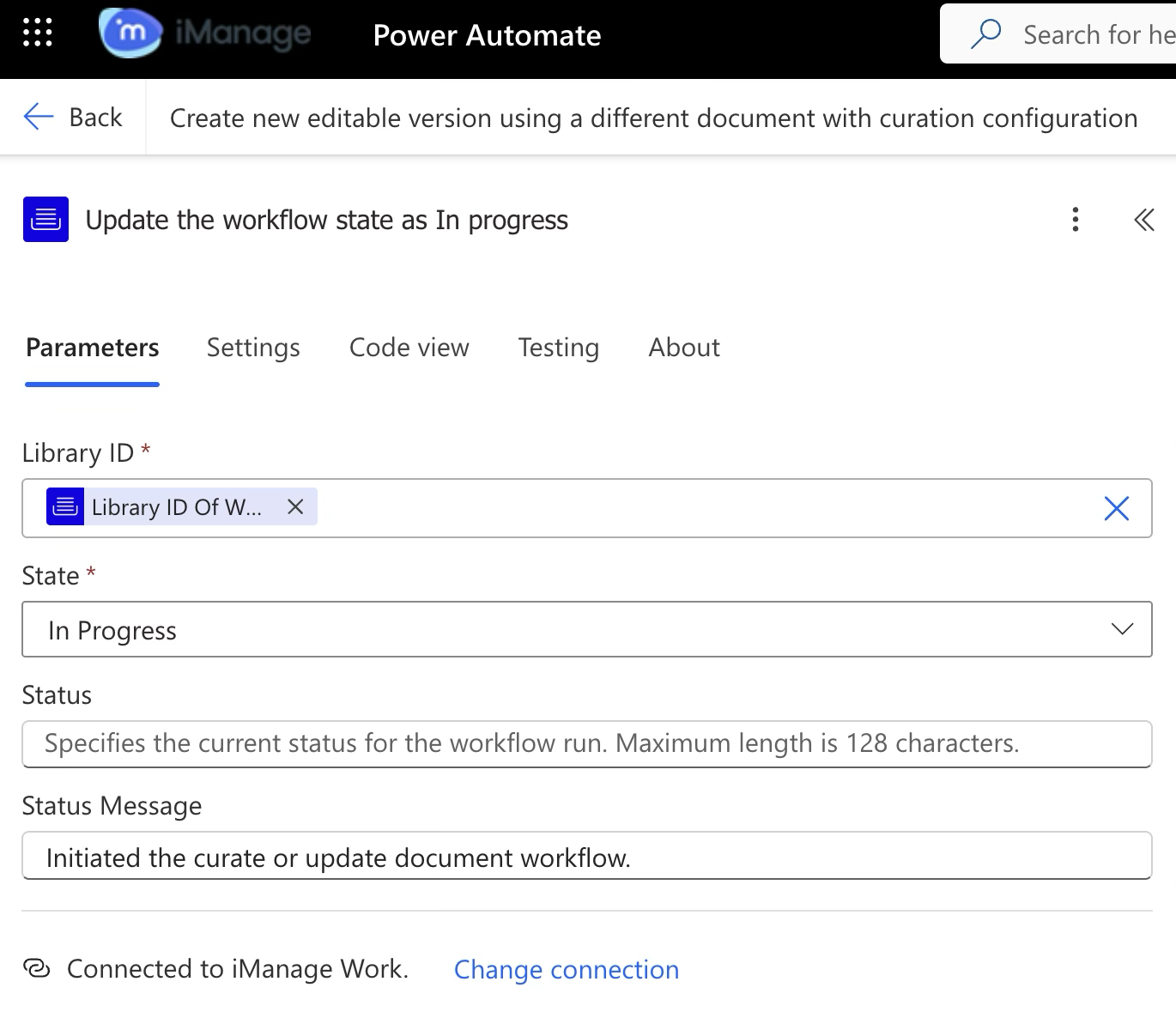 | iManage Work Connector
Updates the workflow state as In progress. |
2.2.2 | 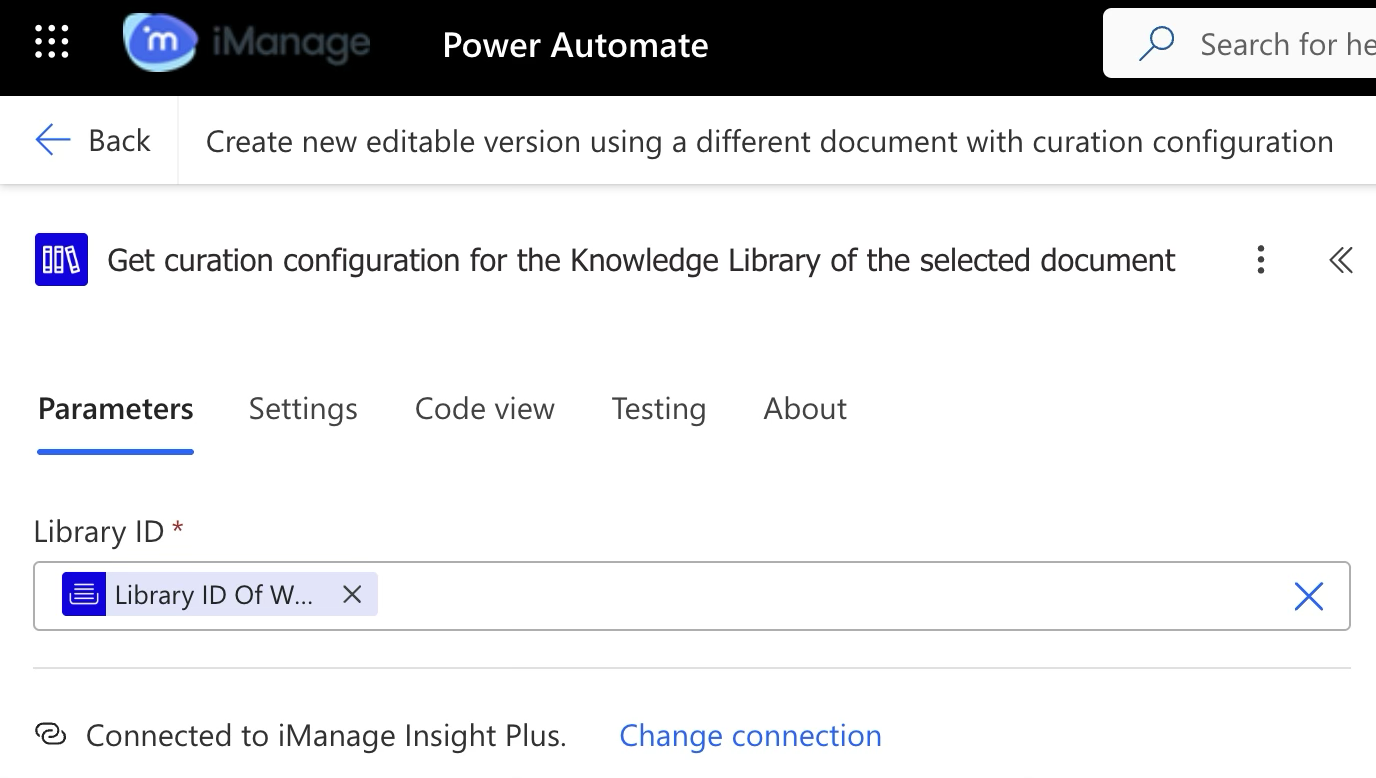 | iManage Insight Plus Connector
Gets the curation configuration for the Knowledge Library of the selected document. This step helps you find ID of the Indraft/curate folder.
|
2.3 | 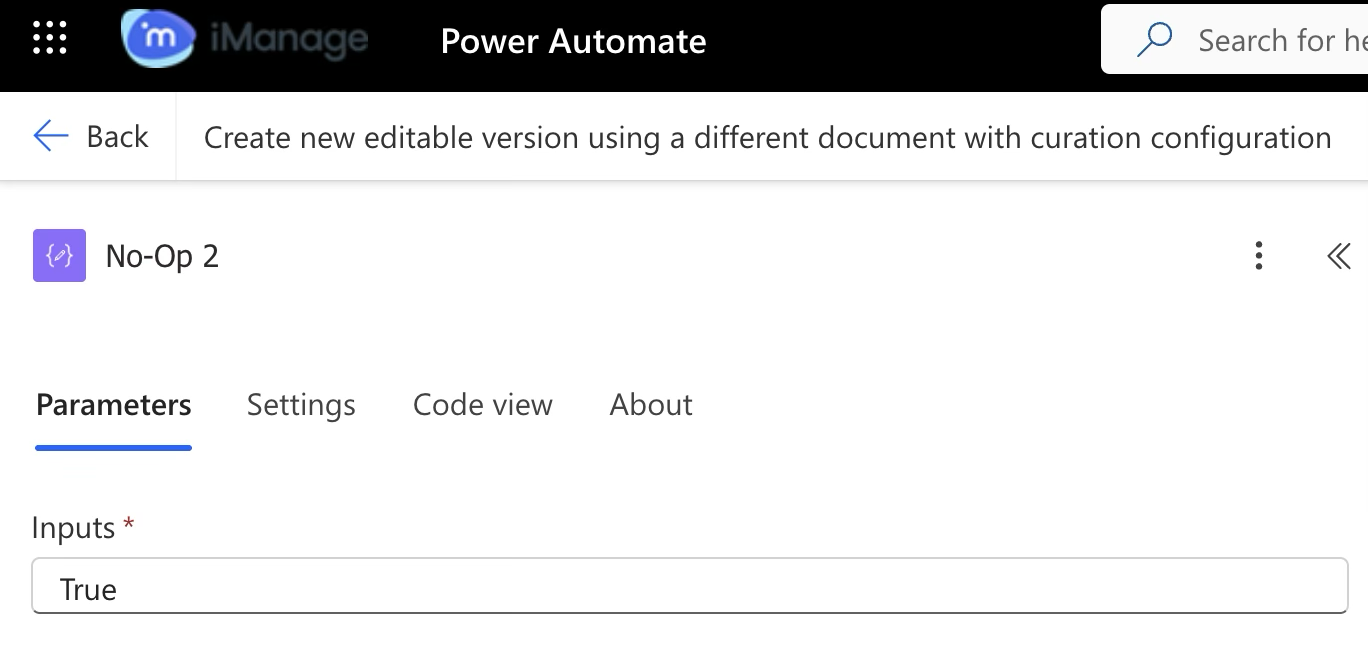 | No Operation block (Data operation)
This data operation is a No Op (No Operation) block, essentially a placeholder or starting point in a workflow, which is useful when you’re structuring multiple blocks in parallel. It doesn’t run any logic, transform data, or trigger events—it simply exists to provide structure. |
2.4.1 | 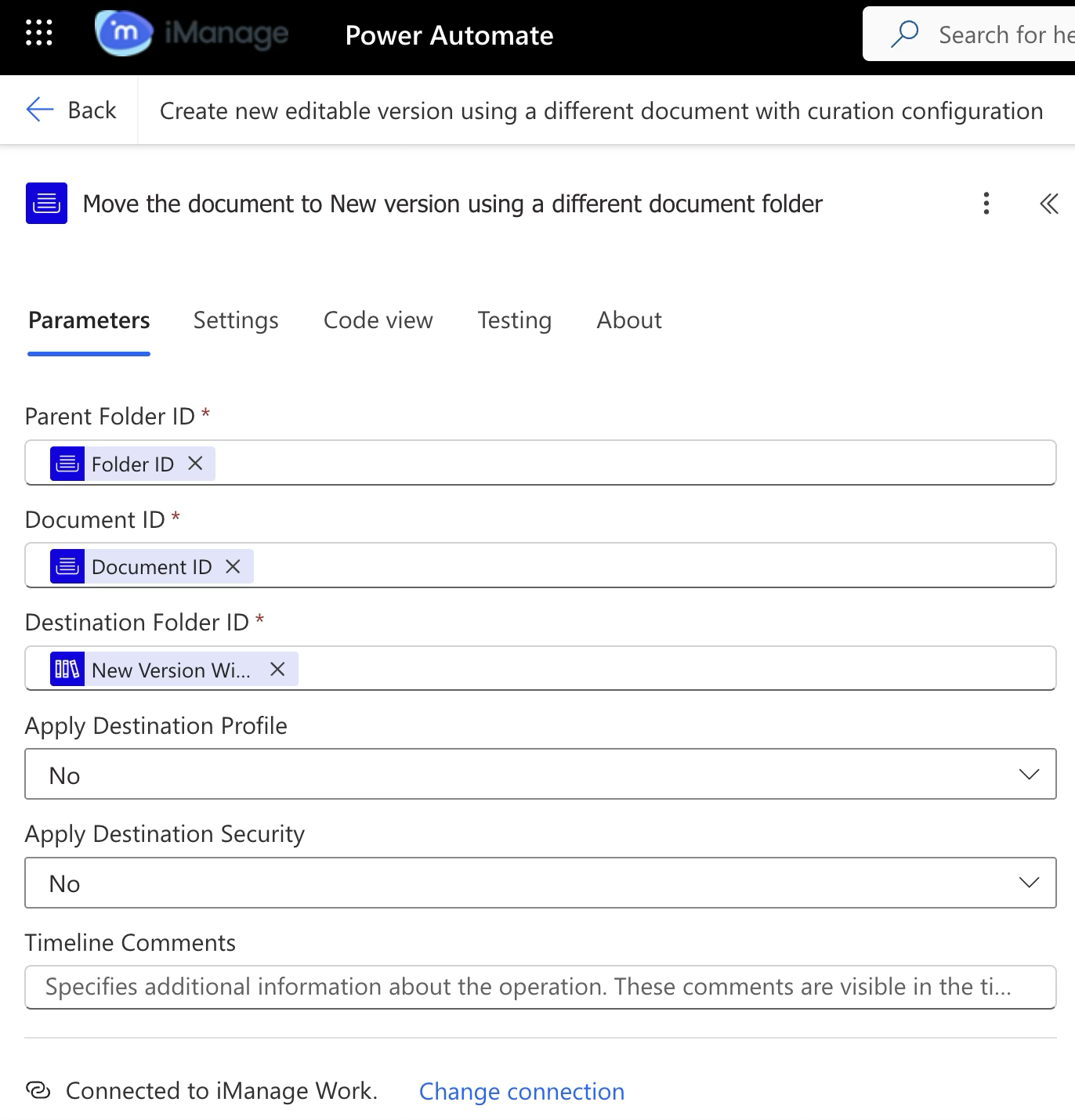 |
This moves the document from the existing folder to the Indraft/Curate folder. The destination folder ID used here's from step 2.3.
|
2.4.2 | 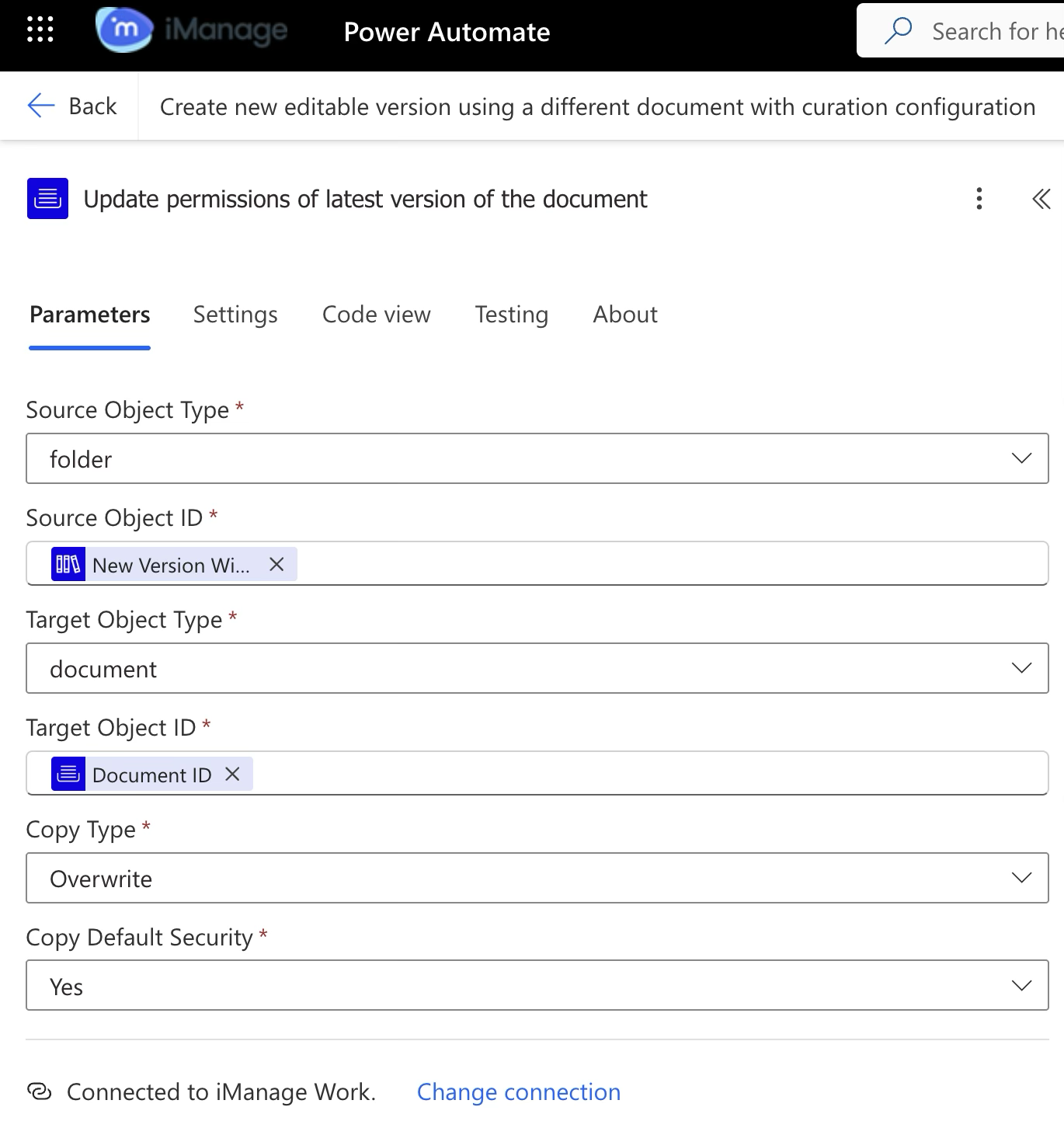 | iManage Work Connector
Updates the permissions on the latest in-draft version of the document to match the security of the . |
2.5 | 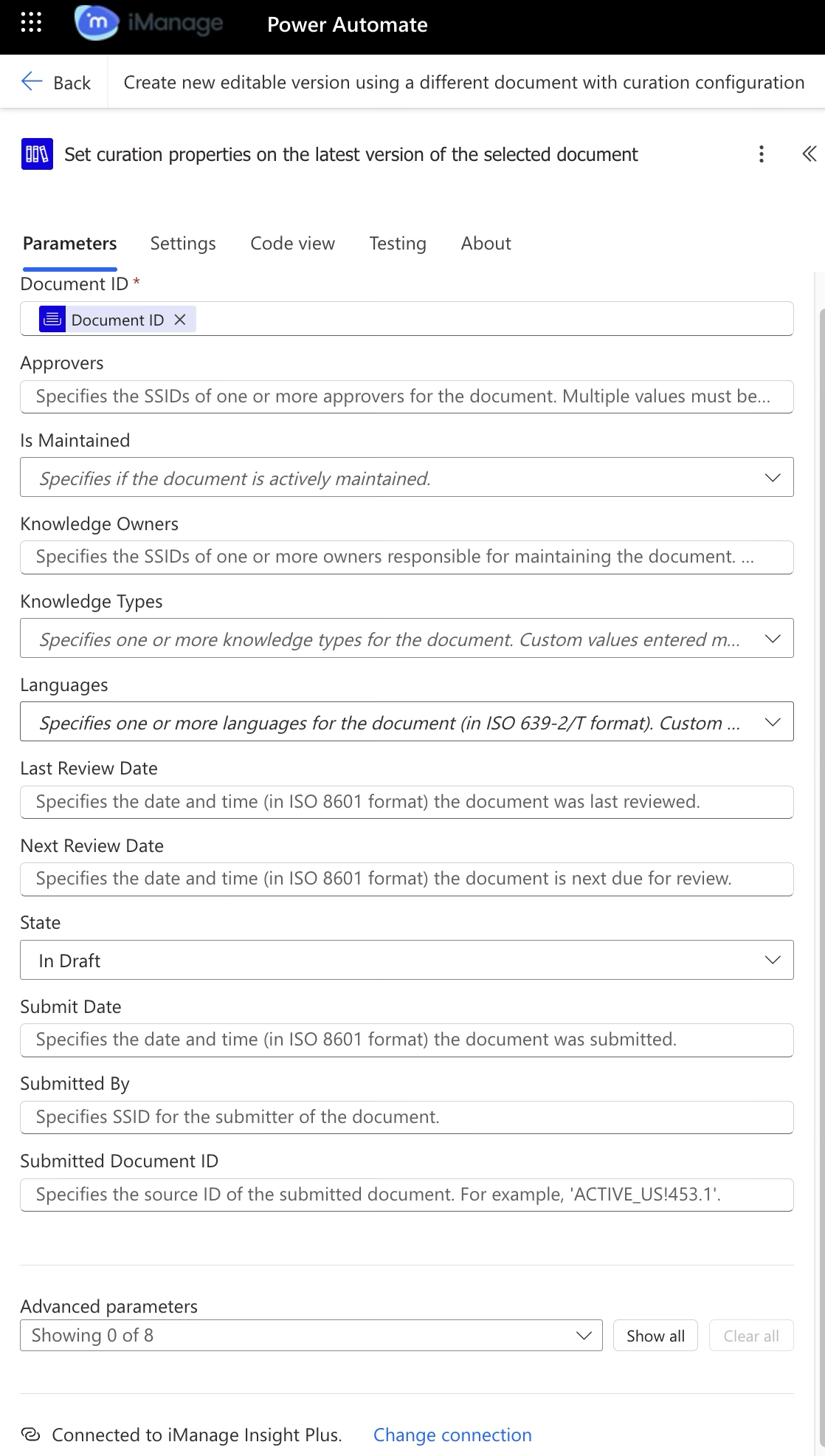 | iManage Insight Plus Connector
Sets curation properties for the new version of the document that was moved. |
2.6 | 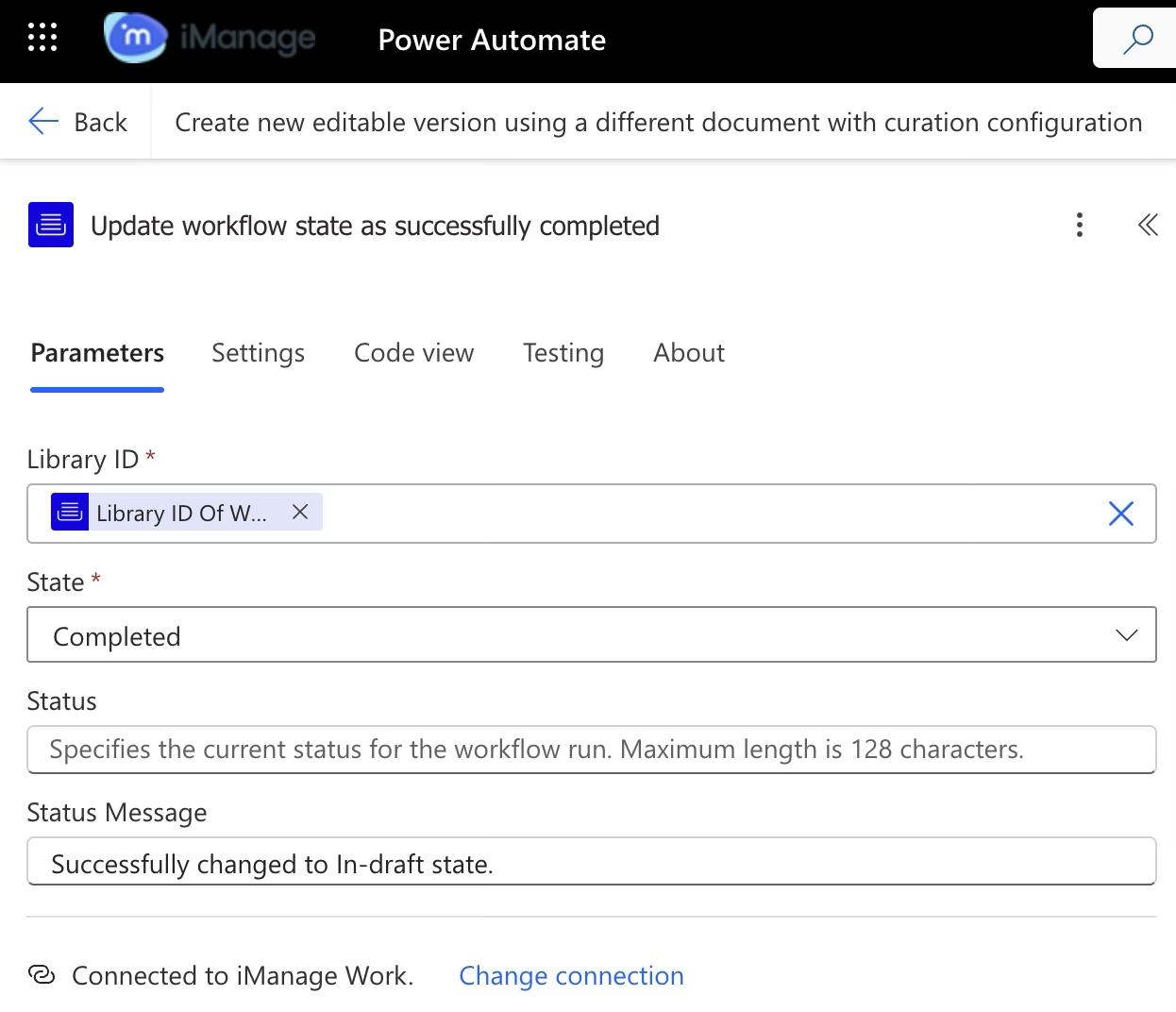 | iManage Work Connector
Updates the workflow state as completed. |