You can submit single or multiple emails as knowledge in iManage Work using the Curation application.
Sign in to iManage Work Web.
Select the email(s) that you wish to submit as knowledge.
Select Submit as Knowledge from the multiselect toolbar or context menu. The Submit as Knowledge dialog opens.
Figure: Submitting single or multiple emails as knowledge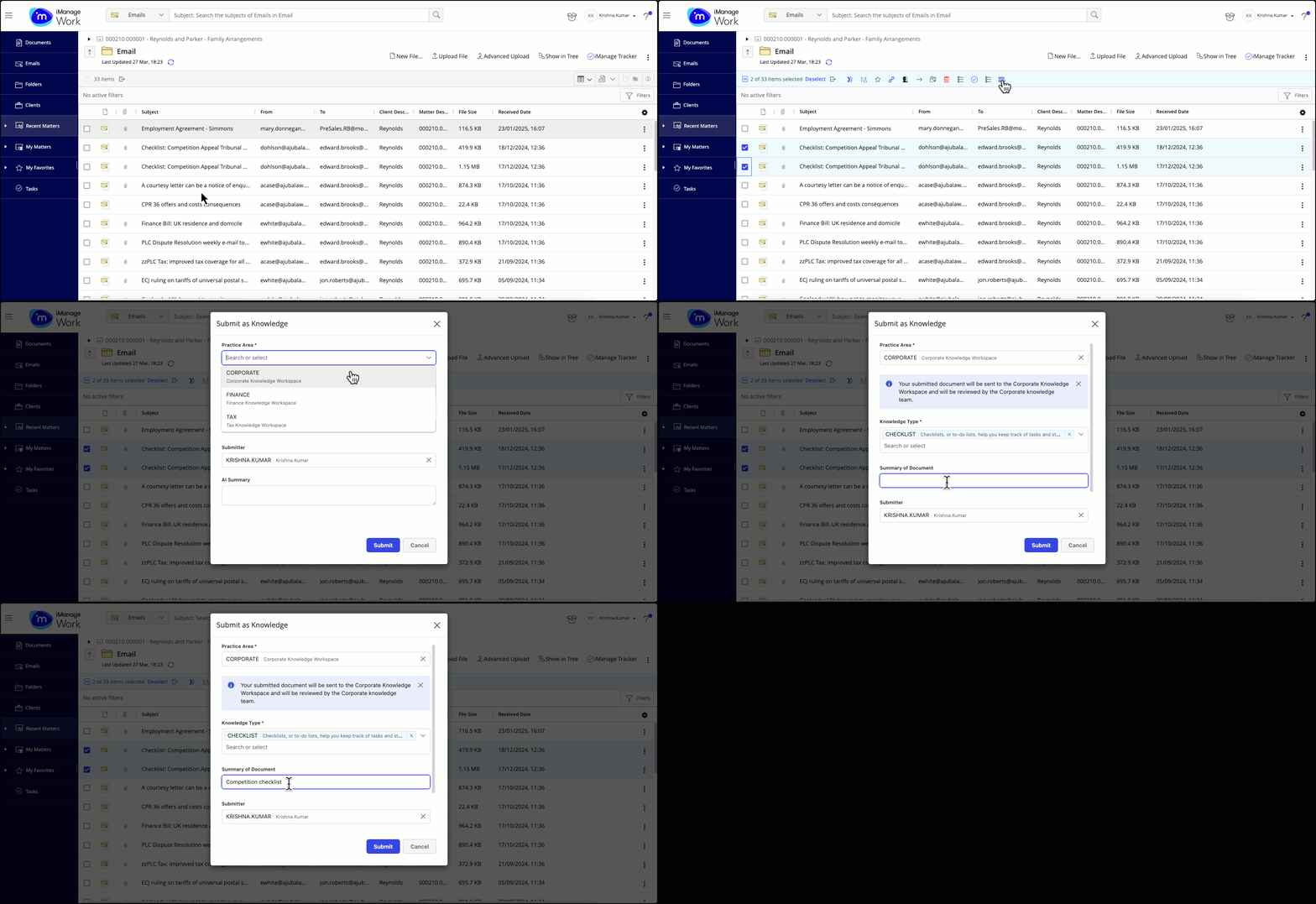
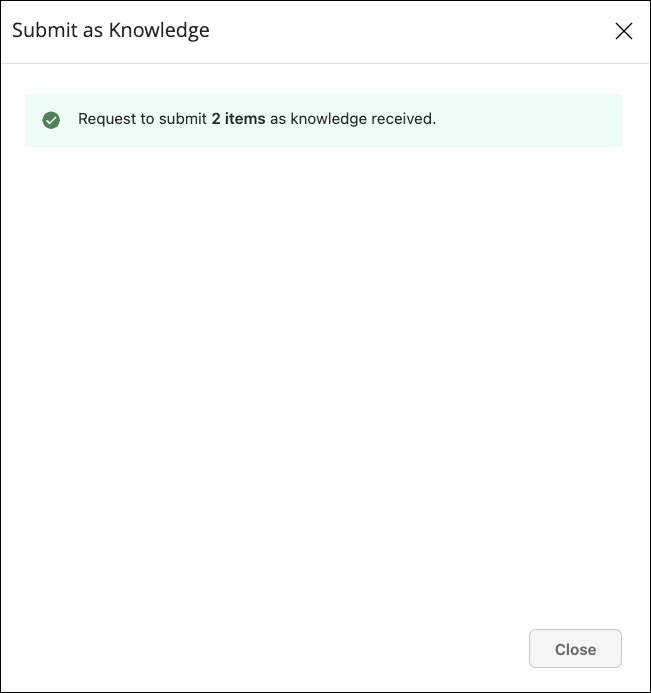
Enter the required details and then select Submit. A message is displayed confirming that the email is submitted as knowledge.
Figure: Confirmation message after submitting an email as knowledge