Hover over the desired document and select
 > Details. (Optional) Right-click the document and select Details, or open the document.
The Document Details screen is displayed.Select VERSIONS.
A list of available document versions are displayed, as shown in the following figure:Figure: Document versions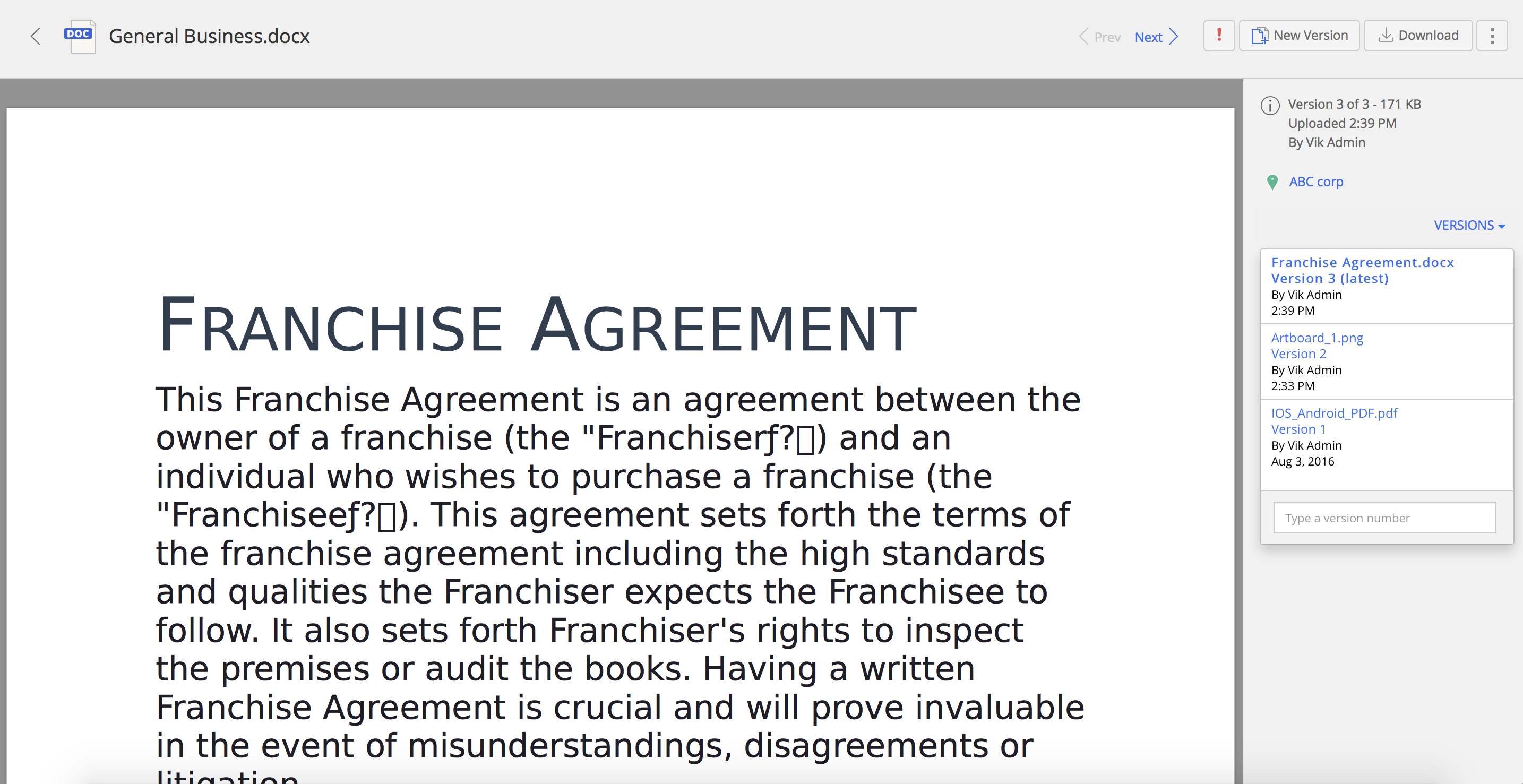
Select
> Promote Version.
The selected document version is promoted as the latest version of that document, and displayed at the top.
NOTE:
The Promote Version option is visible only for the previous versions of a document. If you are on the latest version, select the :Kebab_Menu: icon for additional options.