Select the
 icon to display the calendar, as shown in the following figure:Figure: Share link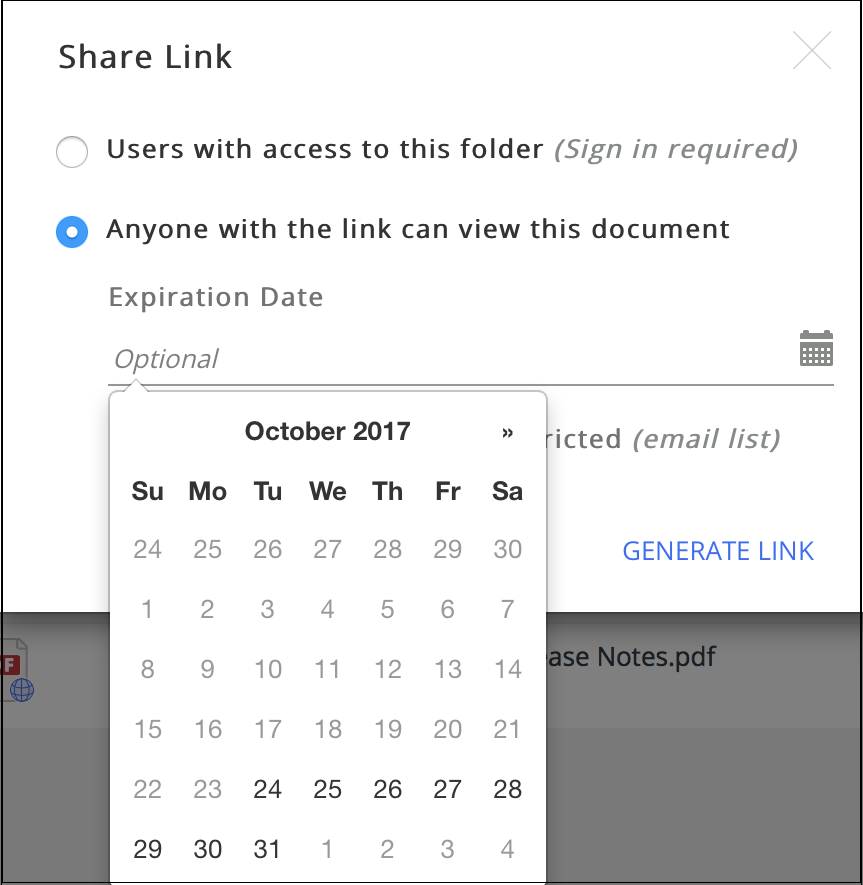
Select the desired Expiration Date for the Share Link.
Select GENERATE LINK.
The Share Link screen is displayed, as shown in the following figure:Figure: Share link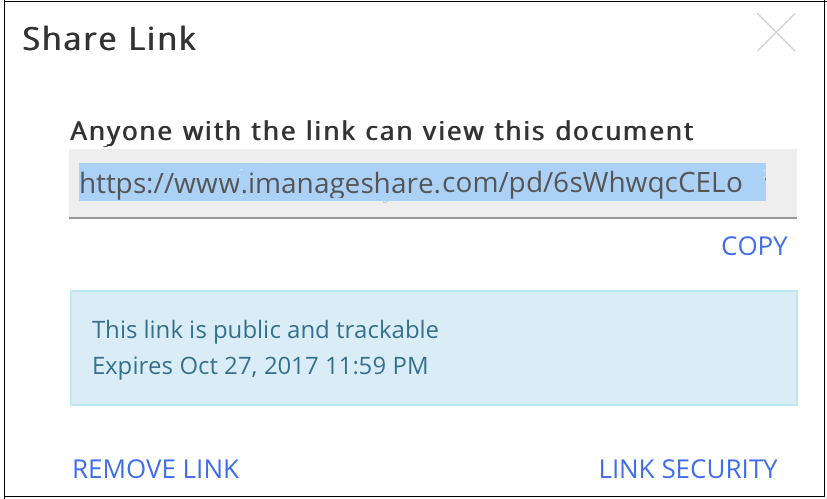
Copy the link provided and send the same to the desired recipient(s).
IMPORTANT:
iManage recommends you to enable the Restricted (email list) feature for additional security on the Share Link. For more information, see Using the Restricted (email list) Feature.