You can view other users' My Matters and Recent Matters, and give permission for other users to view yours.
Select My Matters or Recent Matters.
Select Share Access. The Share Access dialog appears.
Figure: Share Access dialog box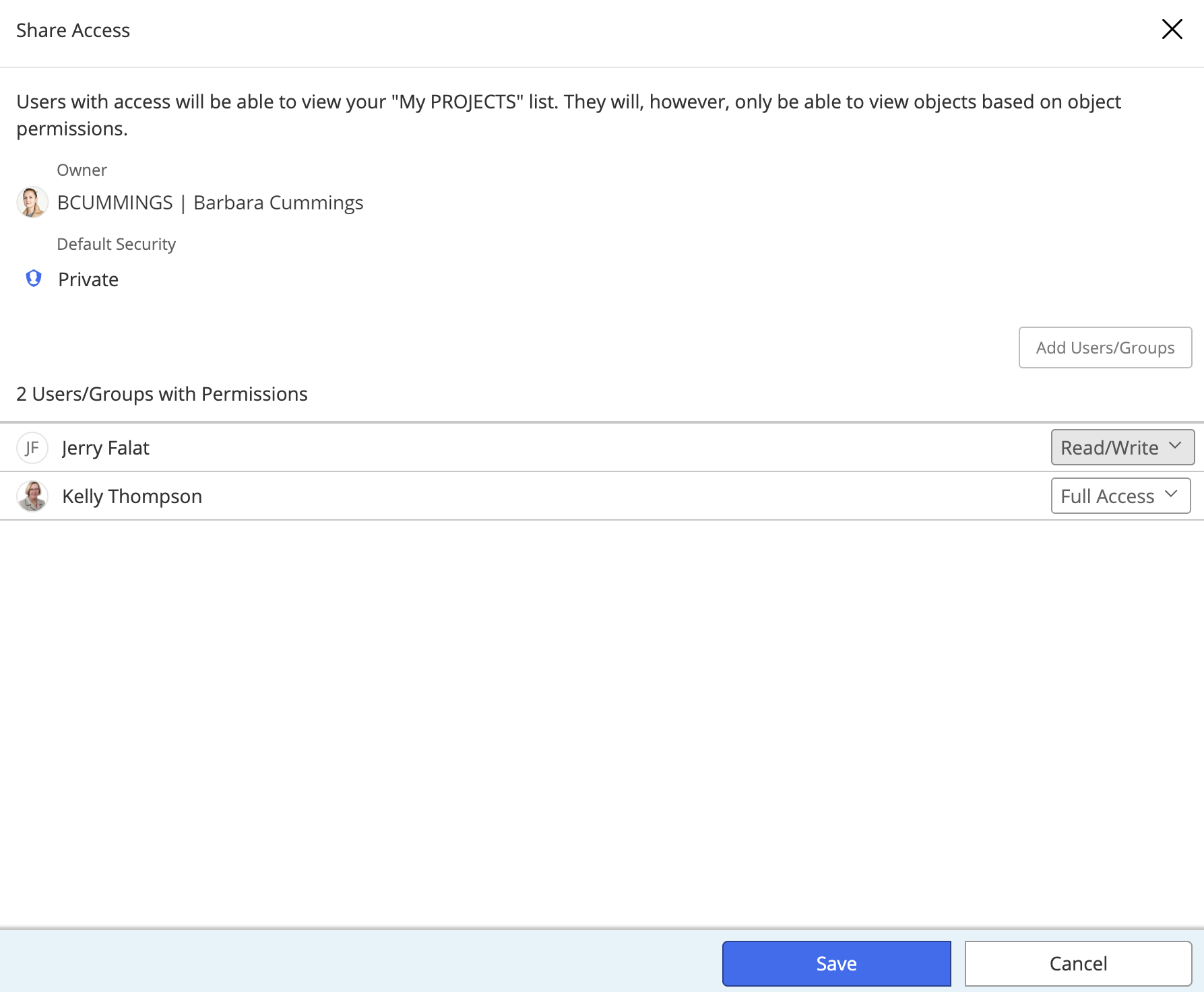
To give access to additional users or groups, select Add Users/Groups and search for them.
Select the permissions from the drop-down list and select Confirm.
Select Close.
For this feature to work, you should have a preferred database set up for every database you connect to.