NOTE: This feature is turned off by default. If you don’t see it available, your administrator may need to enable it for your organization.
User sessions in iManage Work Web time out after 30 minutes of inactivity without any visual indication, which might lead to unexpected sign-in prompts or an unexpected refresh in the user interface.
Idle timeout overlay feature addresses this challenge by:
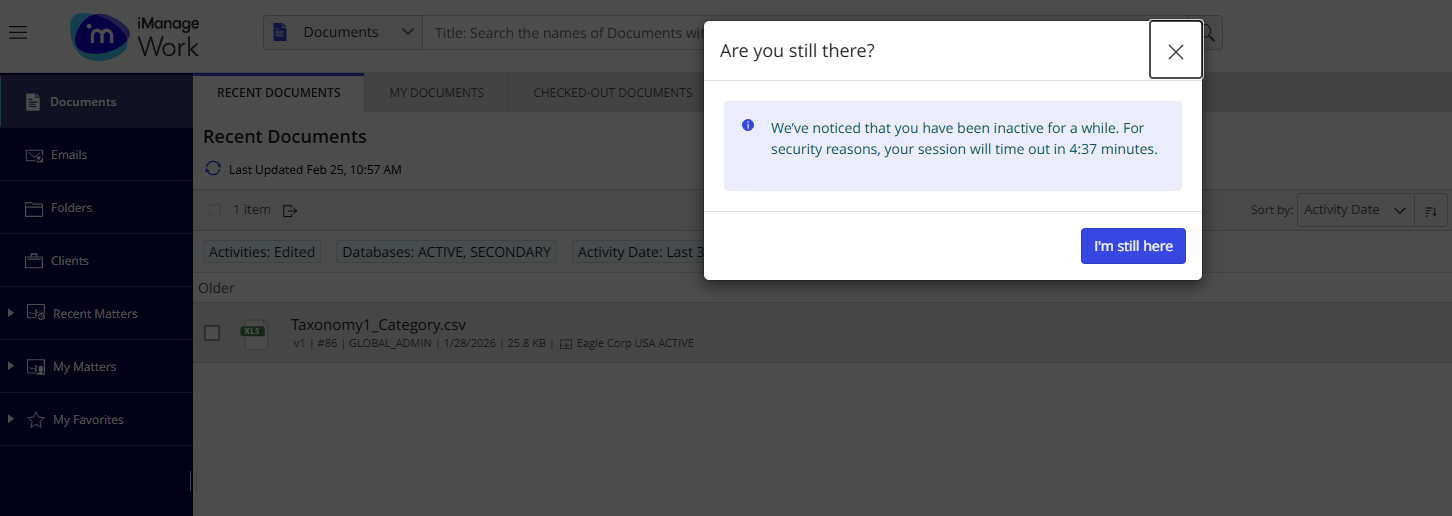
Clearly notifying you that your session is about to time out and allows you to continue working without disruption.
Improving security by masking the screen, which reduces the risk of unauthorized access by hiding any content left on an unattended screen. r
When enabled by your administrator, iManage Work Web proactively displays a warning five minutes before your session expires, prompting you to extend your session if needed.
You can continue your session by:
Selecting I'm still here.
Closing the session timeout dialog.
Pressing any key on the keyboard.
If your session has timed out as per the Idle timeout setting in Control Center, the Sign in dialog will be displayed.
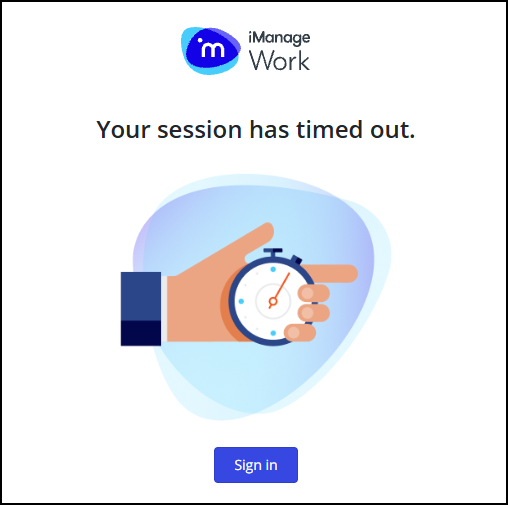
Selecting Sign in directs you to your original web page, and if you’re a non-SSO user, then you’ll be prompted to sign in again and then be directed to the original page.