The Show in Tree option in the right-click context menu, enables you to view the hierarchical path to the item in the tree.
Figure: Show in Tree option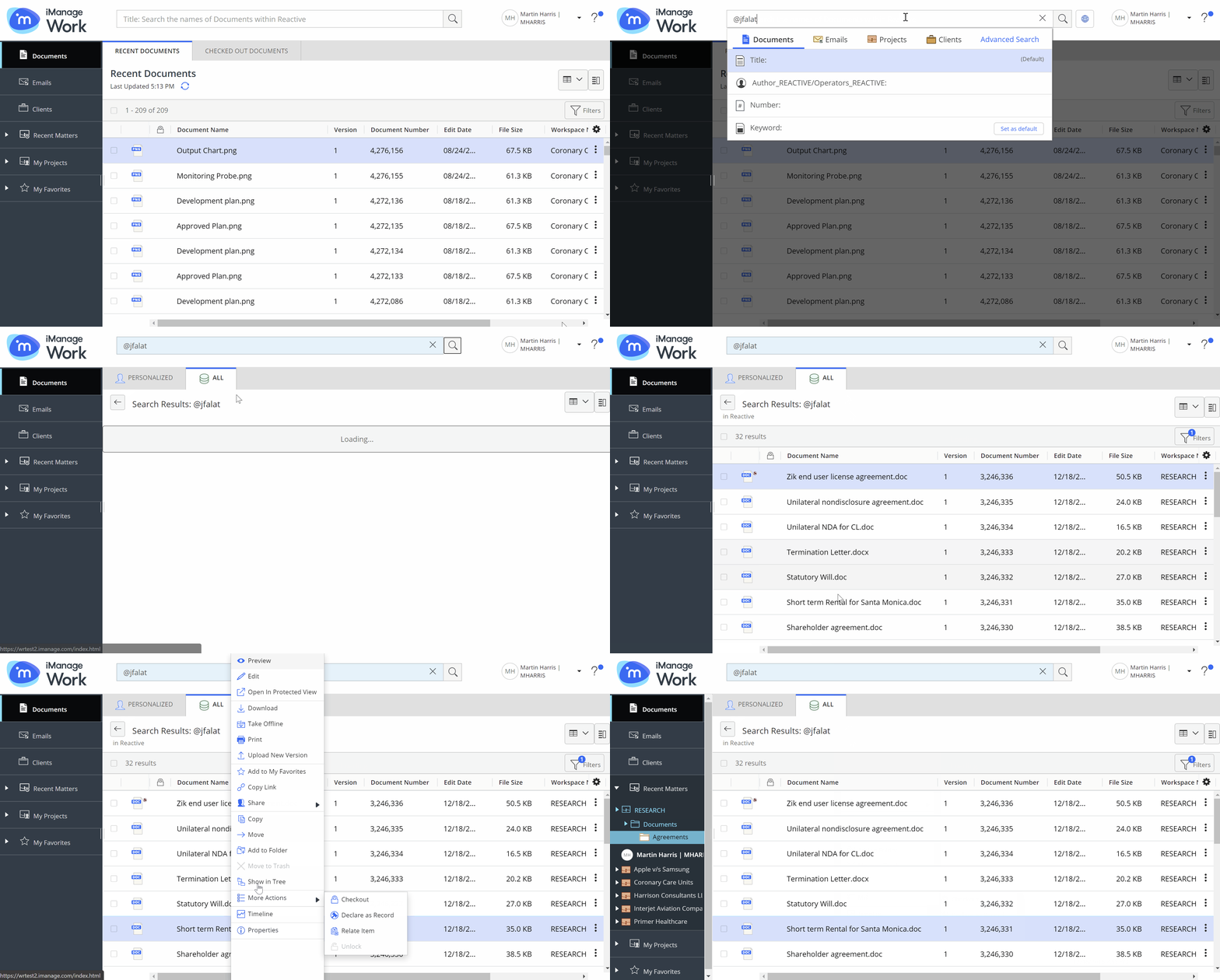
By default, Show in Tree displays the real nodes. Only when the path to an item doesn't exist or was never loaded in Recent Matters, then stub nodes are shown and expanding the stub node populates the node. When you select Show in Tree for an item that exists in multiple locations, then you are prompted to select one of the available locations which you prefer to see in the tree.