You can move single or multiple workspace shortcuts using right-click context menu or kebab menu.
Select a workspace shortcut located within My Favorites/My Matters or a category within My Favorites/My Matters.
Right-click and then select Move Shortcut.
or
From the kebab menu, select Move Shortcut. The Move dialog appears.
Figure: Move Shortcut in right-click context/kebab menu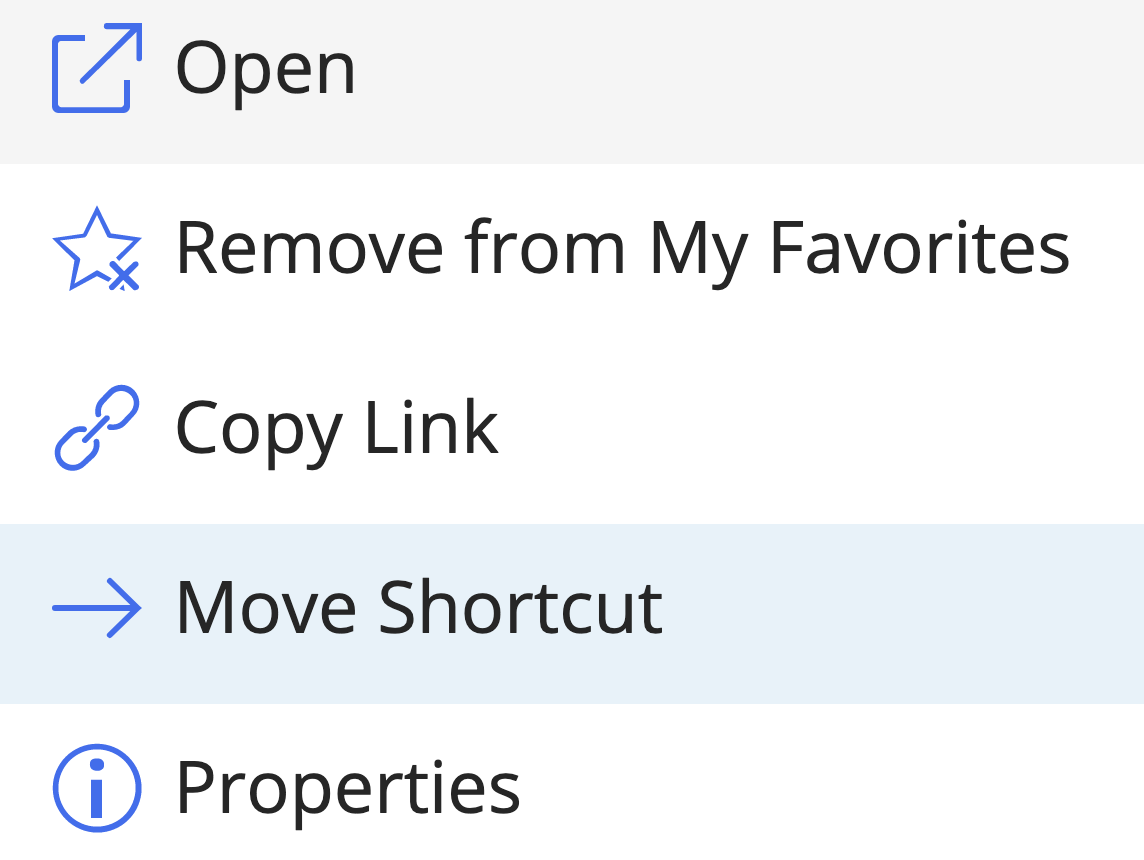
If you select multiple workspace shortcuts, the option is available on the toolbar.Select the target category or location.
Select Move. A progress dialog appears.
Figure: Progress dialog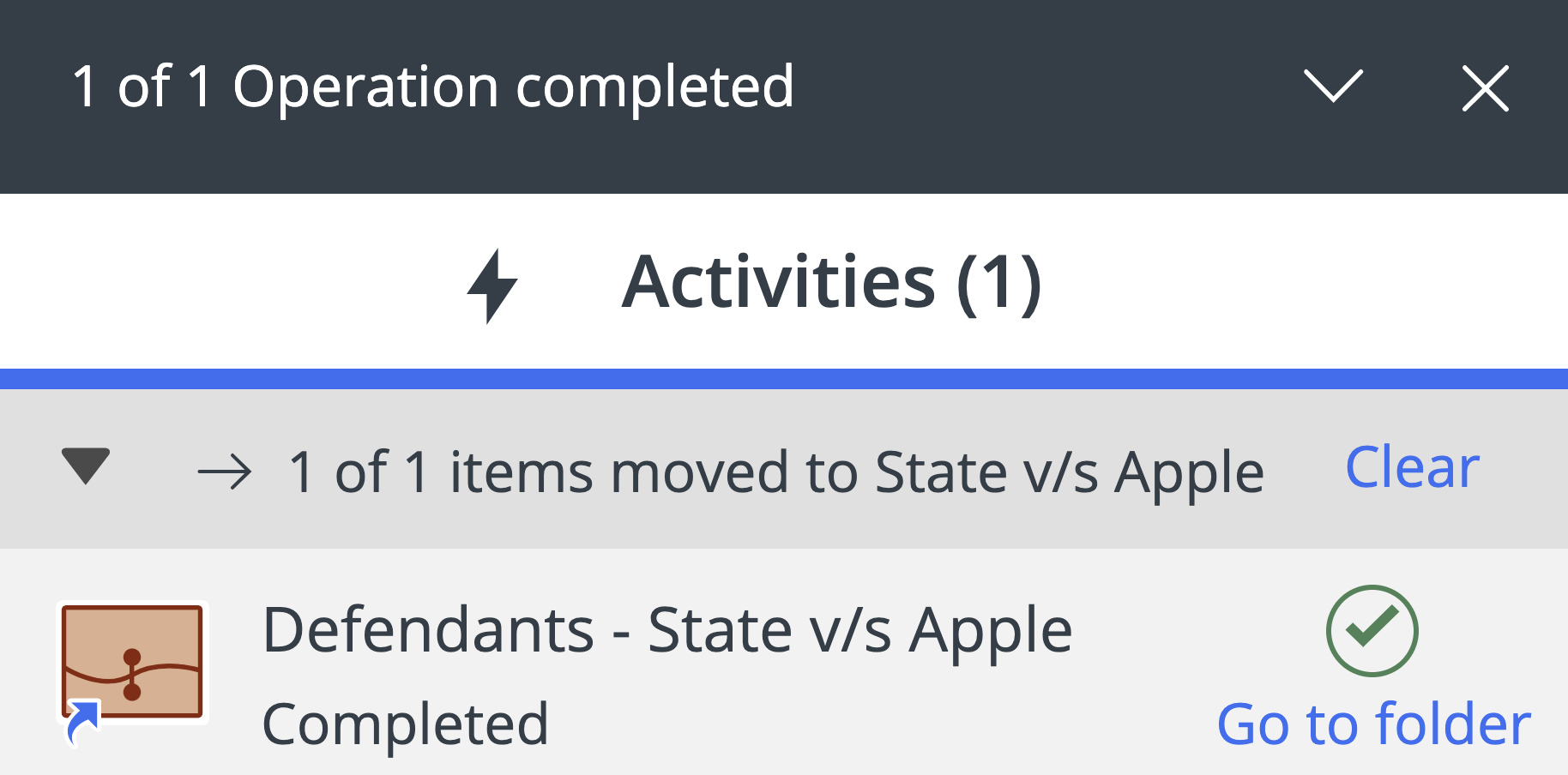
Select Go to folder in the progress dialog to browse to the new location of the workspace shortcut.