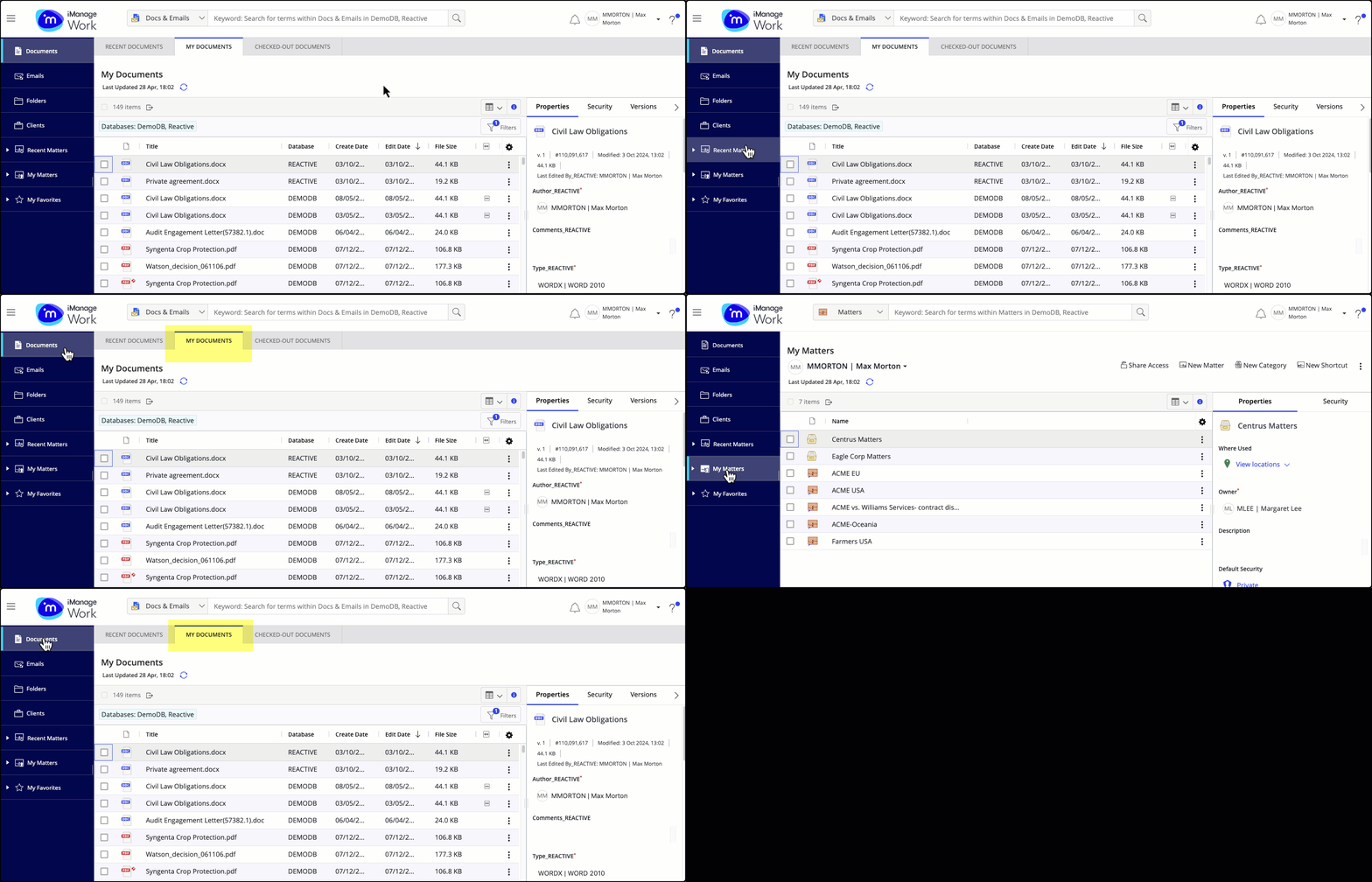
The My Documents tab shows all documents where you are either the author or the operator, including documents that are checked-out, locked, or declared as records.
Unlike the Recent Documents tab, where you can only see a few documents that you've interacted with in the last 30 days, the My Documents tab removes the 30 day recency filter.
You can choose to view all documents or apply filters based on the Edit Date and other available criteria for a more tailored experience.
Figure: My Documents tab

The My Documents tab displays a maximum of 500 documents, with the Load more option to view more, allowing you to see up to 5,000 results.
Changes to sort order and date filters within the My Documents tab persist across user sessions.
Figure: My Documents tab persisting as default when switching between nodes in the tree