NOTE: Advanced search is enabled by default. If you prefer to conduct a simple search, simply toggle off the Advanced Search option.
From the search type drop-down list, select Folders.
Enter the name of the folder that you want to search.
Use the scope drop-down list to predefine the search scope.
Figure: Performing advanced search for folders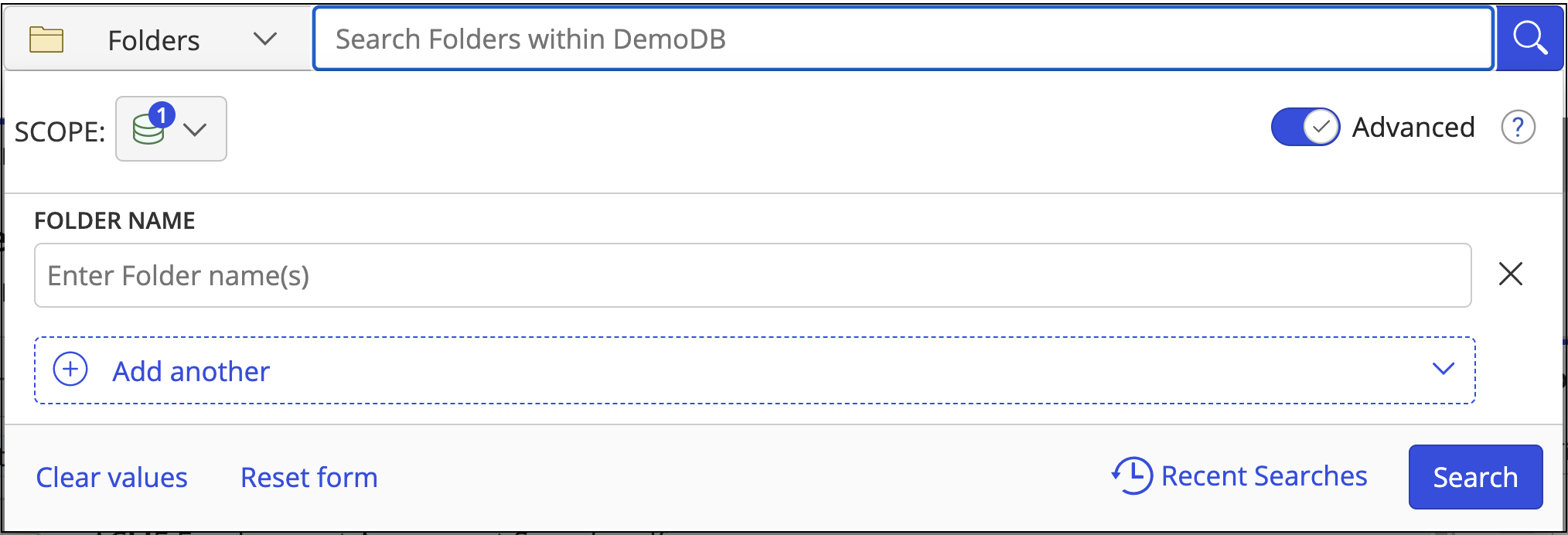
Optional:
Select Add Another to add more fields to your search criteria and narrow your search.
Select
 next to a search criteria to remove it.
Select Clear values to clear all text fields.
Select Reset form to reset the search form to the default search fields.