iManage Work displays the status of a user or group using two overlay icons:
Disabled (:Disabled: ): Disabled users are those whose accounts have been deactivated. After deactivation, they don't have the permission to access an existing item and can't be given access to a new item in iManage Work.
External (:Ext_badge:): External users are those who can't see items unless they have explicit permission. While most users can see items that have a default security of Public/View, external users have to be given explicit permission to allow them to view or interact with any items.
The overlay icons are displayed in the following areas:
Properties panel
Security Details panel
Permissions list
User/group lookups when adding to an item's permission (disabled users are excluded from permission lookups)
Author/Operator facets in Filter panels
Table: User status
Location | Figure |
|---|---|
User status in the Properties panel |
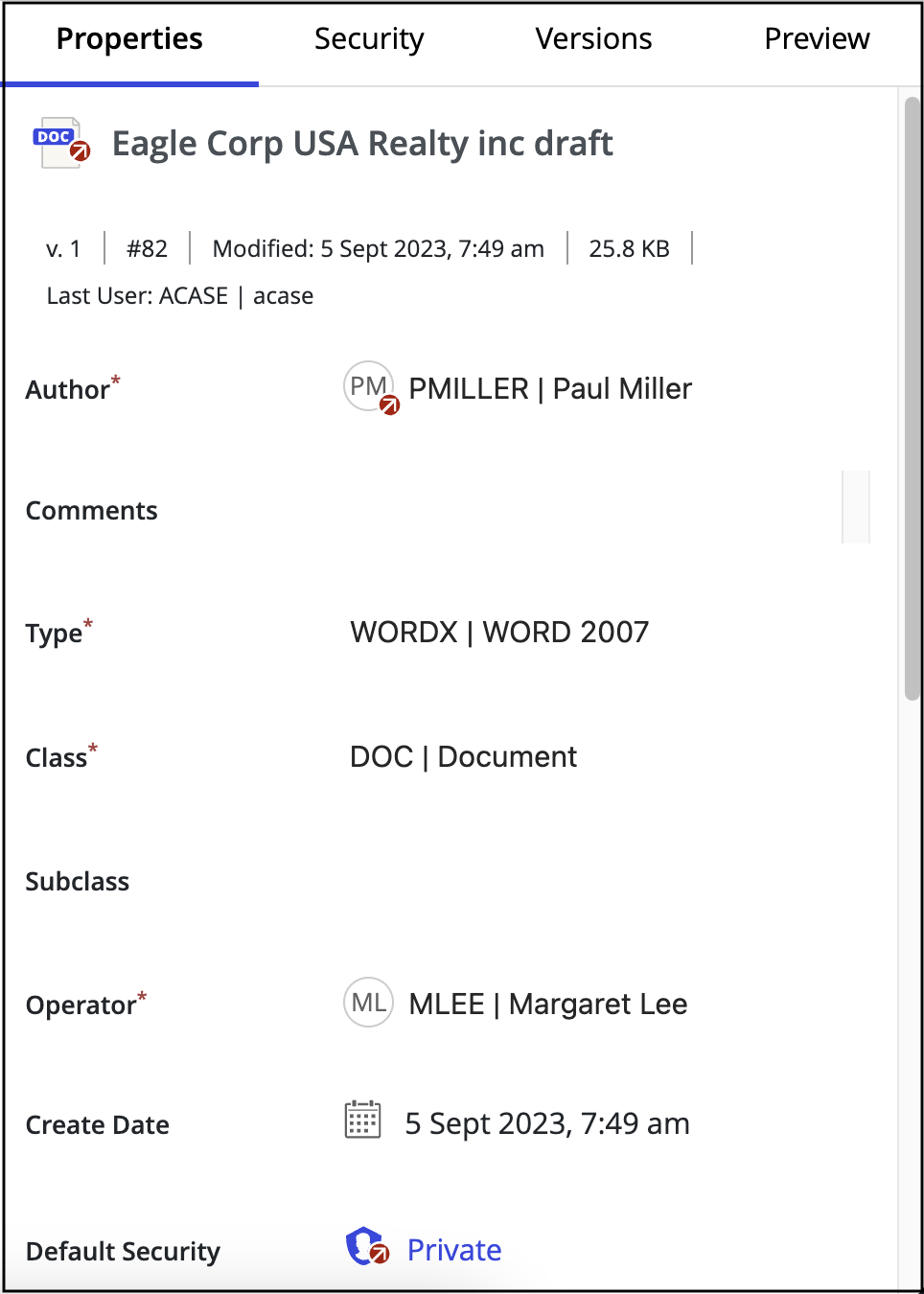
|
User status in the Security Details panel with the | 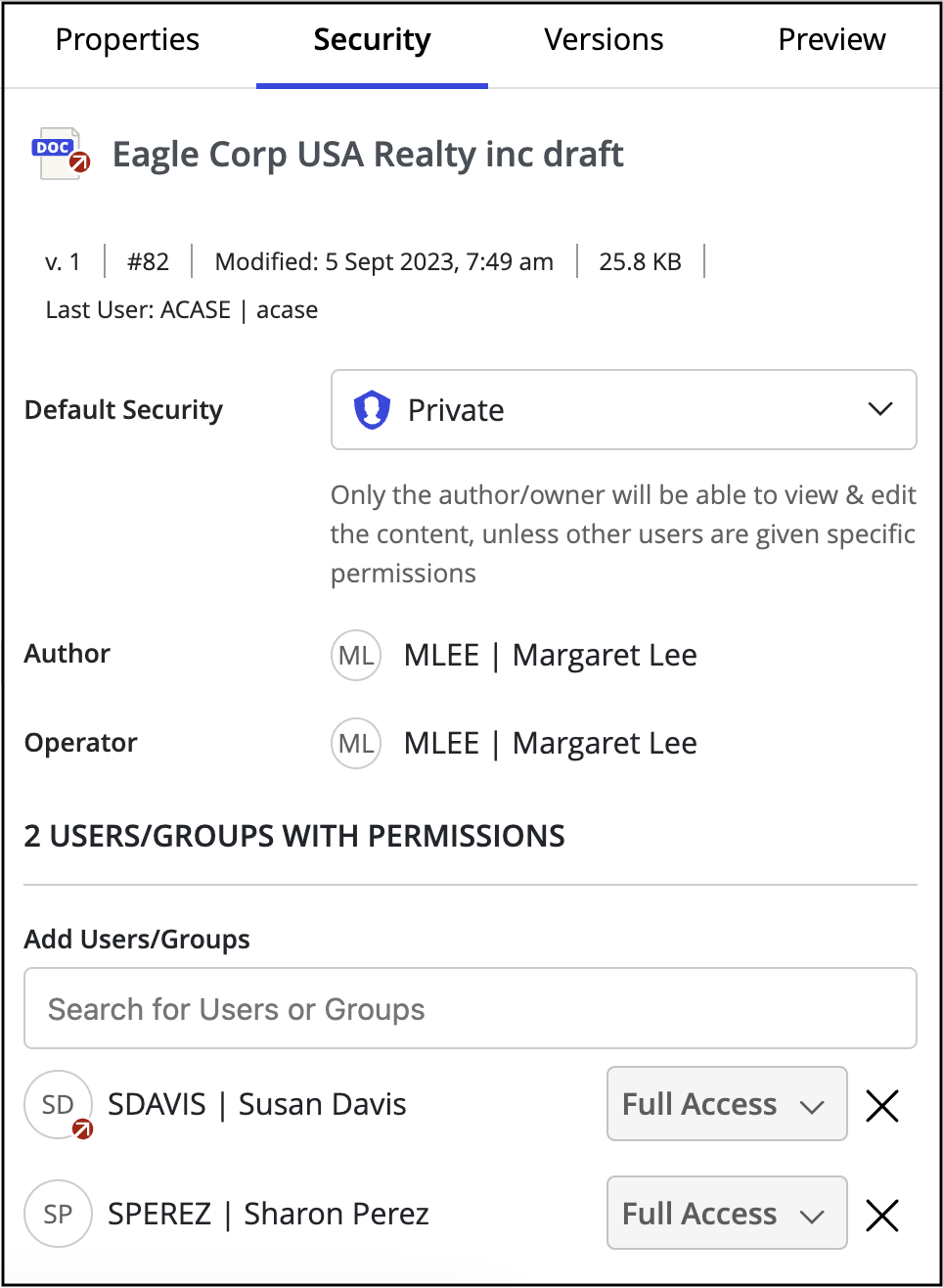
|
User/group lookups |
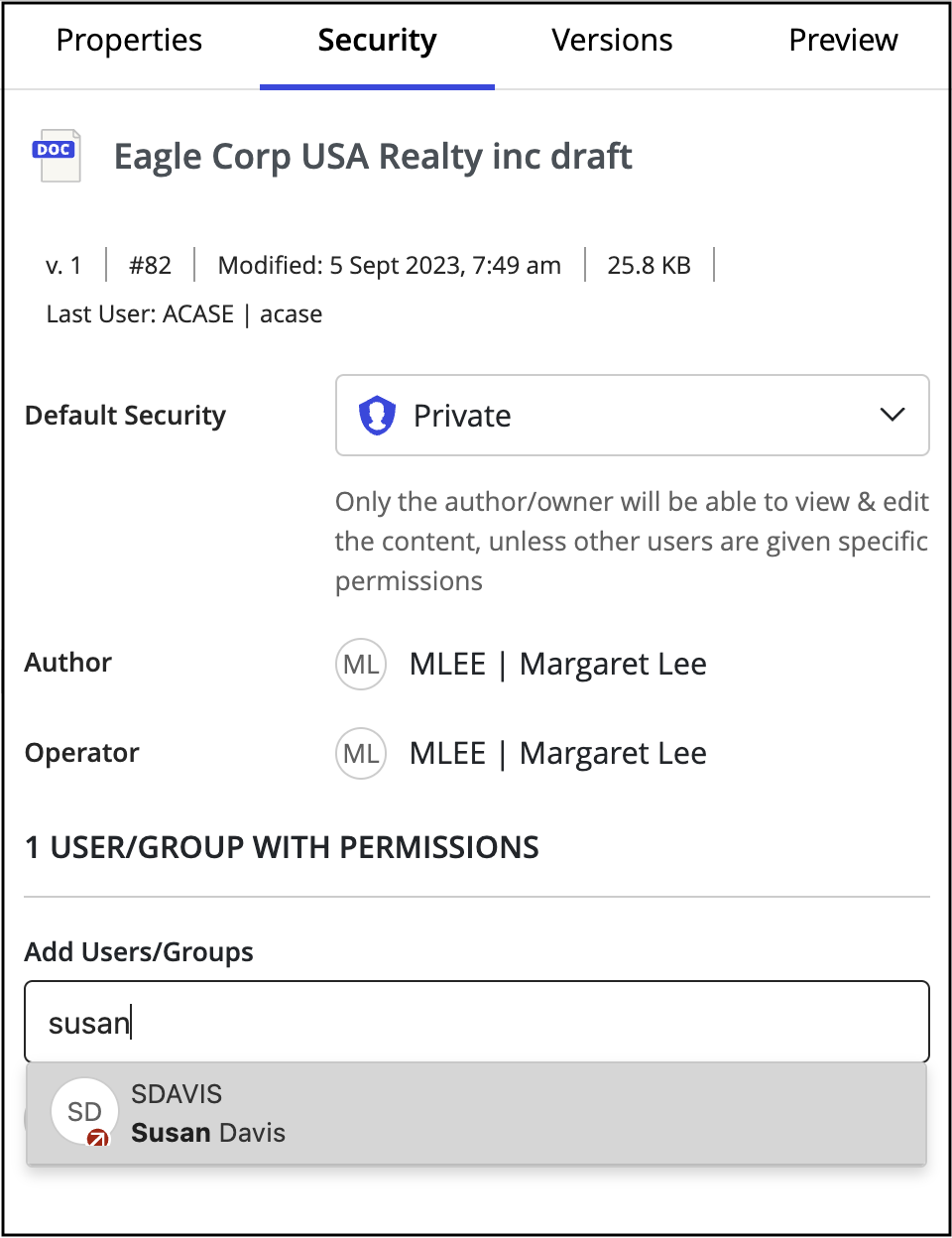
|
Filter facets |
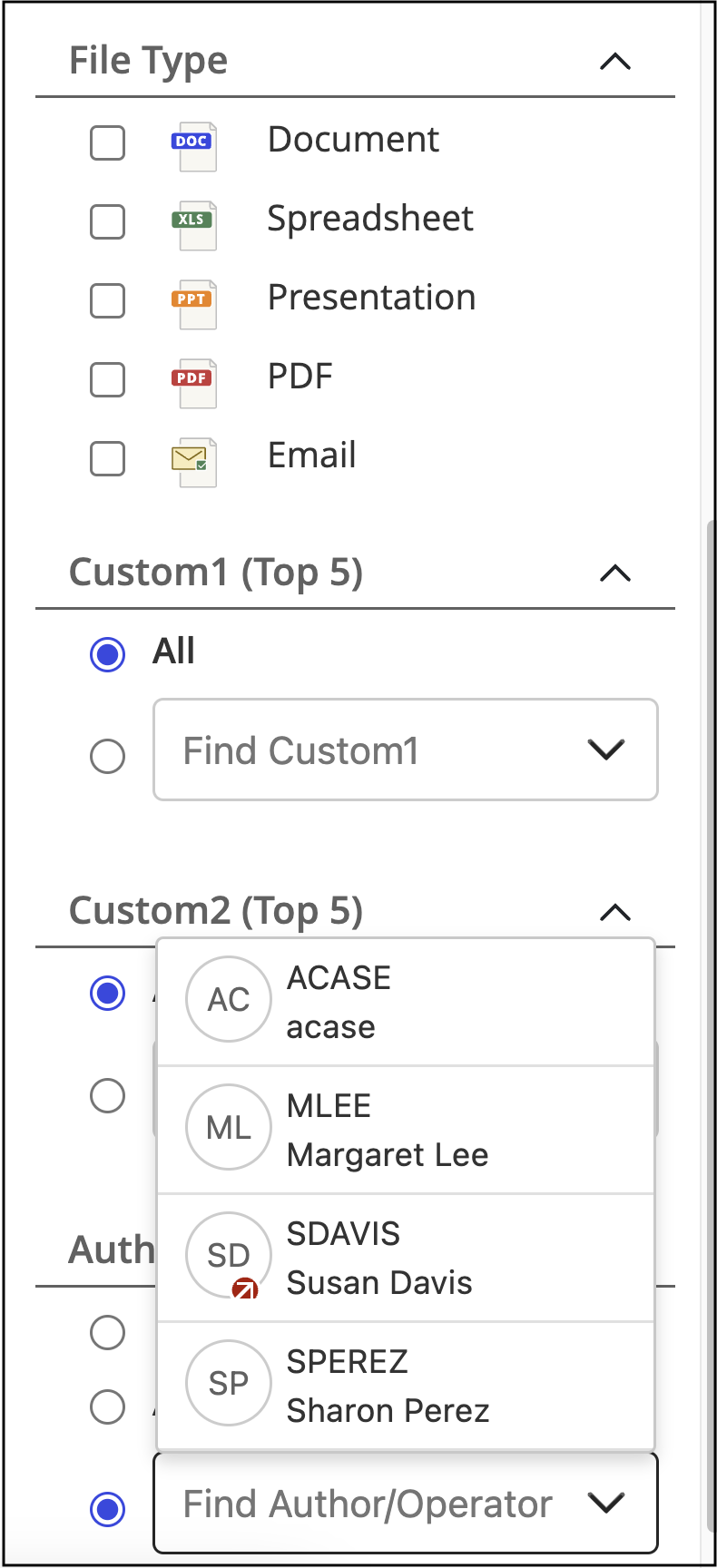
|