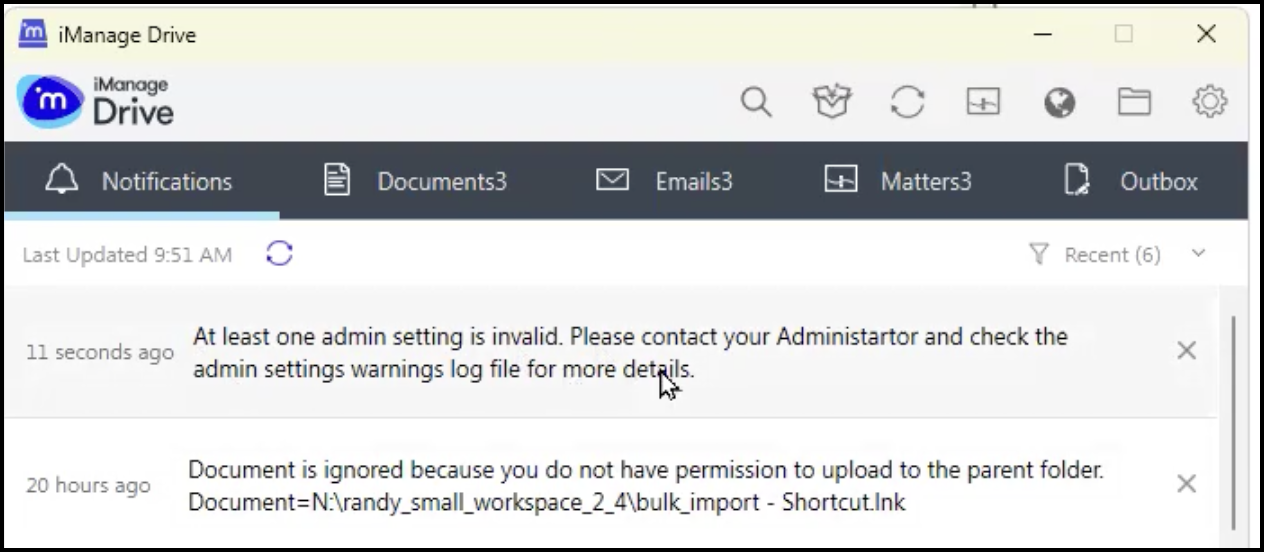
From iManage Drive 10.12.1 onward, when you enter an invalid parameter or value in the admin_setttings.yaml file, iManage Drive displays a notification stating that admin setting is invalid as shown in the following figure.
Figure: Notification for invalid admin setting
A warning log file (admin_settings_warnings.log) is also generated, informing you which admin setting has an invalid parameter. You can access the admin_settings_warnings.log file using Windows Explorer and troubleshoot the issue.
Additionally, you can no longer use the hyphen (-) in admin settings and should use underscore (_) instead. For example, user_role.