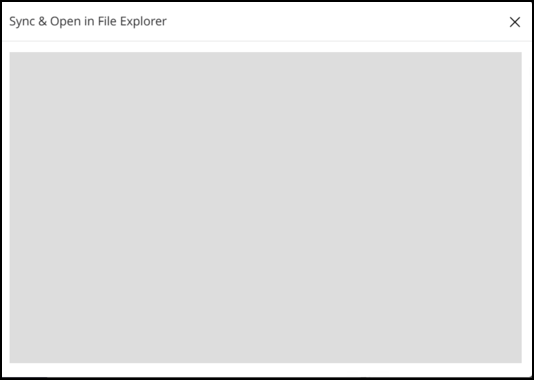
When syncing from iManage Work using web extensions, if a blank screen as shown in the following figure is displayed, you can troubleshoot the sync issues by doing the following:
Open iManage Drive panel, select Settings
 > Preferences. Note the port number provided in Local rest service port.
 Check to see if the value of the local rest service port matches what is configured for the iManage Drive web extension.
If the Microsoft Windows device is a Windows Server device that supports multiple users, then check if enable_local_rest_server_port_forwarding is set to true.
If the port forwarding service isn't configured and the local rest service port doesn't match the web extension port, then you won't be able to sync a workspace to iManage Drive using the web. Make sure you configure port forwarding service on a Windows Server device or match local rest service port with web extension port. For more information about how to configure these settings, refer Enable web extensions for iManage Drive.
NOTE: Support for iManage Drive Port Forwarding Service is available only on Microsoft Windows Server devices, which use multiple iManage Drive users.