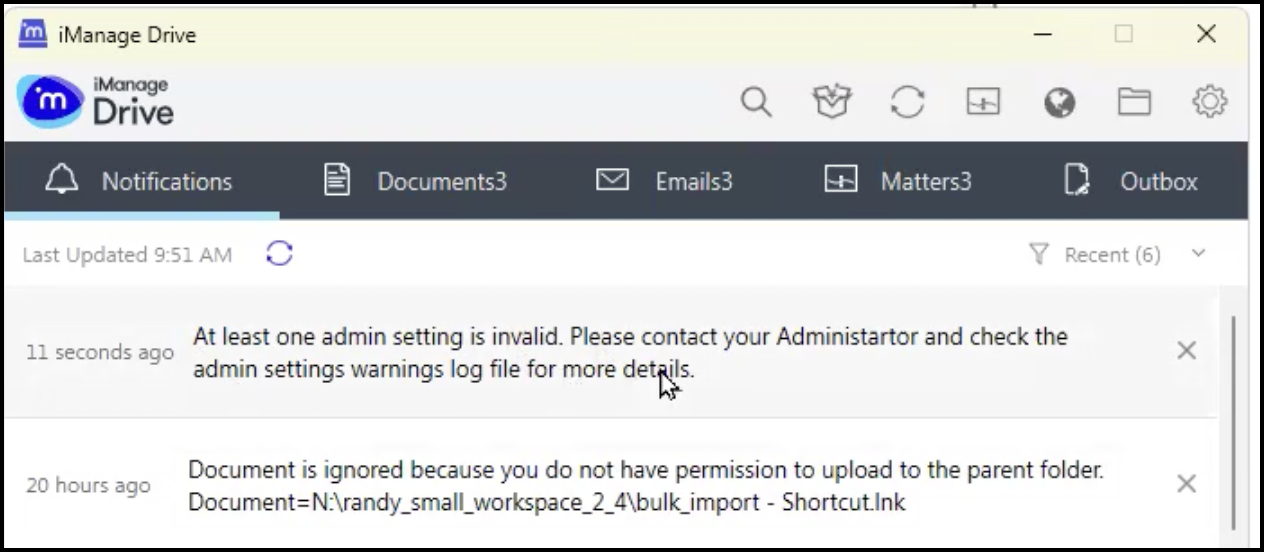
From now, when administrators enter an invalid parameter or value in the admin_setttings.yaml file, iManage Drive displays a notification stating that admin setting is invalid as shown in the following figure.
Figure: Notification for invalid parameters in admin_settings.yaml file
A warnings log file is also generated informing administrators which admin setting has an invalid parameter. Administrators can then browse to Settings  > Show iManage Drive log folder and open the admin_settings_warnings.log file to troubleshoot the issue.