You can remove the active link to the source document in the container document by doing the following:
From iManage Work Desktop for Windows 10.8.0 or later, open the container document.
In the iManage Links Manager panel, select
 next to the source document that you want to remove from the container document.
 Select Break link. The following dialog box appears.
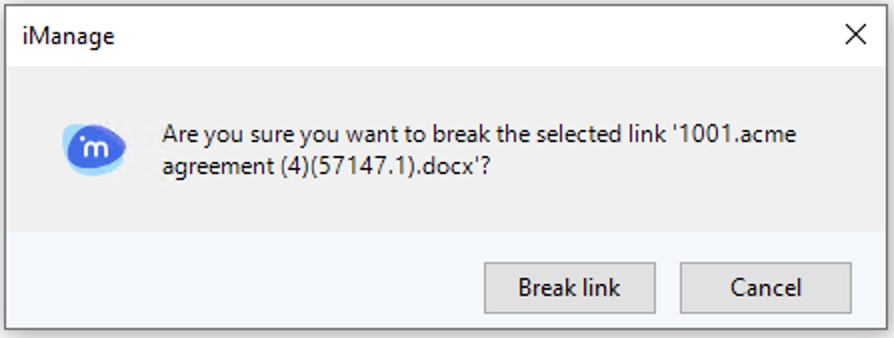 Figure: Break link
Select Break link. The source document is no longer linked in the container document.
NOTE:
The embedded link is still present in the container document and becomes a static image. It can no longer be updated to show new revisions in the source document.