To connect to a different iManage Work environment.
On the iManage tab, select Connect.
From the Connect list, select another iManage Work environment from the list. A green tick mark appears for the server in the list indicating that you are currently connected to it.
You can also switch to a different iManage Work environment from within iManage Work dialogs (Open, Save As, and so on) using the Connect to server list.
Figure: iManage Work connections in iManage Work dialogs
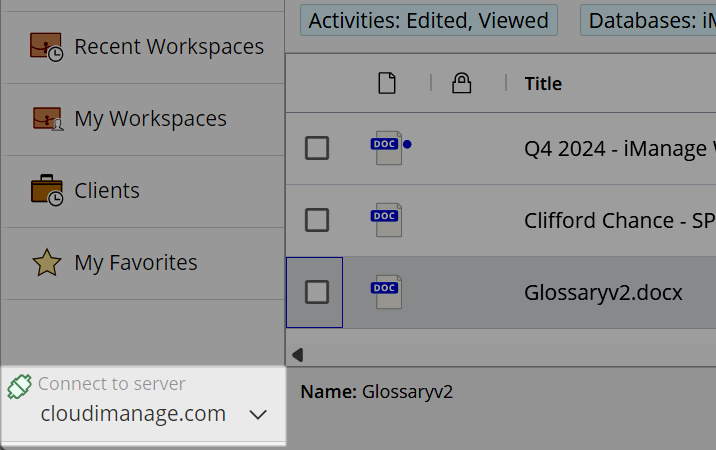
For more information, see Switching server view in iManage dialog boxes.