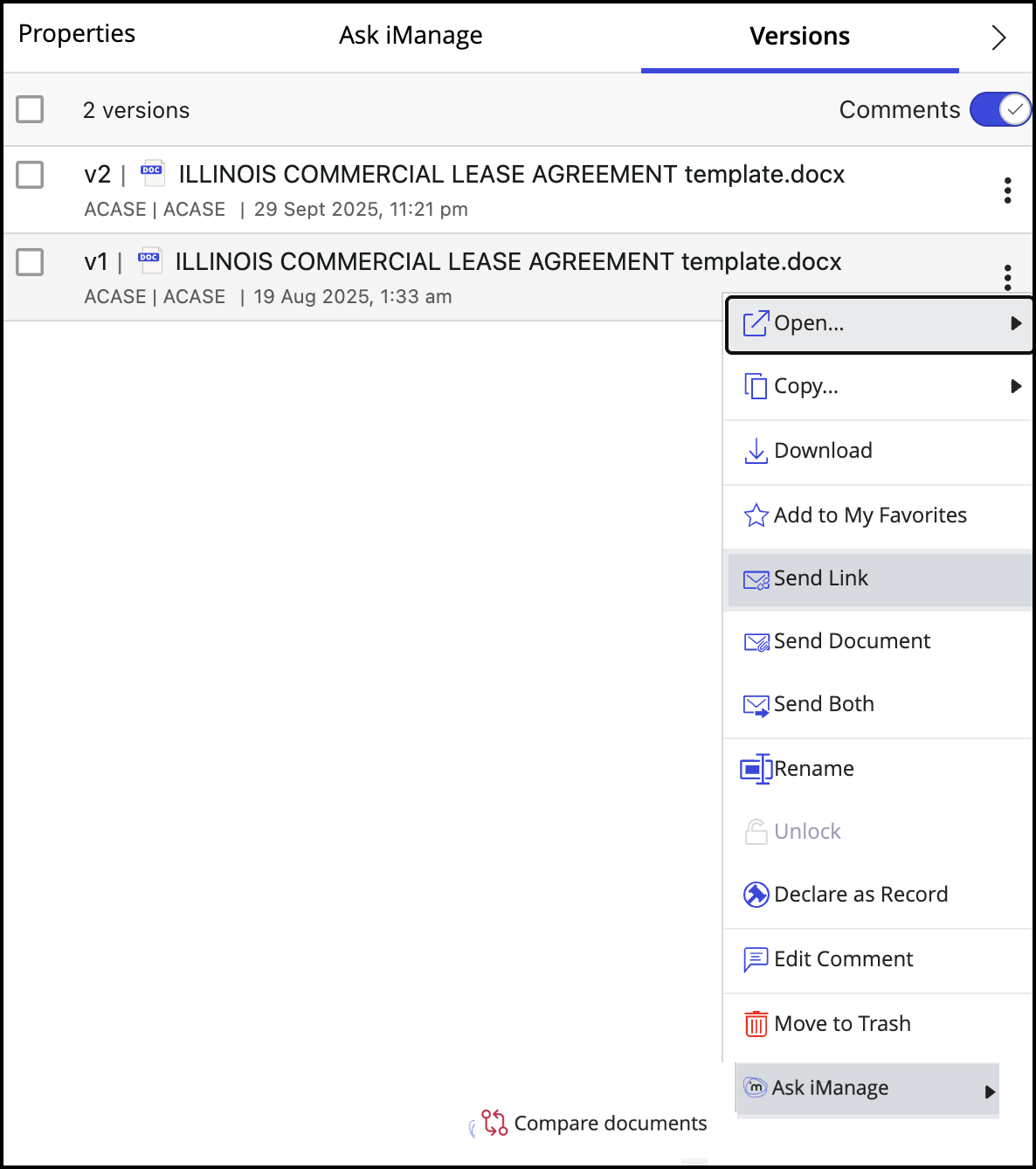
This action helps users to view the Ask iManage right-click option for document Versions in iManage Work at cloudimanage.com.
In iManage Control Center, select Work Clients > Web Client.
Figure: Work Clients > Web Client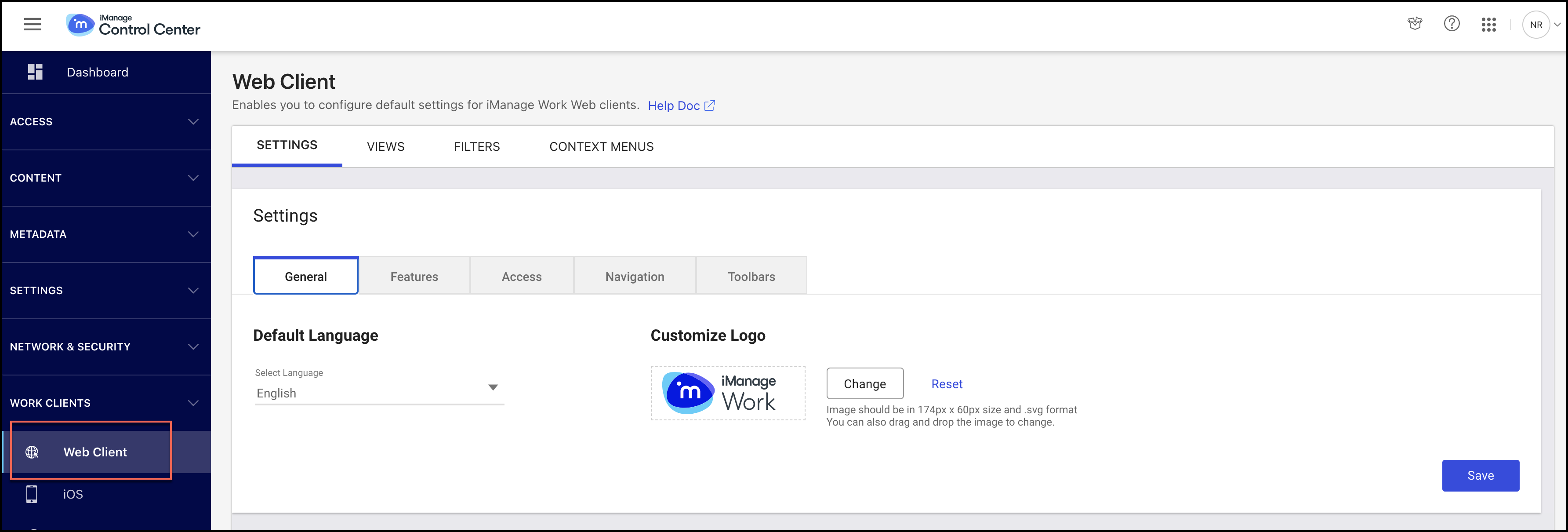
In the Settings tab, select Context Menus.
Figure: Context Menus tab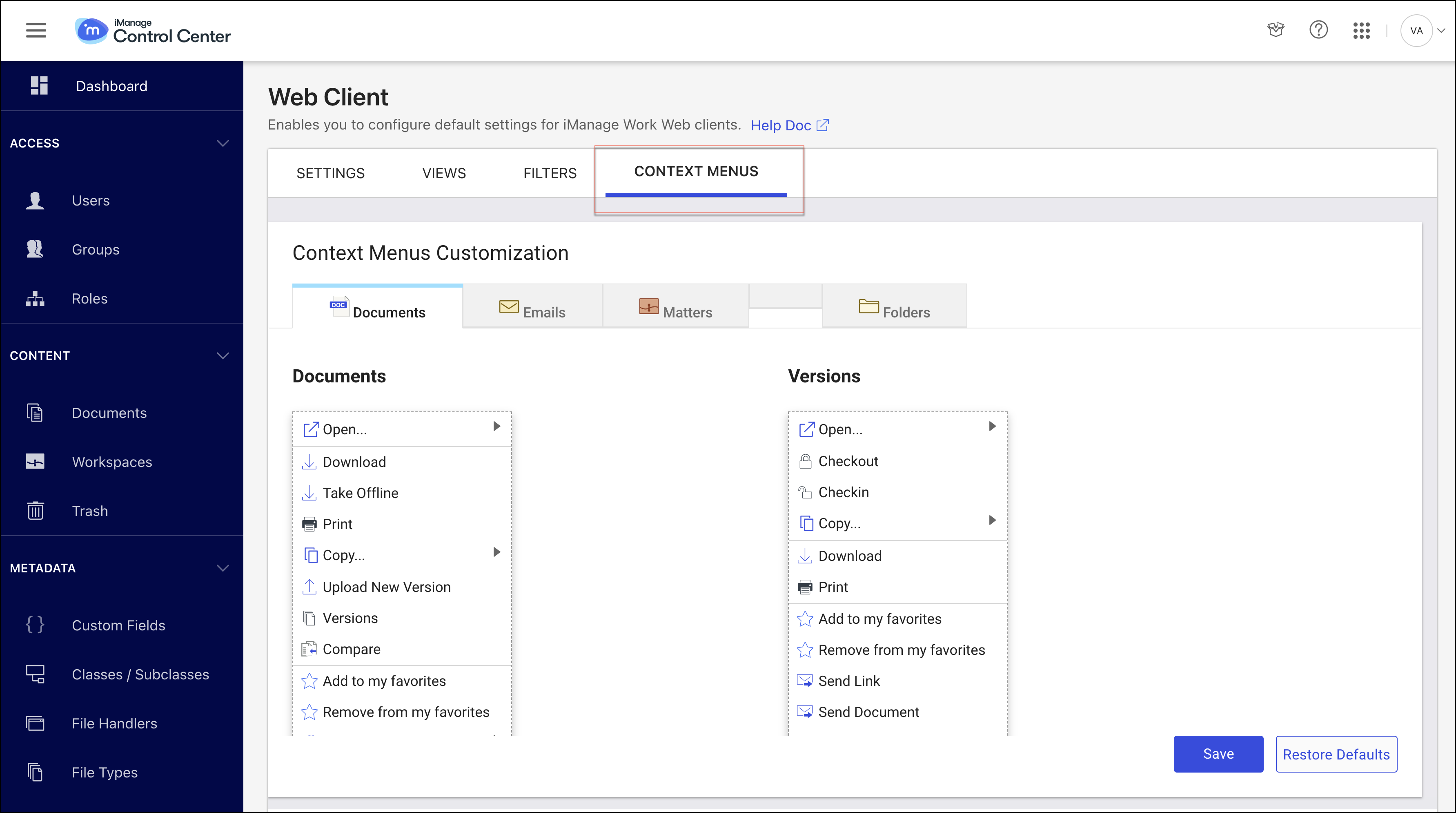
On the Context Menus Customization page, select anywhere in the Versions pane. The Add action option is displayed.
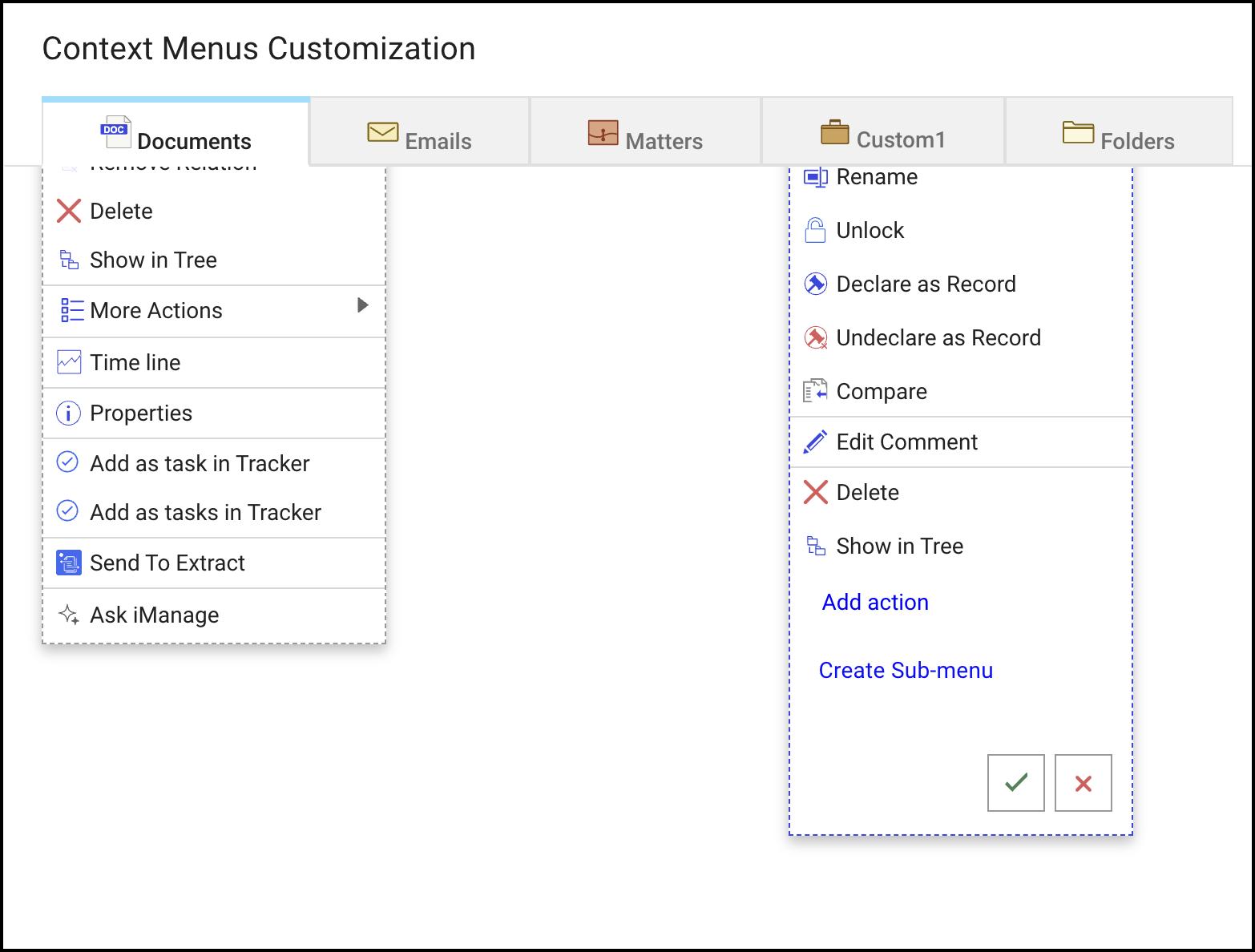
Select Add action and from the list displayed, select Ask iManage.
Select the
 icon and then select Save to complete the action. The option is now displayed on the right-click menu in iManage Work at cloudimanage.com.Figure: Confirm addition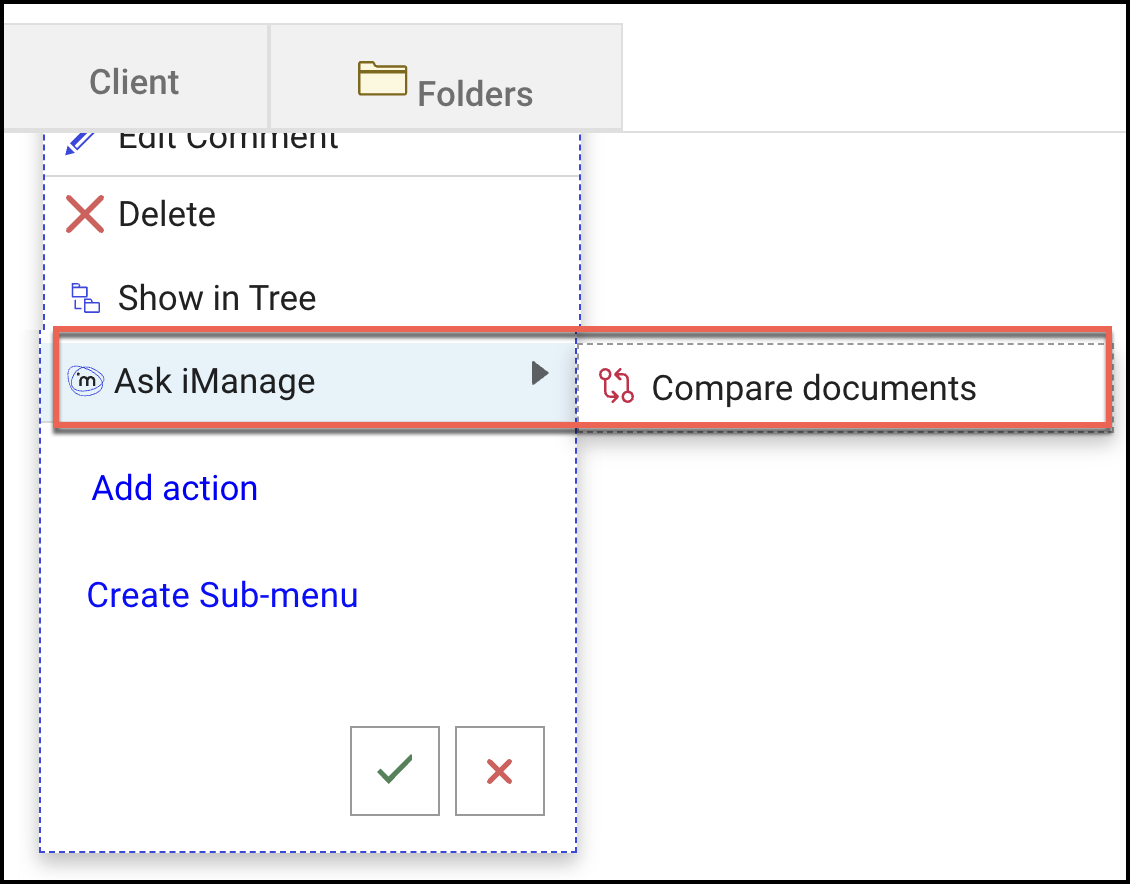
Go to iManage Work at cloudimanage.com, open the Versions tab and right-click any of the document, and check for Ask iManage option for the various versions of the documents.
Figure: Ask iManage enabled for document version