This configuration lets you configure Ask iManage in the left navigation pane in iManage Work at cloudimanage.com.
In iManage Control Center, select Work Clients > Web Client.
Figure: Work Clients > Web Client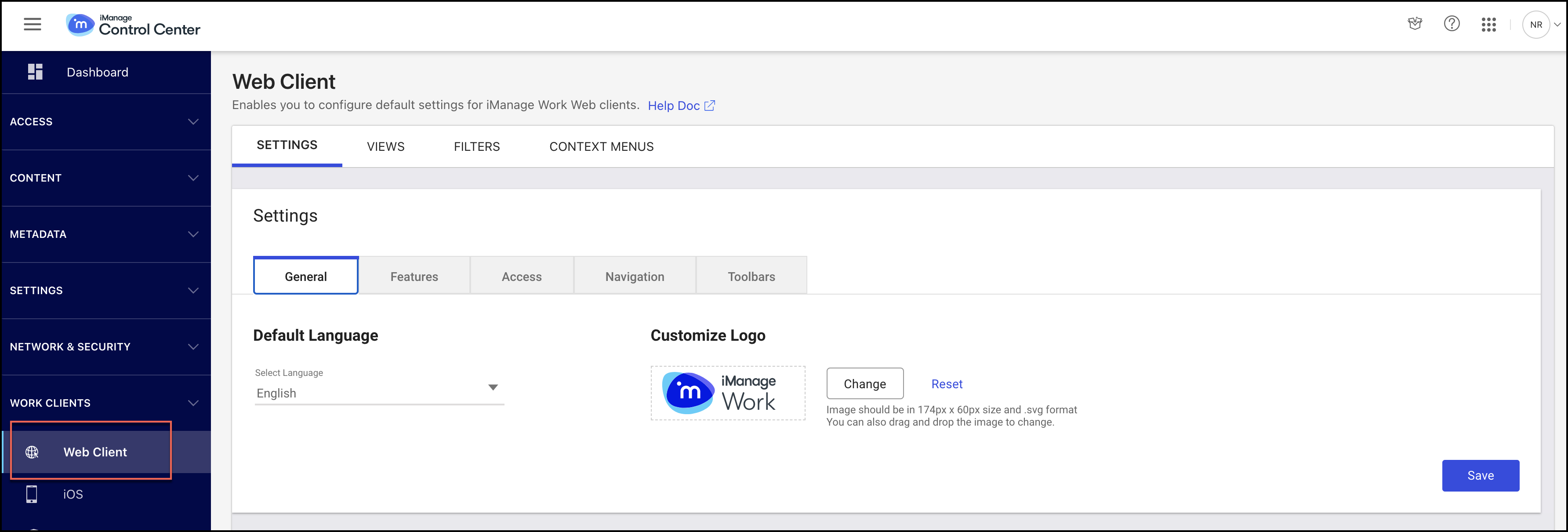
On the Settings tab, select Navigation.
Figure: Context Menus tab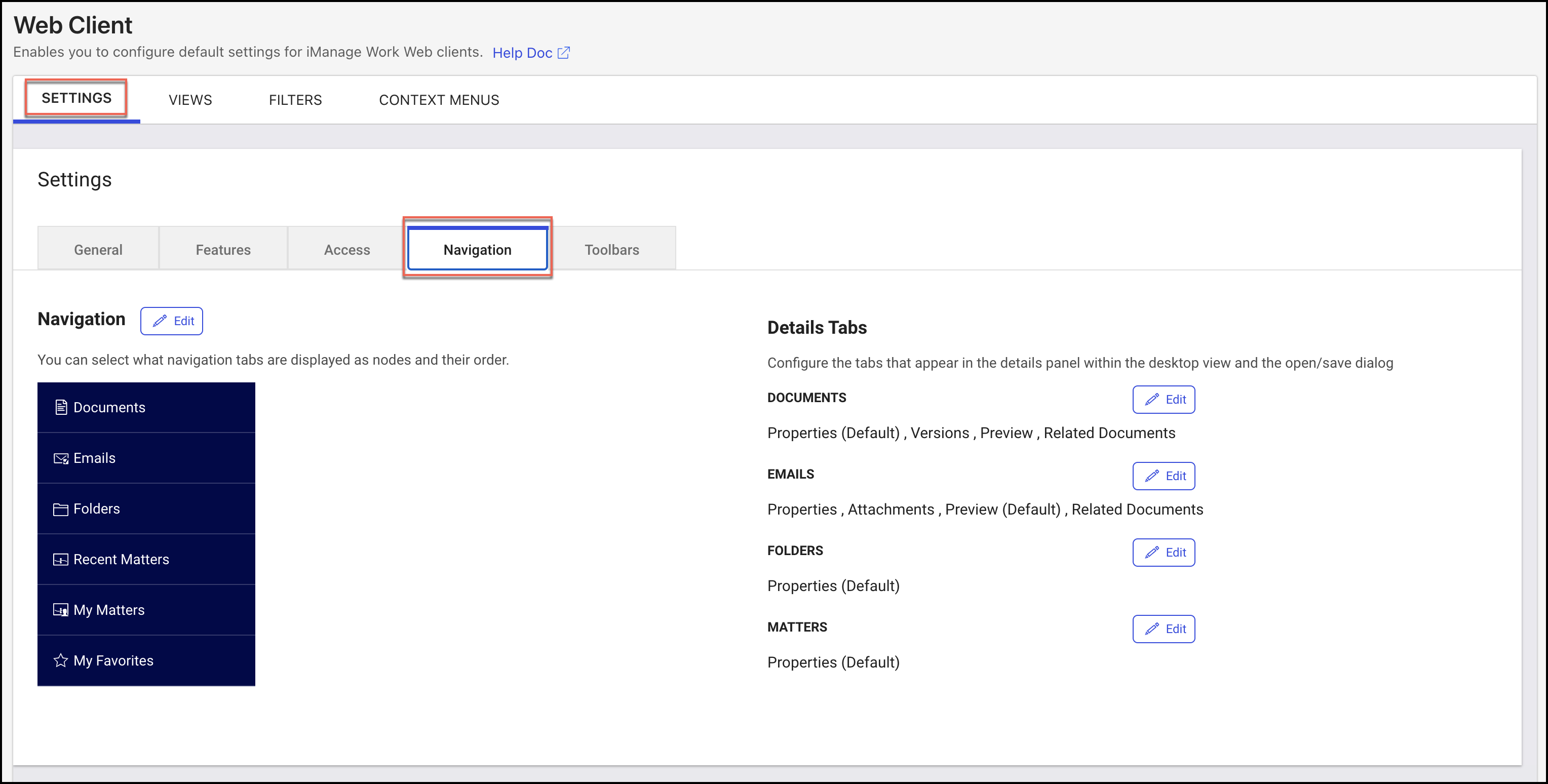
In the Navigation row, select Edit.
In the Navigation dialog, do the following:
Select the Ask iManage check box.
Figure: Ask iManage checkbox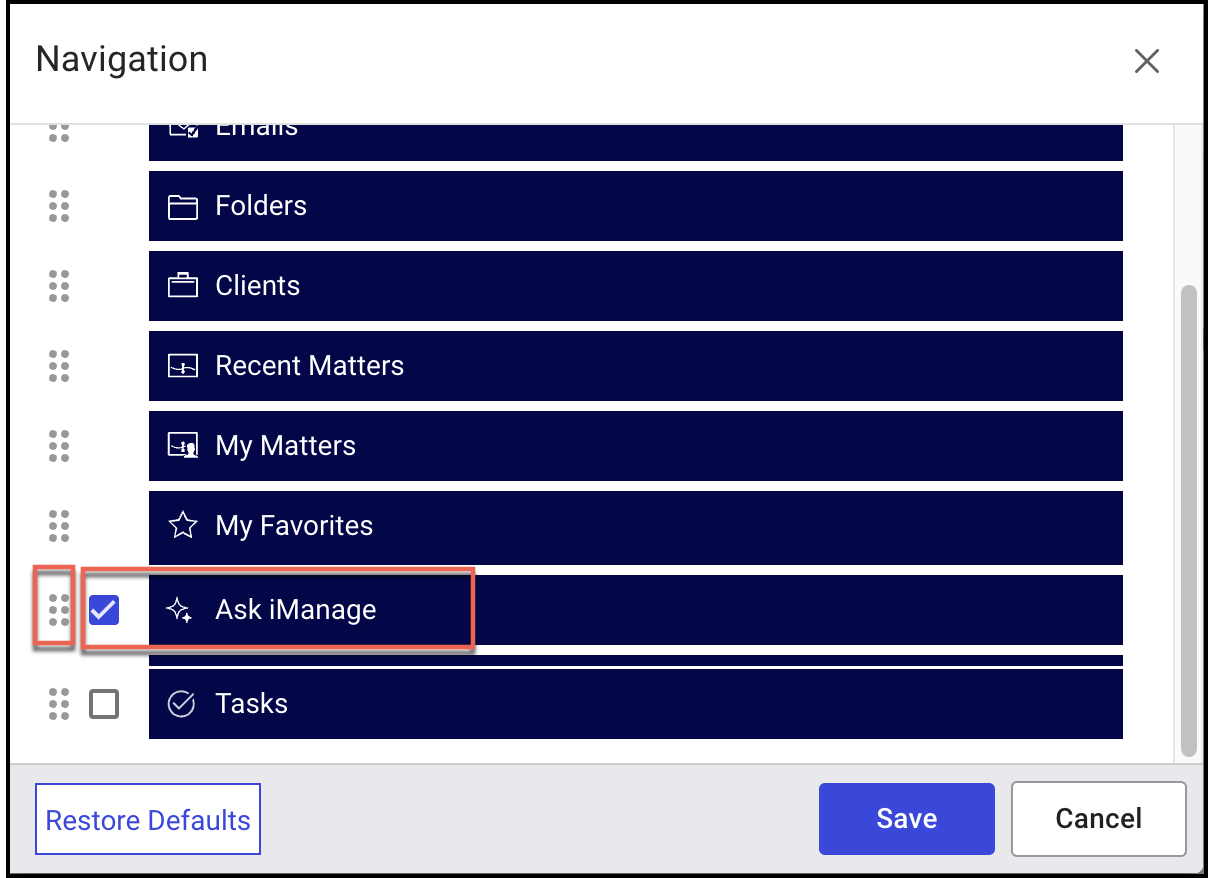
Select the reorder
 icon next to the Ask iManage field and move it in the list to set the preferred order for it in the list of tabs.
Select Save. The Ask iManage panel is now displayed in iManage Work at cloudimanage.com in the left navigation pane.