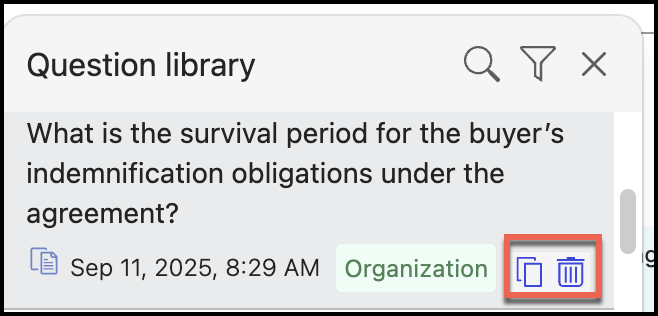
By default, the question is saved with Personal visibility, implying that only you'll have access to that question. To make it available to other users in your organization, change the visibility to Organization:
Select the Open the question library
 icon. Figure: Select the Open the question library icon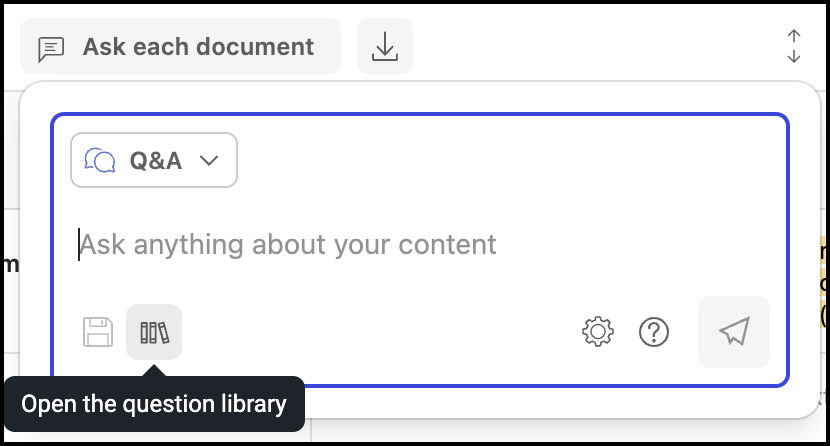
In the list of questions displayed, change the select Personal to change the visibility to Organization.
Figure: Changing the visibility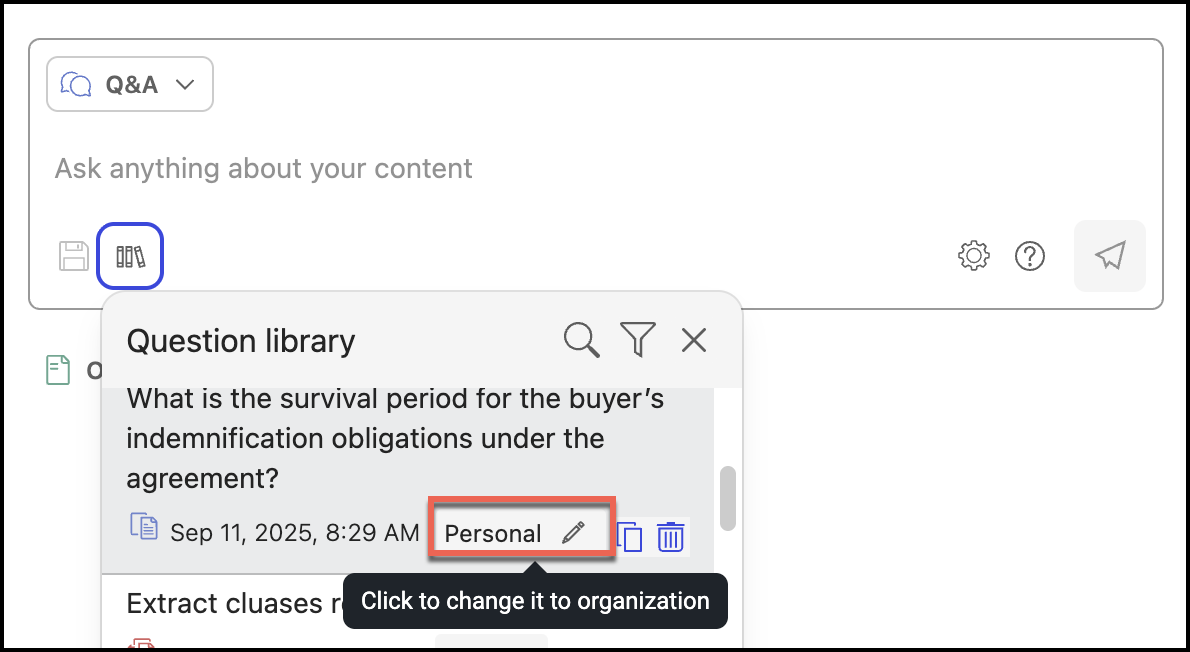
The visibility changes as shown in the following figure:
Figure: Changed visibility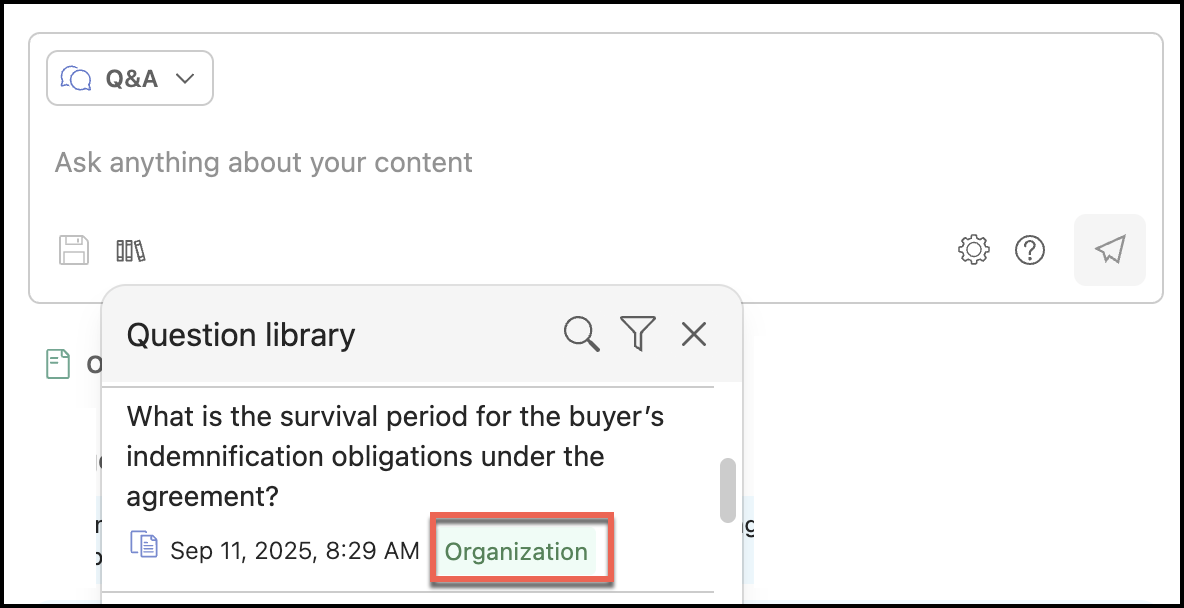
You can similarly change the visibility from Organization to Personal by performing the above steps.
(Optional) To copy the question to the clipboard, use the copy
 icon, and delete the question from the question library using the Delete
  icon.Figure: Copying or deleting the question