You can delete the question and the response by doing any of the following:
In the matrix view, hover over the column and select the Delete
 icon.
icon. In the matrix view, select the evidence of an answer for which you want to delete. The details appear in the left pane as shown in the following figure:
Figure: View the question in the left pane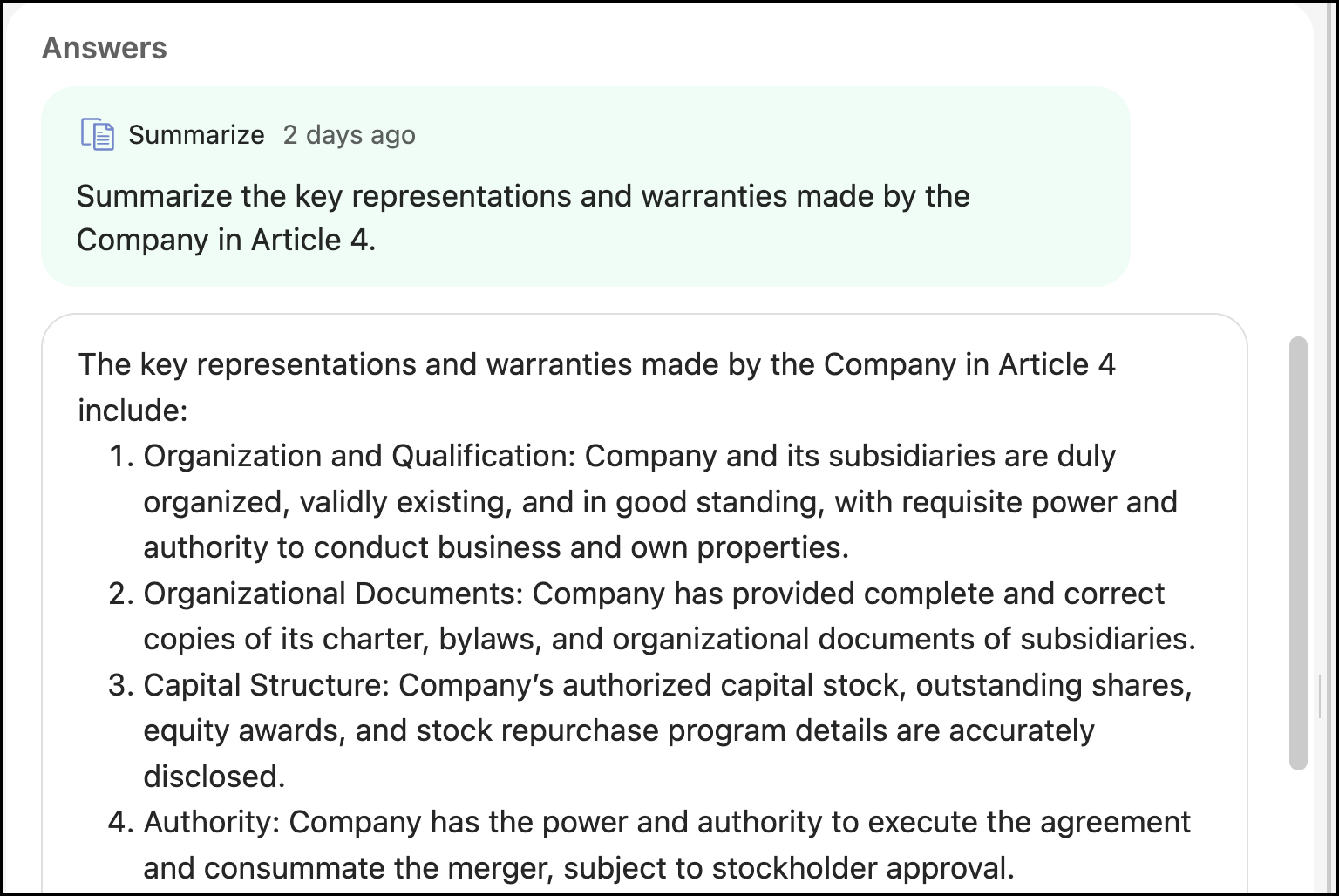
Hover over the question and then select the Delete
icon to delete the question.