Go to the Ask iManage side panel. For instructions about how to browse to either of these, refer to Accessing Ask iManage in iManage work at cloudimanage.com.
Select the document which you want to access using Playbook.
To display the Playbook dialog, select Playbook.
There are two kinds of playbooks.
Organization: These are available for everyone in the organization to select from.
Personal: These are created by users for their specific use and are visible only to the user who created it.
Select the playbook against which you are accessing the document.
Ask iManage runs the assessment as shown in the following:Figure: Accessing a document with a playbook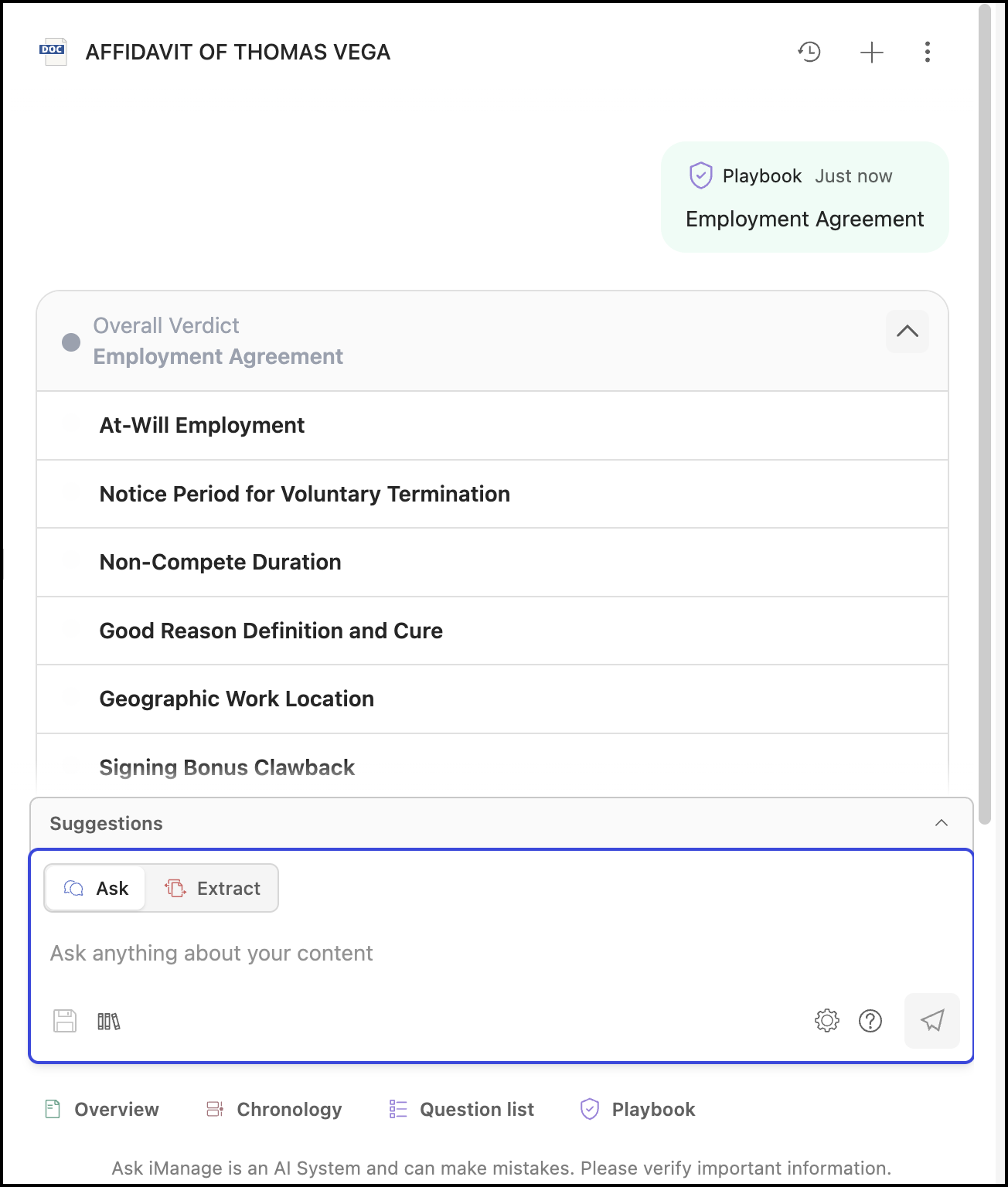
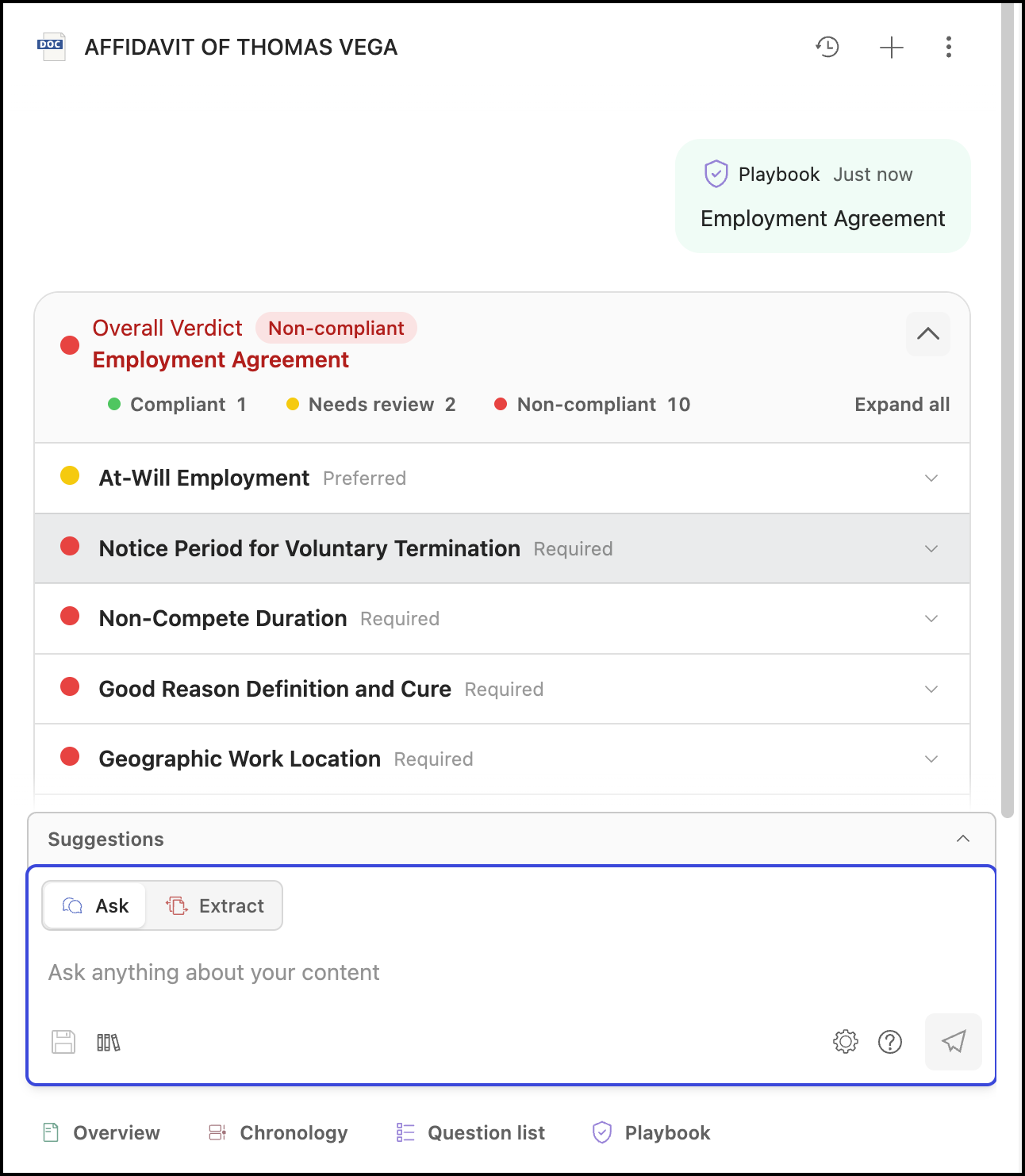
The document is accessed and Ask iManage provides if the document is complaint with each rule defined and also overall compliance of the document.
Figure: Compliance for each rules and overall verdict