In the Ask iManage page or Ask iManage page accessed from iManage Work sidebar, select the project to open it and then select Add document.
Figure: Selecting Add a document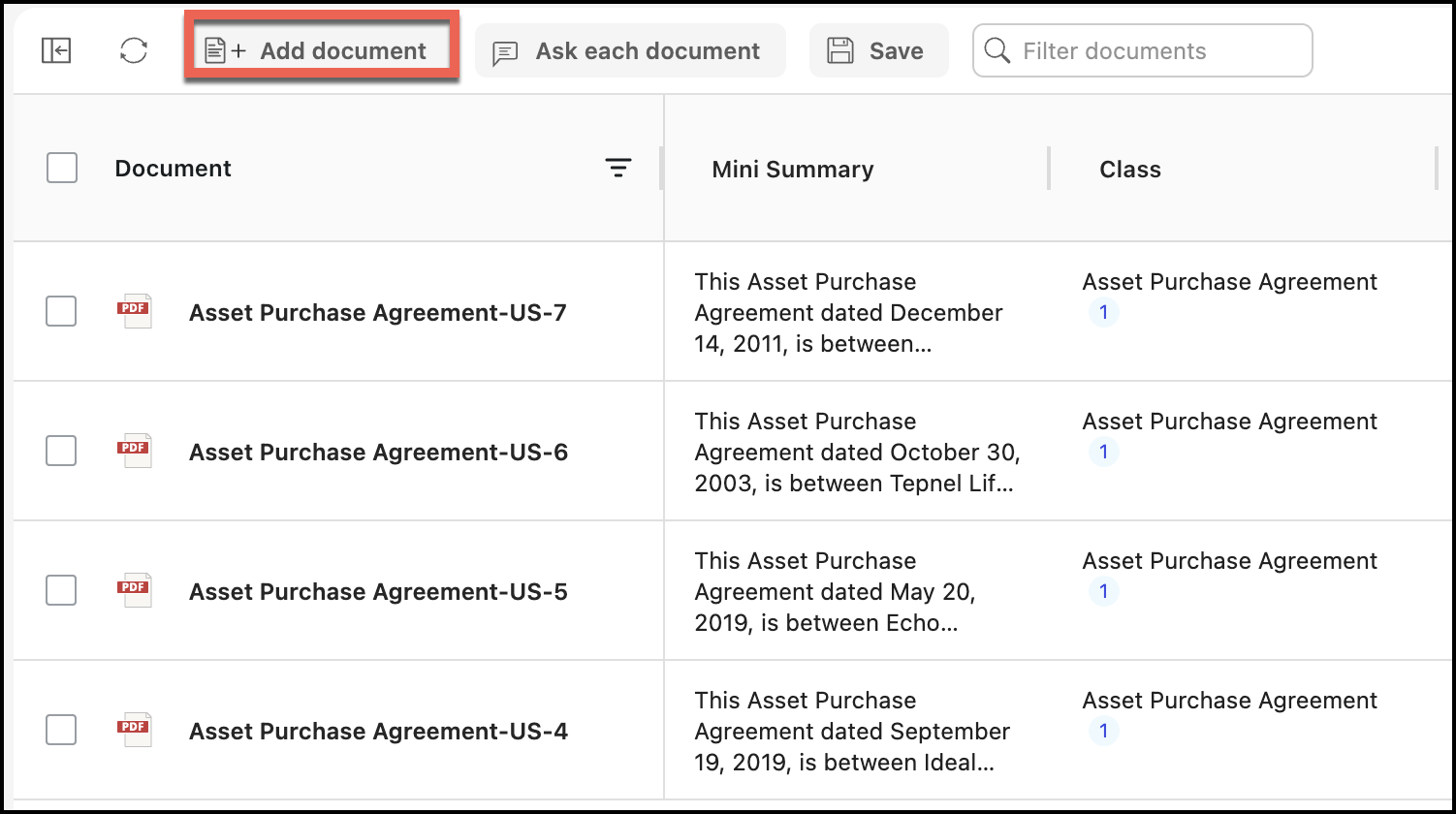
In the Select documents dialog that appears, select one or more documents as shown.
Figure: Selecting documents to add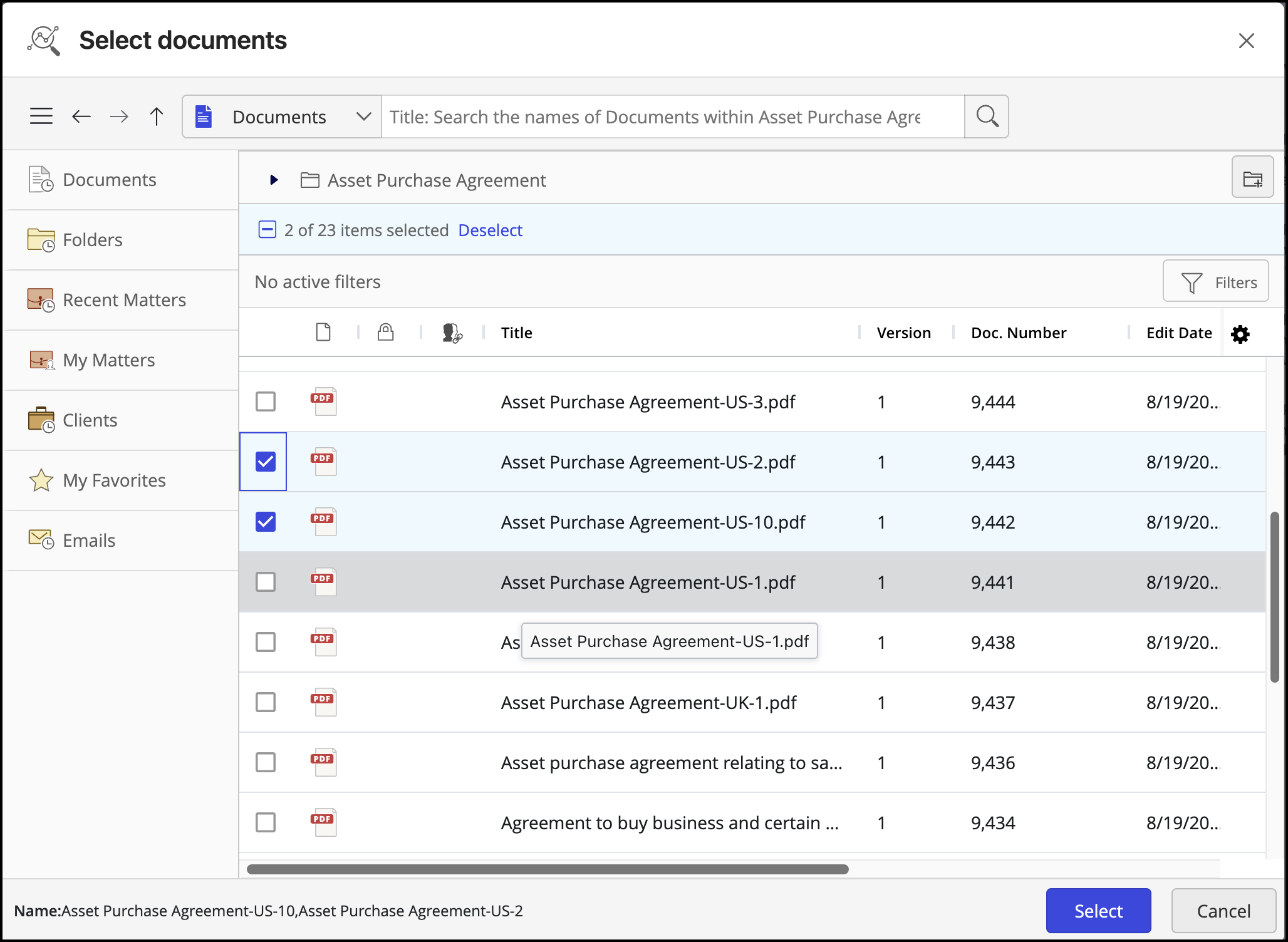
Select Update or Dismiss to update the questions.
Figure: Selecting Update or Dismiss
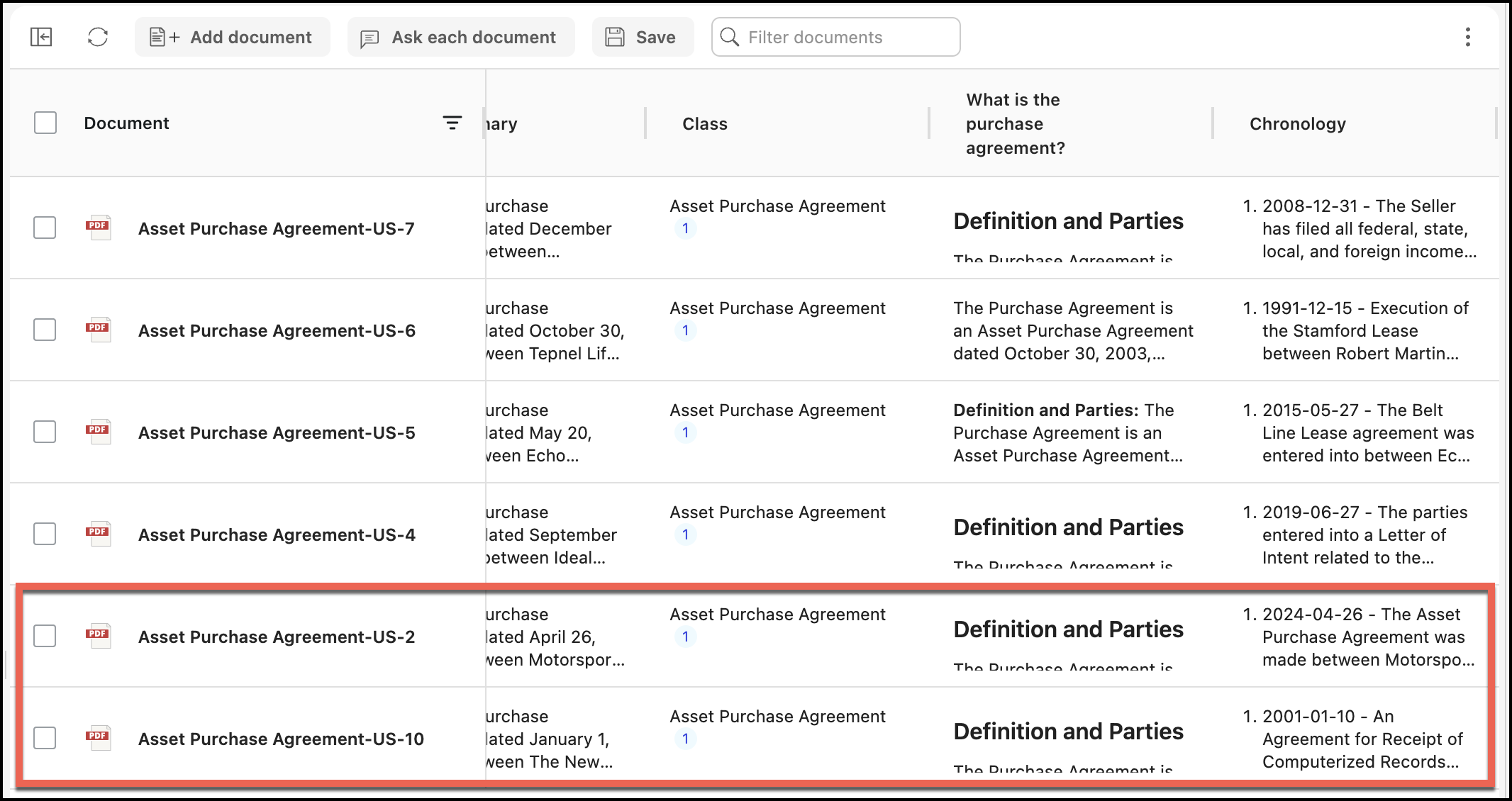
The documents are added to the table as shown in the following figure:
Figure: Additional documents added