In iManage Work at cloudimanage.com, select Ask iManage from the left navigation pane.
Hover over the Ask iManage icon and then select
Expand sidebar to view all the projects. Alternatively, select
 Search projects to view all the projects. Figure: Viewing all the projects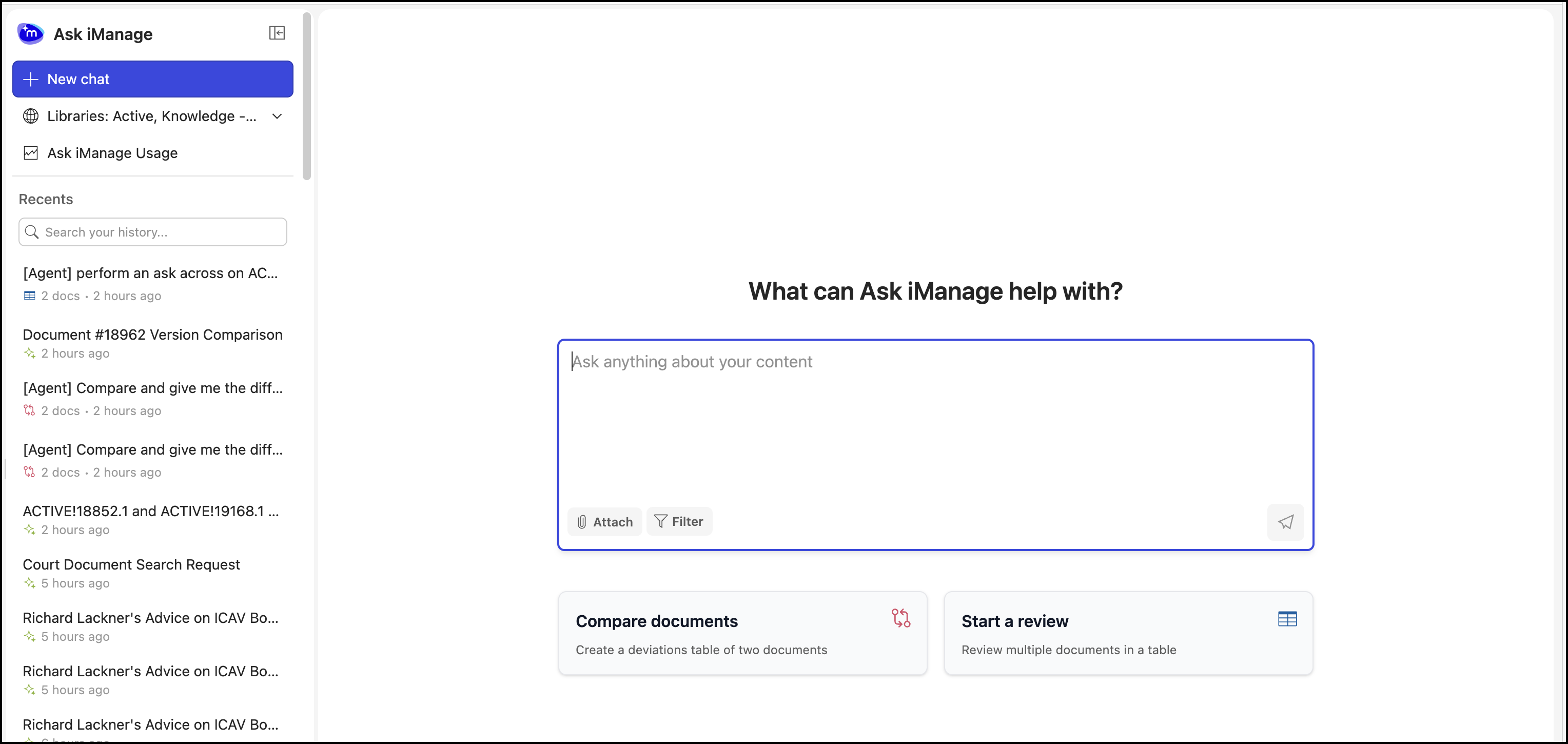
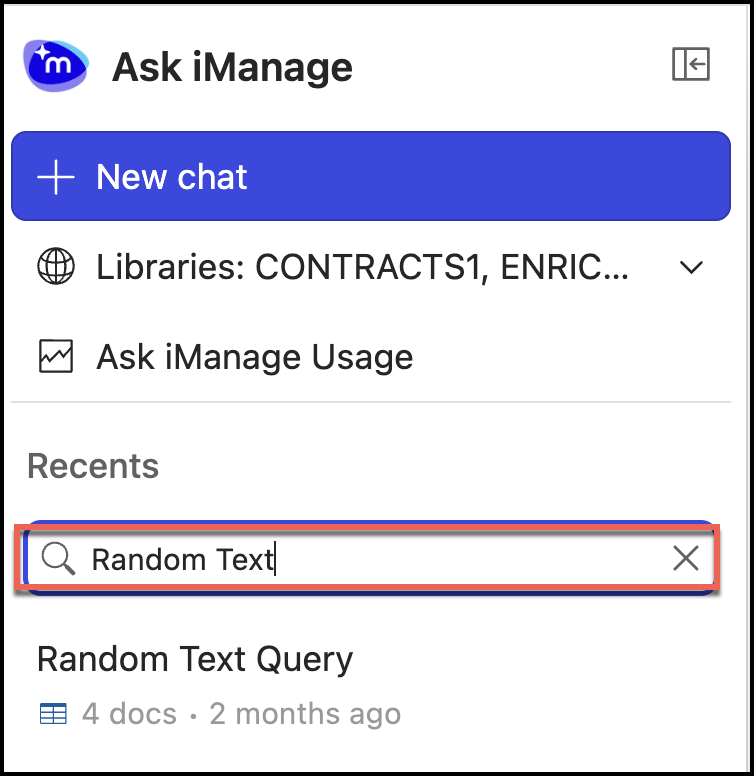
In the Search your history.. field, search for the project and select it.
Figure: Search results