iHelp provides guided onboarding and in-product help for iManage Cloud, but it isn't turned on by default. An administrator must enable it in iManage Control Center before it's available to users. This article describes how to enable iHelp and, optionally, how to integrate useiManage with it.
For an overview of what iHelp offers, refer to iHelp: Your onboarding and user guidance feature to get started with iManage Cloud.
Prerequisites
You must be a member of the NRTADMIN group, or be assigned to a role with Tier 2 access to iManage Control Center.
You must enable analytics in iManage Control Center before you enable iHelp. To do this, browse to Settings > Global > Analytics and set Enable collection of usage analytics by iManage? and Enable collection of search analytics by iManage? to Enabled.
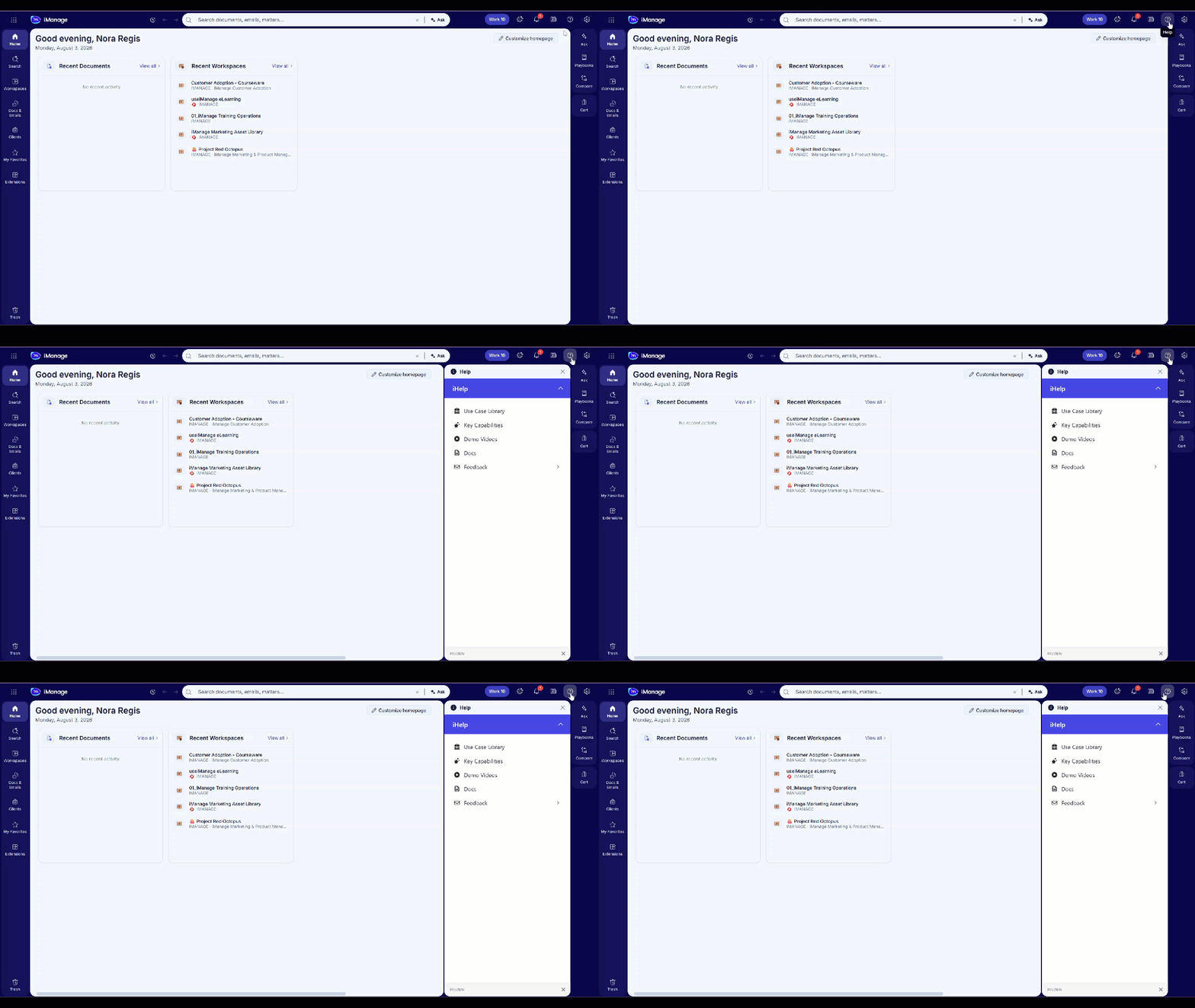
Enable iHelp
To enable iHelp:
In iManage Control Center, browse to iManage Platform (web) > General.
Locate the Enable iHelp setting and select Yes to turn it on.
NOTE: Turning on iHelp for the iManage platform users displays the in-app guidance only within the iManage platform interface. It won't be displayed for users in iManage Work 10 web.
Integrate useiManage with iHelp
iManage Premium subscribers can integrate their subscriptions with iHelp to access material directly on the iManage platform.
To integrate useiManage with iHelp:
In iManage Control Center, browse to iManage Platform (web) > General.
If Enable iHelp isn't set to Yes, set it to Yes.
Set the useiManage/iHelp integration option to Enabled.
Enter your custom useiManage subdomain.
Select Save.
The useiManage/iHelp integration setting displays only if Enable iHelp is set to Yes. If you're unsure of your useiManage Premium subdomain, contact training@imanage.com.