When your administrator has applied security policy in iManage Control Center, you'll be able to transfer files only to third party websites specified by your administrator. When this policy is applied, a notification is displayed when you sign into iManage File Transfer.
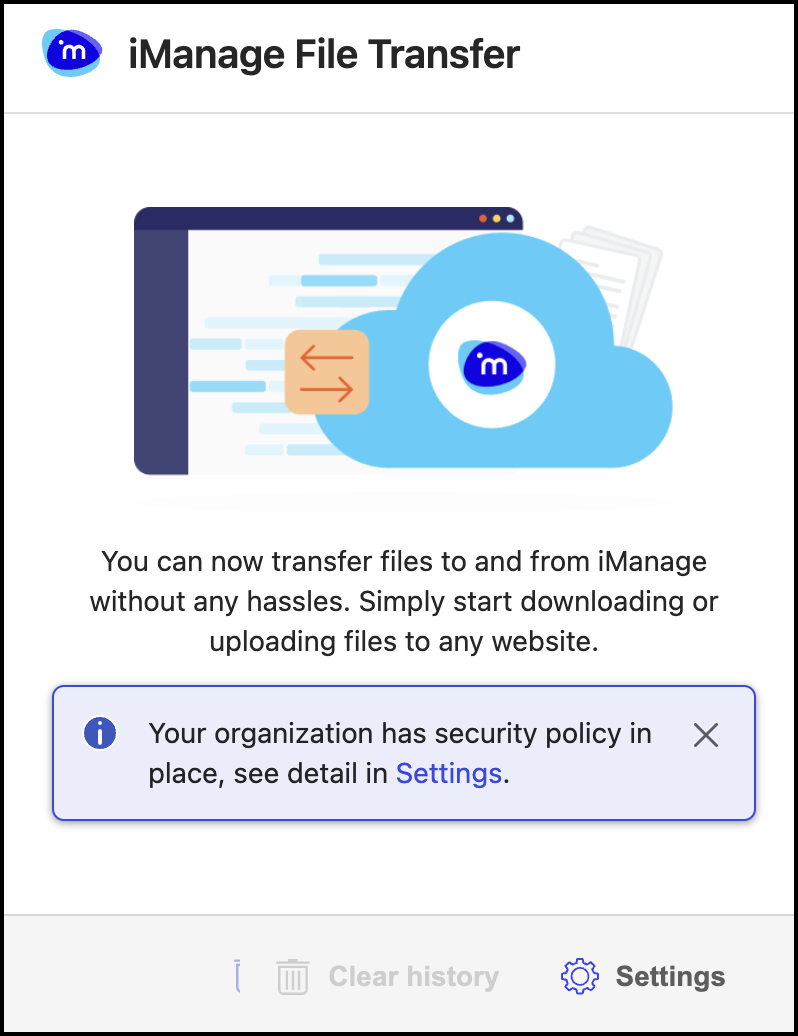
To view the list of websites to which you can transfer files, select Settings in the notification. Alternatively, select Settings in the iManage File Transfer dialog to view the list of these websites.
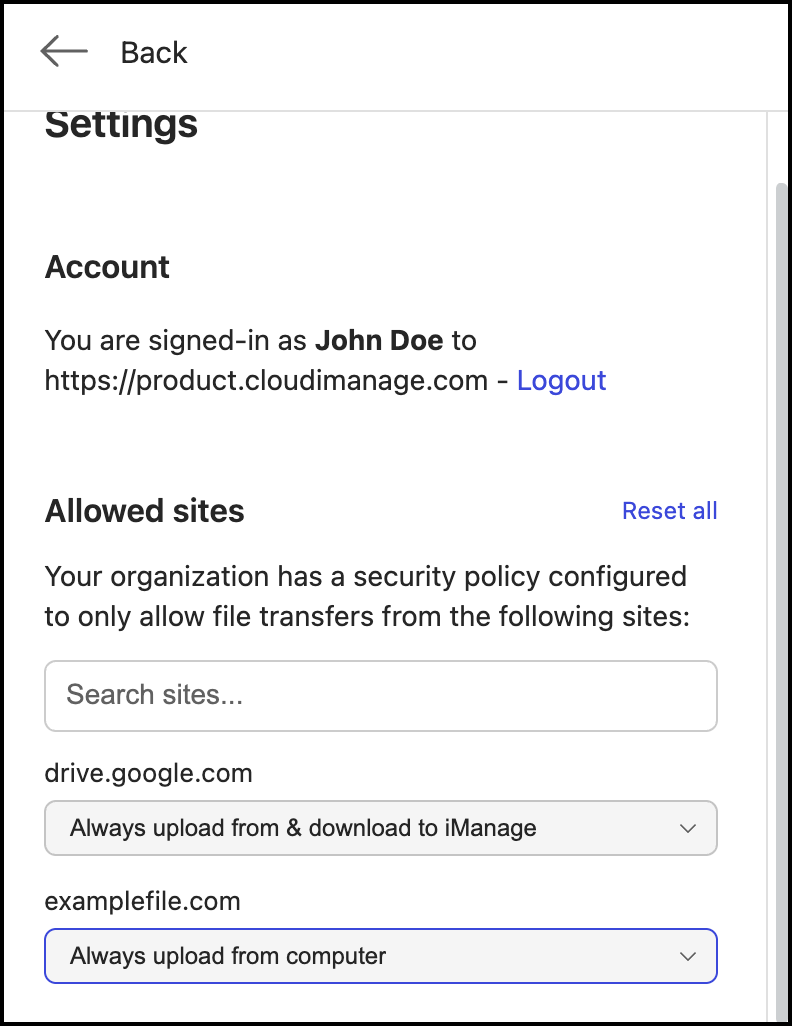
If you try transferring files to any site other than the allowed sites, then iManage Open or iManage Save dialogs aren't displayed.
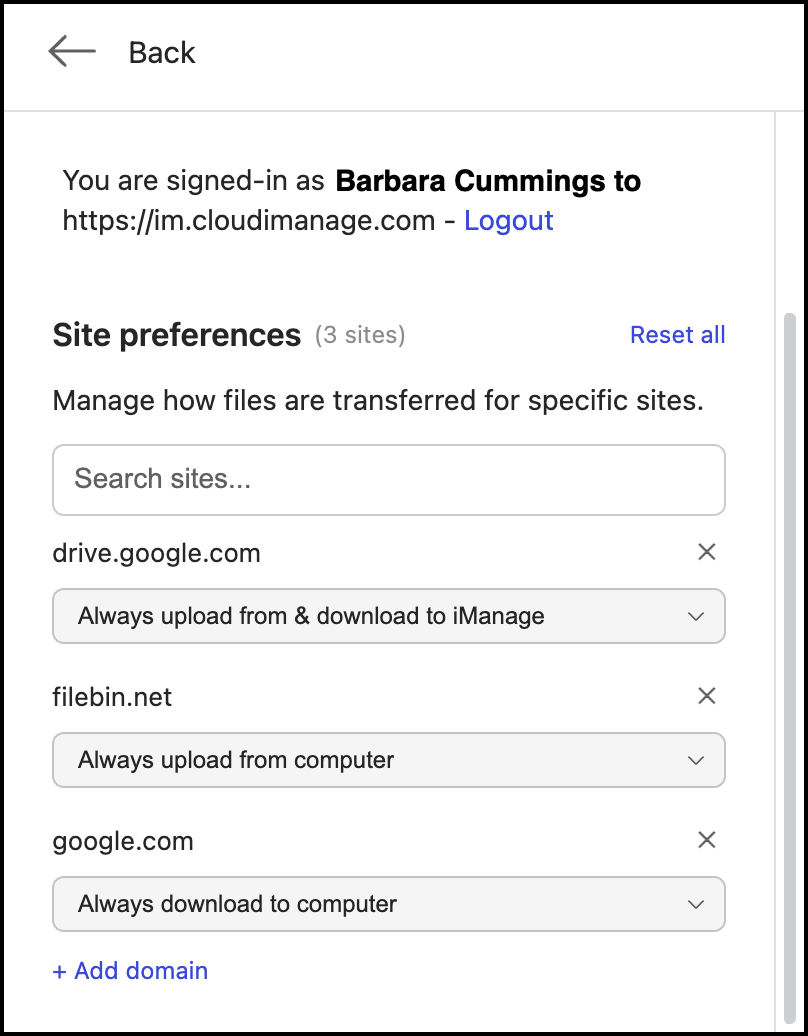
If your administrator hasn't applied any security policy, then you can transfer files to any third-party website. Selecting Settings would then display the following dialog.
NOTE: You have to sign in to iManage File Transfer for any applied security policy changes to take effect.
For more information about configuring security policy, contact your administrator or refer to Configuring Allow list in iManage Control Center.
You can also set site preferences for all the domains that are added by your administrator. For more information, refer Managing site preferences.