To upload files from iManage Work to a third-party website:
NOTE: The iManage file picker enforces selection of a single file if a website accepts upload of one file only.
Open the third-party website to which you want to upload files.
Select the upload option that's available on the website.
Enter your iManage Work credentials, if prompted.
In the Select file to upload dialog, browse to the location where the files are saved and choose Select. To upload files from your device, select the Select from local computer instead.
Figure: Select files to upload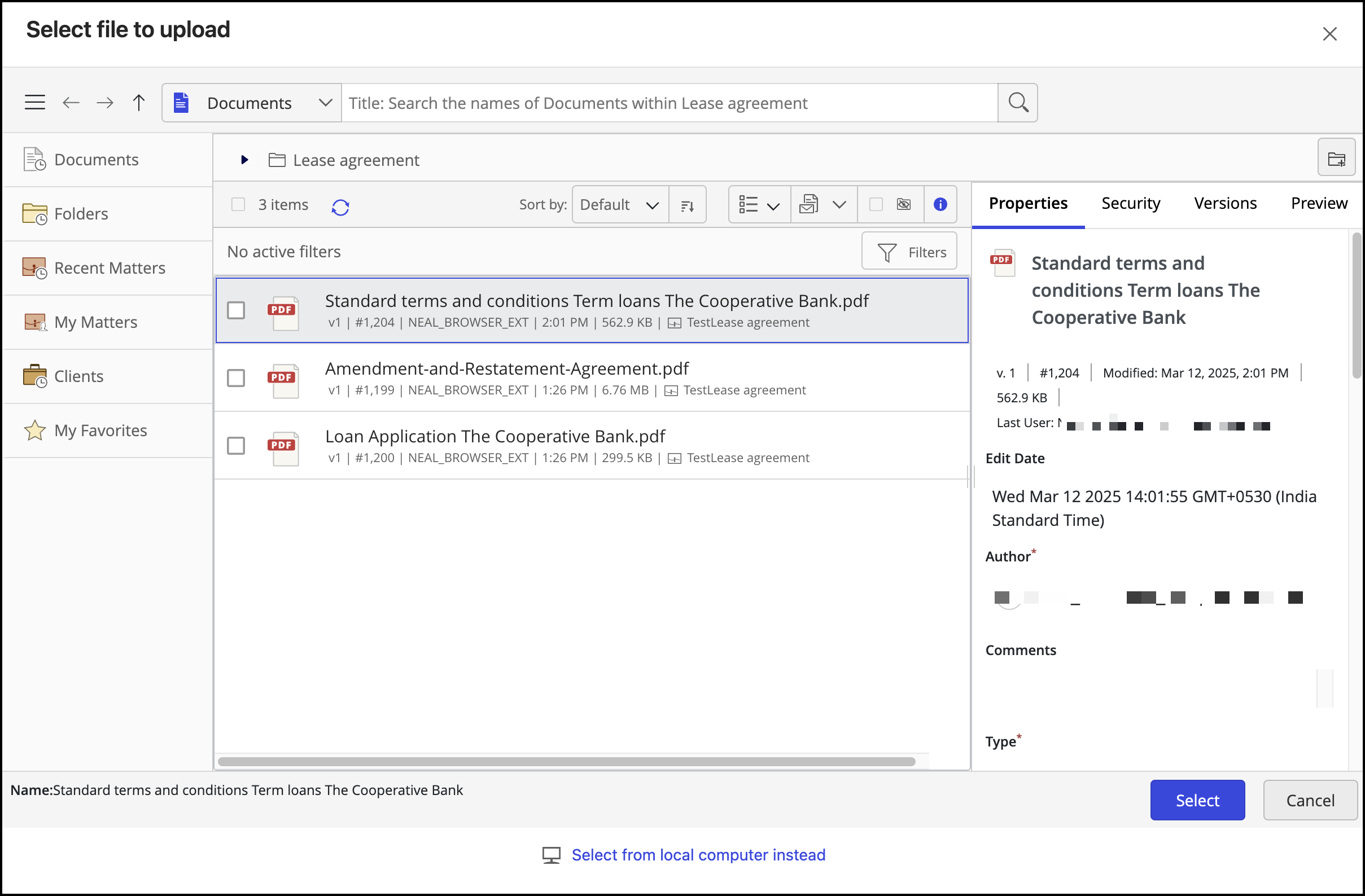
The files are uploaded to the third-party website.
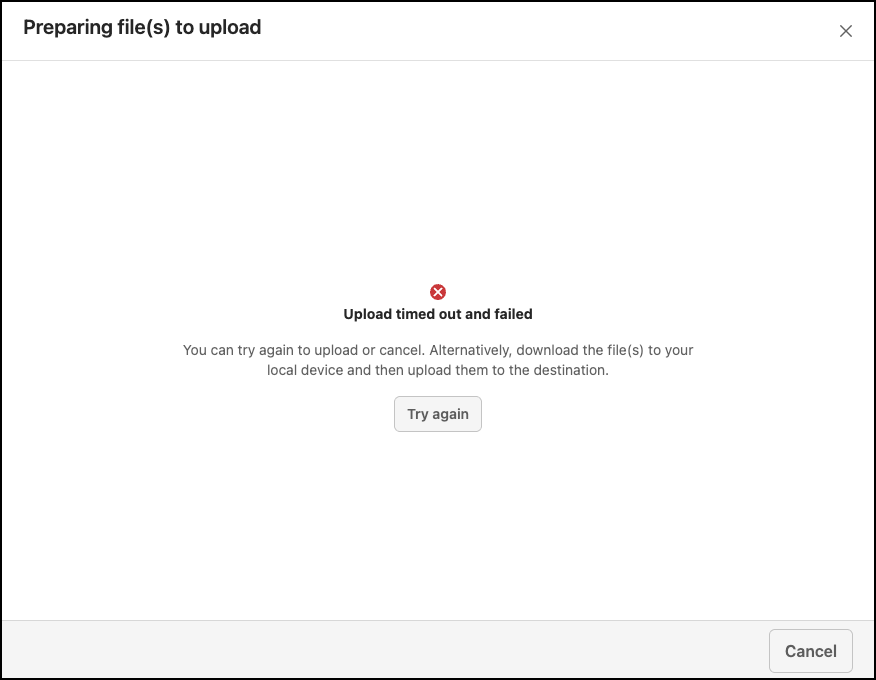
When uploading multiple files or large-size files, it's possible that the upload might time out or fail. In these cases, the following message is displayed. You can either cancel the upload or select Try again to restart it.