Reports collect information from iManage Disposition Manager application. The following is a sample report.

You can generate reports by:
In the list view, select Reports.
Figure: Selecting Reports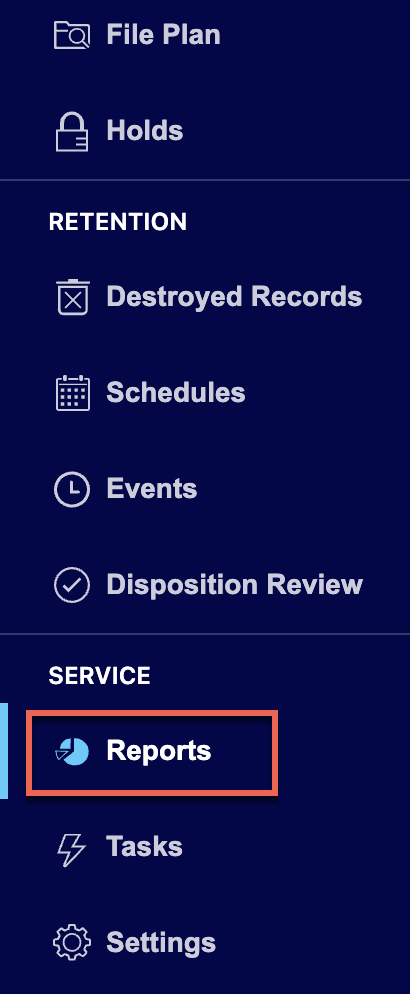
On the Reports page that appears, select New Report.
Figure: Select New Report
In the New Report dialog, enter the report name in the Title field.
Figure: Enter title and description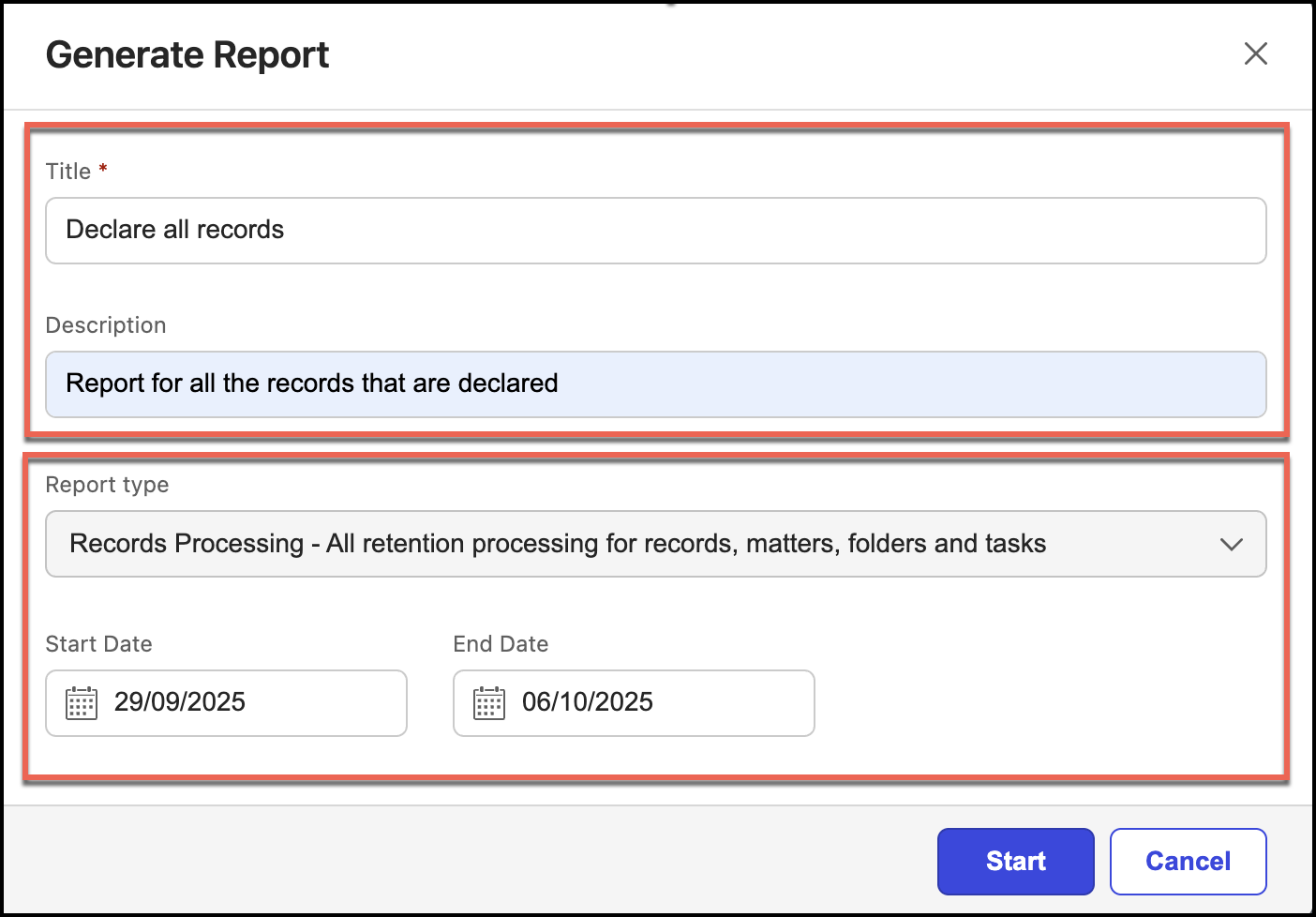
(Optional) Enter a description in the Description field.
Select the report type from Report Type.
Figure: Select report type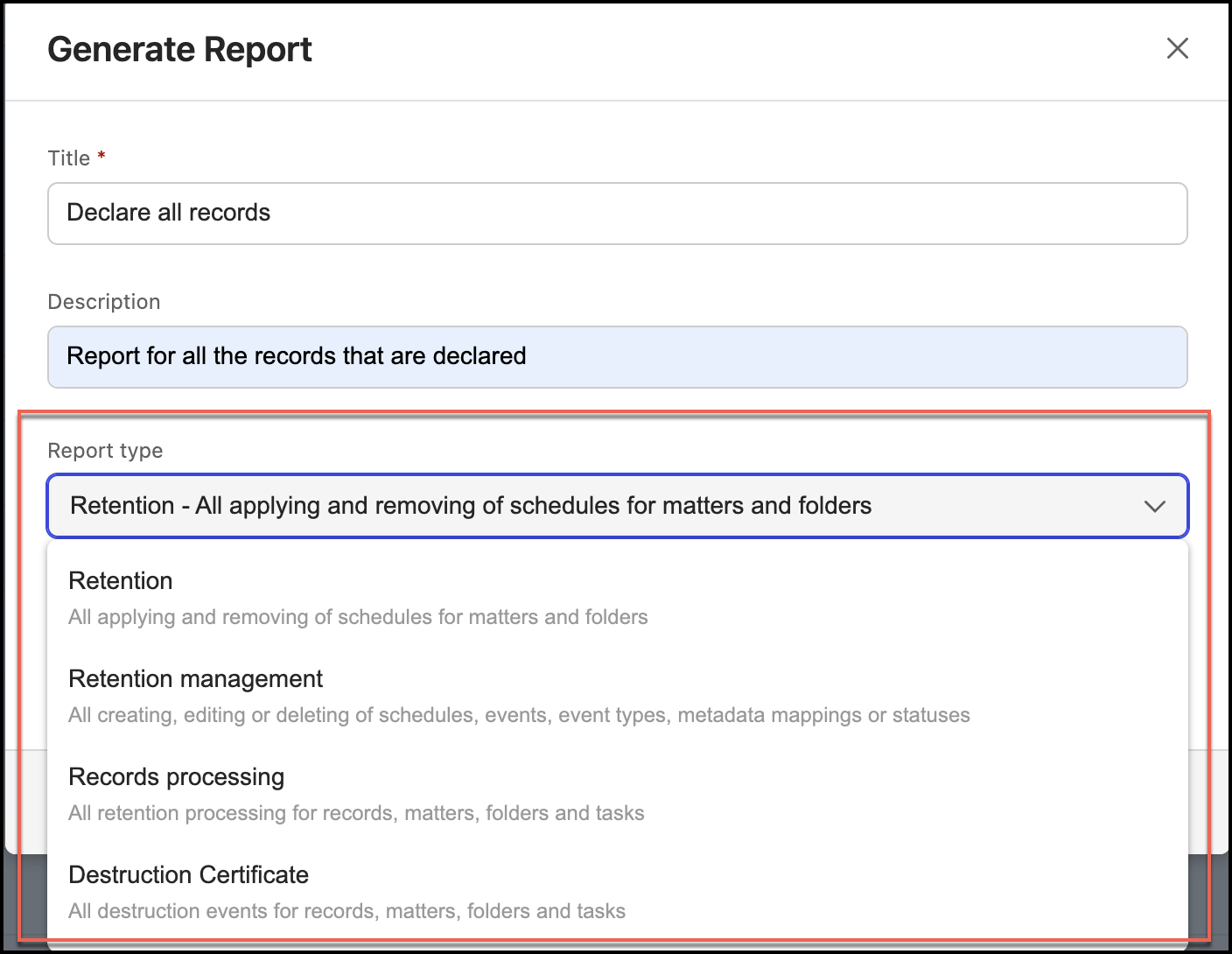
(Optional) Select start and end dates and select Add.
The report is added and the status is Working. When the report is ready, the status is Ready.


Select the report name and the report is downloaded in CSV format to your device.

Modifying reports
To edit a report:
Under Report, select the
 kebab menu next to the report you want to edit and then select Edit. Figure: Select Edit option to edit the report
In the Edit Report dialog, make the necessary changes to the title and description.
Figure: Editing report tile and description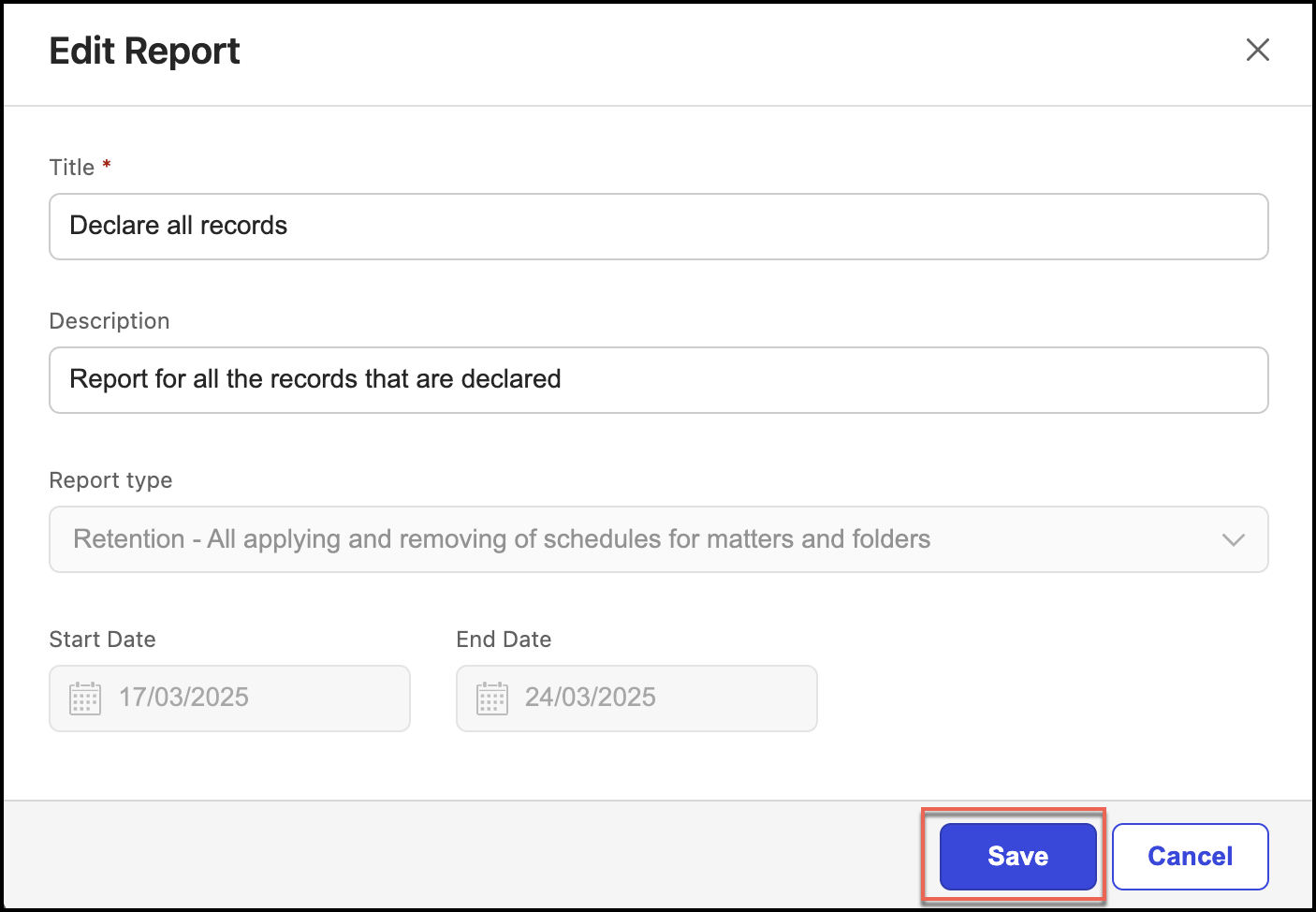
Select Save.
Deleting reports
To delete a report:
Under Report, select the
kebab menu for the report you want to delete and then select Delete. Figure: Select Delete option to delete report
In the Delete Report dialog, select Confirm to delete the report. The report is deleted.
Figure: Delete report confirmation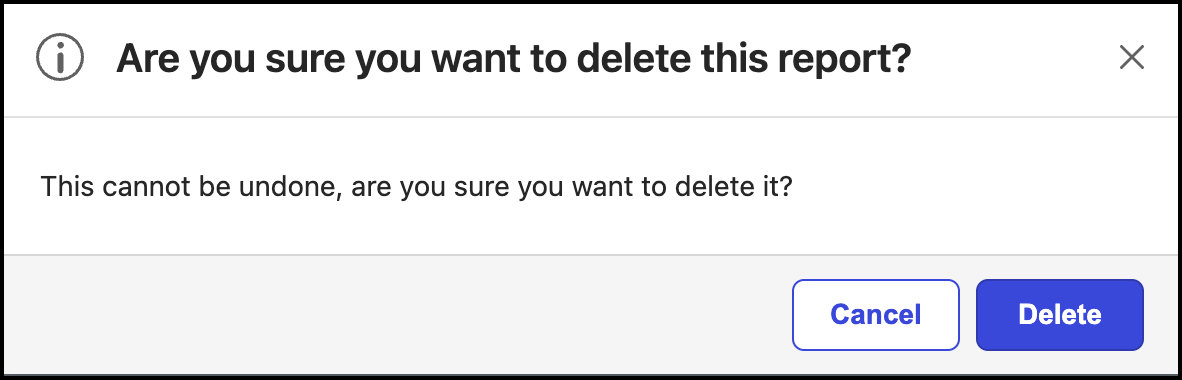
Types of reports available
In iManage Disposition Manager, the reports in the following table are available.
Report name | Description |
|---|---|
Holds | Reports all holds, applied and removed for workspaces and folders |
Holds management | Reports of all holds created, modified, and deleted |
Retention | Reports for all the schedules applied and removed for workspaces and folders. |
Retention management | Reports of all schedules, events, event types, metadata types, and statuses created, modified, and deleted. |
Records processing | Reports all records, matters, tasks, and folders processed. |
Destruction certificate | Reports of all the destruction events for all records, workspaces, tasks, and folders. |