Review pending tasks as Records Manager
In the Review Mode, if Items are not destroyed until approval is received by an authorized reviewer is selected, as a Records Manager, you can approve or deny tasks by doing the following:
In the left view pane, under Retention, select Disposition Review.
Figure: Selecting Disposition Review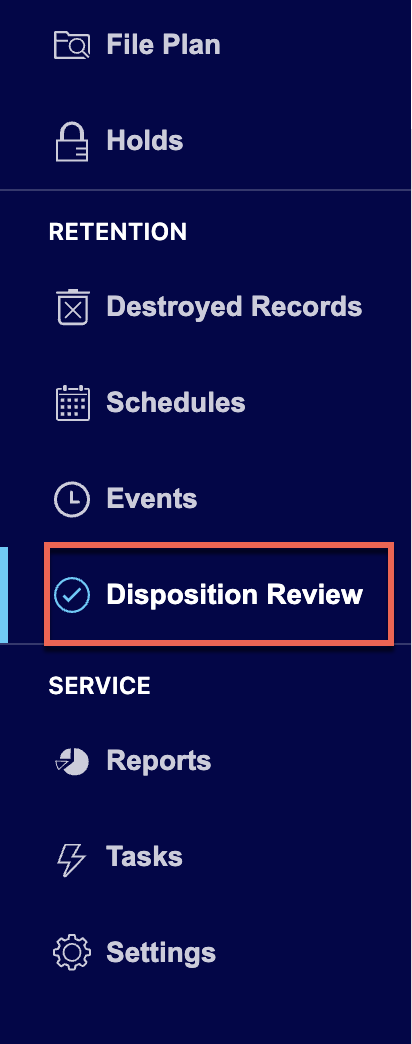
Select the
 kebab menu next to the task you want to approve or deny.
 Do one of the following:
Select Approve to approve the task. The status changes to Approved.
Figure: Select Approve to approve tasks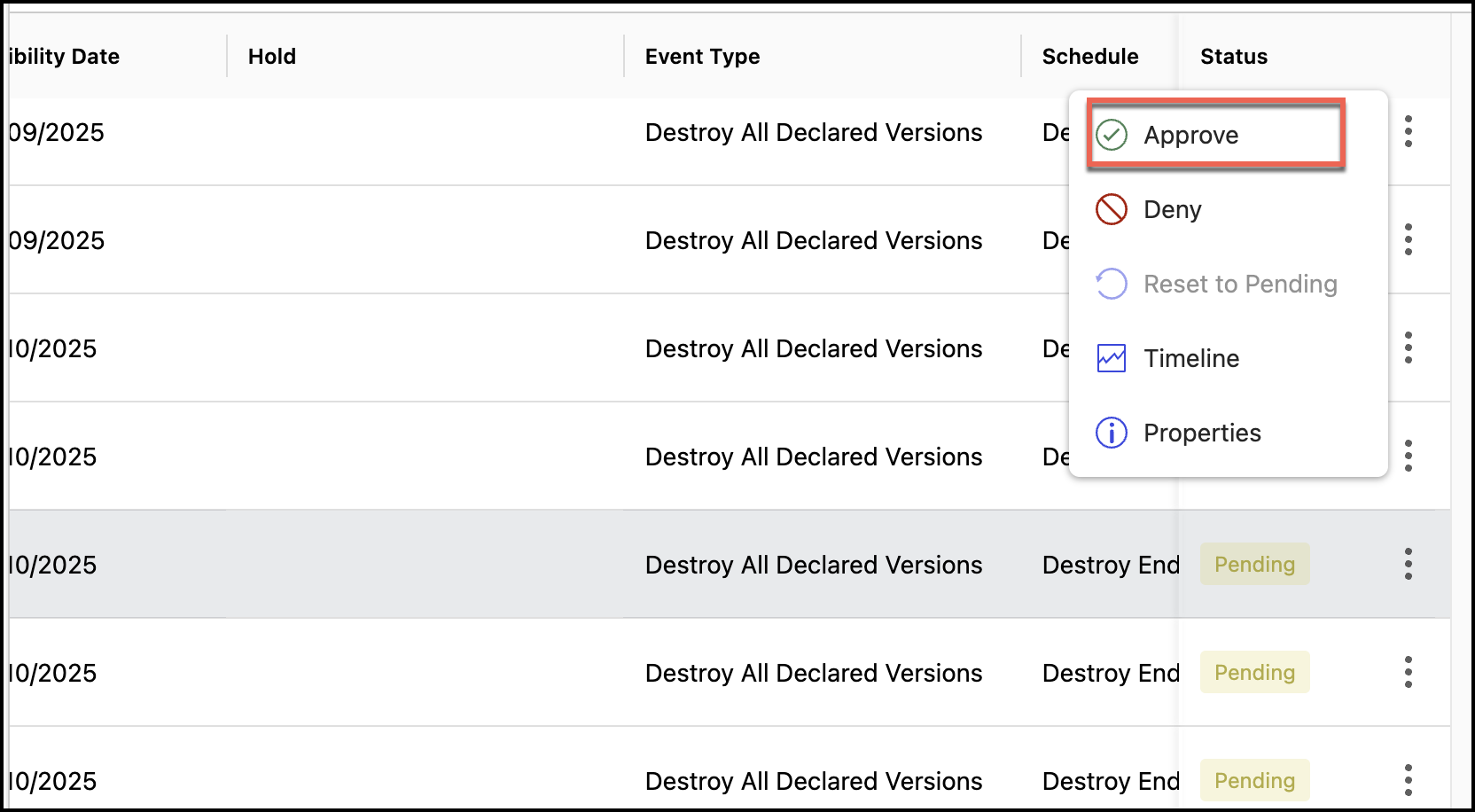
Select Deny to deny the task.
Figure: Select Deny to deny tasks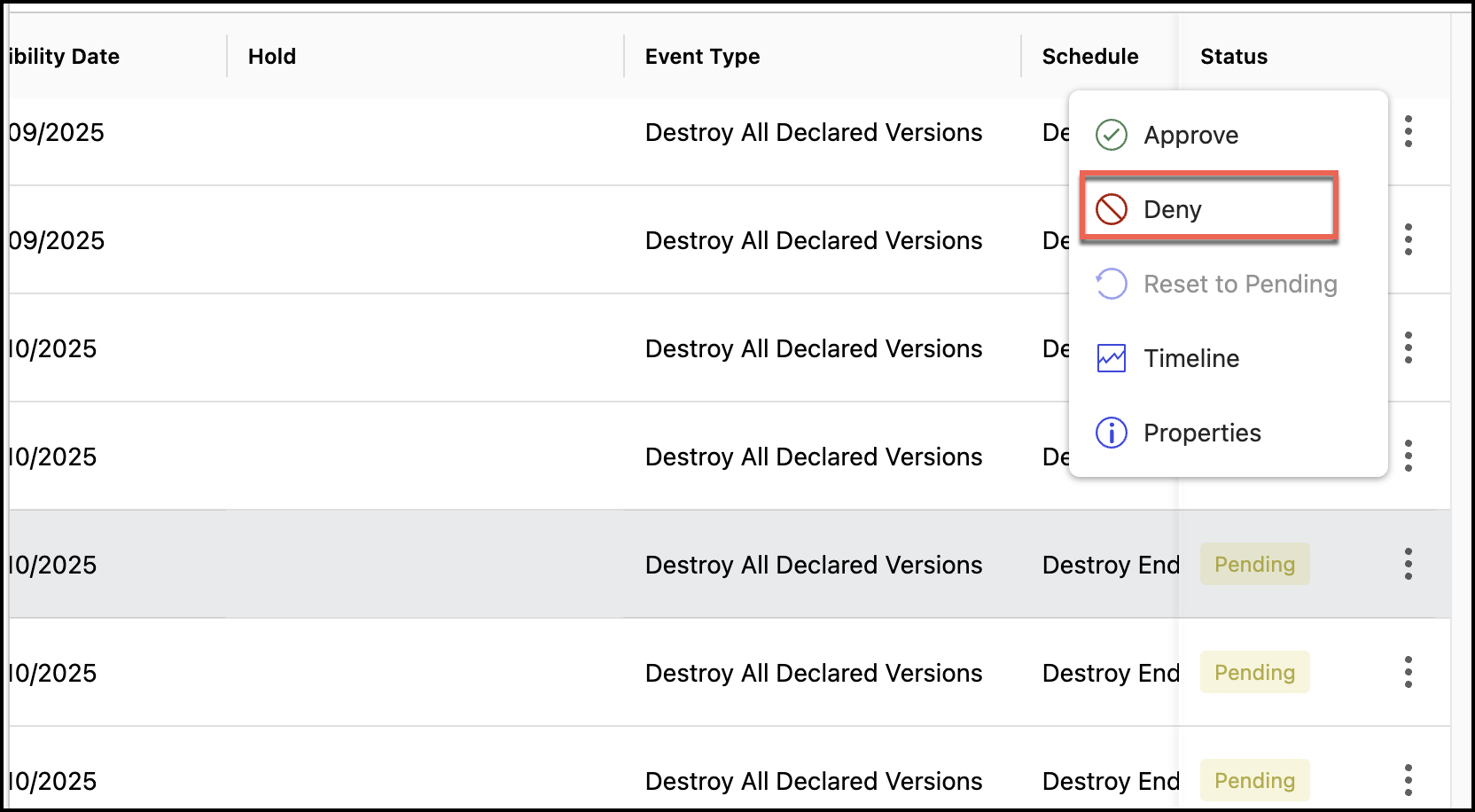
Enter the reason for denying the task and select Yes, Deny.
Figure: Enter the reason for denial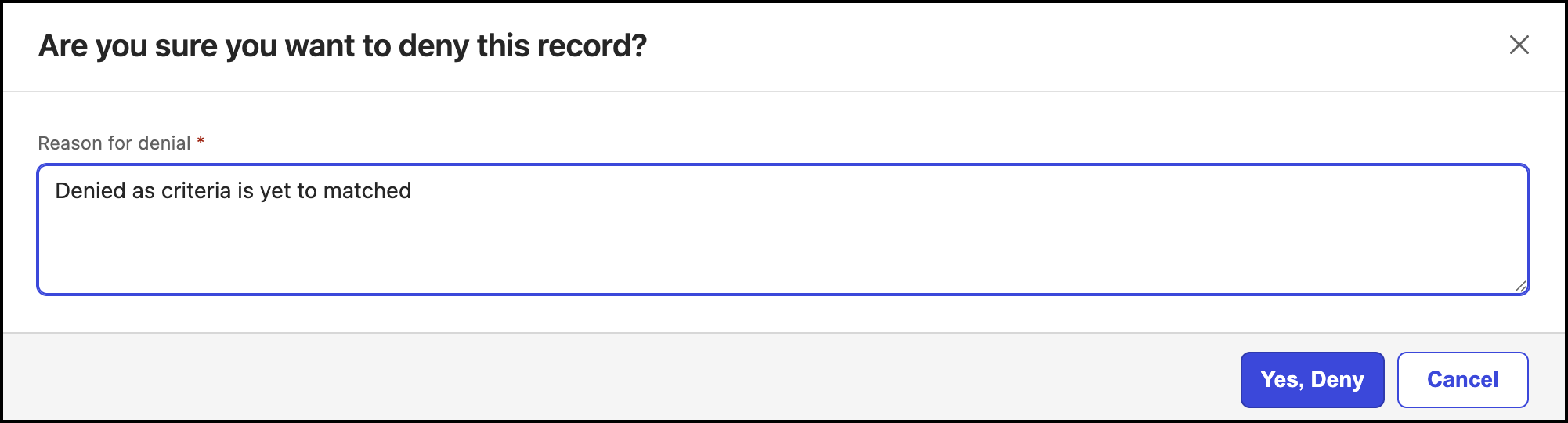
The status of the tasks changed to Denied.
(Optional) As a Records Manager, you can:
Select the
 kebab menu for the task that is approved and select Deny to deny the task.
 Select the
kebab menu for the task that is approved or denied and select Reset to Pending to change the status to Pending.
Review pending tasks as a disposition reviewer
If the Records Manager has selected the Items are not destroyed until approval is received by an authorized reviewer option in Review mode, as an authorized reviewer, you can review these tasks by doing the following:
In the left view pane, under Retention, select Disposition Review.
Figure: Selecting Disposition Review
Select the
kebab menu next to the task you want to approve or deny. Do one of the following:
Select Approve to approve the task. The status changes to Approved.
Figure: Approving pending tasks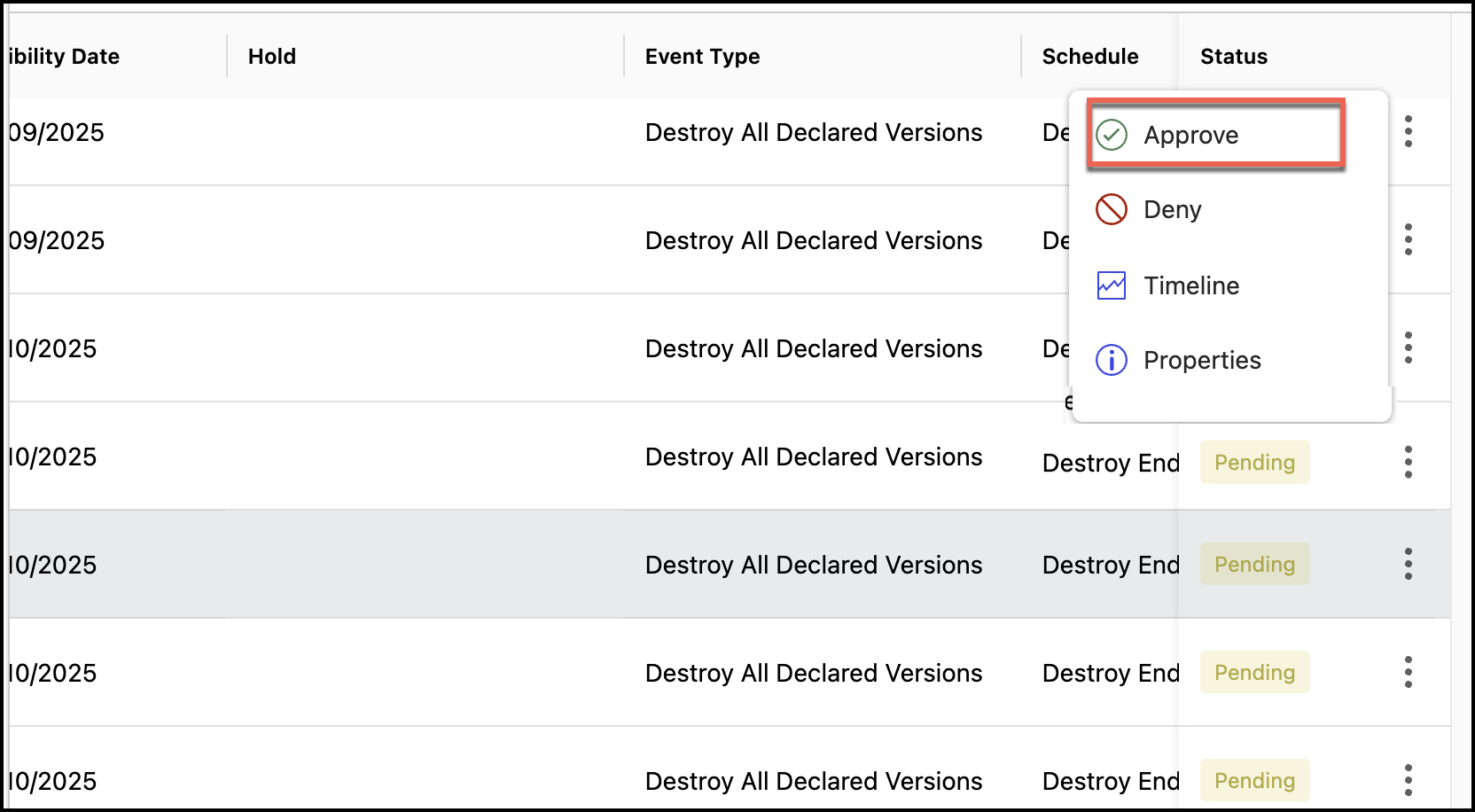
Select Deny to deny the task.
Figure: Denying records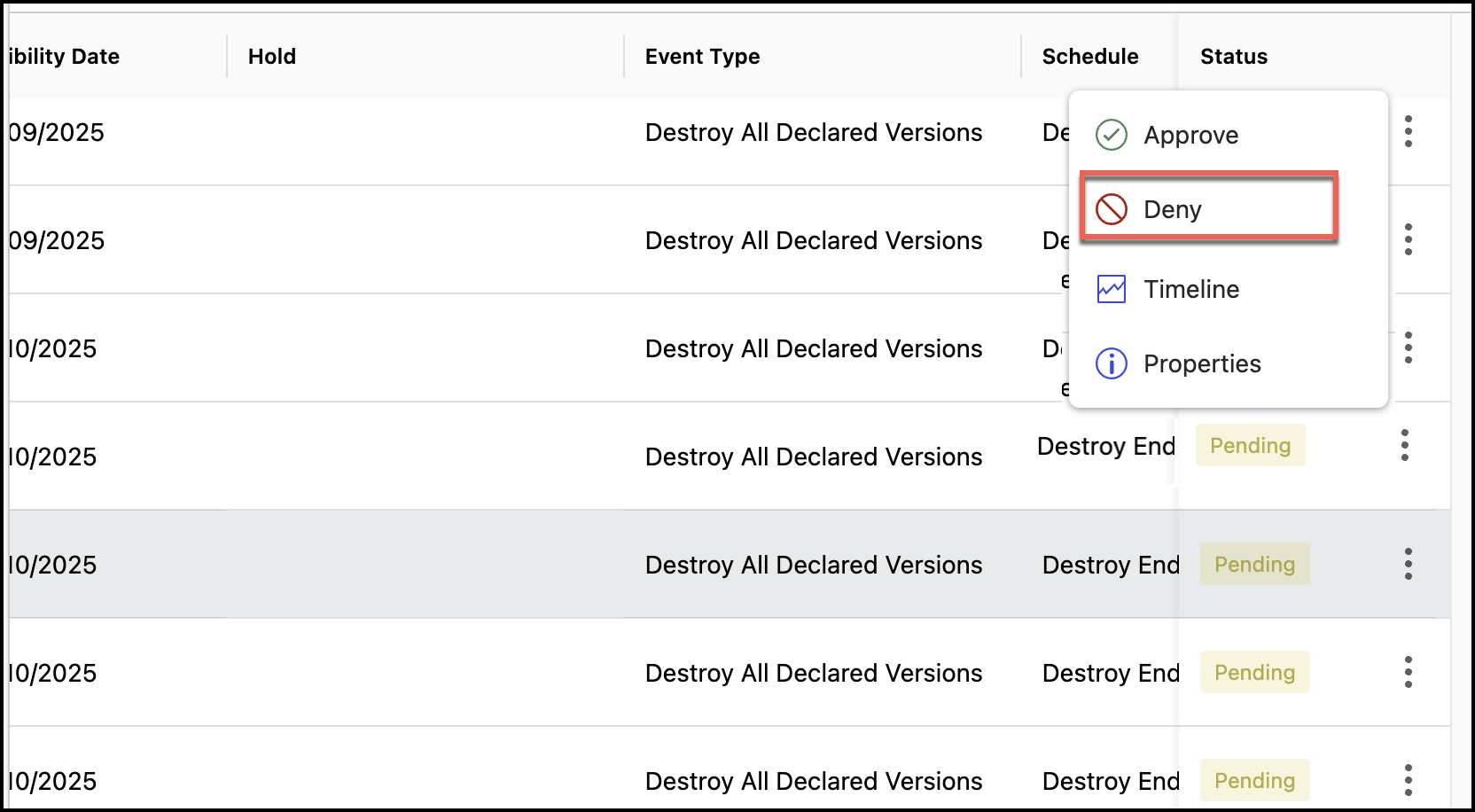
Enter the reason for denying the task and select Yes, Deny.
Figure: Entering the reason for denialThe status of the tasks changed to Denied.
NOTE: As a reviewer, you can deny a task that was previously approved. However, after the task is denied, you can't approve the same task.
Reviewing tasks in bulk
If the Review mode is set to Items aren't destroyed until approval is received by an authorized reviewer, then Records Managers and Disposition Reviewers can select multiple tasks and then select:
Approve or Deny if the status is Pending.
Deny if the status is Approved.
Based on the selection, if the task is approved, the status changes to Approved or if the task is denied, the status changes to Denied. Once they deny the tasks, Disposition Reviewers can no longer change the status of the tasks and have to contact Records Managers for any subsequent changes.
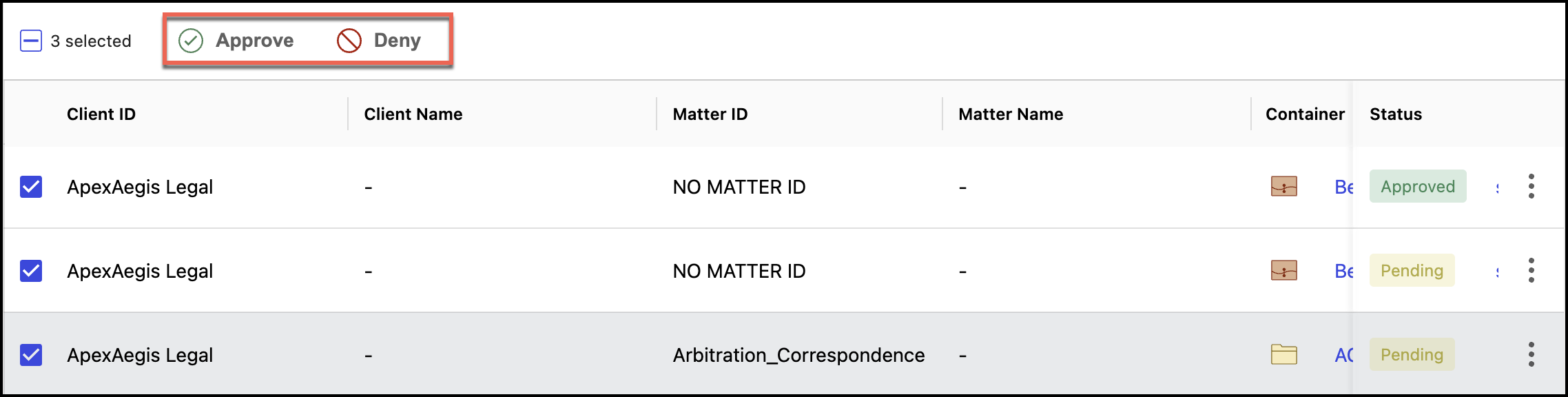
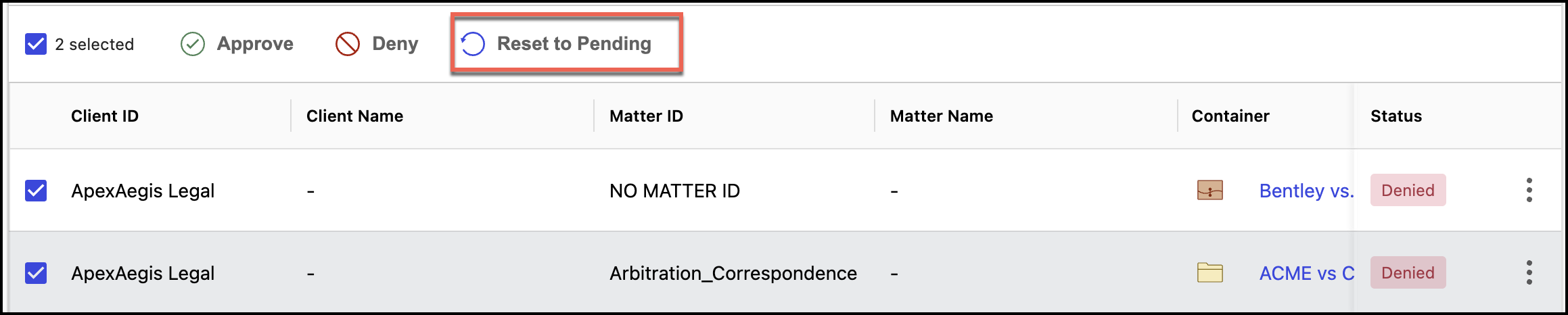
Additionally, Records Managers can change the status of all Approved and Denied tasks to Reset to Pending as shown in the following figure. The status then changes to Pending.