In the list pane, select Tasks and then select Upcoming. All upcoming tasks are displayed.
Figure: Viewing upcoming tasks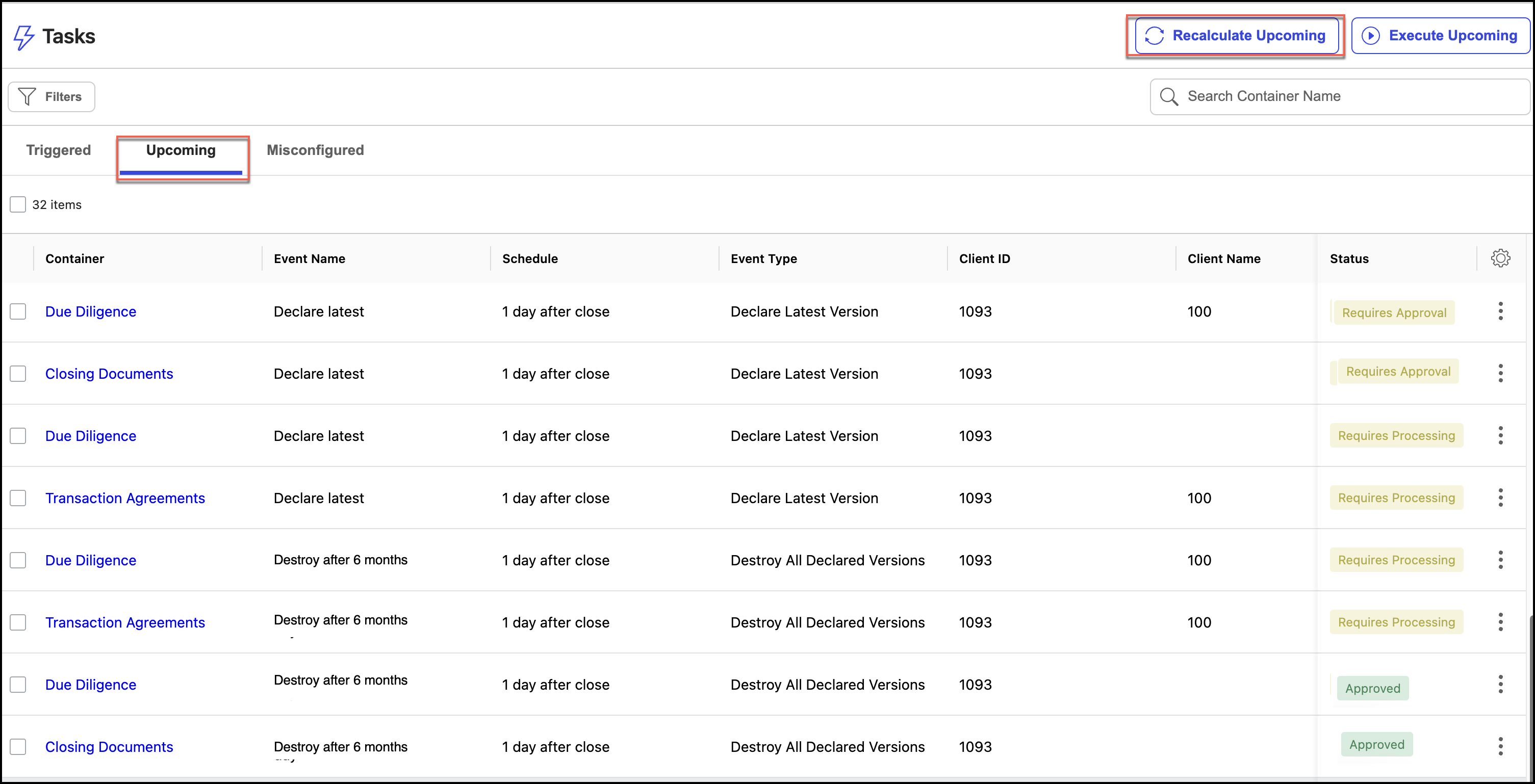
Select Recalculate Upcoming if you want the tasks to be triggered earlier. Tasks are triggered for recalculation.
NOTE: When you select Recalculate Upcoming, you'll have to wait for the process to finish. This can take some time, especially if you're recalculating all the tasks for the first time. The subsequent recalculations do the delta to the last recalculation and should take less time than the first recalculation.