A retention schedule is a collection of retention events used to control the activity and status of a record throughout its life cycle.
NOTE: You should be a Record Manager to create, modify, or delete schedules.
To create a schedule:
Under Retention, select Schedules.
Figure: Selecting Schedules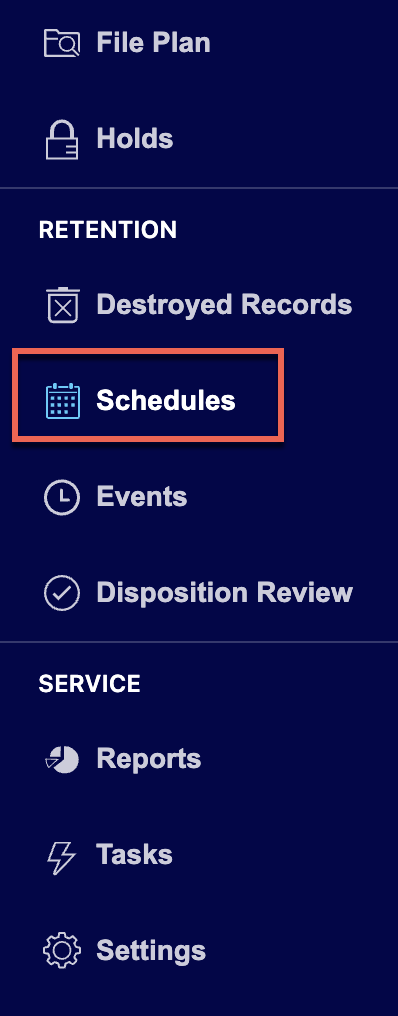
Select Add Schedule.
Figure: Select Add Schedule
In the Add Schedule dialog, enter the schedule name in the Title field.
Figure: Add schedule details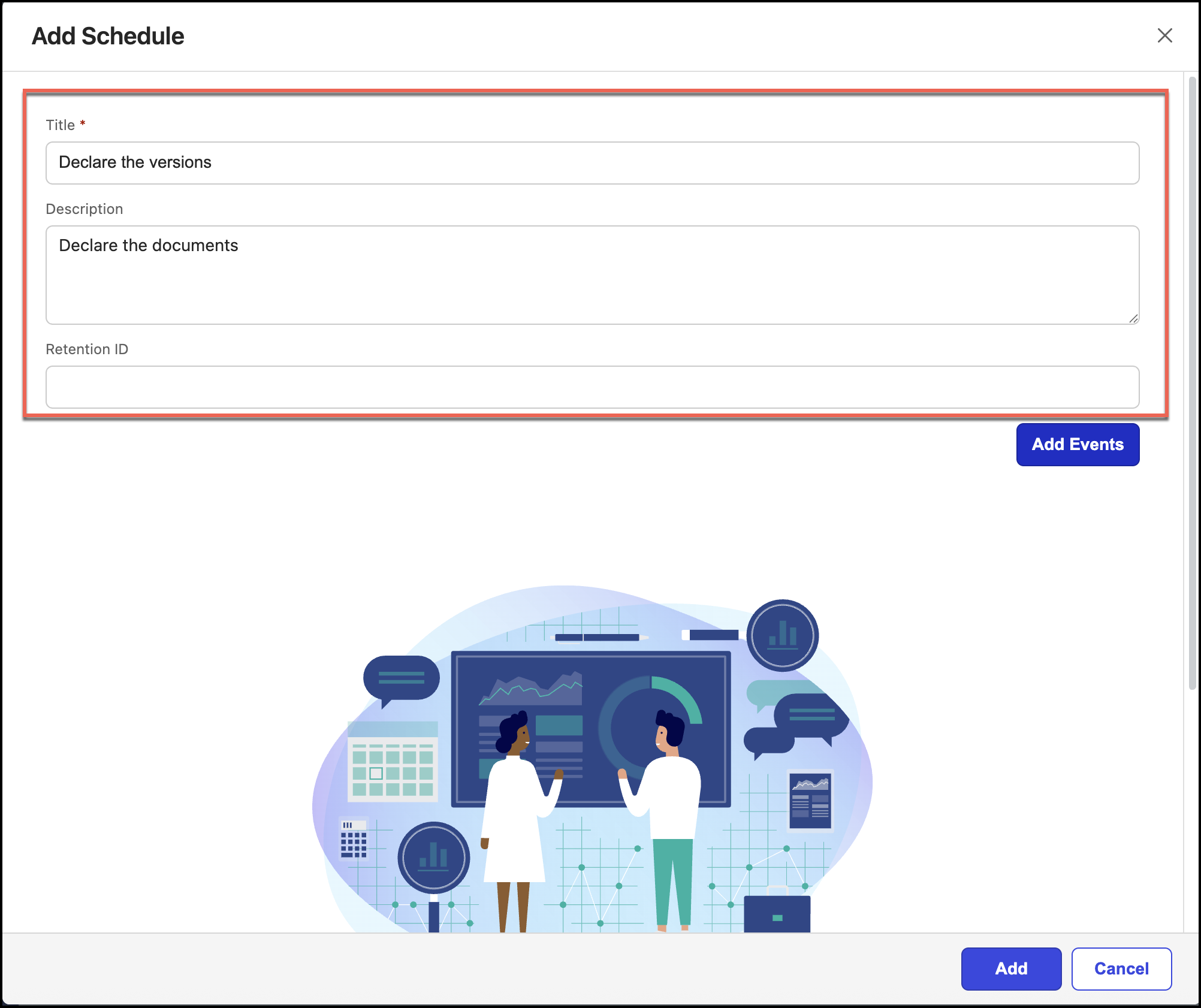
(Optional) Enter the description in the Description field.
(Optional) Enter the retention ID in the Retention ID field.
Select Add Events. The Add Events to the Schedule dialog opens within the Add Schedule dialog.
Figure: Add events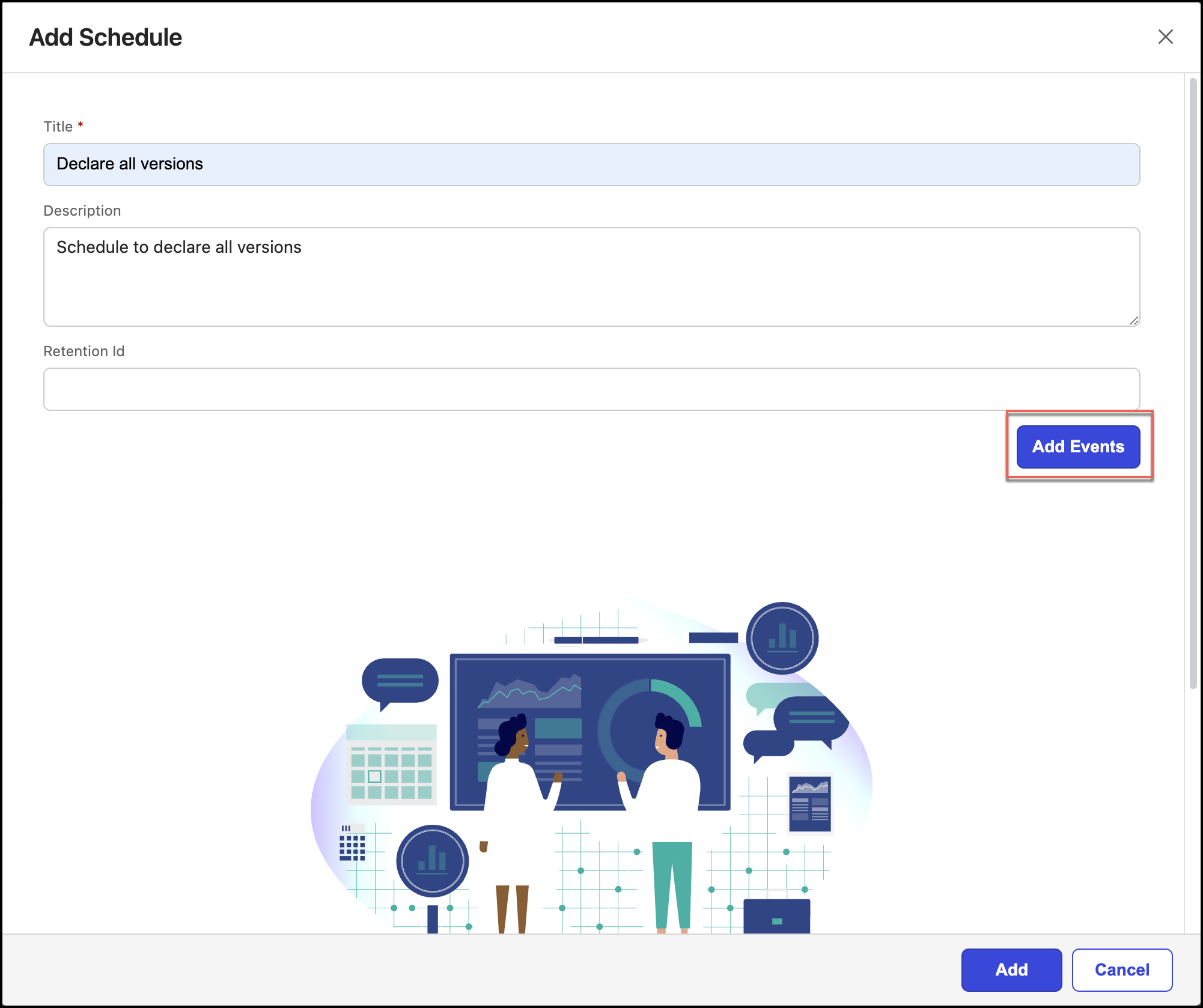
Select
 for all the events you want to add to the schedule. You can add one or more events to the schedule.
 Select Confirm Events. The selected events are added to the schedule.
Figure: Add events to the schedules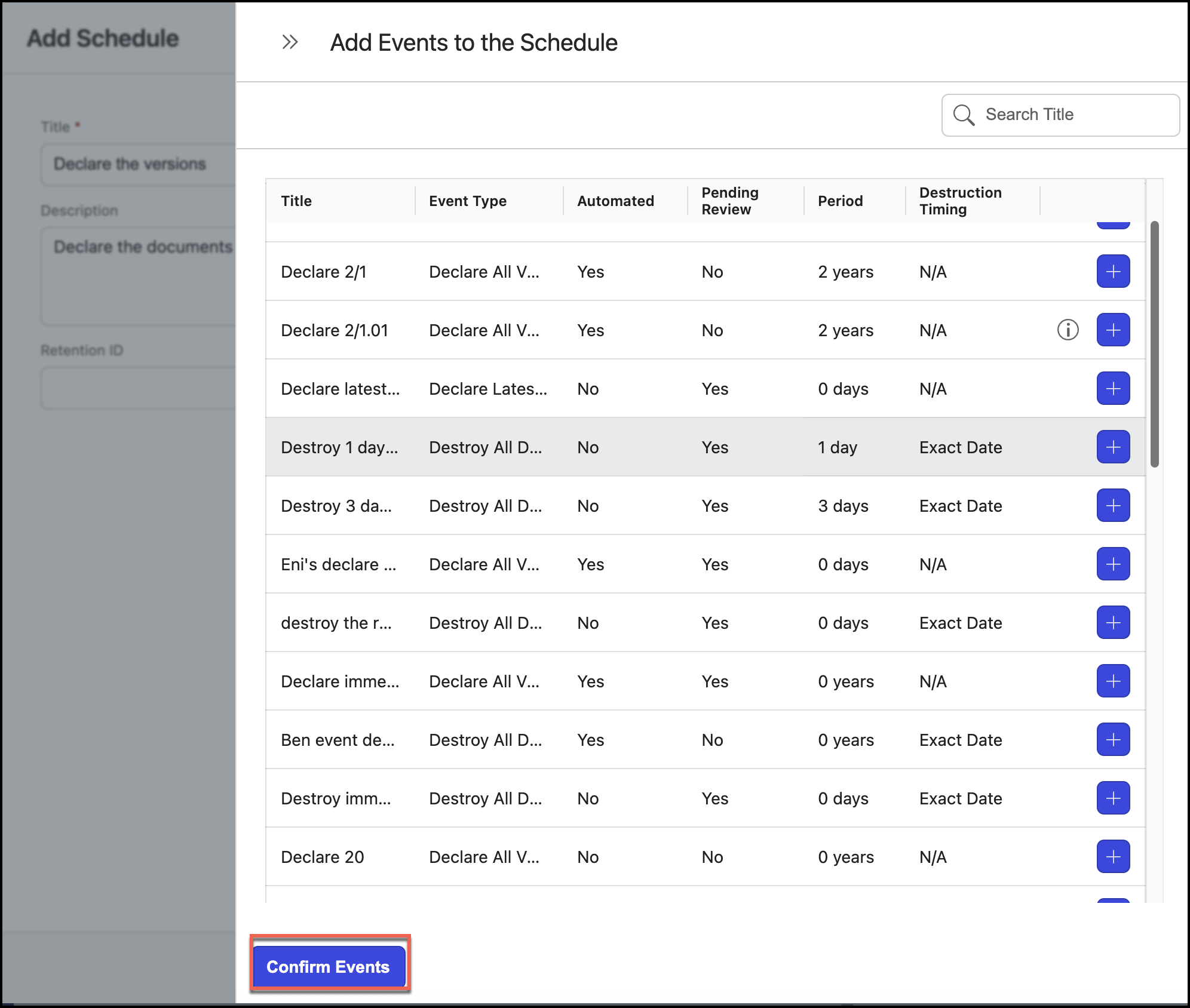
You can remove the events added by selecting
 .Figure: Checking events and adding schedule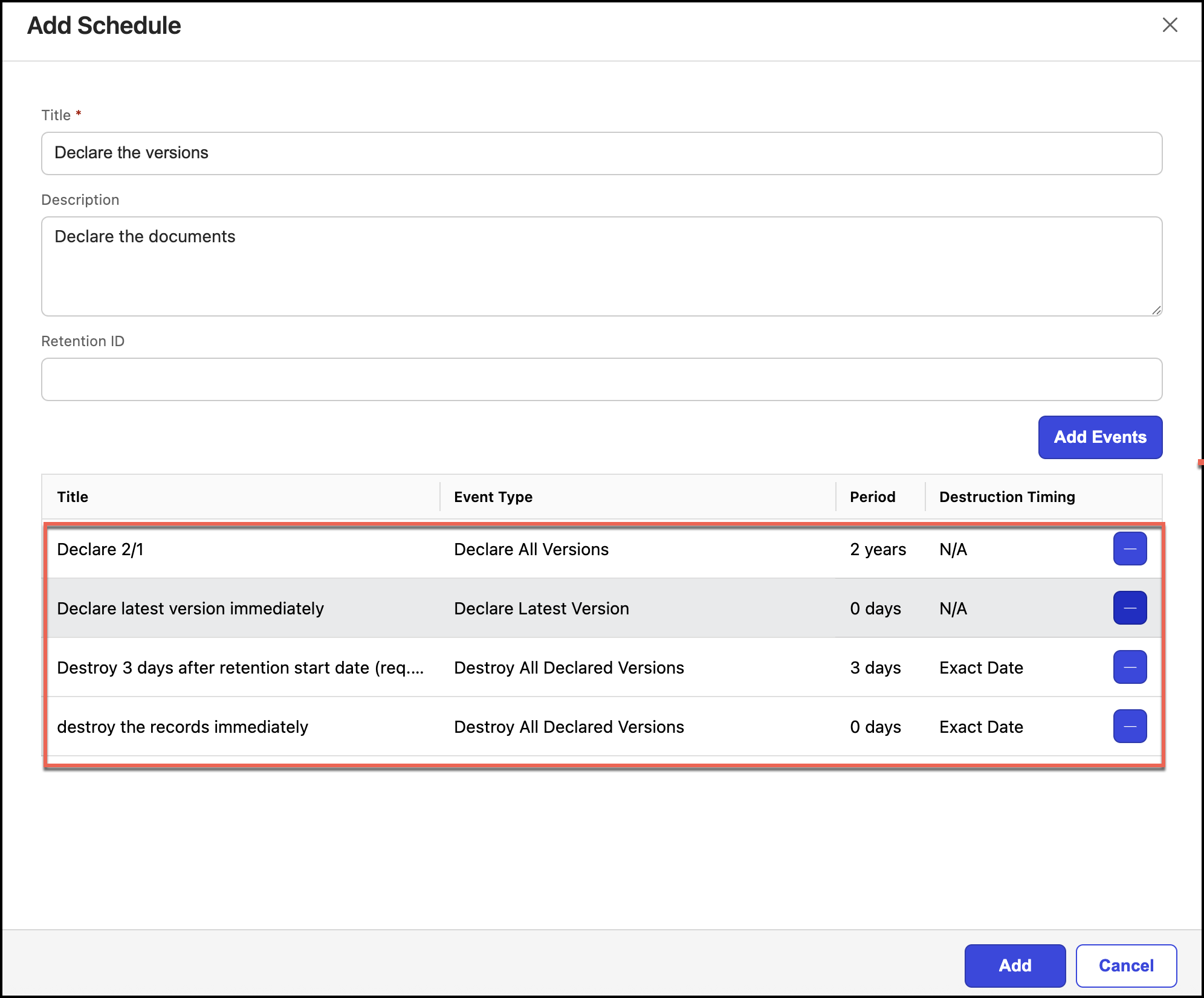
Select Add. The schedule is created.