To view the timeline entries for schedules:
In the list view, select Schedule.
Select the
 icon and then select Timeline next to the schedule for which you want to view timelines. The timeline for the selected schedule are displayed and provide details of the changes made to the selected schedule. Figure: Timeline - Schedules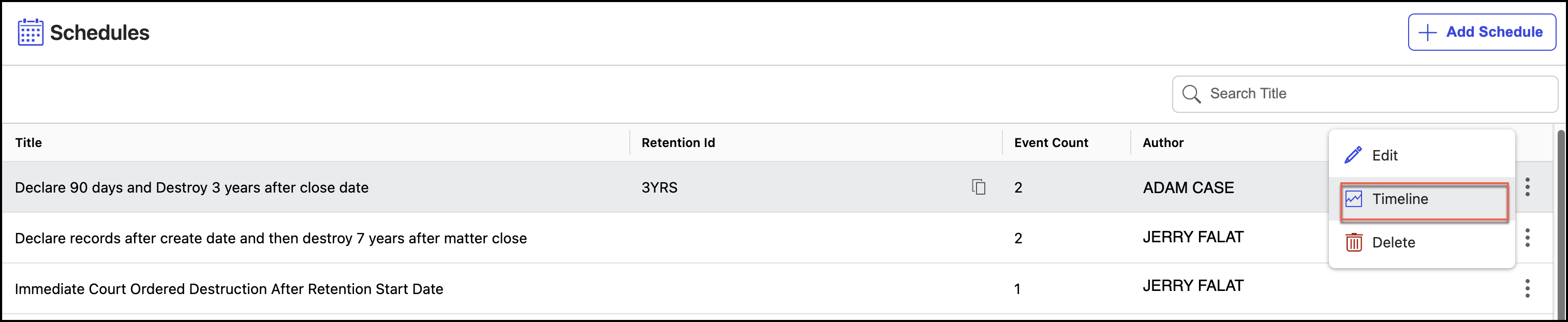
The timeline for each schedule displays:
Entries for when the schedule was created.
Entries for when the schedule was modified or updated.
Entries for when events were added to or removed from the schedule.