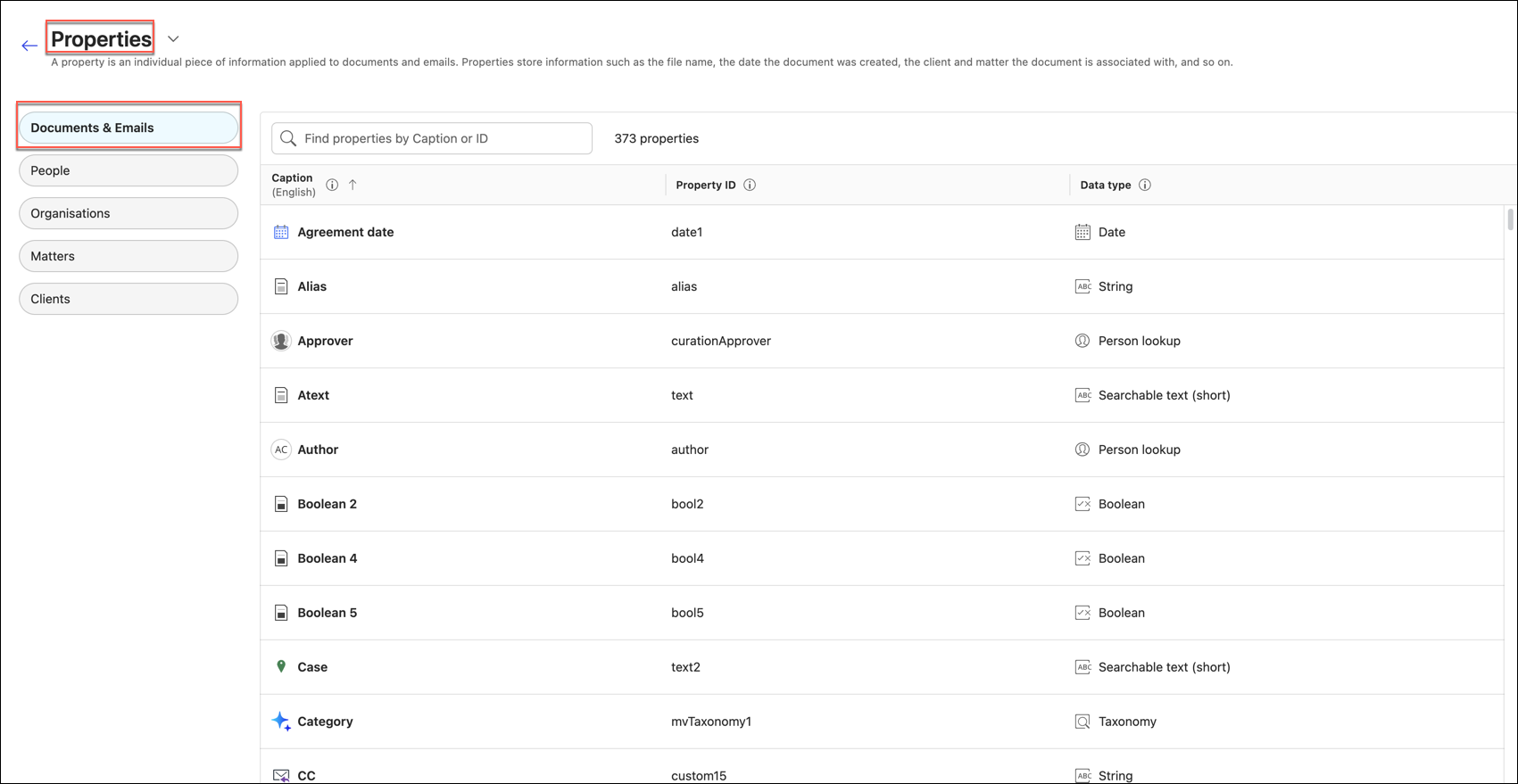
As an administrator, when creating a Knowledge Collection, you must populate the fields on the Settings tab (iManage Insight+ > Collections > <Collection Name>> Edit > Settings), such as Governing Law, Jurisdiction, Practice Area, and Language. The metadata values available for these fields are synced from the properties you configure. This also includes captioning the relevant properties in iManage Insight+ Admin > Properties > Documents & Emails, so Knowledge Collections can identify which property holds each type of value. This section explains the setup, so that you can configure it and proceed with creating your Knowledge Collection.
The Settings tab gets its field values directly from property captions defined under the Documents & Emails tab of the Properties page in iManage Insight+ Admin. Insight+ recognizes a property as the source for a field when its caption matches one of the accepted terms for that field, and its data type corresponds to it.
NOTE: Only properties captioned under Documents & Emails are synced into Knowledge Collections.
The following are the fields listed on the Settings tab when you create a Knowledge Collection. The table below describes each field along with its source.
Table: Settings tab fields and sources
Settings tab fields | Source |
|---|---|
| iManage Work (through a captioned property on Documents & Emails) |
| Configured directly in Knowledge Collections |
NOTES:
The mapping is configured only once for each environment and the same will apply to every Knowledge Collection created. The values selected within each collection will differ—for example, one collection can have Ontario, Canada for Governing Law while another one can have Atlanta, US, but both are synced from the same Properties tab.
When you complete the configuration and create a Knowledge Collection with all Settings fields entered, the collection stores these values. When you later change the caption, the stored values don’t get updated automatically.
A caption change or an update can take up to 30 minutes to sync to the Settings tab, as iManage Insight+ caches this configuration.
For more information on captioning the properties, refer to Naming convention and rules for captioning Properties.
As an administrator, you can add User profiles and Default filters that help knowledge users refine their search results based on specific attributes. For more information on how to add user profiles and default filters, refer to User profiles and Default filters.