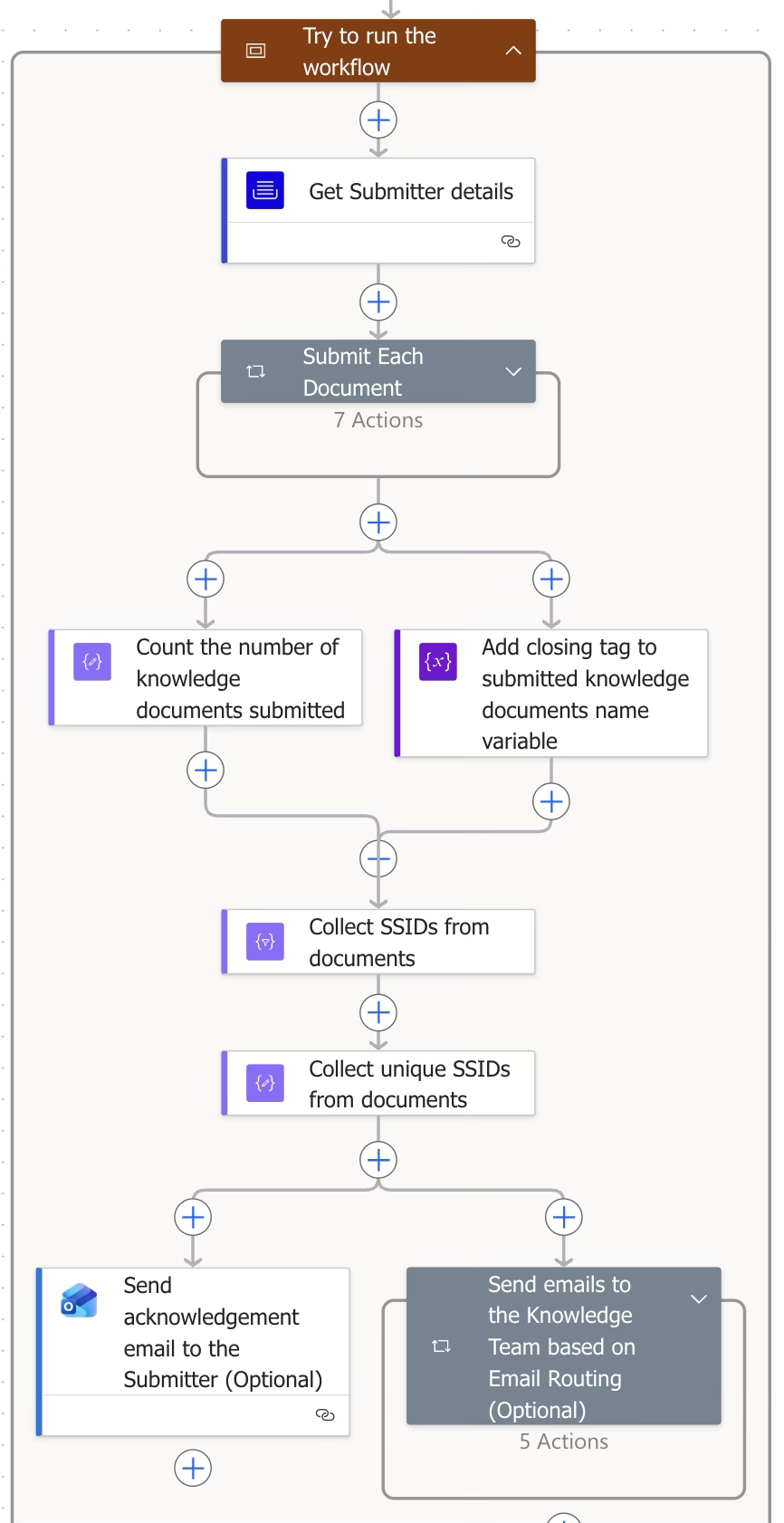
This is the main block that runs the complete workflow logic, including document submission to the target folder and sending emails to users.
Step | Figure | Description |
|---|
3.1 | 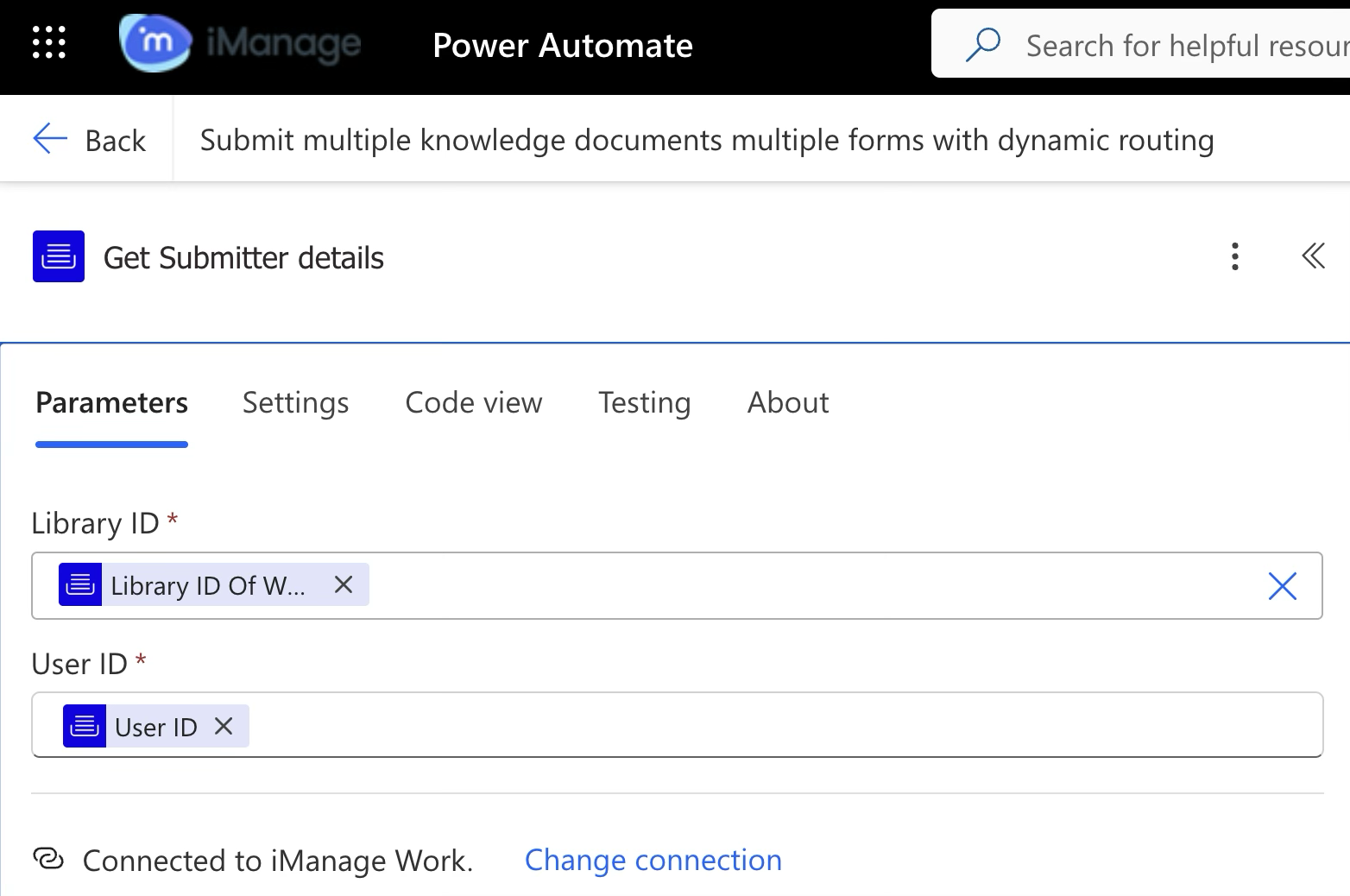 | iManage Work Connector
Retrieve the submitter's details to send a confirmation email when the workflow completes. |
3.2 | 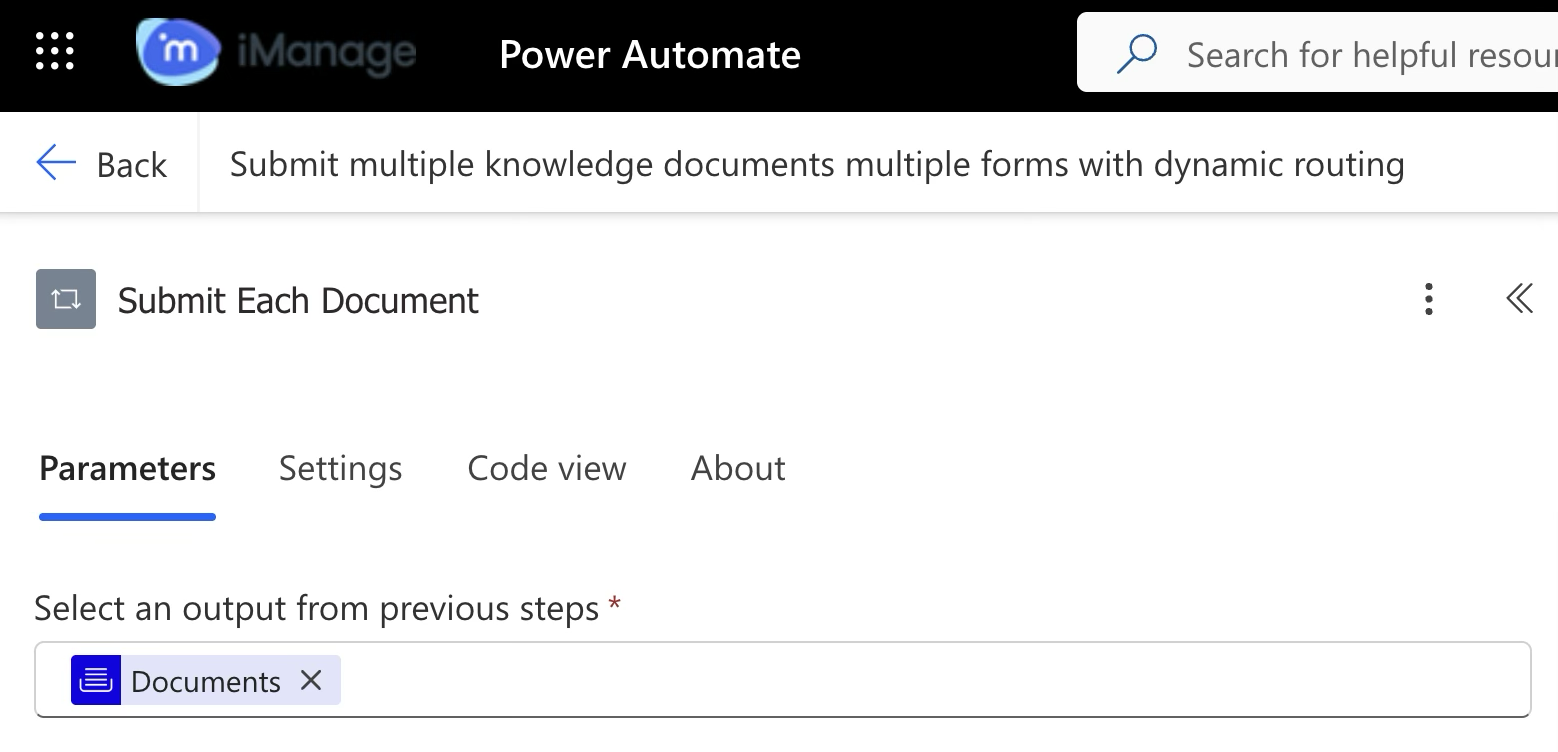 | Document submission block
This block submits one document at a time from the user's selected list of documents. |
3.3.1 | 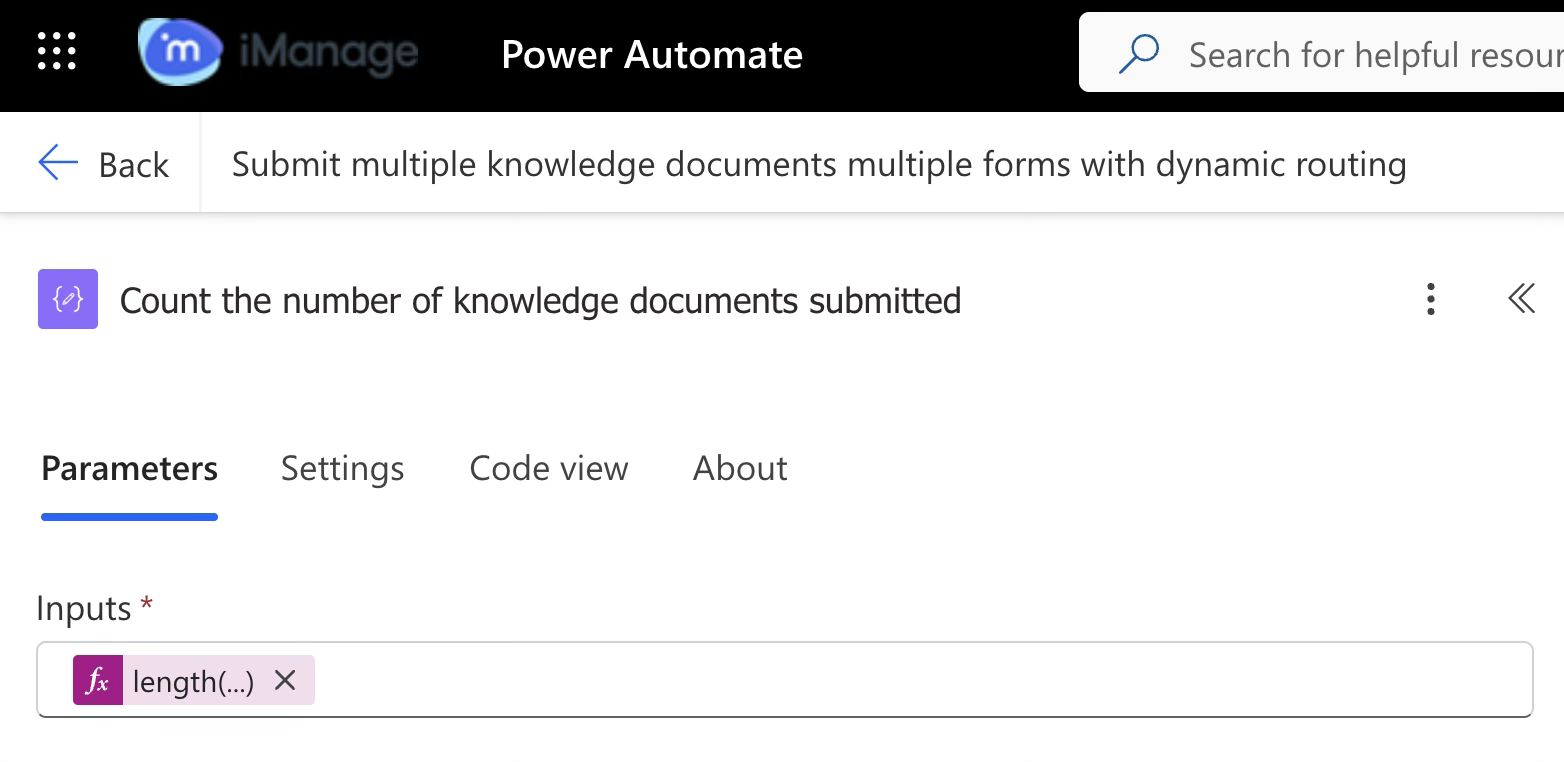 | Connector (Data operation)
Calculates the total number of documents submitted by the user and returns a numeric value. |
3.3.2 | 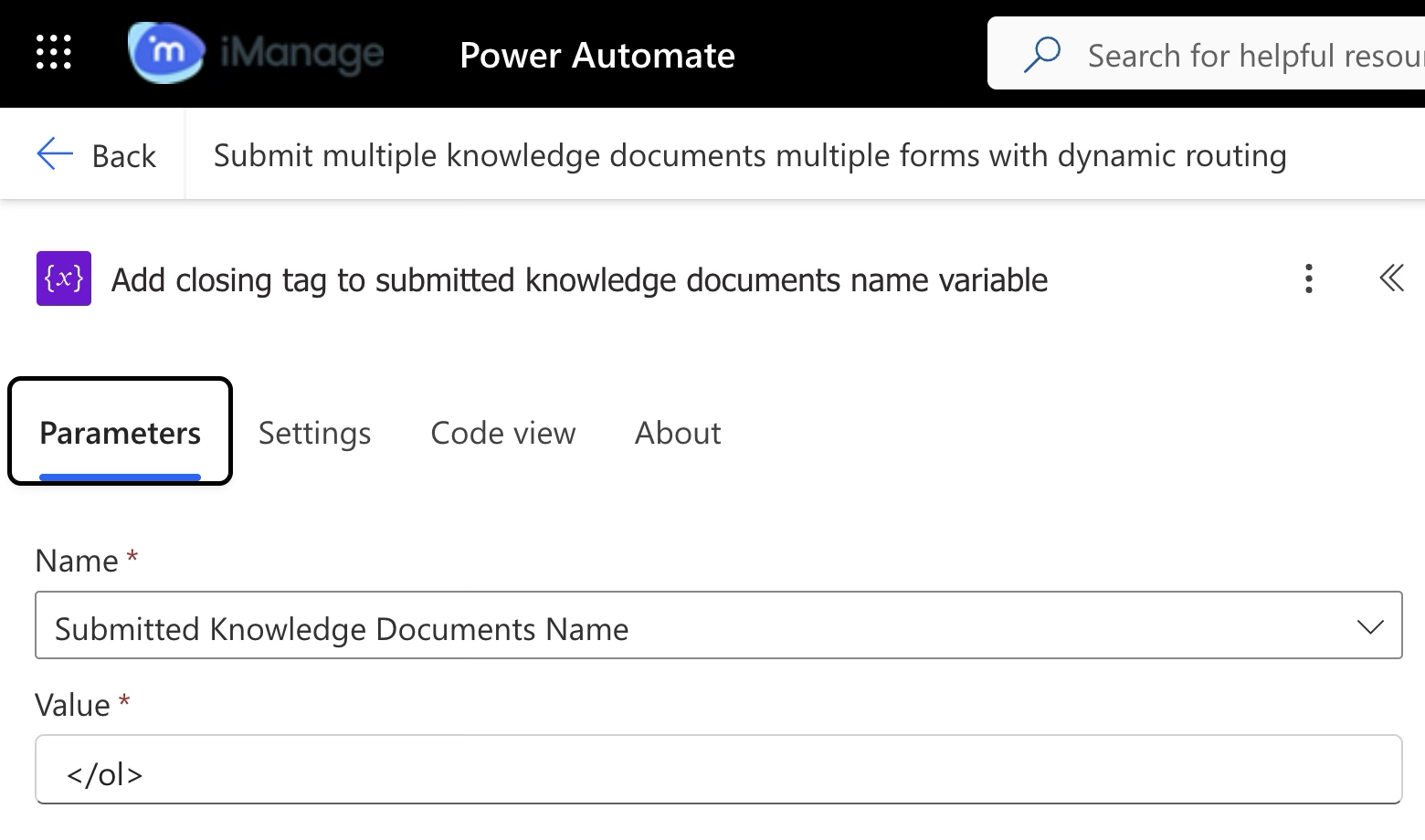 | Connector (Variable)
Adds closing html tag to this variable, which was initiated at Declare variable for Submitted Knowledge Documents Name in Block 2.
This ensures the user receives the email as an ordered list. |
3.3.3 | 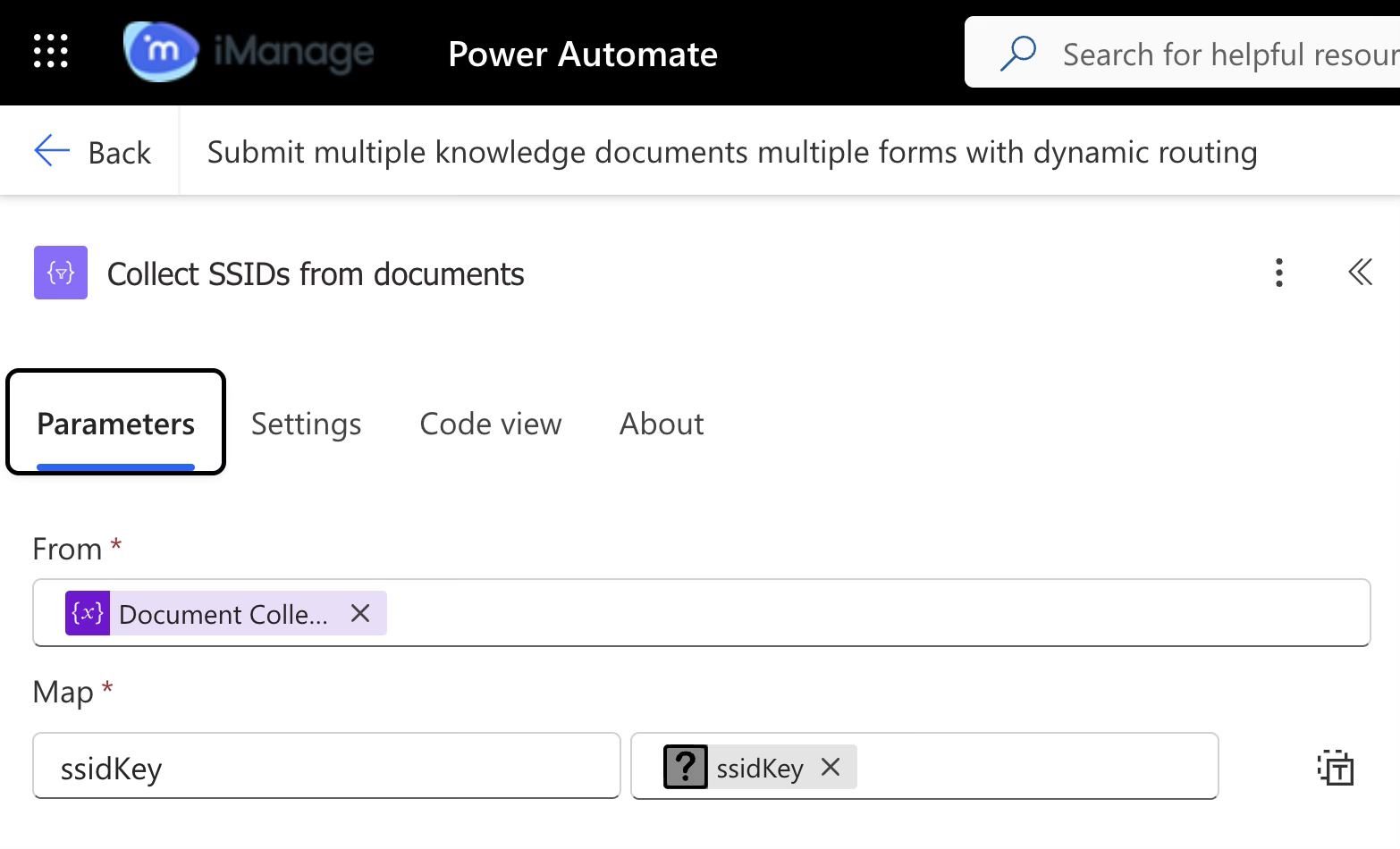 | Connector (Data operation)
While submitting list of documents, a unique form is displayed, where users need to select lookup values. Each lookup is linked to a unique SSID.
SSID values are unique, used for email and folder routing configuration.
|
3.3.4 | 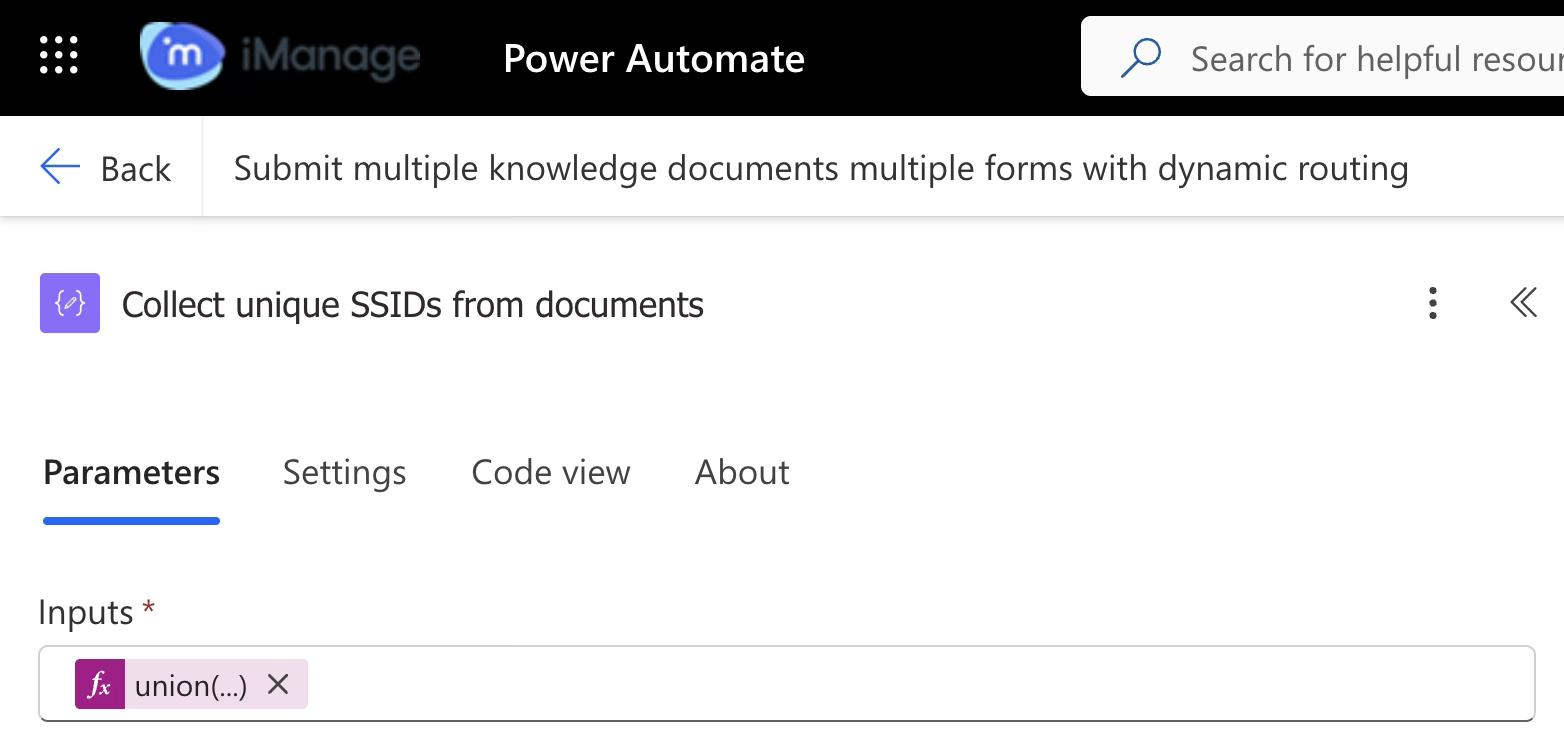 | Connector (Data operation)
From the collected SSIDs in step 3.3.3, this filters unique SSID values. Filtering is done to send emails to the email IDs configured for those SSIDs only once. |
3.4.1 | 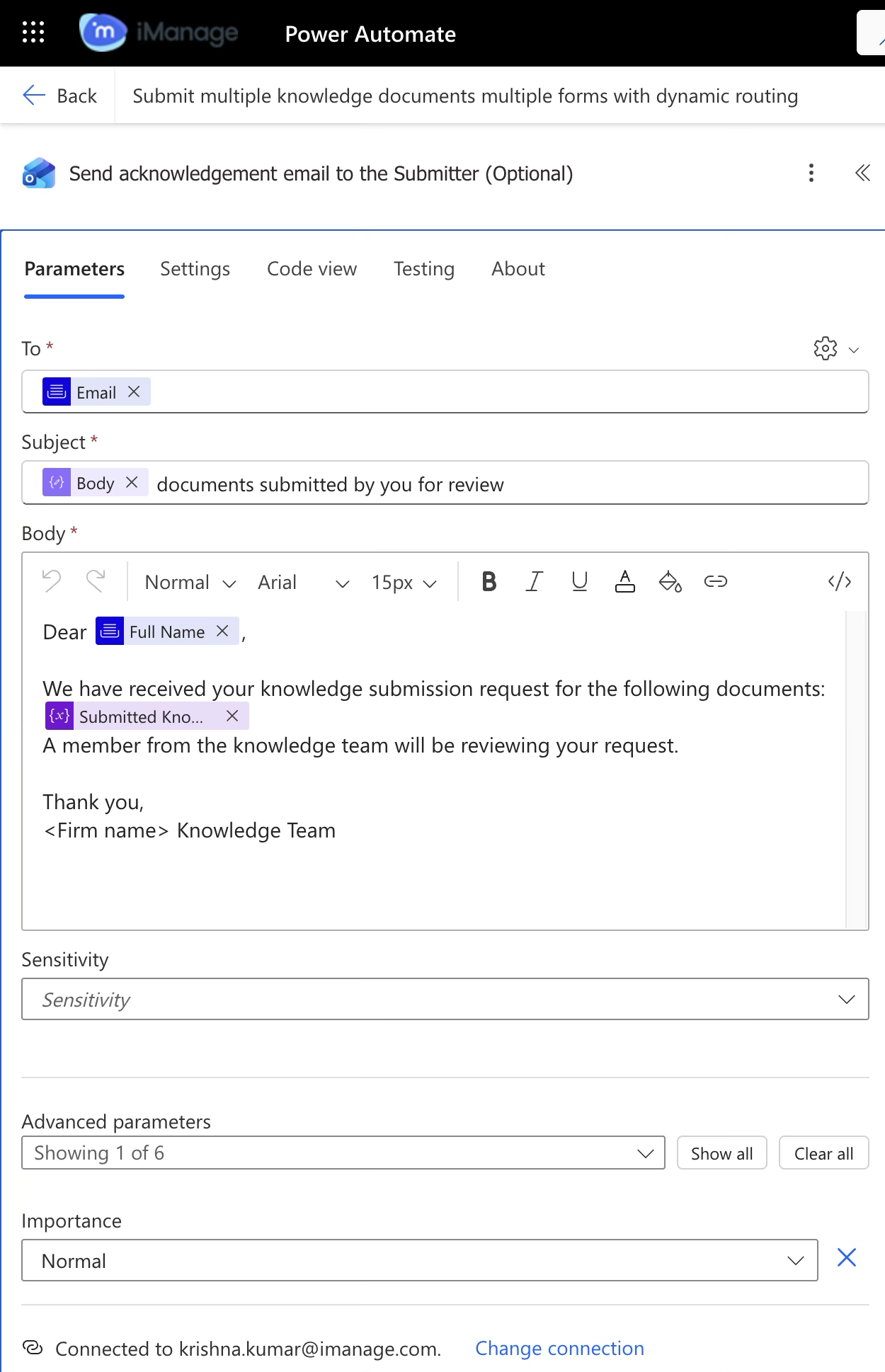 | Office 365 Outlook Connector Sends an email message to the submitter with information of the documents submitted successfully.
|
3.4.2 | 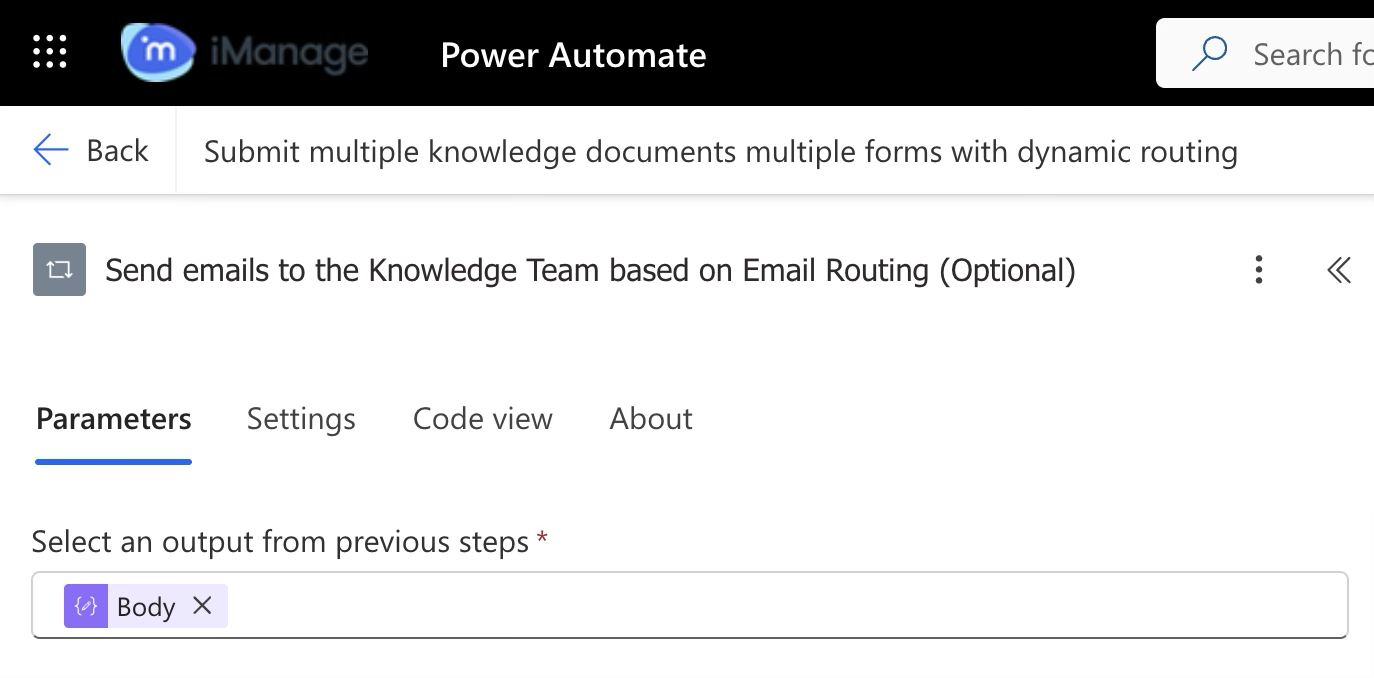 | Knowledge team email block
This block handles email to be sent based on email routing configuration. The Knowledge team receives emails when documents have SSIDs that are specific to that Knowledge team.
For example, when a user submits 10 documents, out of which 6 are related to Civil Law practice area and 4 are related to Criminal Law practice area, then this block ensures that the civil law Knowledge team receives 1 email containing details (with the document link that'll direct them to iManage Work when clicked on) of the 6 submitted documents and the criminal law receive one email containing details of the 4 submitted documents. |