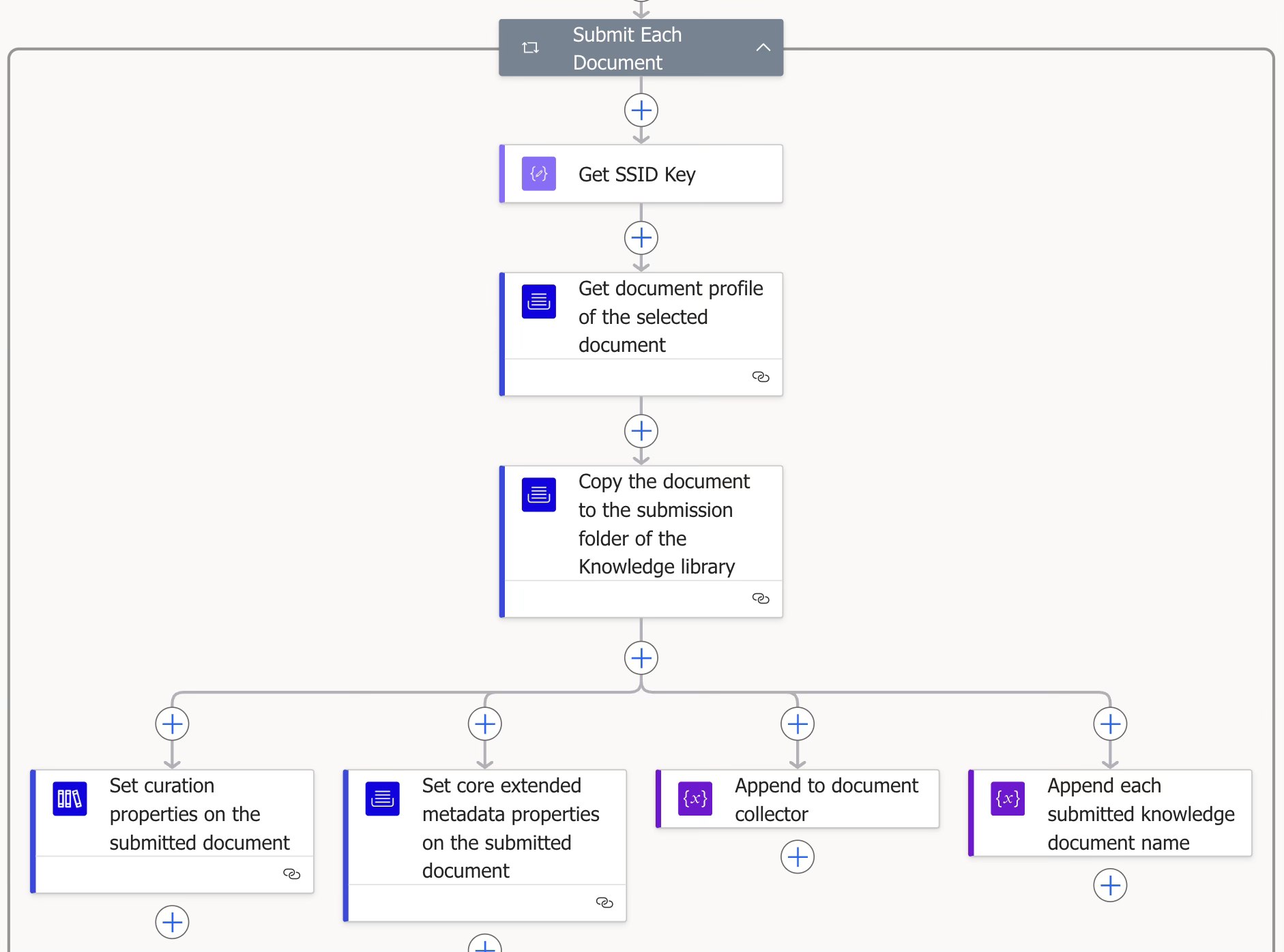
This is the main block that runs the document submission logic to the target folder.
Step | Figure | Description |
|---|
3.2.1 | 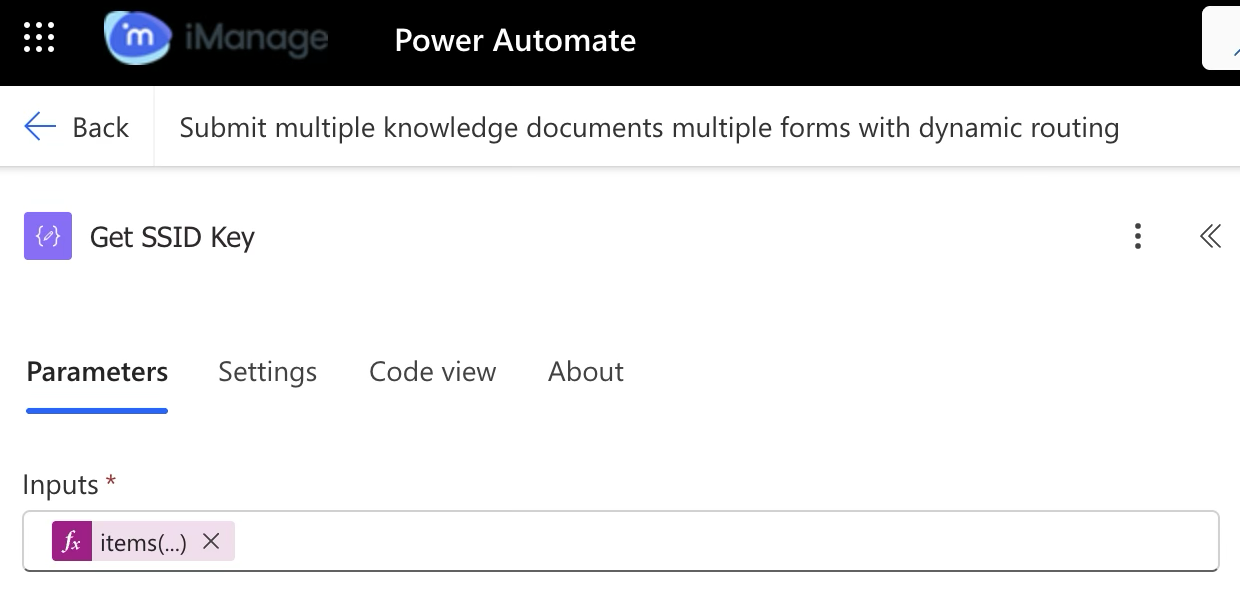 | Connector (Data operation)
Fetches the SSID key for a specific submitted document. |
3.2.2 | 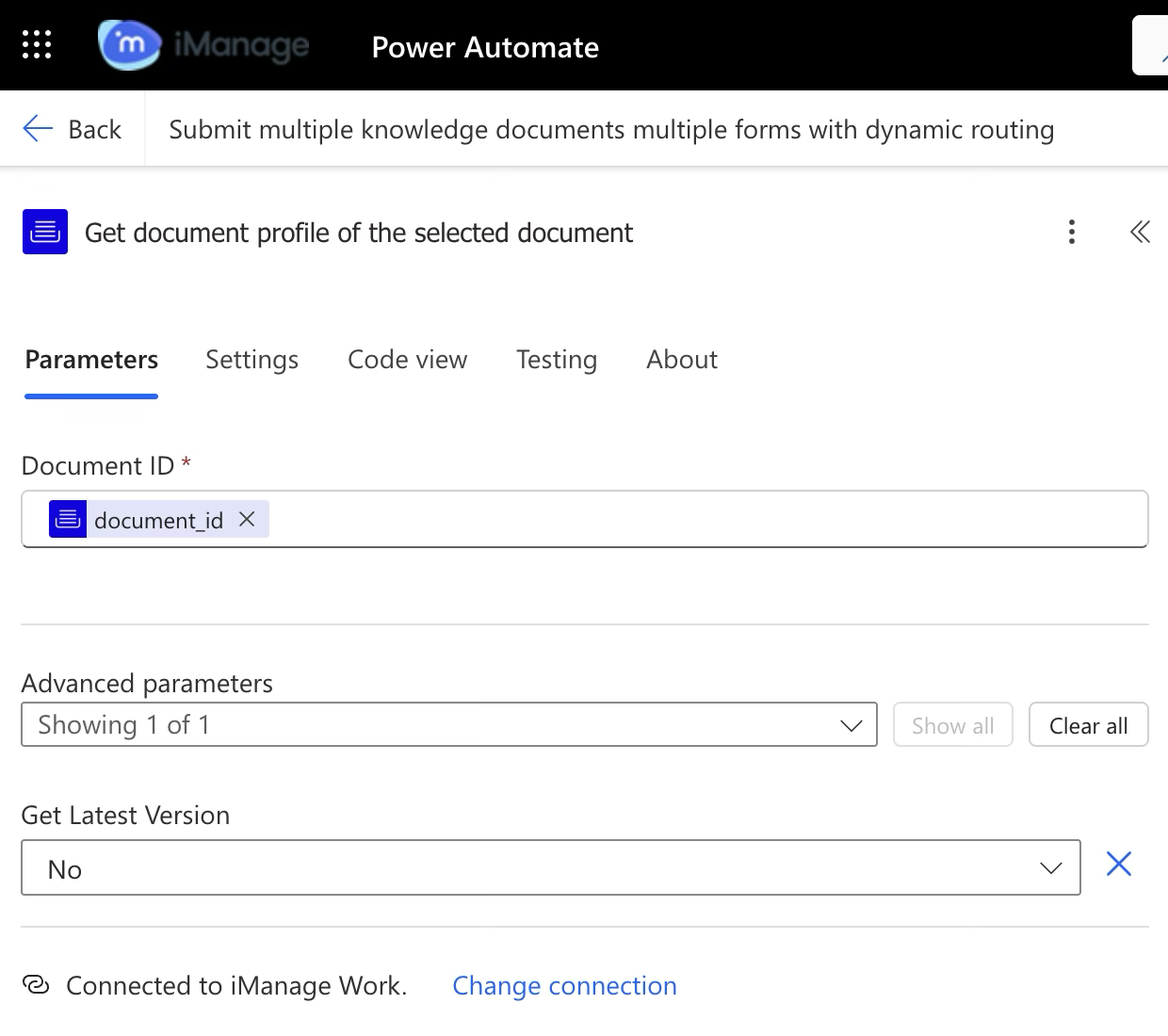 | iManage Work Connector
Gets the document properties associated with a specific document ID. This is used to retrieve the document properties linked to a specific document ID to ensure the original profile and name are preserved. Without the document profile, the original document name cannot be retained. Submitted document names are stored in the predefined array from the earlier step for tracking.
|
3.2.3 | 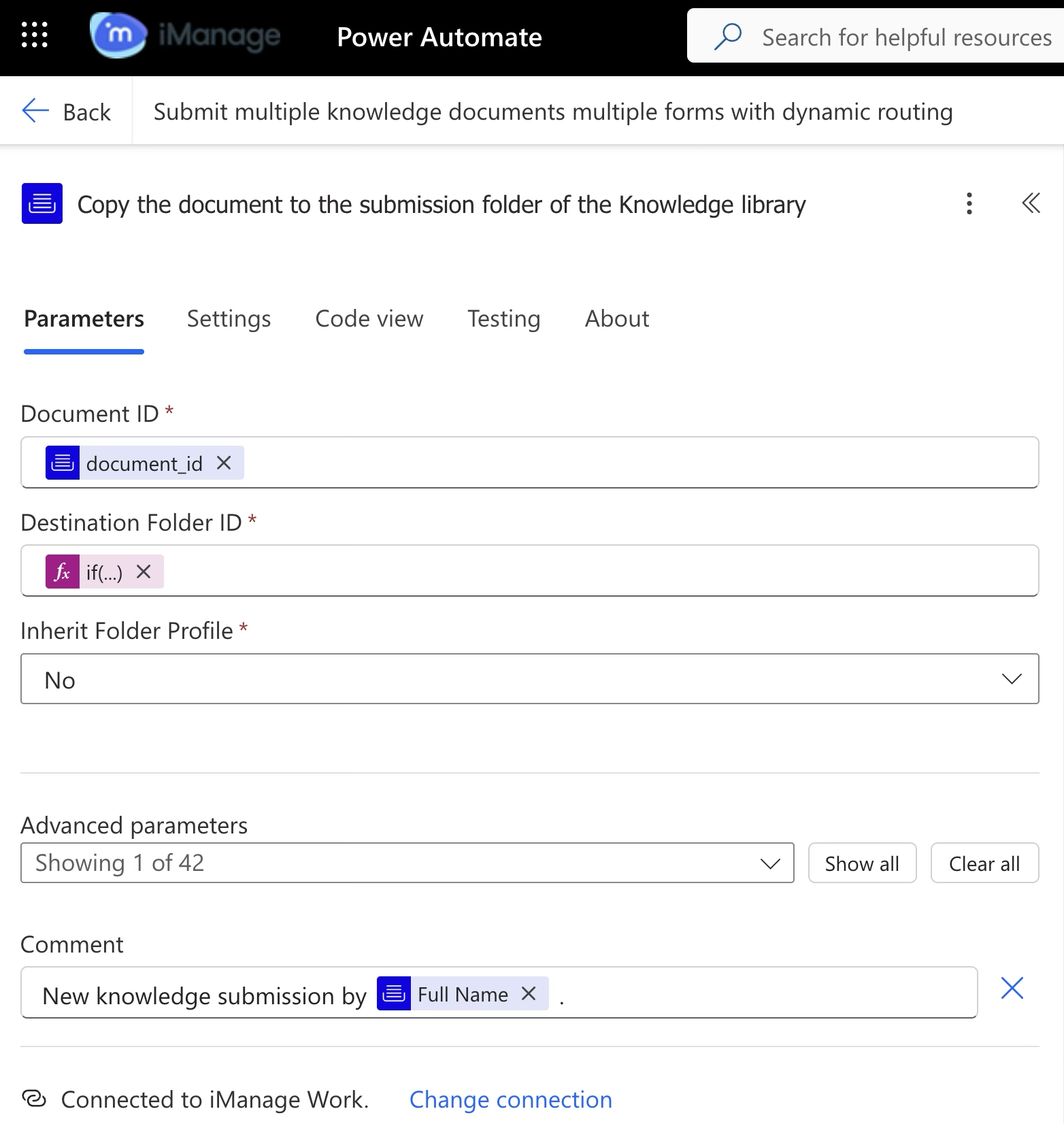 | iManage Work Connector Copies a document to the specified folder within the same library or across libraries. |
3.2.4 | 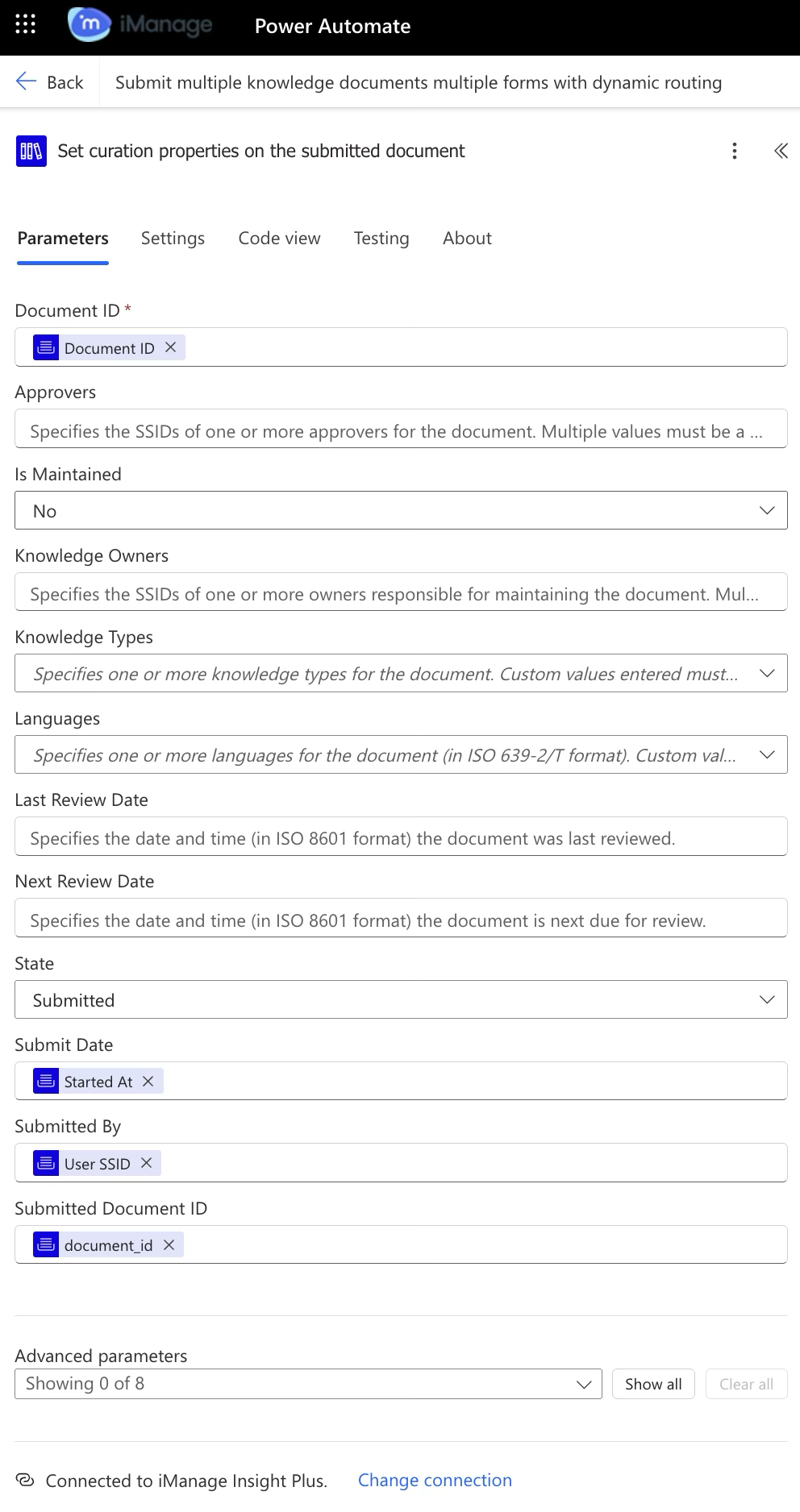 | iManage Insight Plus Connector Sets curation properties on the uploaded document. |
3.2.5 | 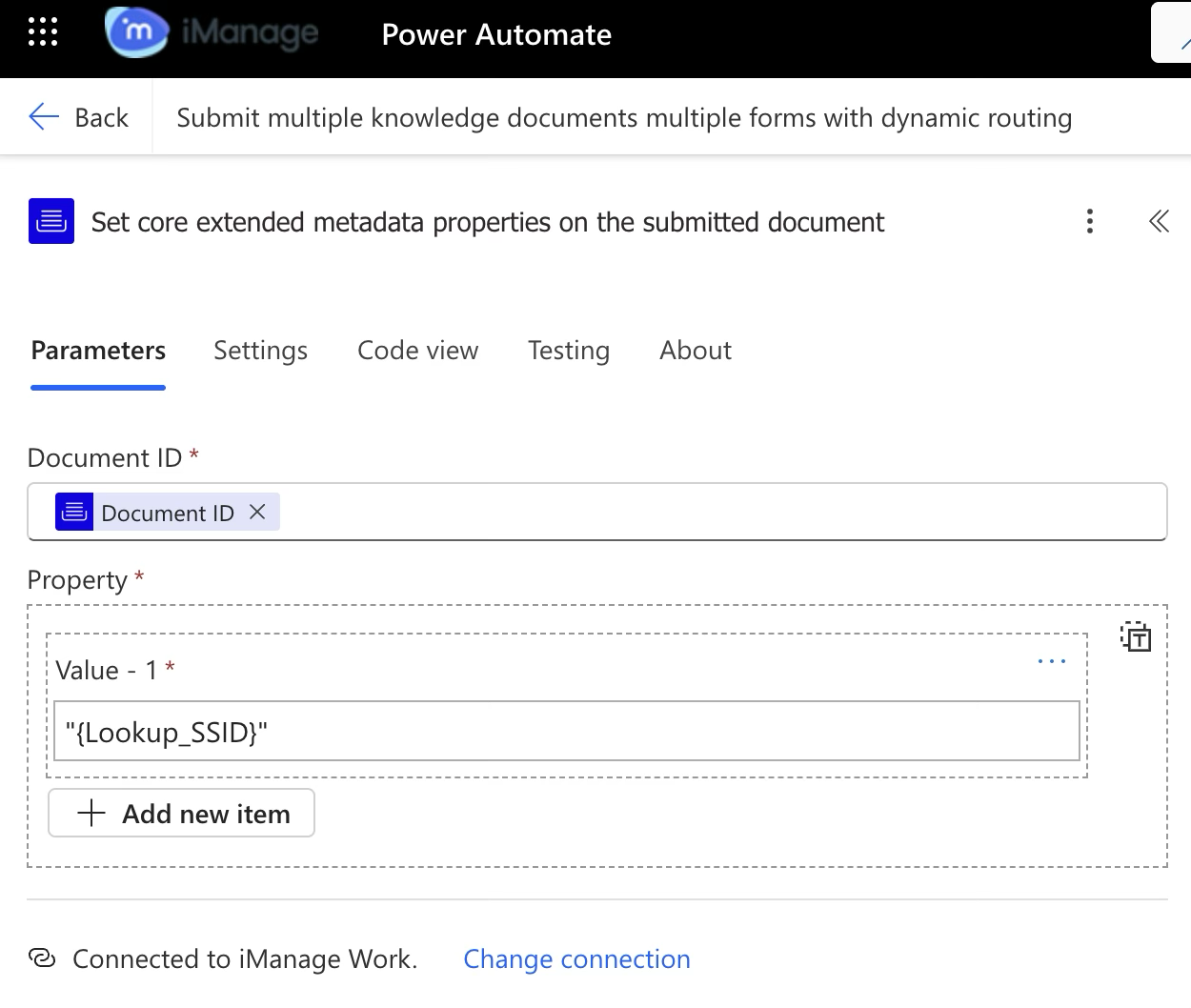 | iManage Work connector
Sets the lookup field value based on which the workflow has been configured for a specified document. Subsequent workflows such as Curate, Publish and so on uses this set lookup field value to determine the destination folder ID. |
3.2.6 | 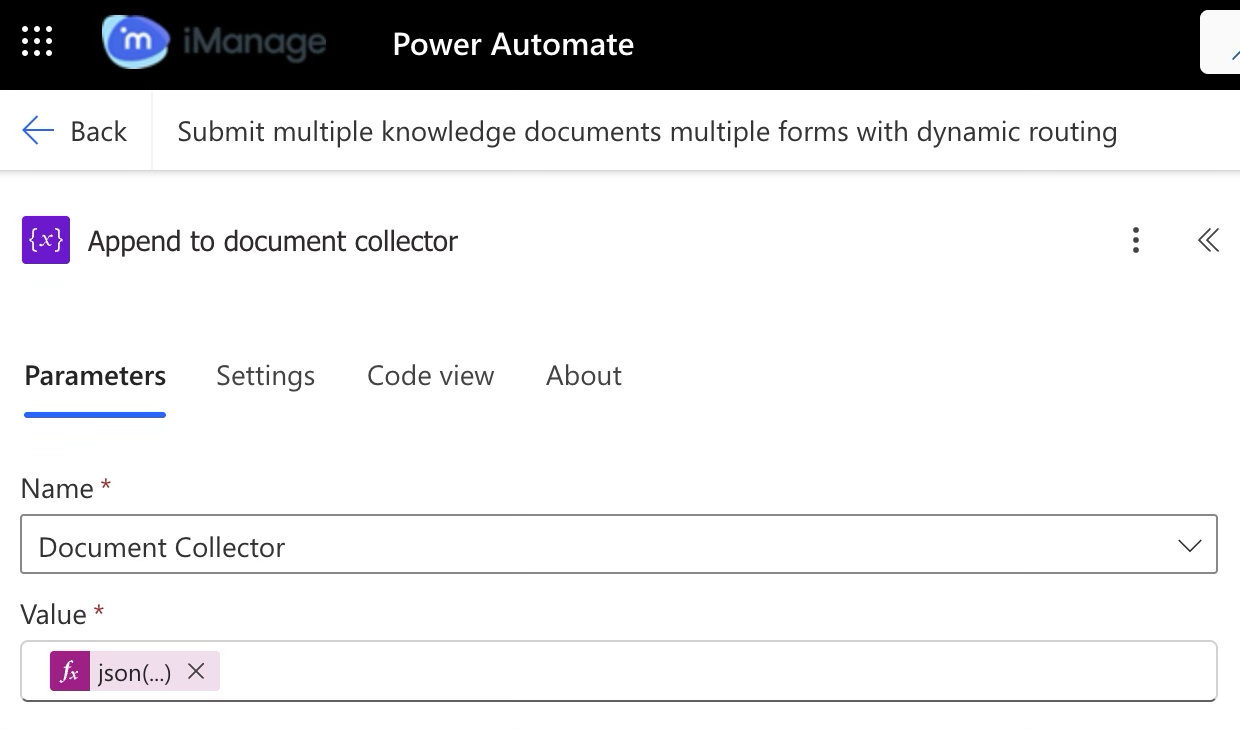 | Connector (variable)
This appends the lookup field SSID key and the email ID for each document to this variable. |
3.2.7 | 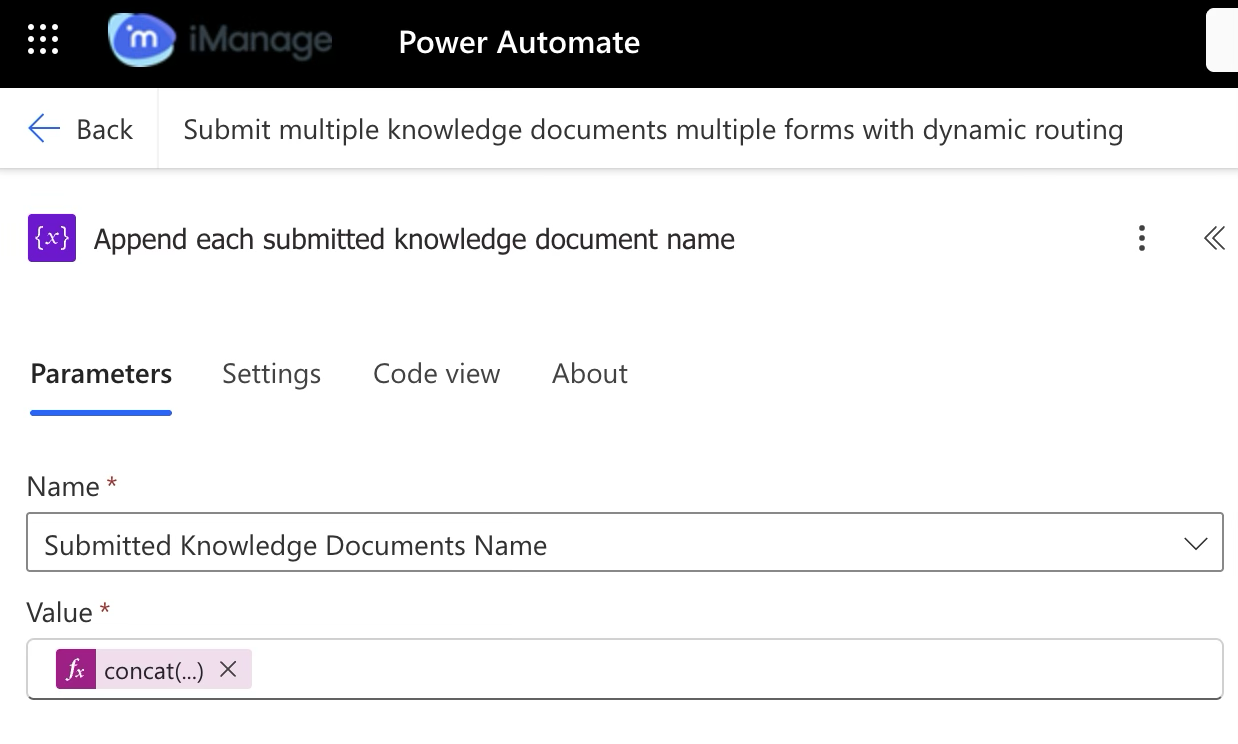 | Connector (variable)
This appends the document name to this variable. |