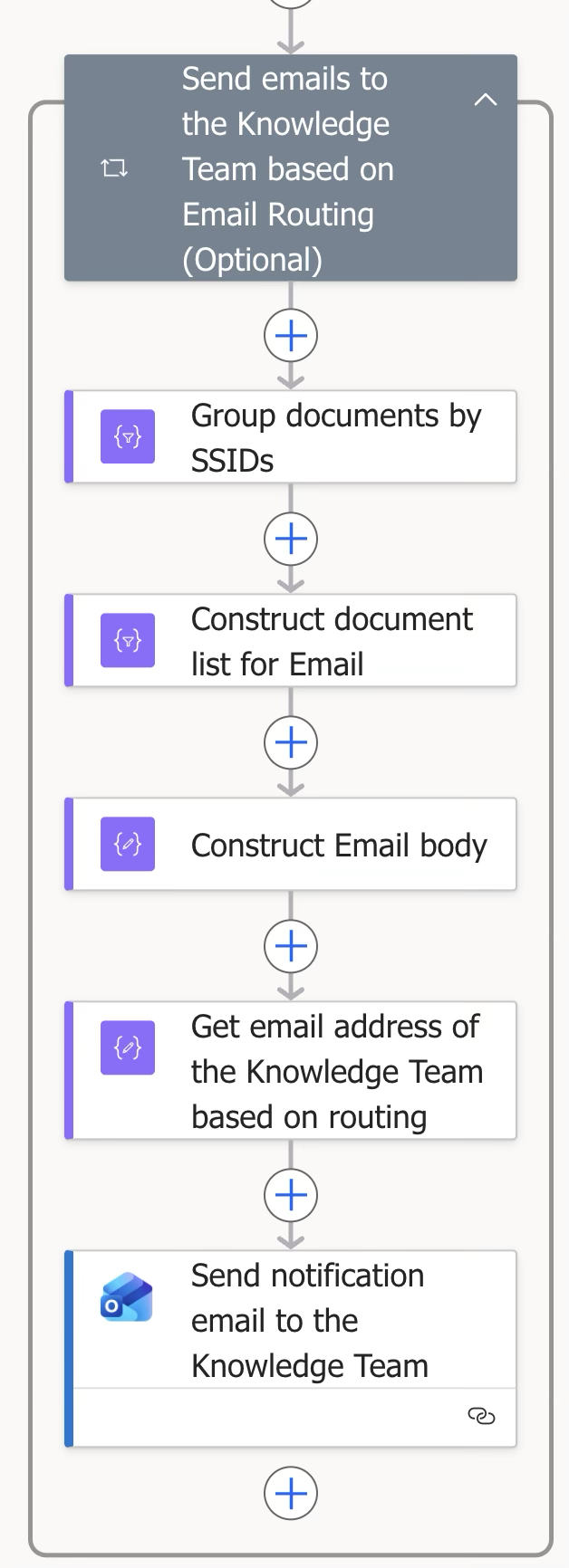
This block handles email communications to the Knowledge team.
Step | Figure | Description |
|---|
3.4.2.1 | 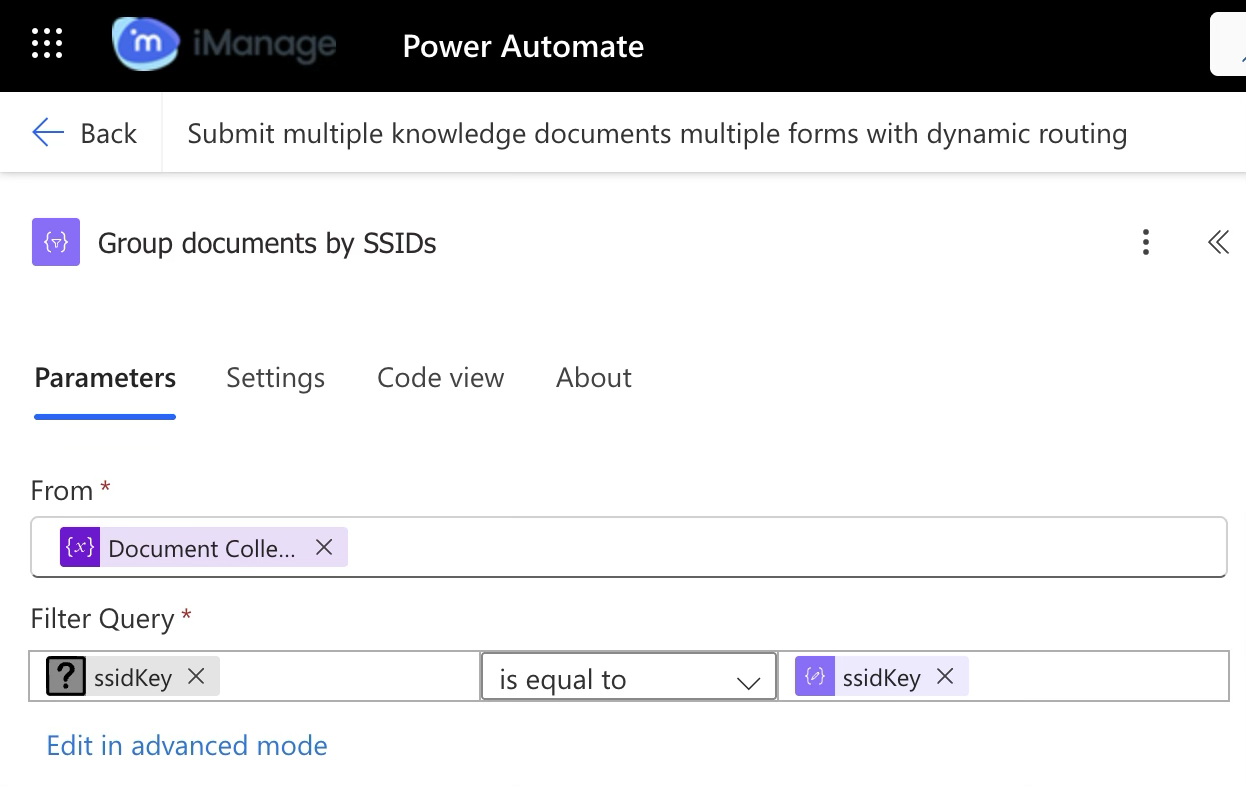 | Connector (Data operation)
This connector groups documents as one based on the SSID configured for a particular document. |
3.4.2.2 | 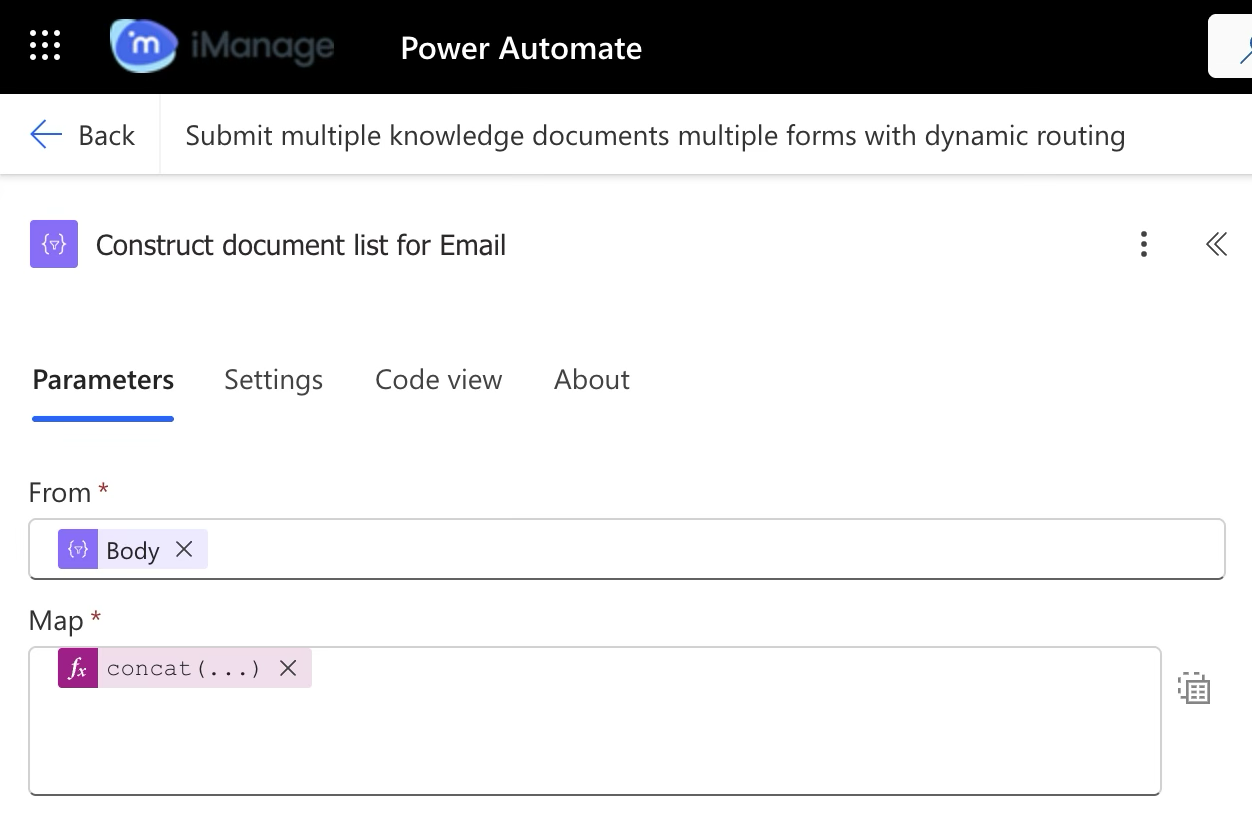 | Connector (Data operation)
Creates an email with the list of documents (with links to iManage Work) submitted for a specified SSID.
|
3.4.2.3 | 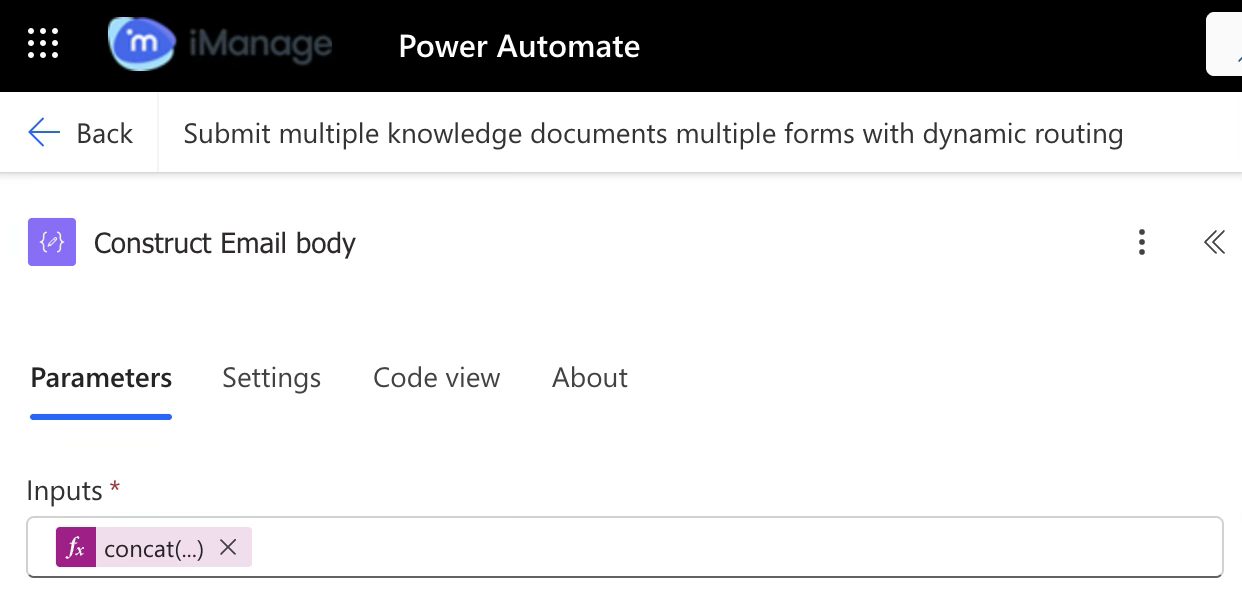 | Connector (Data operation)
Uses the information from step 3.4.2.2 and then puts it in an ordered list format. |
3.4.2.4 | 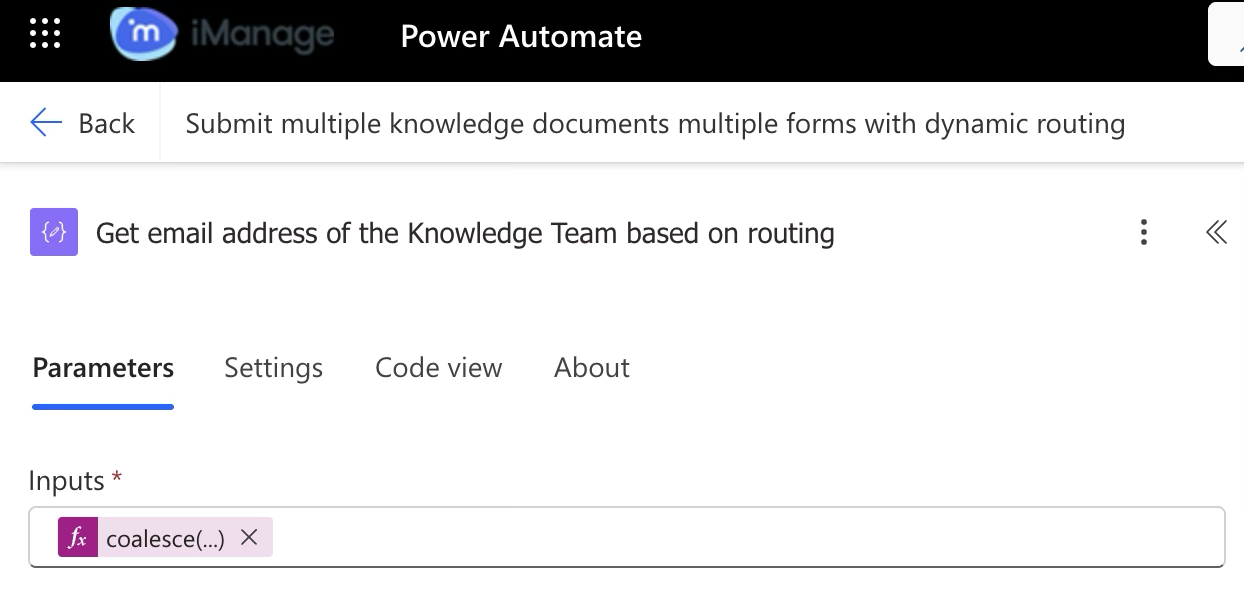 | Connector (Data operation)
Gets the email ID of SSID key for which the documents have been submitted, and checks if the email routing configuration variable has an email configured for that SSID key.
In case an email ID isn't configured for that SSID, it selects the default email ID, which is set during the workflow creation in the email routing configuration step. |
3.4.2.5 | 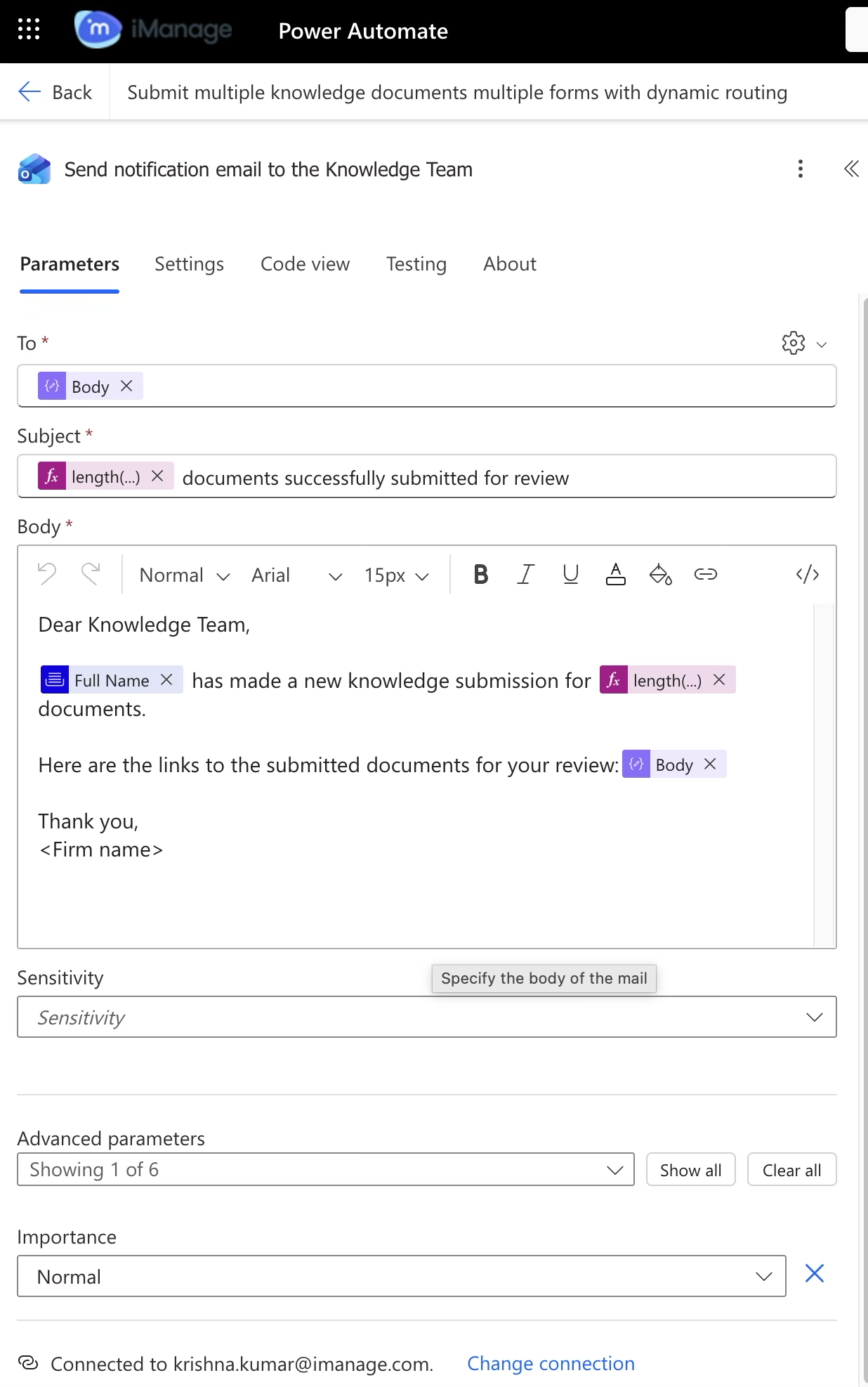 | Office 365 Outlook Connector Sends an email message to the Knowledge team with information on the documents submitted. |