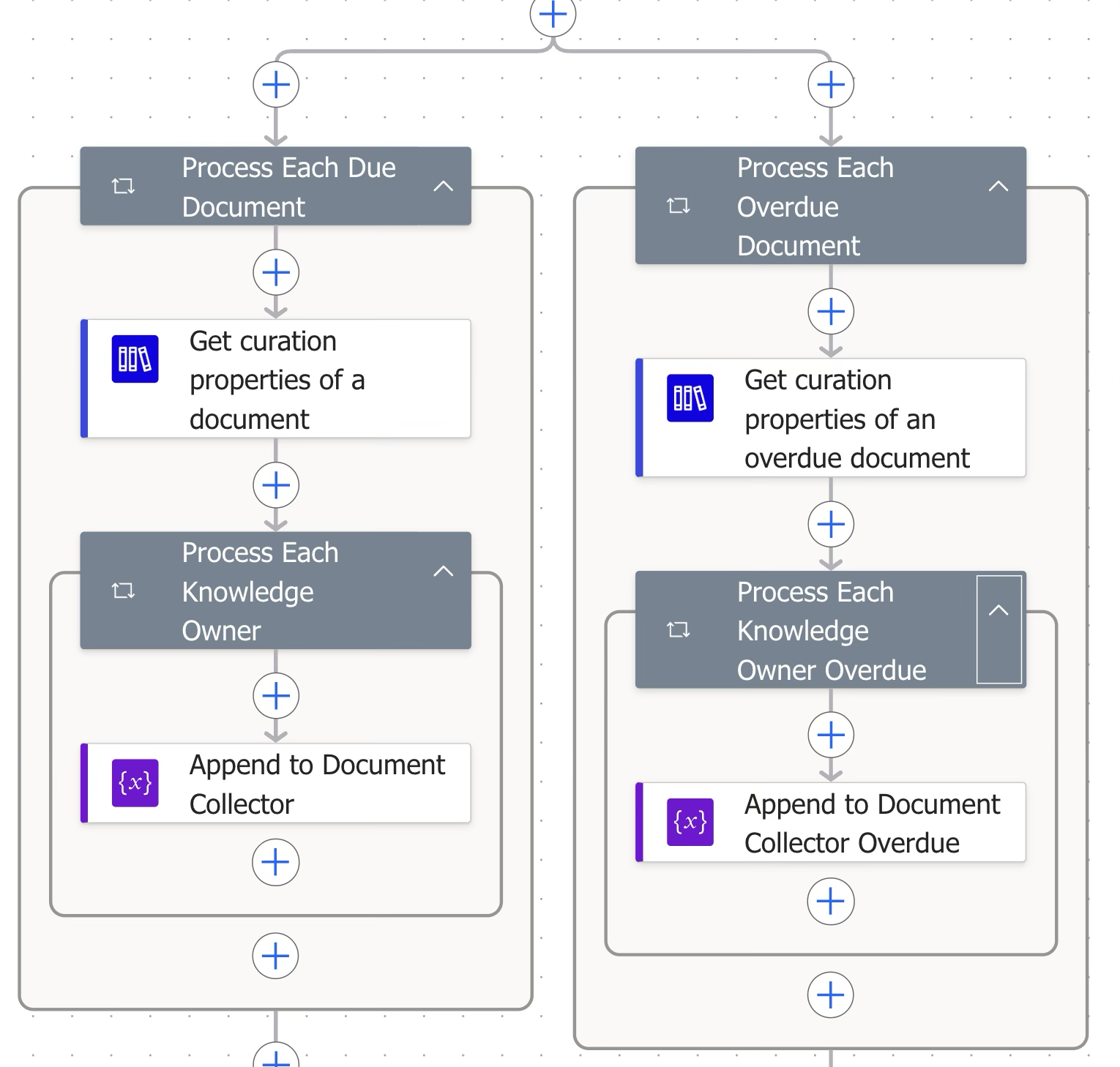
This block filters the documents where the next review date is set.
Step | Figure | Description |
|---|---|---|
6.1.1 | 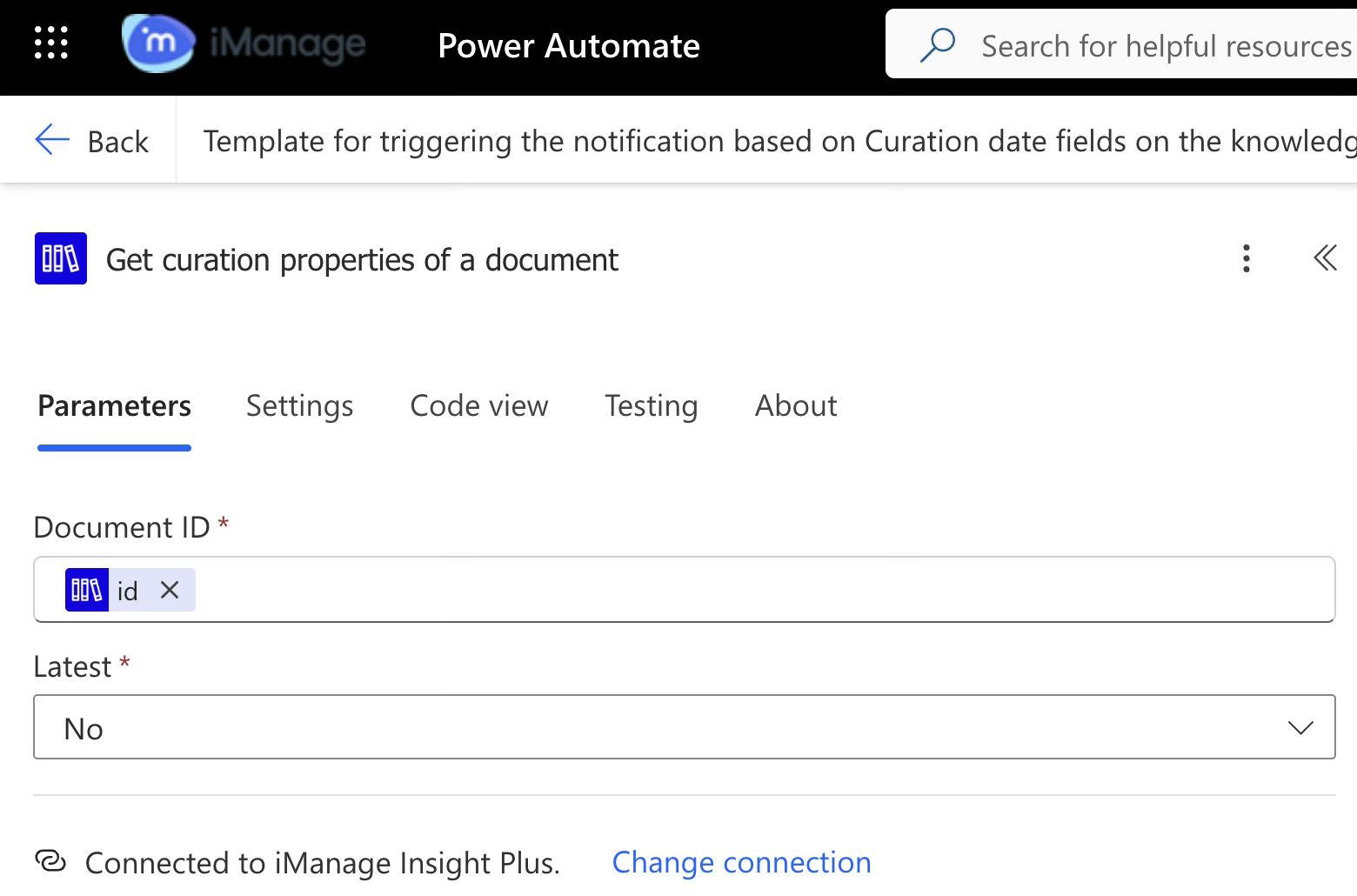 | iManage Insight Plus Connector The Search document action returns a list of documents that satisfy the curation next review date criteria. In this step, we retrieve the curation properties for each of these documents. |
6.1.2 | 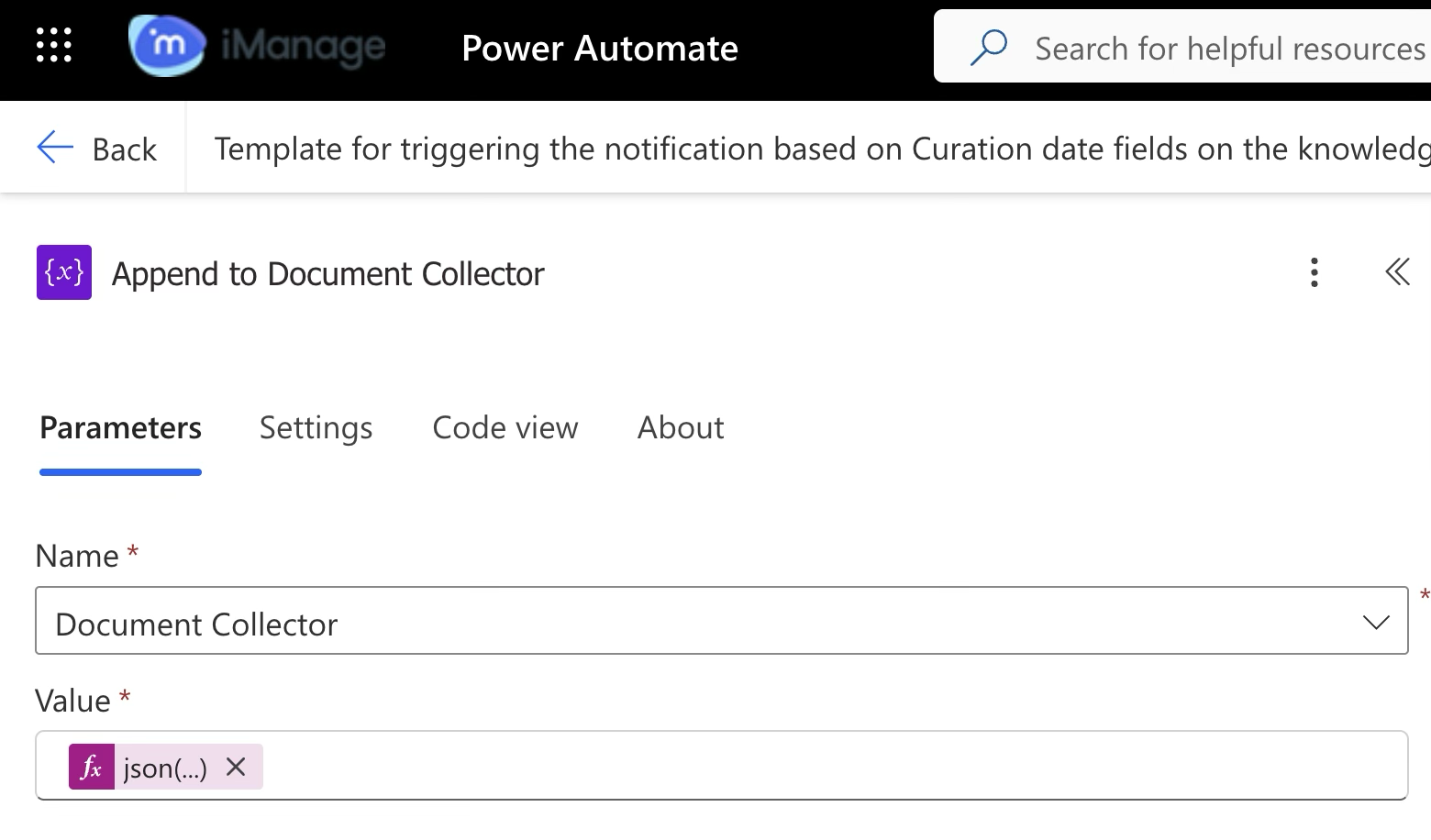 | Connector (Data operation) This step runs for each knowledge owner listed on the document. It adds an entry to a running list—including the person, document name, link, review date, and status (overdue, due today, or upcoming). If a document has multiple owners, the step creates separate entries for each person rather than combining them. This ensures that each owner receives a single, aggregated email listing all their assigned documents, regardless of shared ownership. |
6.2.1 | 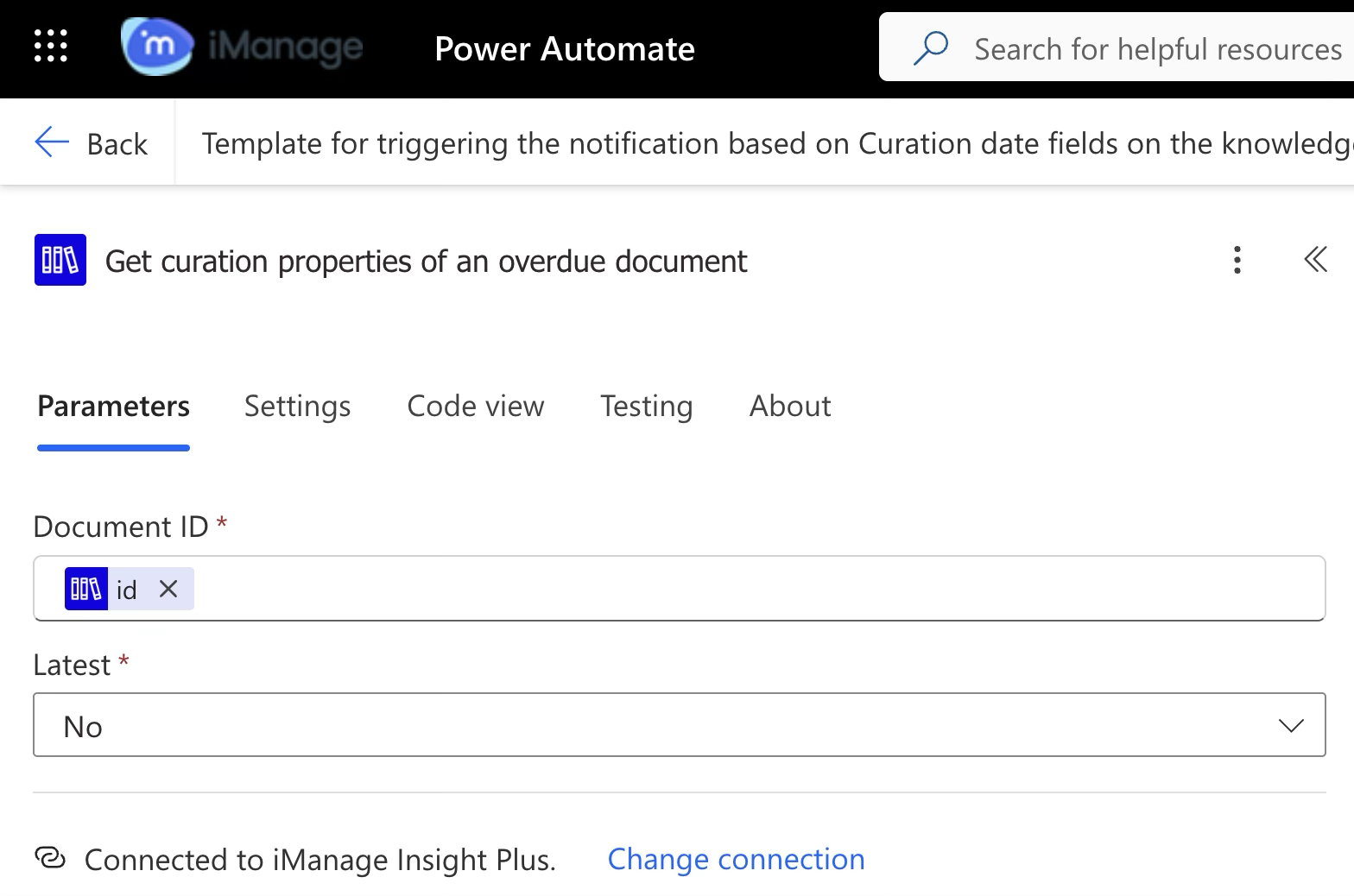 | iManage Insight Plus Connector The Search document action returns a list of overdue documents that satisfy the curation next review date criteria. In this step, we retrieve the curation properties for each of these documents. |
6.2.2 | 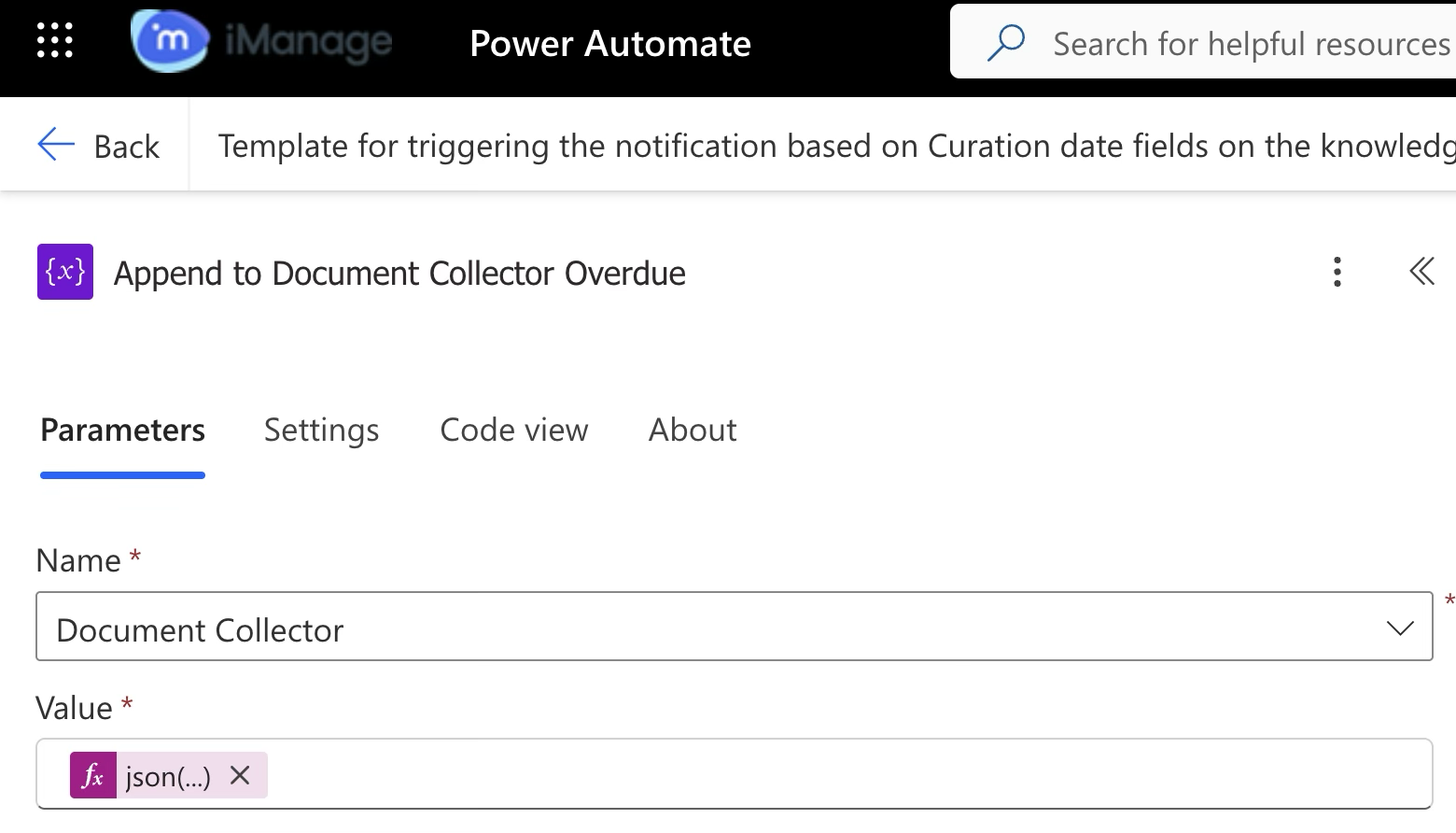 | Connector (Data operation) This step runs for each knowledge owner listed on the document. It adds an entry to a running list—including the person, document name, link, review date, and status (overdue, due today, or upcoming). If a overdue document has multiple owners, the step creates separate entries for each person rather than combining them. This ensures that each owner receives a single, aggregated email listing all their assigned documents, regardless of shared ownership. |