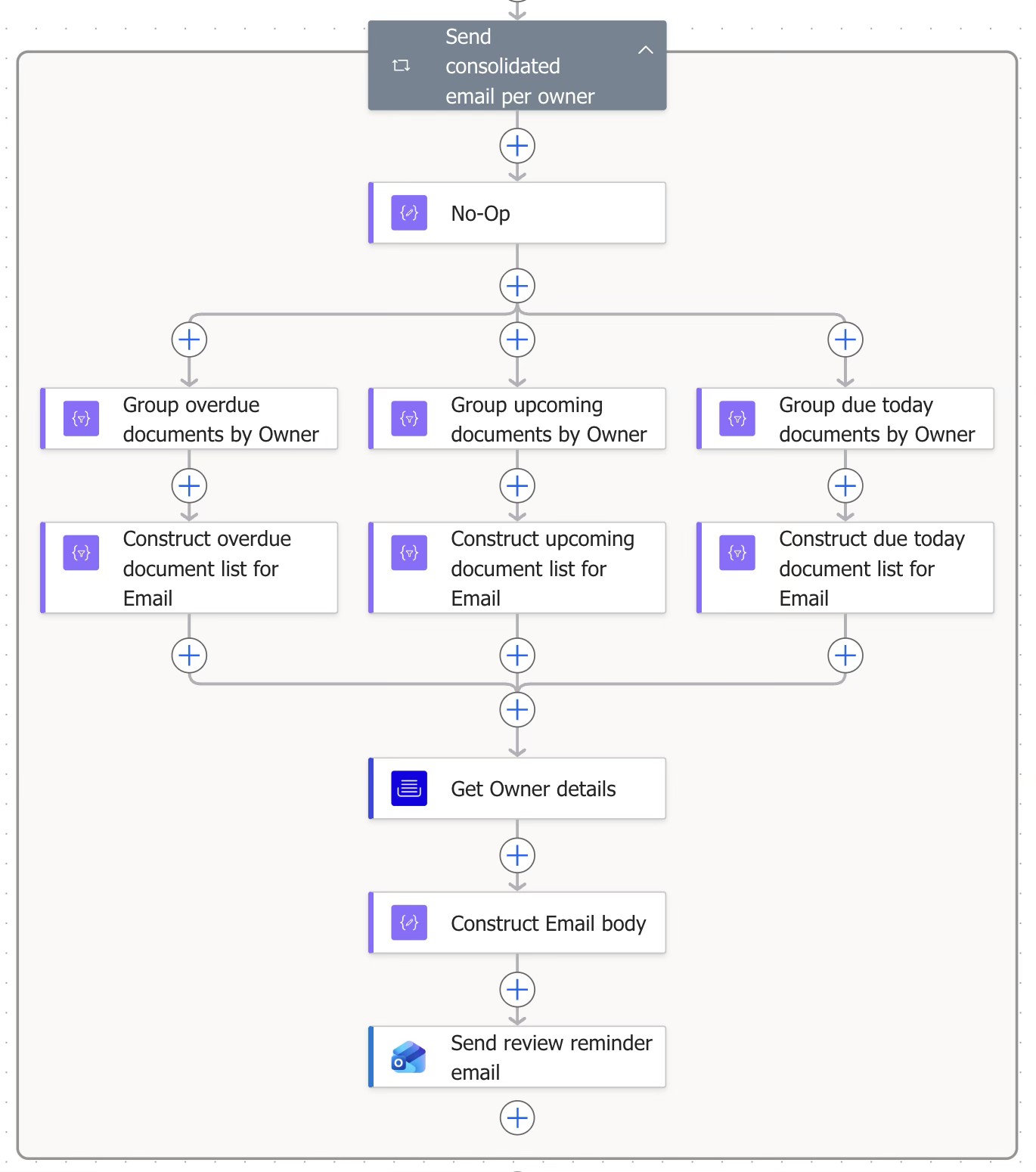
This block sends email to the knowledge owners.
Step | Figure | Description |
|---|---|---|
8.1 | 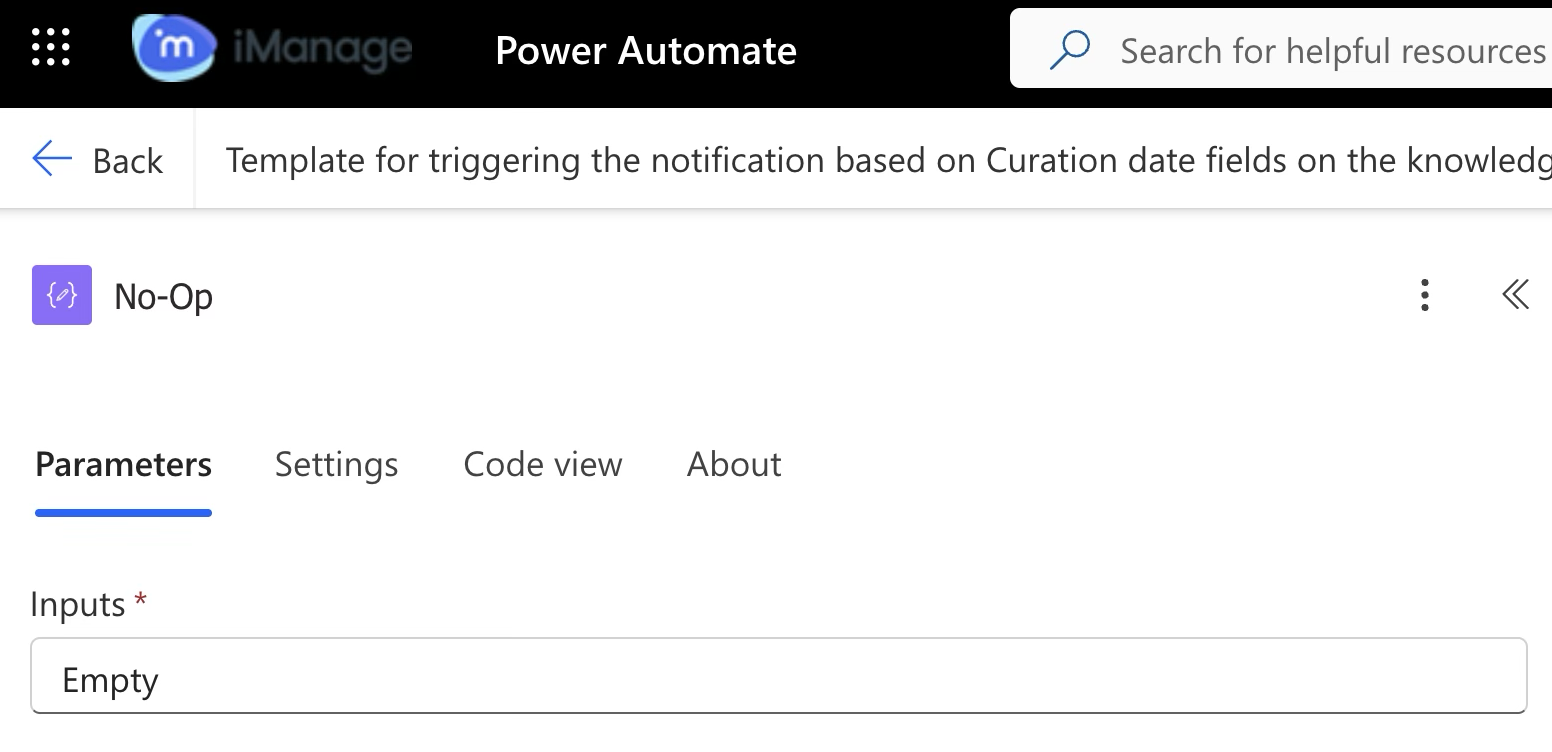 | No Operation block (Data operation) Acts as a placeholder or starting point in a workflow. This is useful when you're structuring multiple blocks in parallel. It doesn't run logic, transform data, or trigger events. |
8.2.1 | 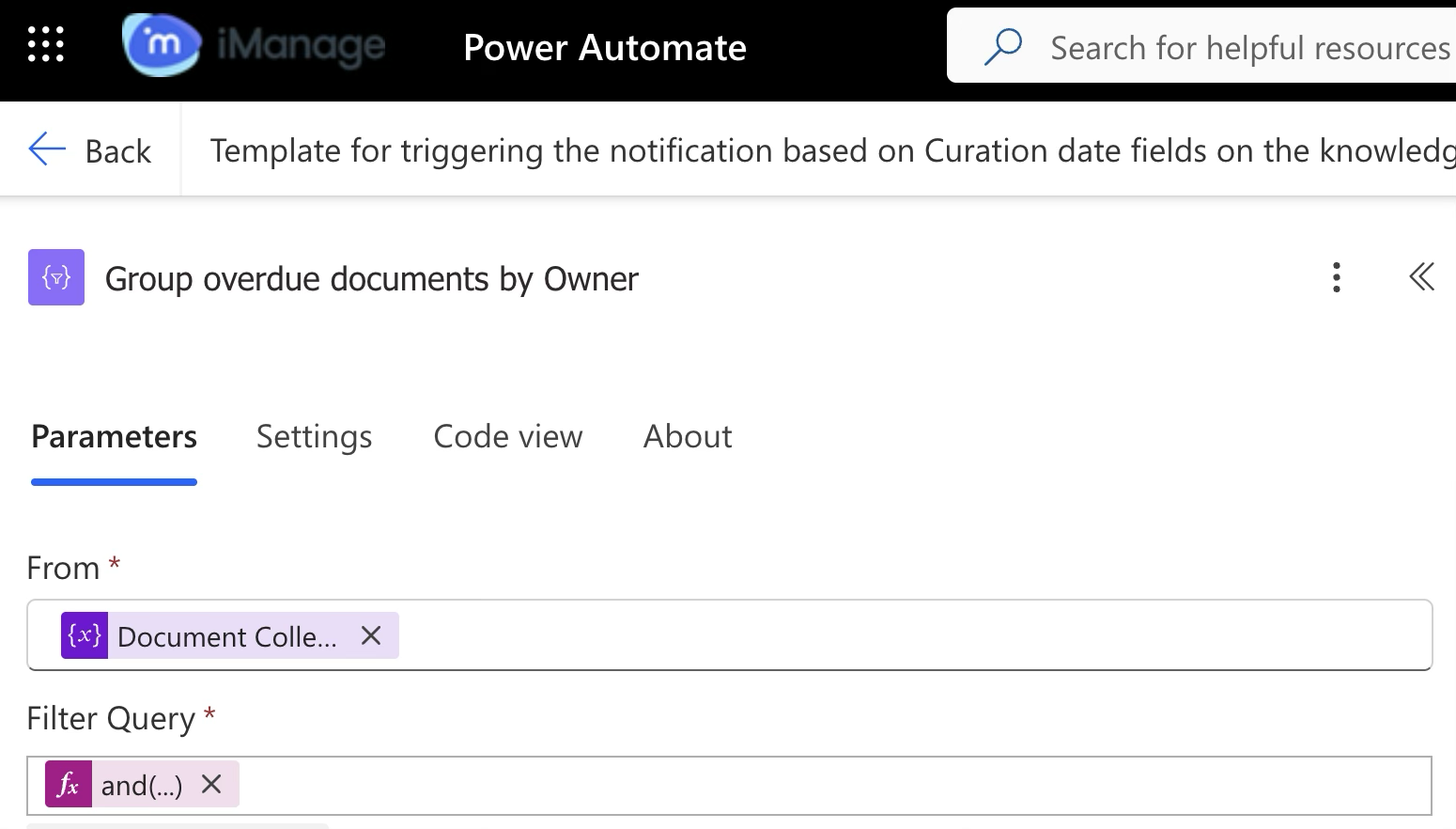 | Connector (Data operation) Creates a consolidated list of overdue documents as per the unique owner ID collected in step 7.3 from Block 7. |
8.2.2 | 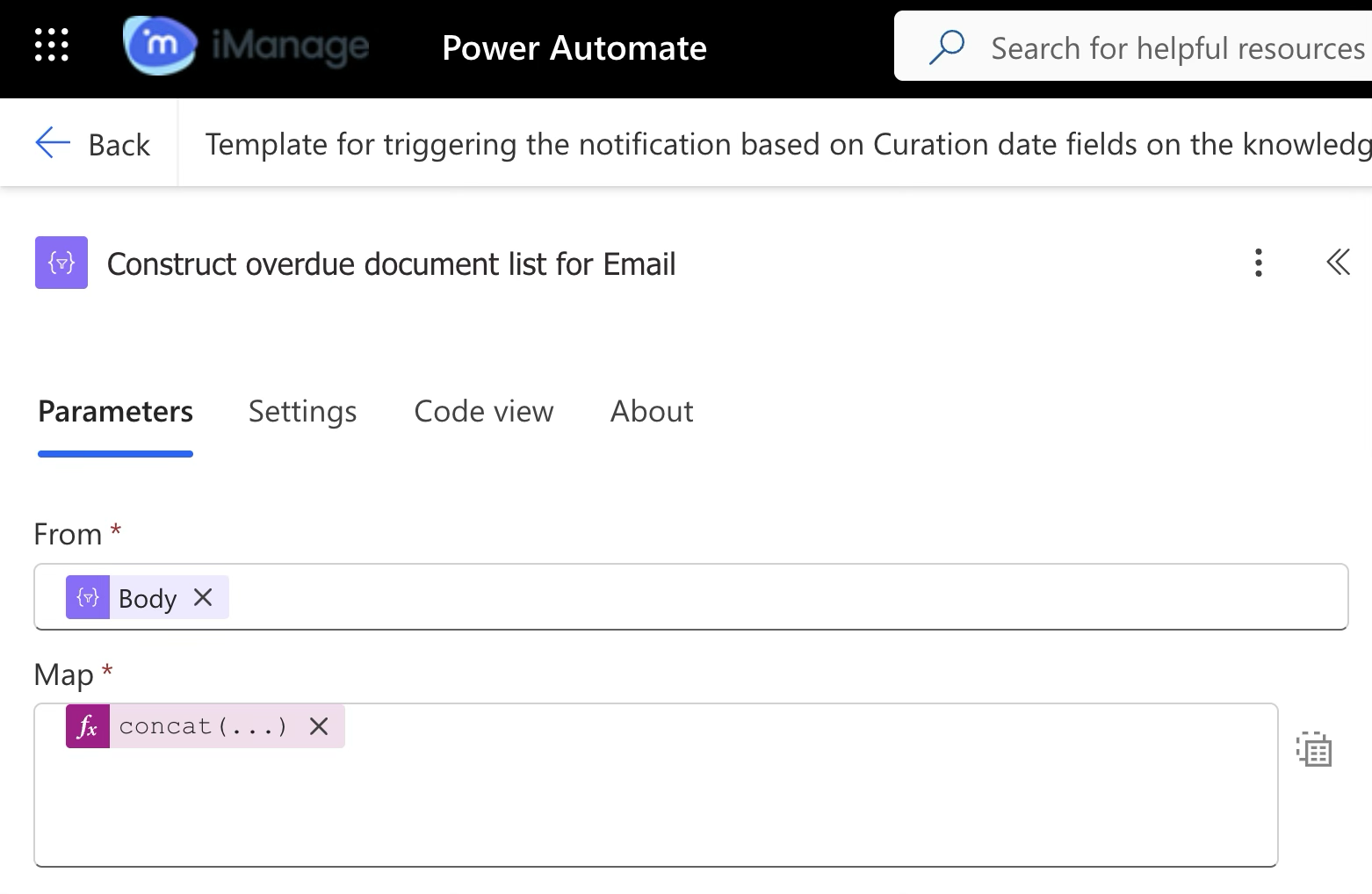 | Connector (Data operation) Creates a consolidated document list with the following details that'll be included in the body of the reminder mail: |
8.3.1 | 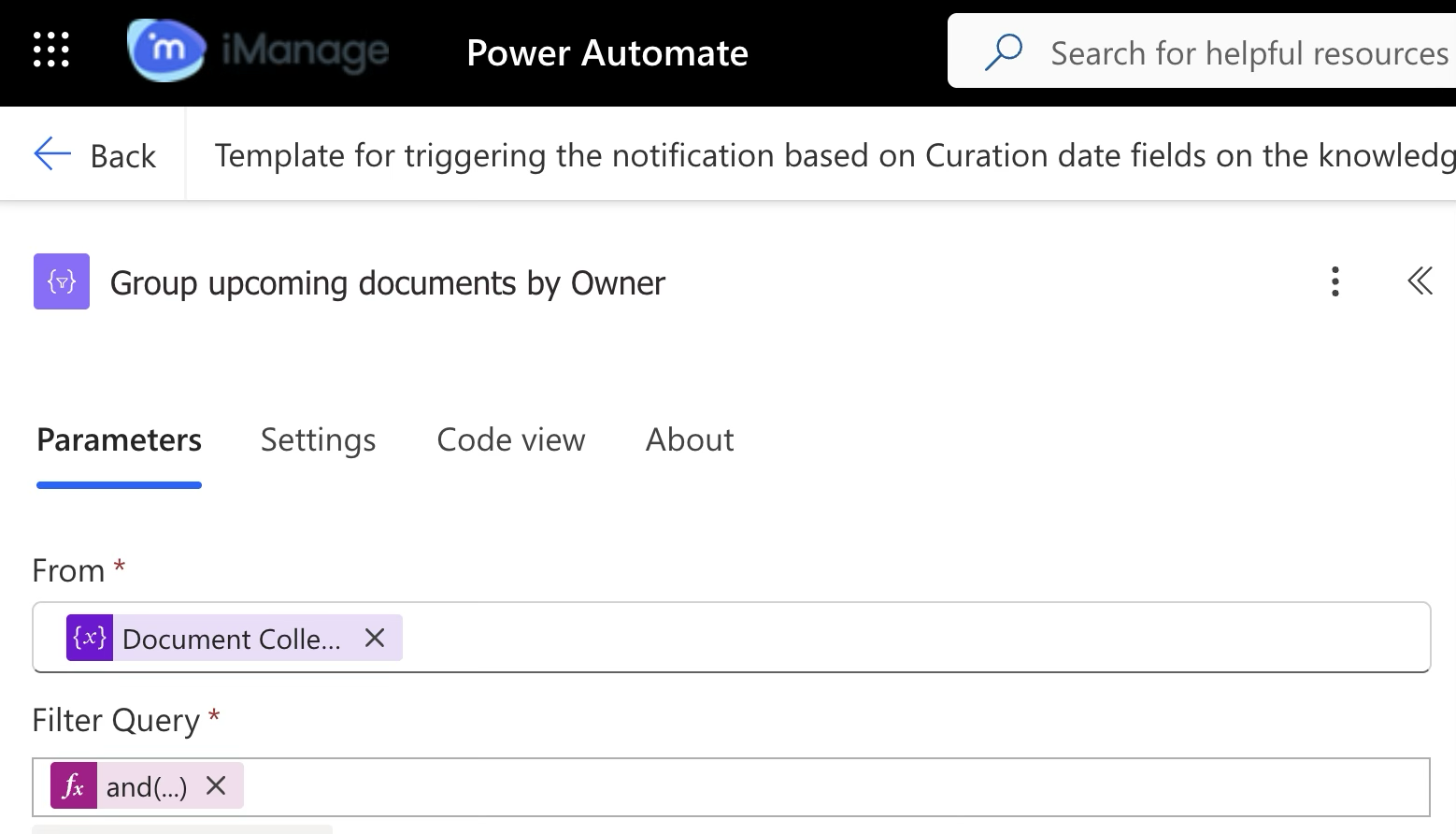 | Connector (Data operation) Creates a consolidated list of documents whose review date is coming up as configured in Step 2.2 for Blocks 1 and 2. |
8.3.2 | 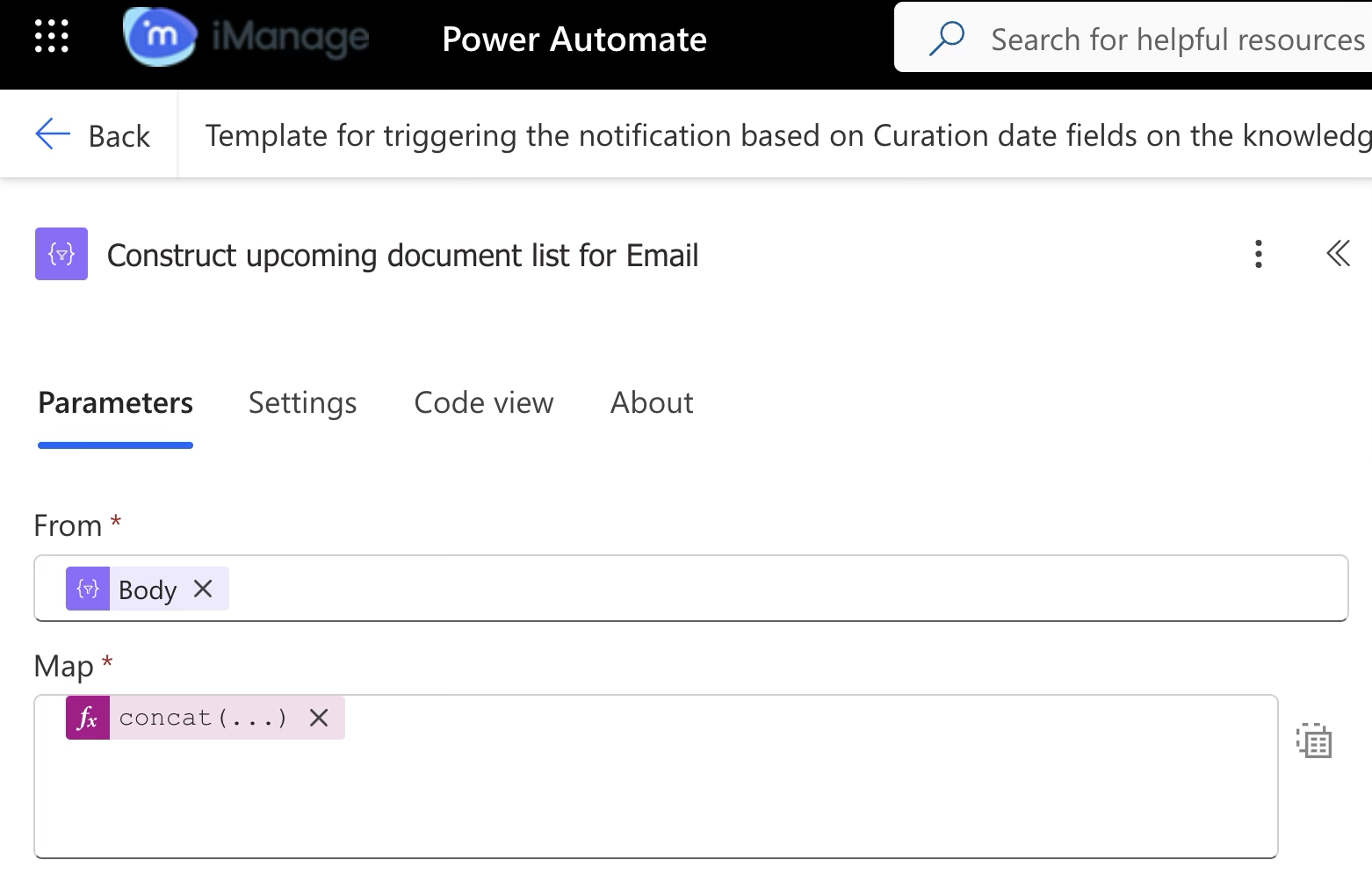 | Connector (Data operation) Creates a consolidated document list with the following details that'll be included in the body of the reminder mail:
|
8.4.1 | 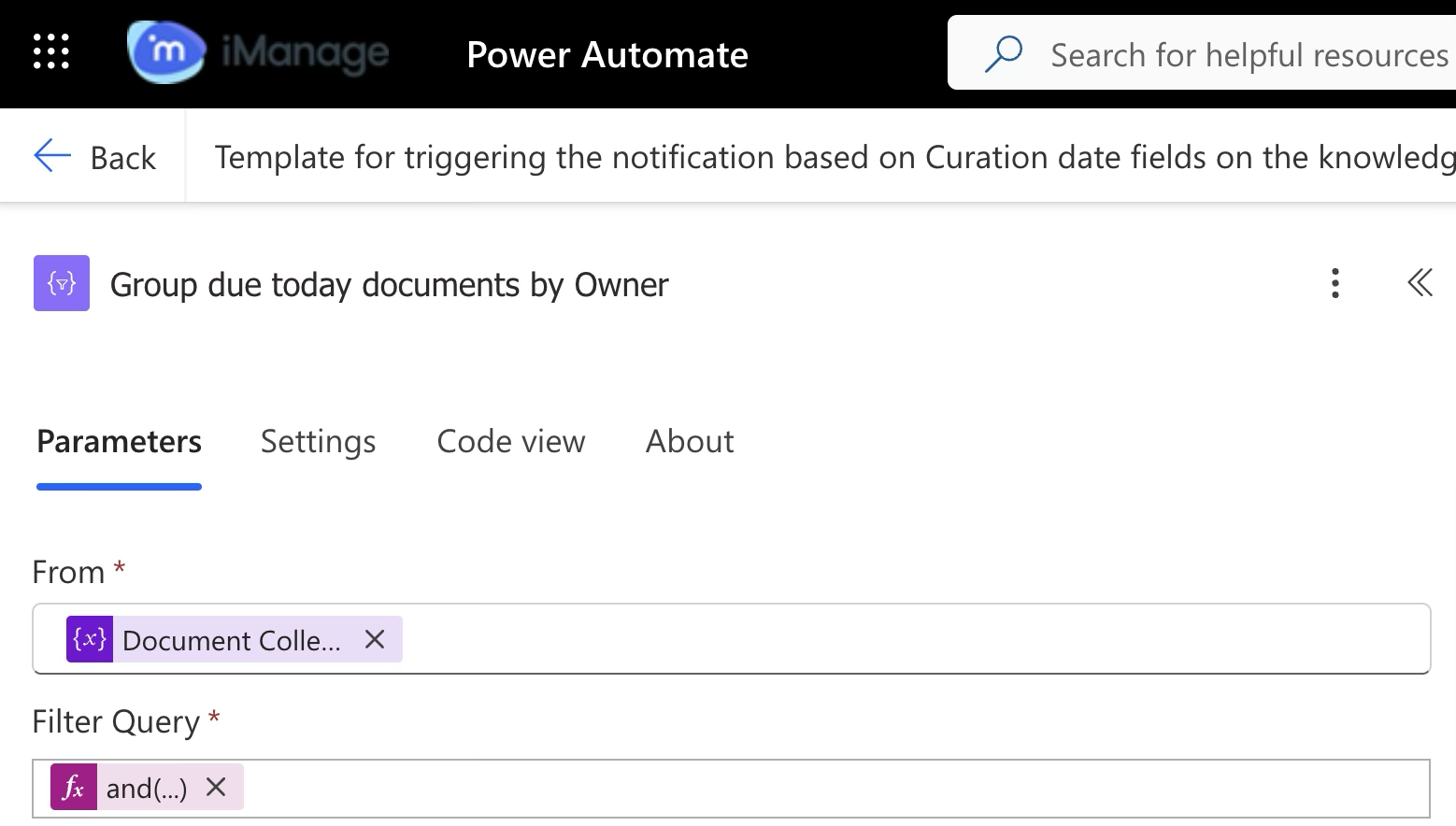 | Connector (Data operation) Creates a consolidated list of documents whose review date is due today as per the unique owner ID collected in step 7.3 from Block 7. |
8.4.2 | 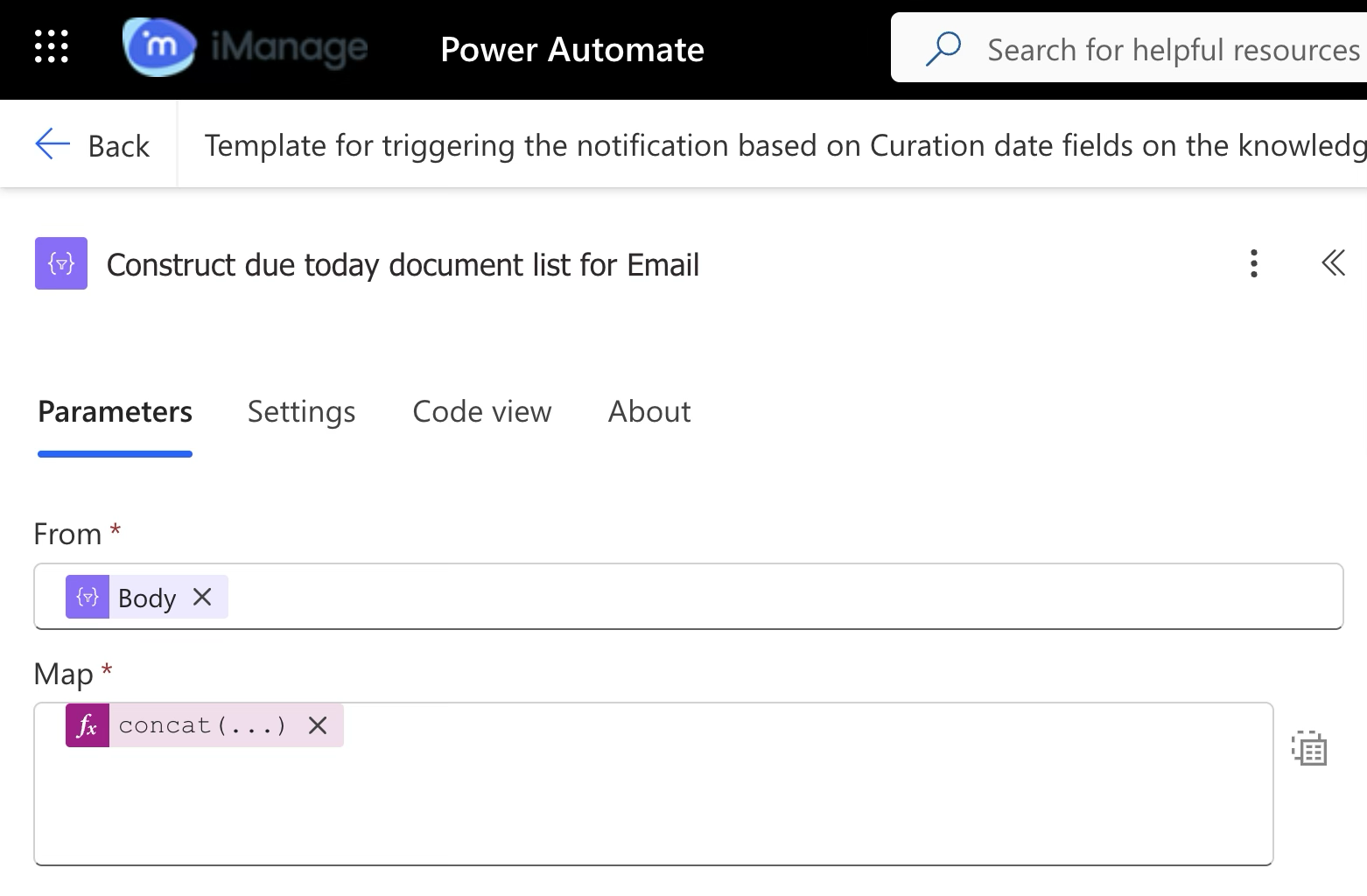 | Connector (Data operation) Creates a consolidated document list with the following details that'll be included in the body of the reminder mail:
|
8.5 | 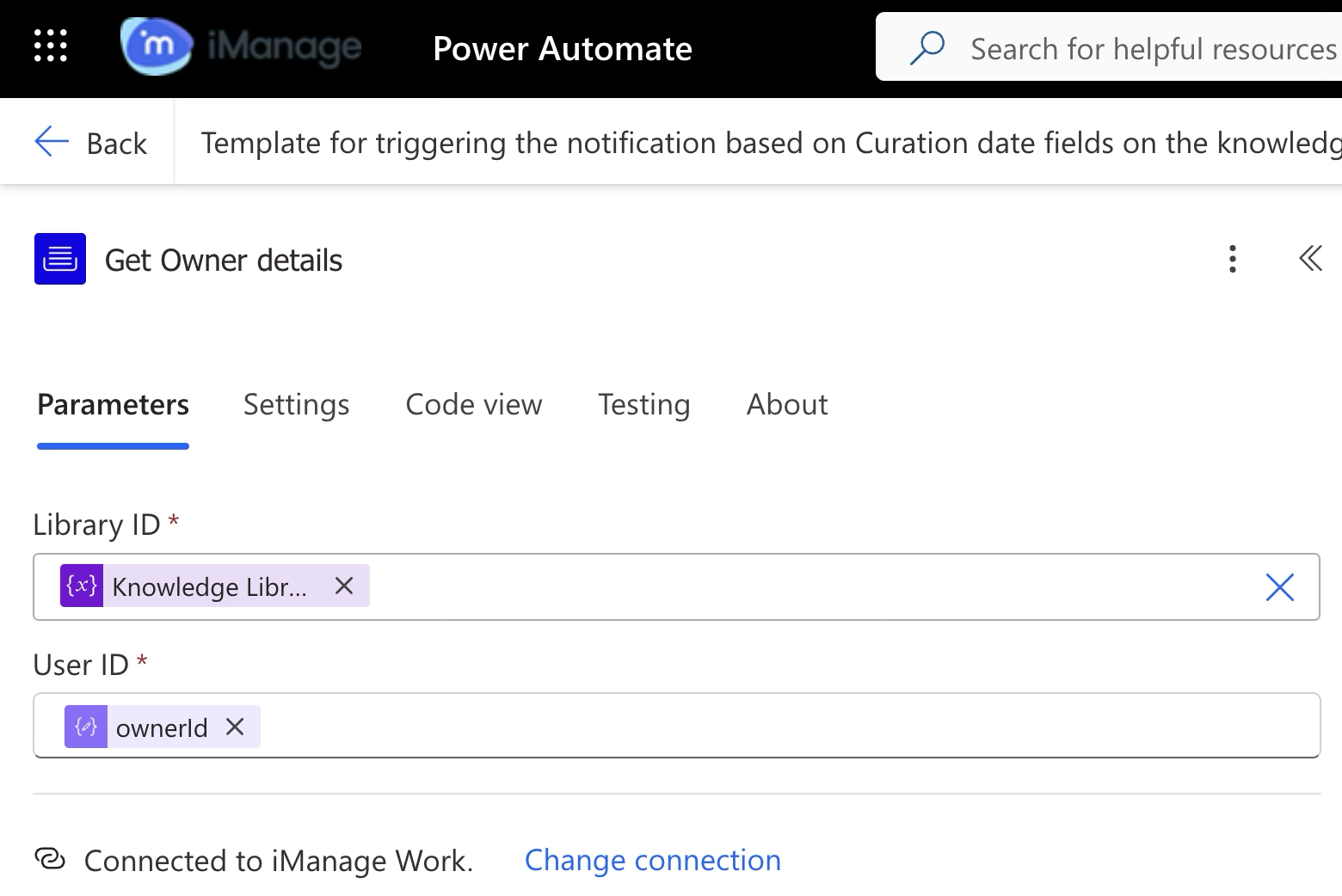 | iManage Work Connector Fetches the knowledge owner’s details where we use their email IDs for sending the reminder email. |
8.6 | 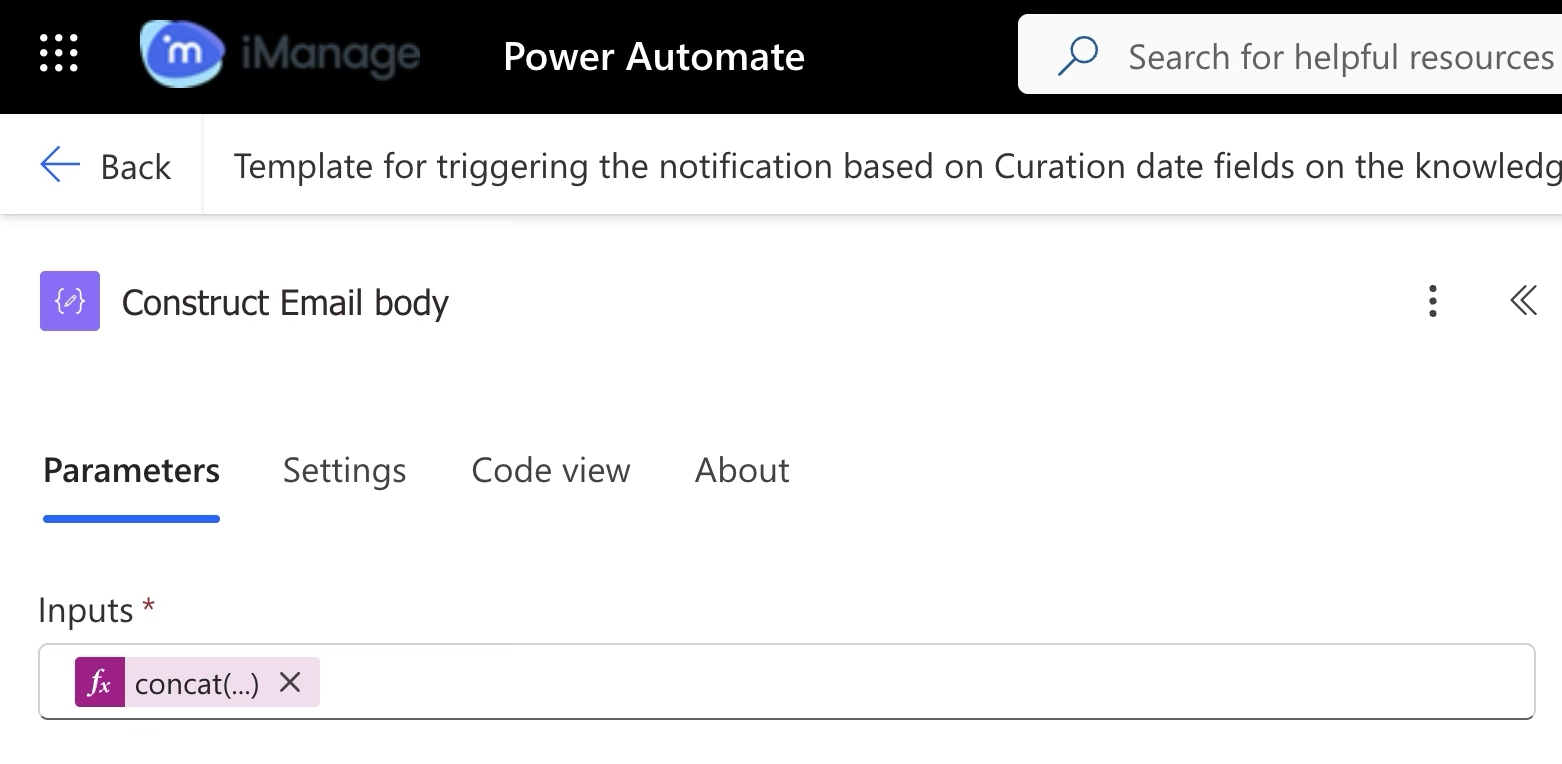 | Connector (Data operation) Creates a HTML email body in the following format: |
8.7 | 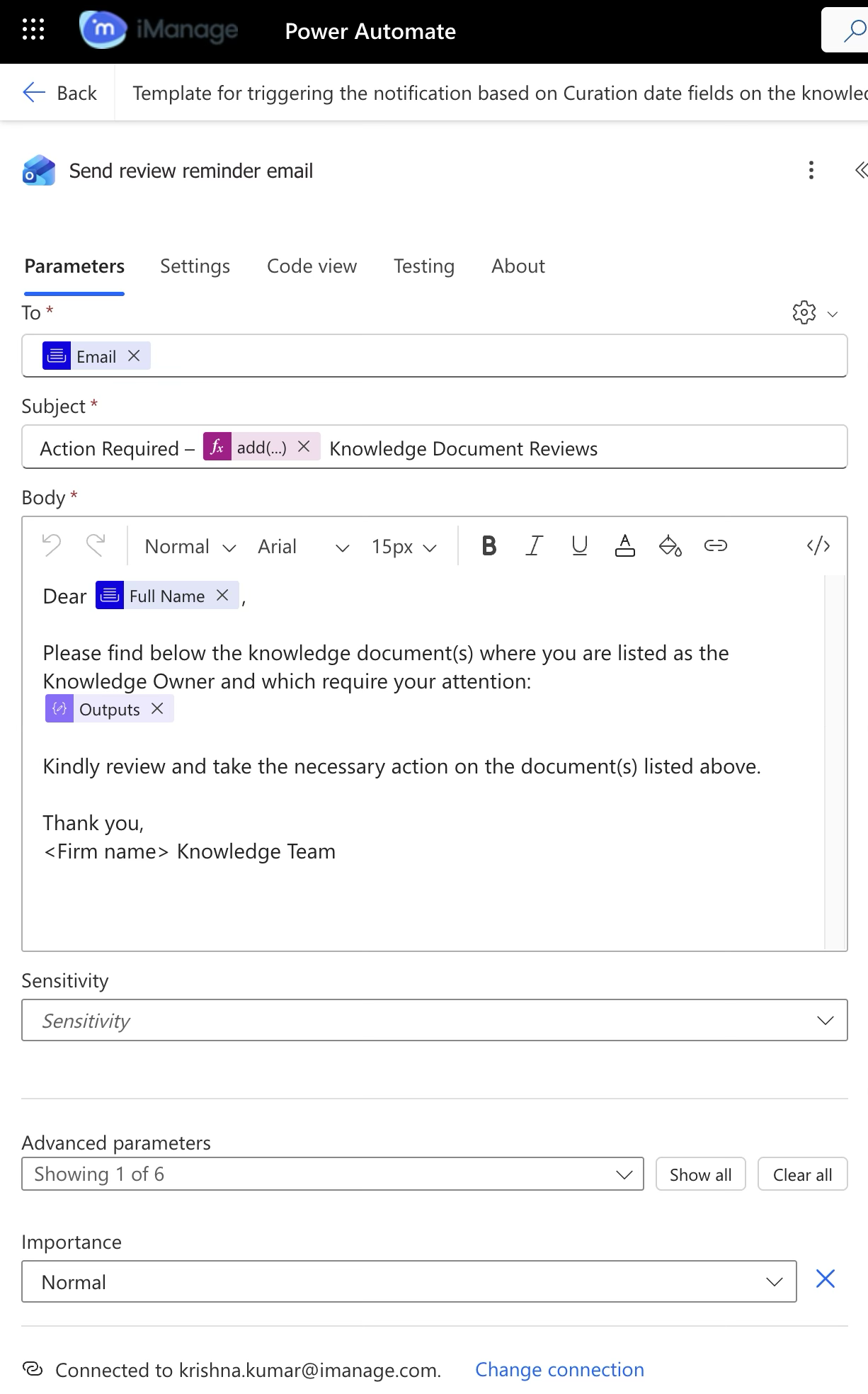 | Office 365 connector Sends an email as per the information captured in the previous step. |