You can submit single or multiple documents as knowledge in iManage Work using the Curation application.
Sign in to iManage Work Web.
Select the document(s) that you wish to submit as knowledge.
Select Submit as Knowledge from the multiselect toolbar or context menu. The Submit as Knowledge dialog opens.
Figure: Submitting single or multiple documents as knowledge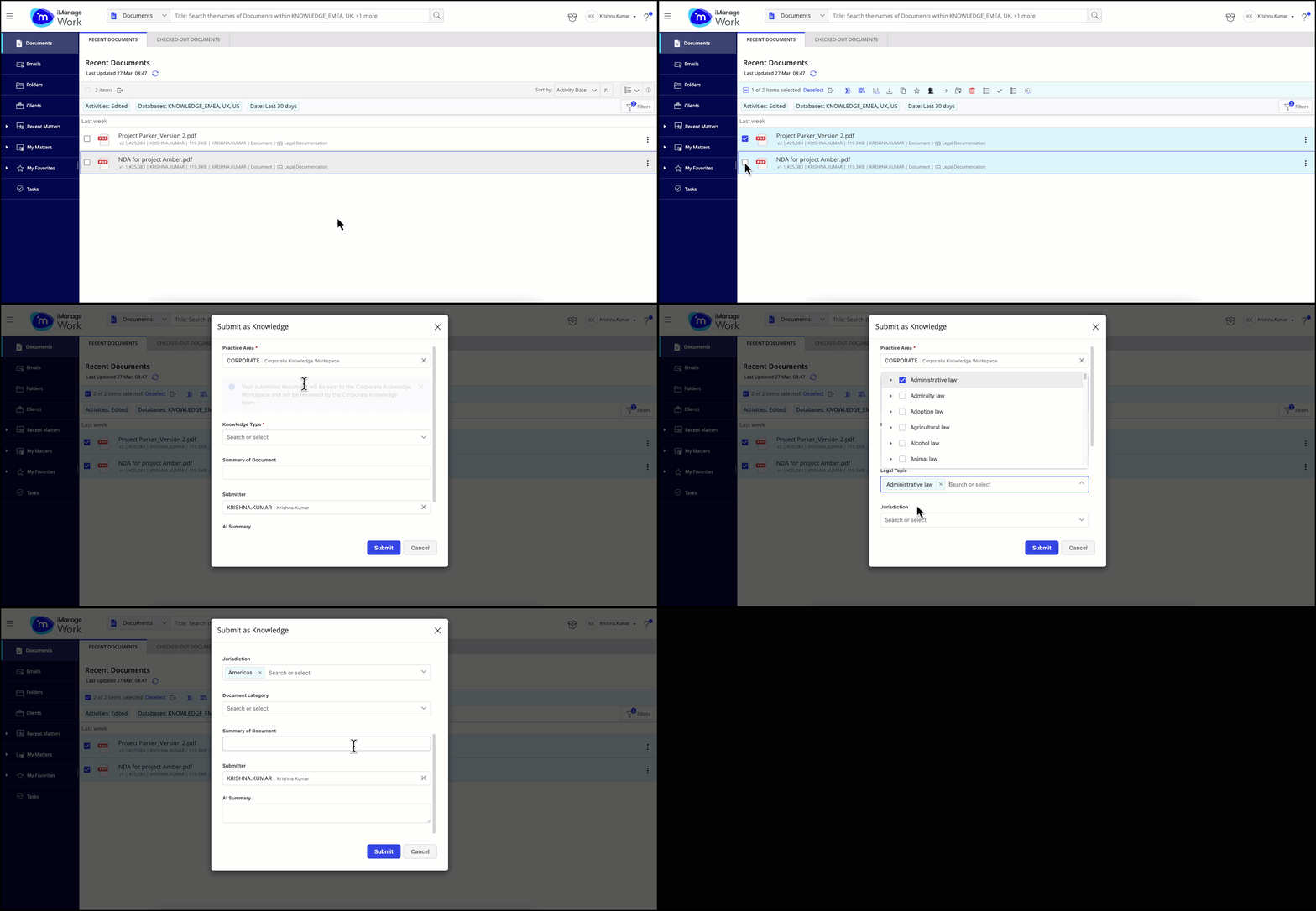
Enter the required details and then select Submit. A message is displayed confirming that the document is submitted as knowledge.
Figure: Confirmation message after submitting a document as knowledge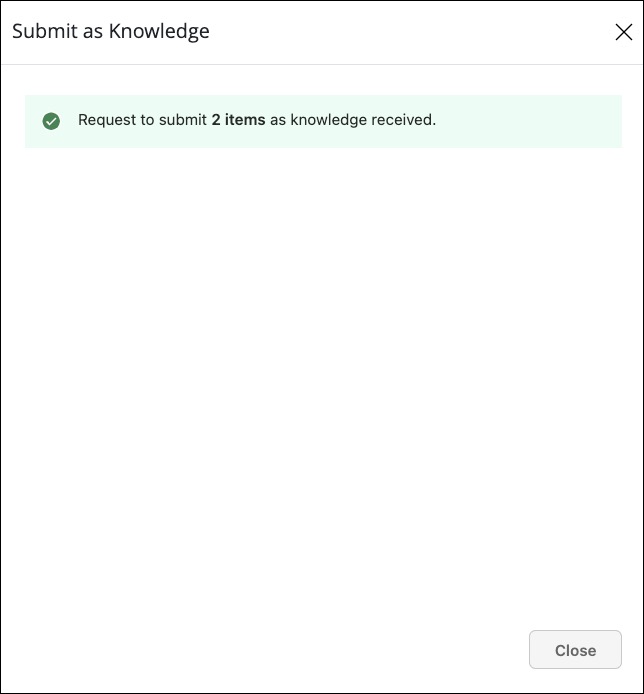
Editing the document name before submitting a form
When submitting a document for Curation, you can change the document name. This option helps you to remove sensitive data from the title of your document, and make it more appropriate for knowledge content.
Figure: Option to edit document name before submitting as Knowledge
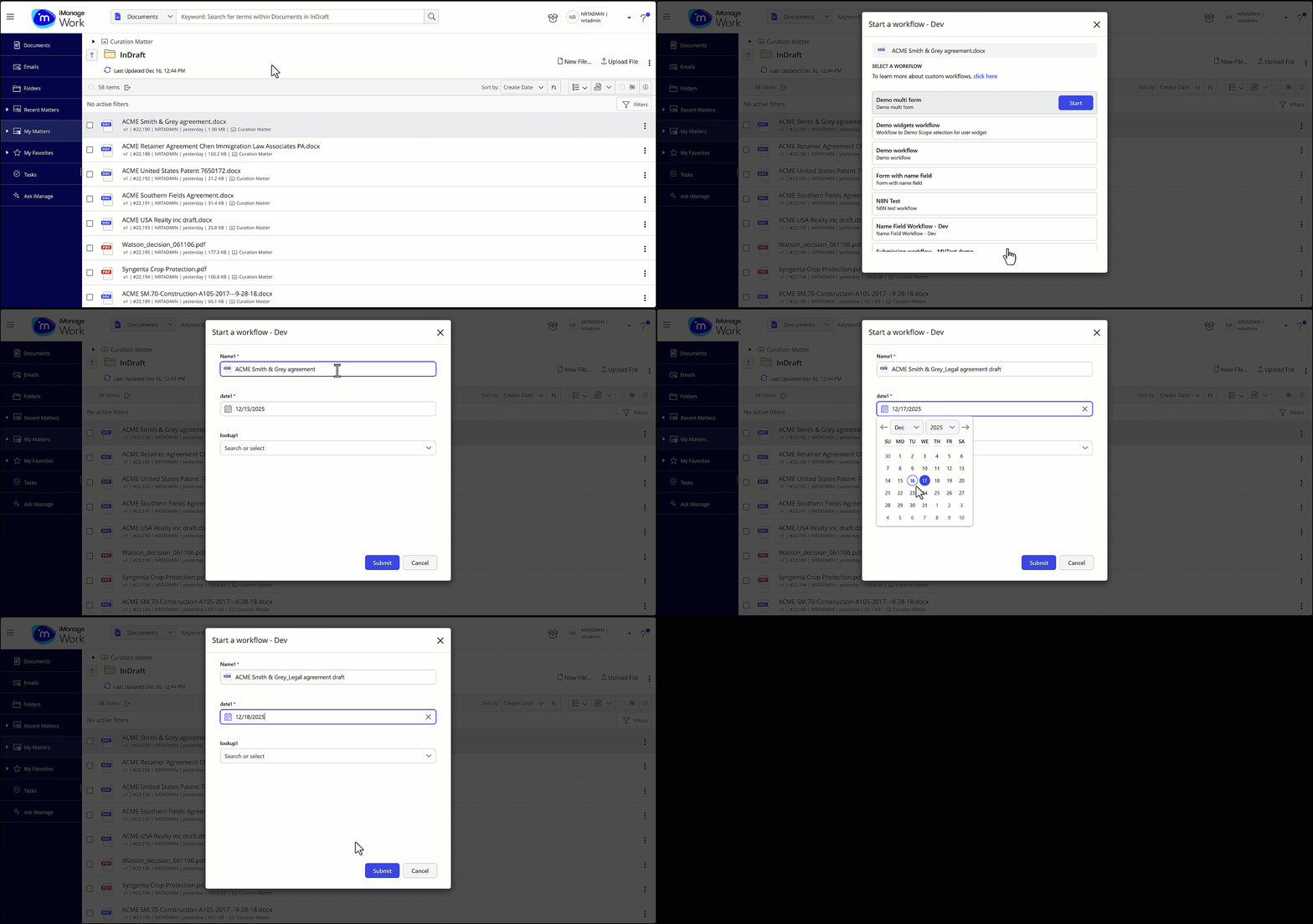
NOTE: The option to edit the document name is currently supported only for single document submission.