The sign-in procedure to follow when accessing the Records Manager Web Client depends on the type of authentication in place:
If you aren't sure of which type of authentication to use, contact your application administrator.
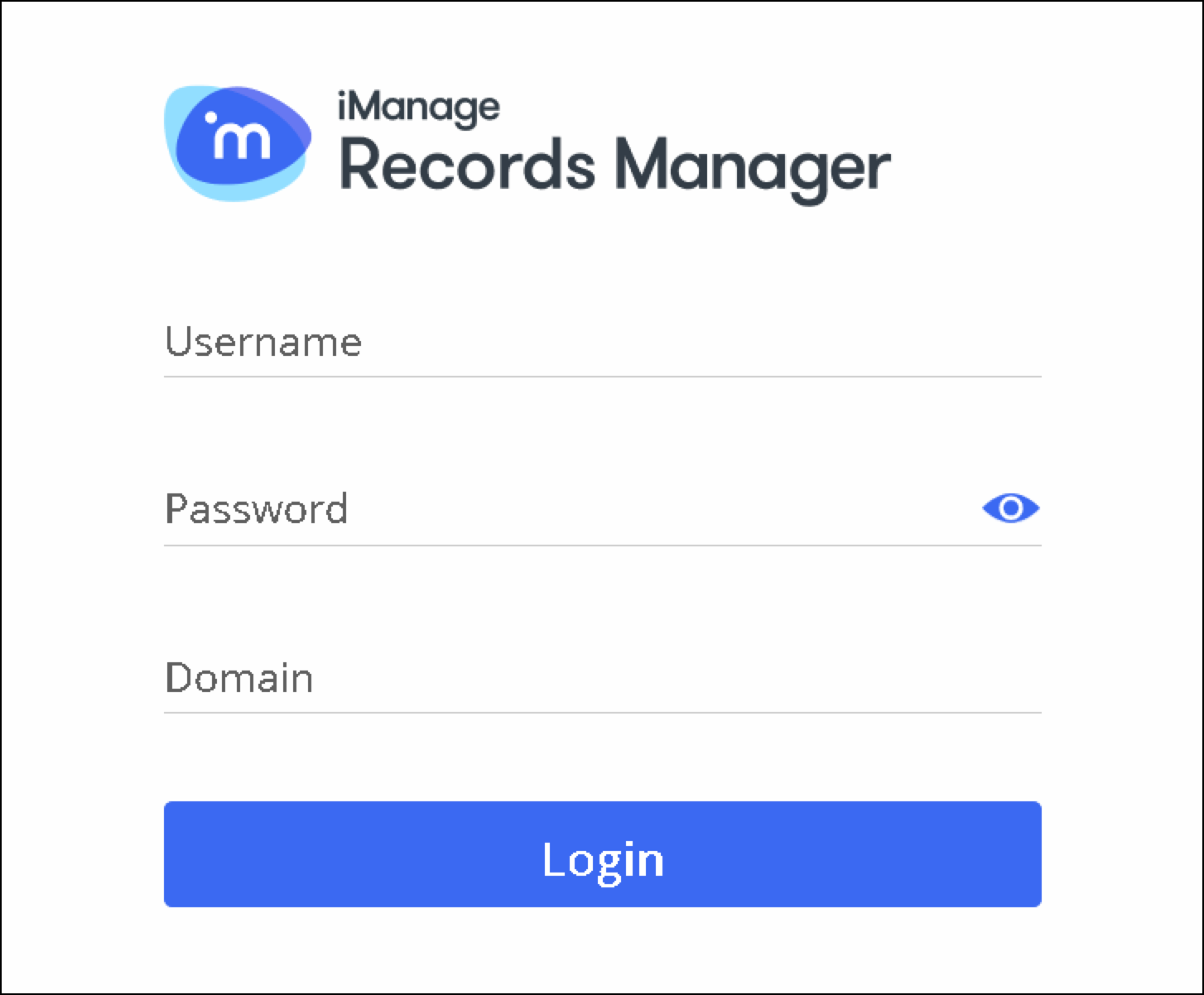
Standard Login
Browse to the URL of the IRM Web Client that your system administrator provided—for example,
https://yourcompany-irm.imanage.workSign in:
In the Username and Password fields, enter your user name and password.
NOTE: You may display or hide the password by selecting the icon.
icon.Select Login. The file plan is displayed.
You can now access the Web Client functionality. For more information, refer to iManage Records Manager Web Client Help.
SAML Login
Browse to the URL of IRM Web Client, as provided to you by your system administrator—for example,
https://yourcompany-irm.imanage.work
The file plan opens.NOTE: If you wish to bypass this to sign in using explicit IRM credentials, change the IRM Web URL to include
/web/localAuthas the ending suffix. Then proceed per Form-based sign-in in Step 2 below.If Form-based sign-in is enabled, then to sign in:
In the Username and Password fields, enter your user name and password.
NOTE: You may display or hide the password by selecting theicon.Select Login. The file plan is displayed.
You can now access the Web Client functionality. For more information, refer to iManage Records Manager Web Client Help.