A sub-folder exists within another iManage Share folder and can be used to organize the content.
Open the folder where you want to create a sub-folder.
Select New at the top.
The New Folder screen is displayed that also indicates where the new folder will be created, as shown in the following figure:Figure: New folder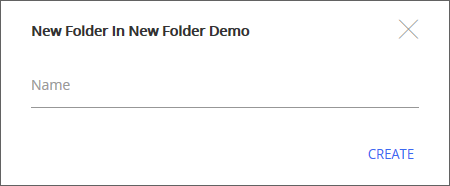
Type a name for the folder and select Create.
A new sub-folder is created and displayed.
The new sub-folder is empty. For more information on adding documents to the folder, see Uploading a Document.