On your company library, select
 New.
New.
The New Folder in My Company screen is displayed that indicates where the new folder will be created, as shown in the following figure:Figure: New folder in my company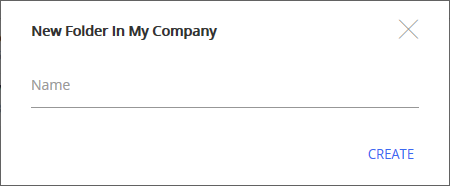
Type a name for the folder and select Create.
A new folder is created and displayed in the folder list, as shown in the following figure:Figure: New folder in folder list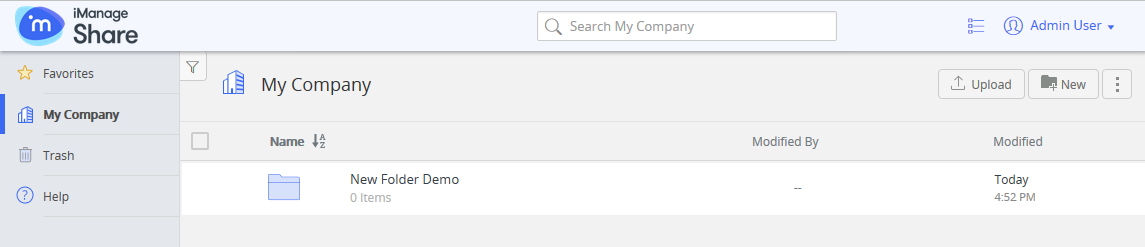
When you create a new folder:
It is a Private folder.
For more information on sharing the folder and its content with others, see Sharing a Folder.It is empty.
For more information on adding documents to folder, see Uploading a Document.